Gzip Compression Size Calculator
Estimate gzip output size from payload type, level, repeated text, dictionary similarity, minification state, transfer count, headers, TLS overhead, and planning buffer.
Breakdown
| Content Type | Typical Gzip Size | Best Case | Worst Case | Notes |
|---|---|---|---|---|
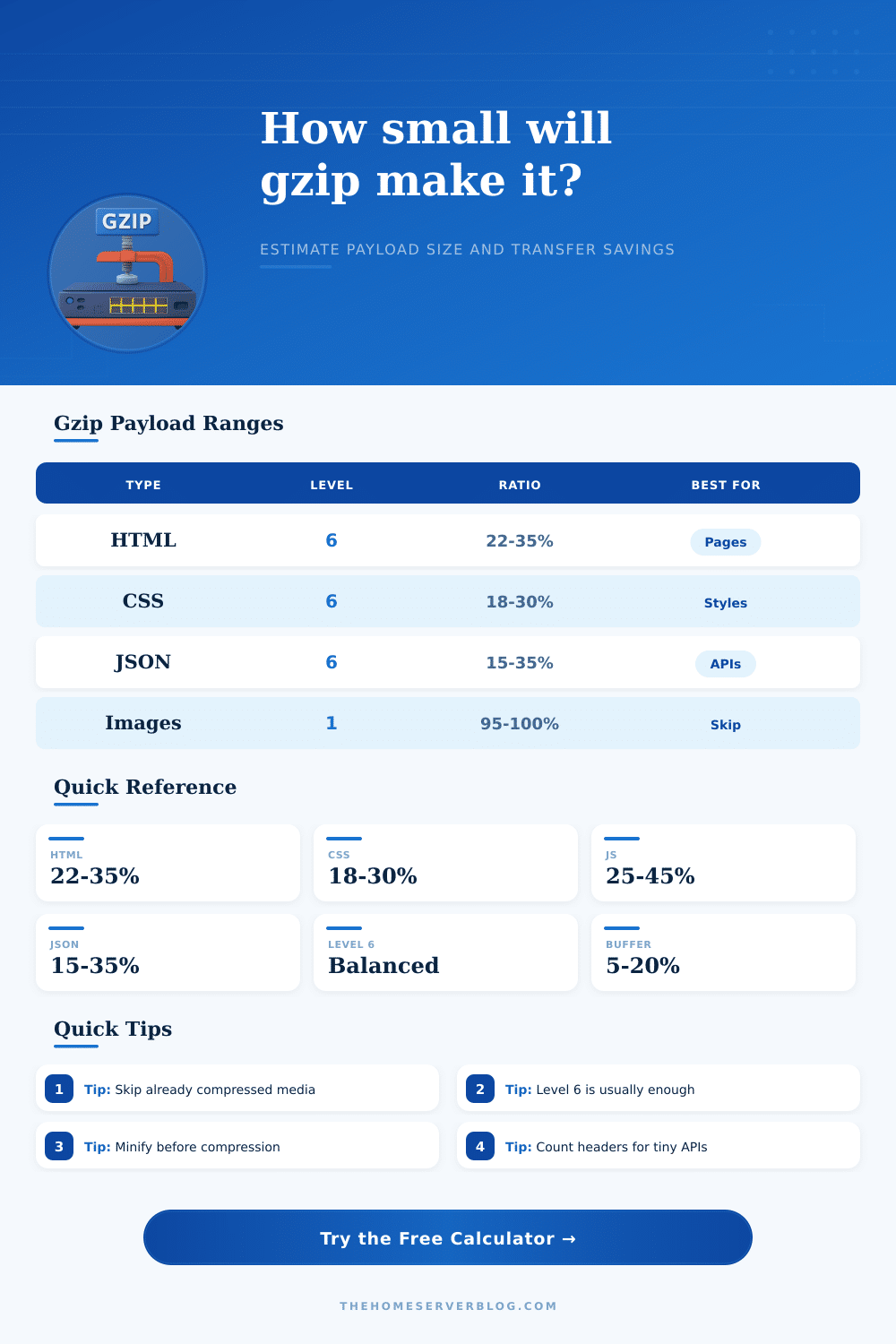
| HTML document | 22% to 35% | 15% | 55% | Tags, repeated classes, templates compress well. |
| CSS stylesheet | 18% to 30% | 12% | 45% | Selectors and property names repeat heavily. |
| JavaScript bundle | 25% to 45% | 18% | 65% | Minified bundles lose some easy whitespace wins. |
| JSON API response | 15% to 35% | 8% | 60% | Repeated keys make structured data excellent. |
| XML or RSS feed | 18% to 38% | 10% | 58% | Verbose tags create strong dictionary matches. |
| SVG markup | 18% to 35% | 10% | 55% | Path data and attributes often repeat. |
| Plain text or logs | 20% to 50% | 8% | 75% | Timestamp and level repetition matters. |
| CSV or TSV | 18% to 45% | 10% | 70% | Column repetition beats random values. |
| WASM binary | 60% to 85% | 45% | 98% | Binary layout leaves less text redundancy. |
| JPEG PNG WebP AVIF | 95% to 100% | 90% | 105% | Already compressed media can get larger. |
| Level | Size Bias | CPU Bias | Good Use | Practical Note |
|---|---|---|---|---|
| 1 | Largest | Lowest | Hot dynamic APIs | Fast when server CPU is the bottleneck. |
| 3 | Moderate | Low | Busy edge nodes | Useful for frequent recompression. |
| 5 | Good | Medium | General web traffic | Usually near the useful size curve. |
| 6 | Balanced | Medium | Default web gzip | Common default for Nginx and app stacks. |
| 7 | Smaller | Higher | Cacheable assets | Better when compressed once and reused. |
| 9 | Smallest | Highest | Static build assets | Often tiny gains over level 6. |
The size of files is reduced by Gzip compression, but most people view this as a check box, something they toggle on or off. It’s a button you press; it just…works? That doesn’t work if your site scales in size, or if your users shift from fast connections to slow ones. When that happens, the question isn’t which configuration is easier to set up, but how many bytes are being saved? A few kilobytes makes a difference. A few seconds doesn’t. The calculator will do the calculations for you, but knowing what goes in help make a guess become a strategy.
Most engineers overlook dictionary similarity. Gzip looks for repeated patterns in your data, then replaces it with a shorter reference. Random IDs or any other kind of unique user data in your HTML give the compressor nothing to latch onto. The more repeating pattern, the smaller the file. Less repeating patterns means you’re paying for the overhead of the compression algorithm itself. The tool can help you estimate how much of your content repeats, this helps you predict the final size.
Why Gzip Settings Matter
This brings us to the level setting, which is another point of debate that doesn’t need to be debated. Should it be level 1? Or should it be level 9? Well for a lot of cases, the difference between level 8 and level 6 are not very much different than the end result. Leveling higher burns more CPU cycles compressing. If your server is already loaded down, saving those extra couple of percent isn’t worth it. Balanced settings is good for most uses and won’t tax your box to much according to the reference table. You don’t want so little compression that raw transfer speed beats you, but you also don’t want to bottleneck your own app server with super heavy compression.
Remember the hidden costs. Even a small payload adds bytes for its headers and TLS framing. The overhead can dominate when you’re sending out small amounts of JSON. Maybe your response was fifty bytes in size as a JSON object. After being compressed with gzip it’s shrunk down to thirty bytes. But then add an extra two hundred bytes for TLS records and another nine hundred for headers, and now you’ve added more then you took off.
It doesn’t matter how well you compress it after the fact; you need to minify first. Get rid of all the whitespace and you reduce raw size before handing it off to the compressor to do its thing. Using both steps work better than using just one. Not all dynamic pages should be treated equally as static assets. Images and fonts are already compressed into a native format. Gzip won’t make them any smaller; it may even make them larger by adding extra info from the algorithm. The calculator has some preset content types. Scroll down and you’ll notice that the savings is nearly zero for JPEGs and WebPs. Don’t bother with those. Invest your time on text-based formats (JavaScript, CSS, HTML) where there’s true savings from structural redundancy.
At the end of the day, there’s no free lunch when it comes to compression. There are trade offs. Bandwidth for server CPU. User experience for setup complexity. Smaller files aren’t everything. What matters is having faster pages that keep users interested so they stays long enough to convert. Treat gzip like a tuning dial instead of a simple on/off switch. You’ll have more control over delivery costs. Numbers has a story to tell, but they’re meaningless unless you understand what each one means in the real world. Those header overheads and transfer counts aren’t some kind of abstract input; they’re the hidden weights that hold your performance back.