DNS Zone Transfer Size Calculator
Estimate AXFR and IXFR transfer payloads from record counts, average owner name length, TXT record size, DNSSEC signatures, compression, secondaries, transfer frequency, IXFR change rate, and TCP overhead.
Record count before DNSSEC synthetic records and signatures.
RRSIG and DNSKEY material can dominate signed transfers.
Repeated suffixes reduce owner and target names on the wire.
Includes DNS over TCP length fields and packet framing allowance.
Best for new secondaries, broken journals, major rebuilds, and serial recovery.
Best for routine edits when both servers share a usable serial history.
Every signed RRset adds RRSIG bytes; NSEC or NSEC3 adds denial records.
Zone transfers use TCP; budget for framing, retransmits, and connection churn.
| Record Type | Base RDATA Estimate | Name Sensitivity | Transfer Notes |
|---|---|---|---|
| A | 4 bytes RDATA plus RR header | Owner name only | Compact; large host inventories still add up quickly. |
| AAAA | 16 bytes RDATA plus RR header | Owner name only | Four times the address bytes of A records before compression. |
| CNAME / NS / PTR | Target name plus RR header | Owner and target names | Compression helps when targets share the same suffix. |
| MX / SRV | Priority fields plus target name | Owner and target names | Service discovery zones can become name-heavy. |
| TXT | Text payload plus string length bytes | Owner name and payload | DKIM and SPF records often dominate unsigned zones. |
| CAA / Other | Variable payload | Depends on type | TLSA, SSHFP, SVCB, and HTTPS records should be placed in Other. |
| Signing Profile | Typical RRSIG Size | Extra Records | Planning Impact |
|---|---|---|---|
| Unsigned | 0 bytes | None | Zone size tracks normal RR count and TXT payloads. |
| ECDSA / ED25519 | 64 to 96 bytes | DNSKEY, RRSIG, NSEC or NSEC3 | Good default for compact signed transfers. |
| RSA 2048 | 256 bytes typical | Large DNSKEY and RRSIG RRsets | Can multiply AXFR payloads for many small records. |
| RSA 3072+ | 384 bytes or more | Very large keys and signatures | Budget extra TCP traffic during key overlap and rollovers. |
| Scenario | Best Transfer | Size Driver | Operational Check |
|---|---|---|---|
| New secondary added | AXFR | Full zone size | Allow one full copy per new server. |
| Normal daily edits | IXFR | Changed RRsets and journal multiplier | Confirm journals cover secondary lag. |
| DNSSEC resign or rollover | AXFR or large IXFR | RRSIG replacement volume | Expect more changed RRsets than visible record edits. |
| Serial repair after outage | AXFR fallback | Secondaries and retry burst | Use burst multiplier for catching up many servers. |
| Dynamic address churn | IXFR | Change percent and transfer frequency | Watch IXFR journal depth and notify storms. |
| Preset | Typical Records | DNSSEC | Transfer Behavior |
|---|---|---|---|
| Home Lab Internal | 50 to 400 | Usually unsigned | Small AXFR, frequent edits, low secondary count. |
| Mail Auth Heavy | 50 to 300 | Optional | TXT payload size matters more than record count. |
| Reverse PTR Block | 250 to 10000 | Rare internally | Name repetition makes compression valuable. |
| DNSSEC Signed Large | 5000+ | Signed | RRSIG size and rollover windows dominate planning. |
| Registry-Scale Zone | 100000+ | Often signed | AXFR should be planned as a controlled bulk event. |
There’s a certain sort of panicky quiet that comes over you as you realize your secondary DNS servers is several minutes behind primary. Oh wait, those aren’t even live yet? Crap! Half your email isn’t delivering now. Or your SSL validation timed out. Was it hacked? Did someone break into our server? No, no. Usually that’s not it.
It is more like this: too much data are pushed through a single TCP connection all at once. On paper, a DNS zone transfer look simple. You’re just taking a list of addresses and names from one server and copying them to the other. In practice, however, number of bytes involved can range from very little (if you’re signing your keys properly) to lots and lots if your secondary servers is connected via robust enterprise links vs. Cheap bandwidth and your TXT records are packed full of SPF policies.
Why DNS Transfers Are Big
Once you know the shape of your zones, you plug that into the calculator above and let it do math for you. But knowing what makes those numbers bounce up and down help you make more informed plans. People tend to look at their DNS in terms of number of record. I’ve got a hundred A records, and a couple dozen MX records, so it must be a small transfer, right? Wrong. It overlooks the nature of data itself.
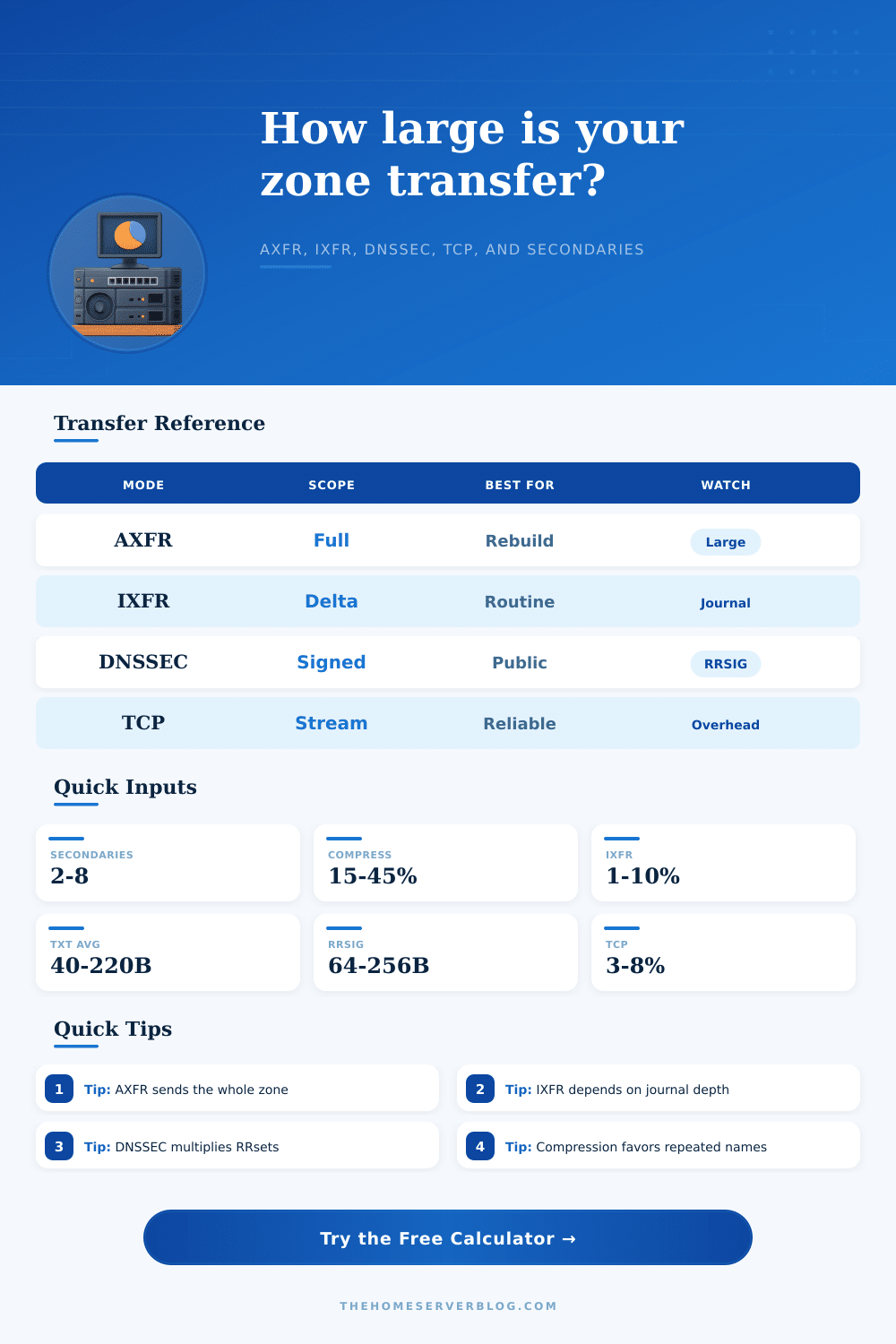
Records like TXT can be especially insidious. They carry literal string payloads instead of compact binary pointers, which means one SPF record alone can outweigh a set of ten A records because of its content alone. Add in DNSSEC signing, and things go from bad to worse. Each RRset requires a signature. Use RSA 2048 bit keys as most people do, and those signatures gets heavy fast. In fact, before adding a single new host, you may double or triple your transfer size. The page has a handy reference table that explains all this, including how your signature choice directly affect payload volume.
Relief is incremental. But incremental is also broken unless your journals survive. If a serial number gap or a server restart breaks the chain, every secondary must perform a full AXFR dump to sync up again. That’s fine, as long as it isn’t disruptive, but it will be, creating a spike of traffic that can choke small links or get your cloud network flagged for rate limiting. And without knowing what that spike occupies in terms of space, you would of not being able to provision accordingly.
For a home lab, who cares? It’s trivial amounts of data. But a public-facing zone with thousands of dynamic records requires some attention. The difference between a stalled resolution and a smooth update often boils down to managing that change correct.
Second, more so than most administrators realize, DNS has built-in compression. Its wire format compresses names by replacing repeated domain suffixes with pointers to them. For example, if all your hosts are in the same parent domain then savings add up quickly. If your names tend toward being unique and long, then those savings goes away. To take that into account, the tool let you enter expected compression rates and average name lengths.
Why? Unexpected payload size causes shrinkage or growth, which exposes the underlying TCP overhead. While UDP is also used (DNS zone transfers are always done using TCP), each time a zone transfer starts, you’re paying for packet framing and connection setup. This is negligible on small zones; it adds up on dozens of secondaries refreshing four times a day. Using the correct preset in the calculator will help anchor your estimates to reality.
A service discovery zone full of SRV records differs from a reverse DNS block. The former has diverse payloads that won’t optimize as well; the latter has more predictability that does compress well. Size isn’t everything, reliability under load is critical too. Budget for the worst case (e.g., after a network outage when there’s an explosion of failed transfers) so that you stop guessing and start budgeting instead.
It is all about performance. More importantly, it is about consistency. Ultimately, it is about trust. A delayed transfer break that trust. It doesn’t keep pace with the primary and it makes an educated guess at how many bytes you really need instead of assuming anything. It adapts to the true weight of what you’re transferring so you don’t have any quiet panic over stale records. Your resolution stays consistent even as the zone becomes more complex because the math show you exactly where your bottlenecks are before there’s an outage.