HomeServerBlog IPv4 subnet planner
CIDR Calculator
Plan IPv4 CIDR blocks for home labs, VLANs, DHCP scopes, point-to-point links, firewall ACLs, and route summaries using real subnet math and practical network overhead.
Full subnet breakdown
Home router VLAN
/24 commonGood for primary LANs with DHCP, a gateway, DNS, printers, and mixed wired or Wi-Fi clients.
Managed switch VLAN
/25 to /27Works well for access ports, tagged uplinks, static management IPs, and clean firewall policies.
Hypervisor mgmt
/27 typicalEnough room for hosts, IPMI, storage controllers, cluster VIPs, and monitoring without wasting a /24.
Point-to-point link
/30 or /31Use /30 for broad compatibility. Use /31 only when both routed endpoints support RFC 3021 behavior.
| CIDR prefix | Subnet mask | Total addresses | Usable IPv4 hosts | Home lab use |
|---|---|---|---|---|
| /22 | 255.255.252.0 | 1024 | 1022 | Site summary, many VLANs, or large lab route |
| /23 | 255.255.254.0 | 512 | 510 | Large Wi-Fi client pool or shared services network |
| /24 | 255.255.255.0 | 256 | 254 | Default home LAN, guest Wi-Fi, general server VLAN |
| /25 | 255.255.255.128 | 128 | 126 | Medium VLAN with room for DHCP growth |
| /26 | 255.255.255.192 | 64 | 62 | IoT, cameras, access switches, or lab services |
| /27 | 255.255.255.224 | 32 | 30 | Management, hypervisors, appliances, or VPN peers |
| /28 | 255.255.255.240 | 16 | 14 | Small DMZ, lab test net, or static appliance group |
| /30 | 255.255.255.252 | 4 | 2 | Point-to-point routed link with broad compatibility |
| Segment type | Usual prefix | Reserved IPs | DHCP approach | Design note |
|---|---|---|---|---|
| Main home LAN | /24 | 5 to 20 | Large dynamic pool with static reservations | Leave room for phones, laptops, printers, and smart devices |
| Guest Wi-Fi | /25 or /26 | 2 to 6 | Mostly DHCP with short leases | Keep isolated behind firewall rules and captive portal policies |
| Server VLAN | /25 to /27 | 10 to 30 | Static first, DHCP optional | Reserve blocks for hypervisors, NAS, monitoring, and VIPs |
| IoT VLAN | /24 or /25 | 5 to 15 | DHCP reservations for known devices | Device count grows quickly when sensors and appliances are added |
| Camera VLAN | /26 or /27 | 3 to 10 | Mostly static or reservations | Plan for NVR, PoE switch, cameras, and management access |
| VPN pool | /27 to /29 | 2 to 4 | Peer assignment or static tunnel IPs | Keep separate from LAN ranges to simplify firewall rules |
| Formula | Expression | Example | What it means | Calculator use |
|---|---|---|---|---|
| Total addresses | 2^(32 - prefix) | /26 = 64 | All addresses in the subnet, including network and broadcast | Sets block size and subnet boundaries |
| Usable hosts | total - 2 | /26 = 62 | Normal IPv4 host count for LAN-style subnets | Checks host demand and buffer headroom |
| Child subnet count | 2^(target - parent) | /24 to /26 = 4 | Number of same-size child networks in the parent route | Checks whether requested VLAN count fits |
| Wildcard mask | 255.255.255.255 - mask | /26 = 0.0.0.63 | Inverse mask used by many ACL and route-map formats | Displays firewall and routing helper output |
| DHCP estimate | usable - reserved | 62 - 8 = 54 | Approximate dynamic pool after static infrastructure space | Warns when DHCP room is too tight |
| Preset | Parent block | Target subnet | Host shape | Routing note |
|---|---|---|---|---|
| Home LAN /24 | 192.168.10.0/24 | /26 inspection | Clients, printers, NAS, APs | Can split into four clean /26 VLANs |
| Guest Wi-Fi Split | 192.168.20.0/24 | /26 | Short-lease client pool | Easy firewall isolation and captive portal policy |
| Proxmox Mgmt VLAN | 10.10.30.0/24 | /27 | Hosts, IPMI, storage VIPs | Small stable management subnet |
| IoT VLAN /25 | 192.168.40.0/24 | /25 | Smart devices and bridges | Keep room for device sprawl |
| Router Link /30 | 10.255.0.0/24 | /30 | Two routed endpoints | Use clear point-to-point documentation |
| Site Summary /22 | 10.20.0.0/22 | /24 | Four site VLAN blocks | Summarizes cleanly when aligned |
This calculator models normal IPv4 LAN behavior. It treats /31 and /32 as special cases, but many home lab DHCP, firewall, and appliance interfaces still expect /30 or larger for regular host networks.
Maybe you’re setting up a home lab and realize that maybe you don’t actualy have enough address space on-hand. Or maybe it’s time to carve up some space for a Proxmox cluster, or create a new VLAN for all of those IoT device. Your spreadsheet brain thinks you should of get away with thirty IPs, but somehow the router want to give you five hundred. A CIDR calculator saves you from making an hour-long fix because you made a mistake. They makes abstract binary math into something concrete so you can plan.
It’s simple in concept but can be a bit tricky to execute. You’ve got a block of IP addresses described by a parent CIDR block. Now you’d like to divide that up into bite-sized chunk. No worries, the calculator will do the math for you (and no, you don’t have to count them while you’re asleep). Just type in the IP address of the thing you care about, describe the parent block you claim ownership to, and tell it how big you’d like your new subnets. It’ll take all that and neatly line things up with proper network boundaries.
Why You Need a CIDR Calculator
People mess this step up. They don’t make their subnet start on nice clean boundaries. This makes their routing tables a messy list of exceptions and causes route summarization to fall apart. Think of it like negotiating with yourself: how many do you actualy need, versus how many do you think you may need? What’s your growth buffer? How many reserved infrastructure IP do you need? And how many active hosts do you need? That latter one matter.
You also need to account for printers, DNS servers, and gateways. These all takes up a static address from your dynamic pool without you realy noticing. Reserve ten IPs for those infrastructure needs, plus plan for fifty clients, and you’re looking at a subnet capable of supporting sixty-two usable hosts. A /25 gets you there with room to spare. And a /26 will be just right.
The tool tells you where actual use compares to capacity. You don’t need to use a home router’s VLAN for a point-to-point connection between two routers. For a LAN, you actually want a /24 or a /26, depending on density. A /30 will suffice for such a simple link (you only require two usable IP addresses). If you’re lucky, both ends of the link can handle RFC 3021, so you could use a /31 instead. Many home appliance aren’t so flexible. The calculator shows you what those trade-offs look like.
How many child subnets can you get in a given parent? What does the wildcard mask look like, which you’d plug into firewall rules? That wildcard mask is the inverse of the subnet mask, and it’s what you’ll copy/paste when creating Cisco ACLs or pfSense filter entries. This all gets laid out for you on the page with reference tables.
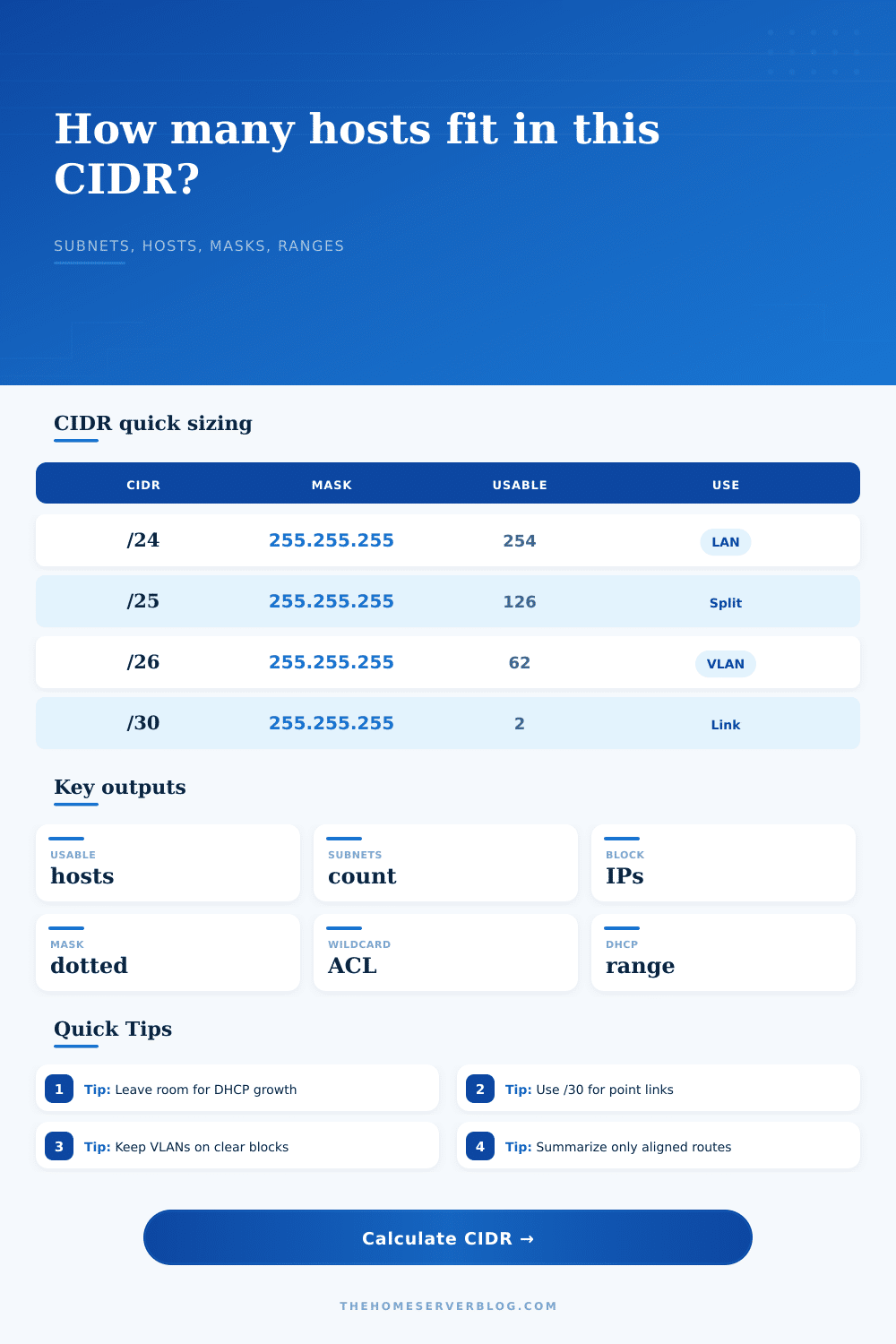
Here is the number of usable hosts in a /24 (254) compared to how few there are in a /27 (30). From then on it’s no more guessing. See? Splitting up a /24 into four /26s is a clean operation. See? The DHCP-safe pool estimate takes away the number of reserved IPs from total usable number. That’s the number you care about. That’s the number that tells you whether or not your DHCP server will run out of addresses long before your subnet runs out.
This can be oversimplified. There’s no need to learn the conversion table from binary to prefix. Simply grasp how many hosts are available for each prefix length. For every extra bit in the prefix number, it divides the number of hosts in half. A /25 has half the hosts as a /24; a /26 has half the hosts as a /25. The calculator makes that obvious immediatly. It displays the entire range of hosts, the network address, and the broadcast address. That clarity helps avoid mistake of adding an IP on the network address or broadcast address, leading to silent connectivity problems.
This method of subnet planning leaves you with a solid base on top of which everything else rests. Your address space is organized. Your routing table is clean. Your firewall rules are clear. And if you ever reach a standstill in terms of running out of IPs, then you’ll already have a good idea as to what block needs to be expanded or summarized again. It is flexible planning with rigid math. Get the numbers right and let the math do its thing.