HomeServerBlog Ethernet cable planner
Twisted Pair Cable Calculator
Estimate twisted pair Ethernet cable length, 1000 ft box count, channel distance, terminations, expected link class, and PoE voltage drop for home labs, offices, cameras, access points, and rack wiring.
Full cable planning breakdown
Cat5e UTP
1 Gb100 MHz channel rating. Still useful for ordinary home LAN drops, small switches, and non-critical PoE devices.
Cat6 UTP
1G / 10G short250 MHz. Common new-run choice, with 10G often limited to about 55 m under typical TIA guidance.
Cat6A UTP
10 Gb500 MHz. Preferred for full 100 m 10GBASE-T channels and higher-density home lab cabling.
Cat6A Shielded
10 GbGood for electrically noisy paths, but shield bonding and compatible jacks matter more than the label.
Outdoor Cat6
1 GbUV and moisture jacket for exterior APs, cameras, detached garages, and conduit transitions.
Plenum Cat6A
10 GbCMP jacket for air-handling spaces where local code calls for plenum-rated cable.
Cat7 Shielded
10 Gb600 MHz class cable commonly seen with shielded connector systems; verify RJ45 component compatibility.
Cat8 Shielded
25G / 40GShort 30 m data center class channel. Useful for bench or rack links, not whole-house horizontal cabling.
| Standard channel item | Common value | Metric value | Planning note |
|---|---|---|---|
| Maximum Ethernet channel | 328 ft | 100 m | Includes permanent cable plus patch cords at both ends. |
| Typical permanent link limit | 295 ft | 90 m | Leaves about 33 ft total for equipment and work area patch cords. |
| Common bulk cable box | 1000 ft | 305 m | Calculator rounds up box count so the plan covers the buffered pull. |
| Four-pair cable construction | 8 conductors | 4 pairs | PoE uses paired conductors, so voltage drop depends on AWG and current. |
| Patch panel density | 24 or 48 ports | 1U typical | Reserve ports for spare drops, APs, cameras, and future lab moves. |
| Cable category | Frequency rating | Typical Ethernet class | Practical limit |
|---|---|---|---|
| Cat5e | 100 MHz | 1000BASE-T | 1 Gb to 100 m; 2.5G may work on many real installations. |
| Cat6 | 250 MHz | 1G or short 10G | 10G commonly planned up to 55 m, depending on alien crosstalk. |
| Cat6A | 500 MHz | 10GBASE-T | Full 10G planning target for 100 m twisted pair channels. |
| Cat7 | 600 MHz | 10G class | Shielded system choice; connector and grounding details matter. |
| Cat8 | 2000 MHz | 25GBASE-T or 40GBASE-T | Short 30 m channel for rack rows, lab benches, and equipment rooms. |
| PoE class or type | Port power | Use case | Cable planning impact |
|---|---|---|---|
| 802.3af Type 1 | 15.4 W | Basic phones, small APs, light cameras | Lower current, usually modest voltage drop on compliant channels. |
| 802.3at Type 2 | 30 W | Wi-Fi APs, PTZ cameras, small thin clients | Use good copper conductors and avoid needless excess length. |
| 802.3bt Type 3 | 60 W | High power APs, displays, larger cameras | Heat and bundle size become more relevant in dense pathways. |
| 802.3bt Type 4 | 90 W | Specialized devices and high power endpoints | Check device input range, cable gauge, and pathway temperature. |
| Common project size | Example runs | Suggested cable | Typical planning outcome |
|---|---|---|---|
| Single office refresh | 2-4 drops | Cat6 | One partial box, 4-8 keystones, standard 1G or 2.5G switching. |
| Small home lab rack | 6-12 short runs | Cat6A | Patch panel cleanup, 10G-ready links, many short channels. |
| Whole-home structured wiring | 12-24 drops | Cat6 or Cat6A | Often two boxes, 24-port panel, labeling plan, and service loops. |
| PoE camera coverage | 4-16 runs | Outdoor Cat6 | Check longest channels, switch PoE budget, surge risk, and UV jacket. |
| 10G server closet | 2-8 runs | Cat6A | Keep bend radius gentle and maintain component category end to end. |
The calculations use common TIA-style channel length limits, category performance guidance, and simplified copper resistance estimates for planning. Always follow local code, manufacturer installation instructions, and certification results for final acceptance.
It’s all too easy until you think about it: When you’re pulling ethernet cable, you aren’t merely stringing some plastic wire around in your walls… You’re laying down a precise, controlled impedance transmission line that has to withstand crosstalk, voltage drop and the occasional angry stapler.
Before cutting your first piece of drywall, you need to plan out those runs… And this calculator does the math for PoE drops and box counts, so you can concentrate on the pull. Buying cable is easy, but buying the wrong kind or amount are a nightmare to correct.
Why You Need to Plan Your Cable Runs
One of the biggest mistakes DIYers make is mixing up channel and permanent link. Permanent link is simply that piece of wire running through conduit or in-wall. Typically it’s capped at ninety meters. Then there are patch cords on either end, which are part of the channel. Those are the ones you plug into your computer and then again into your switch. Those need to be under one hundred meters combined, That’s about three hundred twenty-eight feet.
So if you don’t consider the patch cord length, you could think a ninety-five-meter run isn’t an issue. But when you go to test gigabit speeds, and you notice they’re not as good, well you passed the maximum channel distance. To handle this, tool will let you enter a patch allowance for each run so that you can see what your ultimate signal path will look like.
And then there’s Power over Ethernet, too. One thing to send over twisted pair. Another to send power. Resistance. Heat. That camera out in the very end of the garden is not close to the switch. How does that make the voltage? The further away, the less voltage. It calculates this voltage drop based off how much power you’re drawing, and what size cable (gauge) you choose.
If you’ve got a high power access point sucking down thirty watts, it will have a big drop across a long run of Cat5e. This is enough to make it reboot occasionally overnight. Maybe you’ll want Cat6A not because of speed but because the thicker copper can carry power better over distance.
Which brings us to the topic of cat selection. Don’t get hung up on the highest number. Get it right so that your wiring won’t be interfered with in the future. New homes use Cat6 as their workhorse. They can handle gigabit speed just fine. If you need to run ten gigs, no problem, but keep them short.
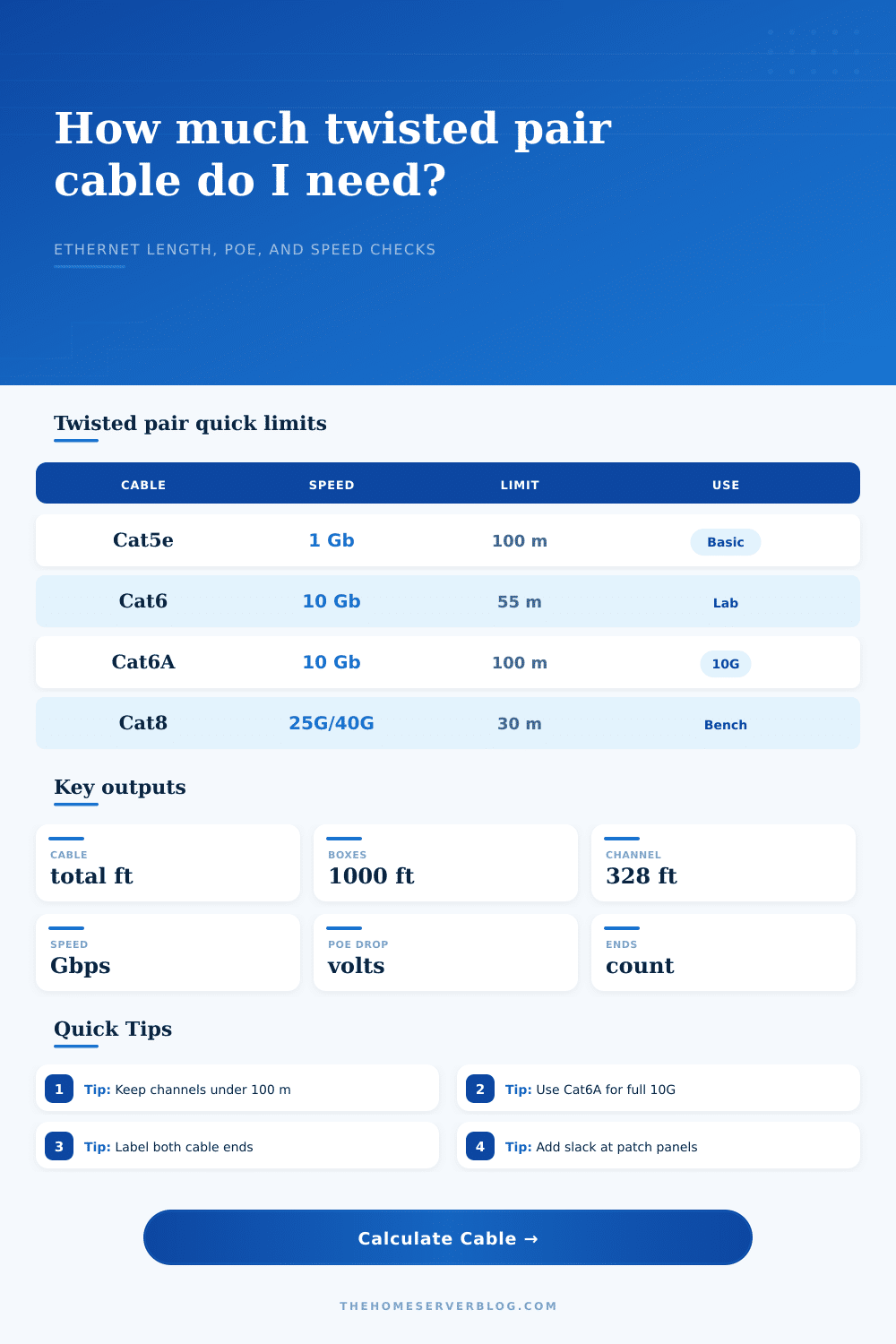
If you bundle cables tightly in a conduit somewhere then alien crosstalk becomes a real problem. Enter Cat6A. It has a tighter twist. It sometimes has better shielding. It offers ten-gigabit speed across the entire one-hundred-meter channel. You can see how all this gets broken out on the spec grid on the page.
This is also why a Cat7 cable rated at sixty-million hertz doesn’t necessarily get you what you was hoping for. Maybe your patch panels and jacks is only rated for lower frequencies.
Material waste is the quiet assassin of budgets. There are no perfect lines. Walls have corners, conduits bend. There’s slack required at both ends for termination screw ups. A ten or fifteen percent buffer isn’t optimism, it’s engineering realism.
The calculator gives that buffer to your total pull length. It then tells you precisely how many thousand-foot boxes to purchase. It also tallies up the number of terminations. There are two ends for each run. Include a spare or two in case you slip with the stripping tool.
Lastly, keep in mind that the worst link in any cable system will determine how well it performs. Perfect cable won’t matter if you use cheap keystones to terminate it. And running the cable tightly around a corner isn’t going to help either.
You’re given the numbers from the calculator, now go make them happen with your hands. Be gentle on those bends. Label everything. Test the lines. Done right, a network goes unnoticed and never lets you down. It would of been ready for anything you can toss at it tomorrow.