🌐 IP Address Subnet Calculator
Calculate network address, broadcast, usable hosts, CIDR notation & wildcard mask for any subnet
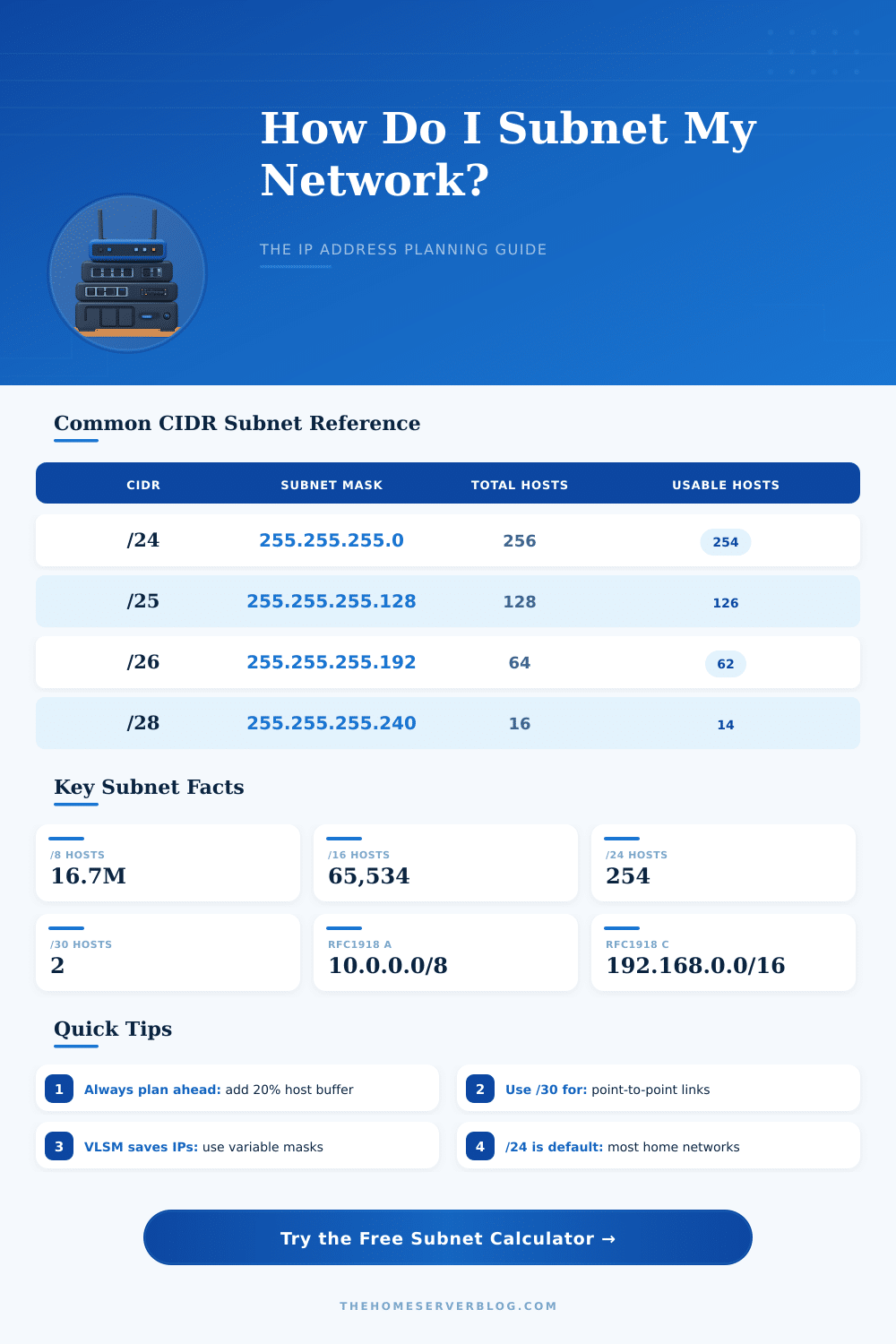
| CIDR | Subnet Mask | Total IPs | Usable Hosts | Network Bits | Host Bits |
|---|---|---|---|---|---|
| /8 | 255.0.0.0 | 16,777,216 | 16,777,214 | 8 | 24 |
| /16 | 255.255.0.0 | 65,536 | 65,534 | 16 | 16 |
| /20 | 255.255.240.0 | 4,096 | 4,094 | 20 | 12 |
| /22 | 255.255.252.0 | 1,024 | 1,022 | 22 | 10 |
| /23 | 255.255.254.0 | 512 | 510 | 23 | 9 |
| /24 | 255.255.255.0 | 256 | 254 | 24 | 8 |
| /25 | 255.255.255.128 | 128 | 126 | 25 | 7 |
| /26 | 255.255.255.192 | 64 | 62 | 26 | 6 |
| /27 | 255.255.255.224 | 32 | 30 | 27 | 5 |
| /28 | 255.255.255.240 | 16 | 14 | 28 | 4 |
| /29 | 255.255.255.248 | 8 | 6 | 29 | 3 |
| /30 | 255.255.255.252 | 4 | 2 | 30 | 2 |
| /31 | 255.255.255.254 | 2 | 2 (P2P RFC 3021) | 31 | 1 |
| /32 | 255.255.255.255 | 1 | 1 (host route) | 32 | 0 |
| Range | Default CIDR | Total Addresses | Typical Use Case |
|---|---|---|---|
| 10.0.0.0 – 10.255.255.255 | /8 | 16,777,216 | Large enterprise, data centers |
| 172.16.0.0 – 172.31.255.255 | /12 | 1,048,576 | Medium business, ISPs |
| 192.168.0.0 – 192.168.255.255 | /16 | 65,536 | Home networks, small offices |
| Range | Purpose | RFC | Routable? |
|---|---|---|---|
| 127.0.0.0/8 | Loopback | RFC 1122 | No |
| 169.254.0.0/16 | Link-local (APIPA) | RFC 3927 | No |
| 224.0.0.0/4 | Multicast | RFC 5771 | Special |
| 240.0.0.0/4 | Reserved for future | RFC 1112 | No |
| 0.0.0.0/8 | This network | RFC 1122 | No |
| 100.64.0.0/10 | Shared Address Space (CGNAT) | RFC 6598 | No (ISP only) |
| 198.18.0.0/15 | Benchmark Testing | RFC 2544 | No |
Subnet, or Subnet, simply said are smaller parts of big IP networks. Imagine that as splitting a big neighbourhood into tiny blocks. The method to share a net into two or more nets is called subnetting.
Computers that belong to the same Subnet share a alike group of addresses and can talk with each another directly, without passing through any routers.
What is a Subnet and How Subnetting Works
Every IP Address is made up of two parts. One of them is the network address, and the second is the host address. For instance, take 192.168.123.132.
Here the network part is 192.168.123.0, while the host part is 0.0.0.132. The thing that points to which part is which is the Subnet mask. Without that, the net simply does not work well.
A Subnet mask like 255.255.255.0 covers the first three sections and frees the last. That means that all devices in that Subnet use addresses of type 192.168.1.X, which allows up to 256 possilbe IP addresses. In every IPv4 net however it books two addresses.
One of them is the network address, and the second is the broadcast address. Like this with /24 mask one indeed receives 254 usable host addresses.
There also exist different classes of nets. A net of A-class has default Subnet mask 255.0.0.0, which matches to /8 prefix. It allows a huge amount of hosts.
B-class uses 255.255.0.0 or /16. C-class uses 255.255.255.0 or /24. If a network admin chooses a C-class address, the maximum number of hosts is 254.
But it is possible too choose bigger address classes and reach more devices.
So, why care about subnetting? It means to share one IP net into more small logical nets. Such Subnets help to use IP addresses more effectively, make work easier and provide better security control.
Creating different Subnets, one pushes them into separate nets, which makes it harder for unwanted data to cross between them. It also is useful for organising and managing.
When a router receives a packet sent to an address like 192.0.2.15, it sends it to the right net. Once there, the router in that net checks its list of routes and applies the Subnet mask to do binary math. It finds the host address and figures out which Subnet the packet must go to.
An easy way to guess how many hosts fit in a Subnet is to take the length of the netmask from 32, because IPv4 addresses have 32 bits. Then raise 2 to that difference and take away 2. That shows the maximum number of usable hosts.
CIDR note like /26 matches with Subnet mask 255.255.255.192, and the size of theSubnet comes to 64 addresses. All this is based on binary math inside, although it looks like normal numbers outside.