DHCP Scope Calculator
Plan a DHCP lease pool that fits your subnet, static reservations, exclusions, failover split, lease duration, and real home lab device mix.
DHCP Scope Breakdown
| Prefix | Subnet mask | Usable hosts | Practical DHCP pool range |
|---|---|---|---|
| /30 | 255.255.255.252 | 2 | Point-to-point only; avoid DHCP except lab tests |
| /29 | 255.255.255.248 | 6 | Small management segment with mostly static devices |
| /28 | 255.255.255.240 | 14 | Micro VLAN for IPMI, UPS, or lab appliances |
| /27 | 255.255.255.224 | 30 | Camera, AP management, or small IoT pool |
| /26 | 255.255.255.192 | 62 | Good for guest Wi-Fi when leases are short |
| /25 | 255.255.255.128 | 126 | Dense IoT or standard home client VLAN |
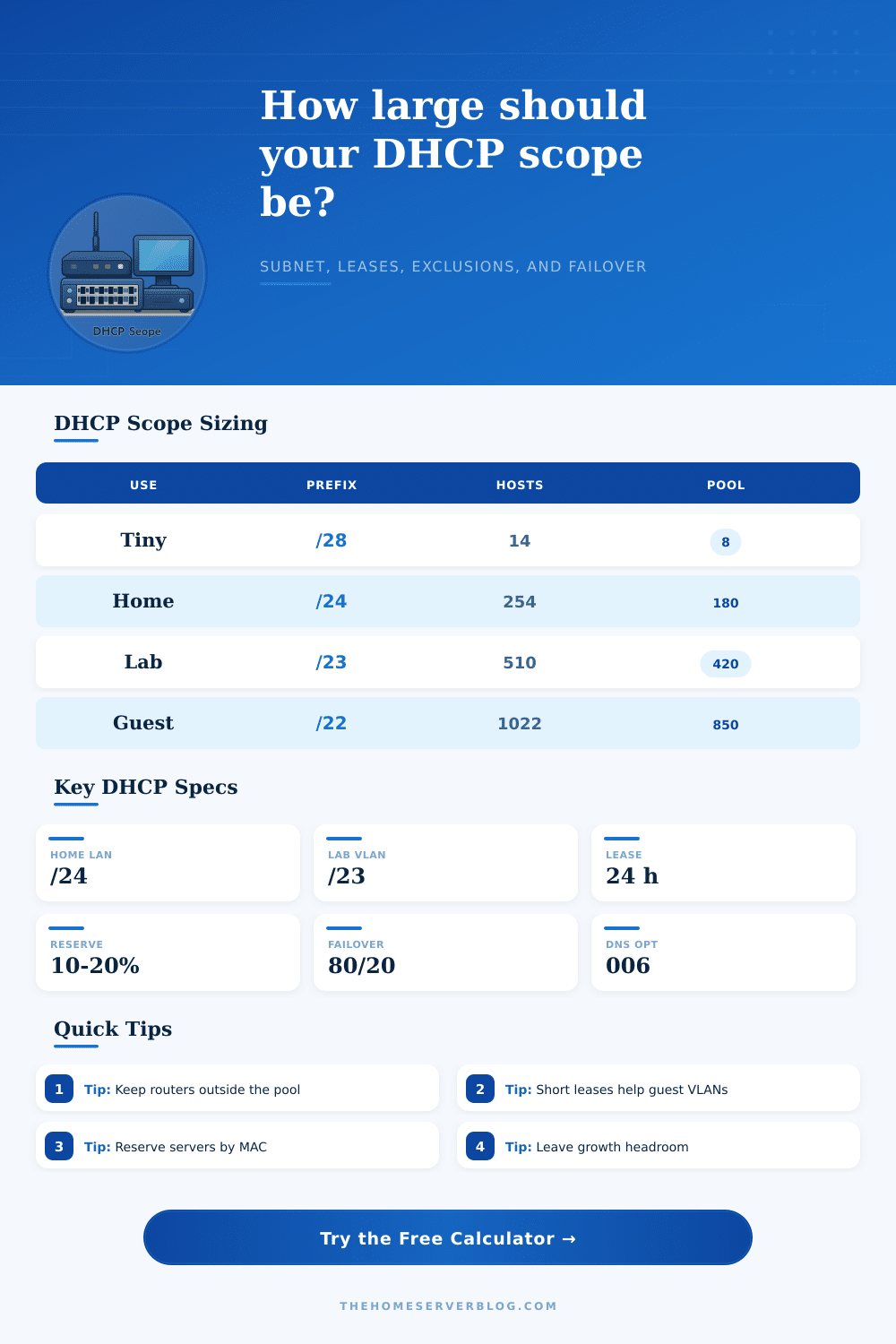
| /24 | 255.255.255.0 | 254 | Default home LAN size; leave room for reservations |
| /23 | 255.255.254.0 | 510 | Large lab or combined wired and wireless client subnet |
| /22 | 255.255.252.0 | 1022 | Guest, event, classroom, or high churn wireless scope |
| Planning item | Formula | Why it matters | Home lab note |
|---|---|---|---|
| Usable IPv4 hosts | 2^(32-prefix) - 2 | Removes network and broadcast addresses for ordinary LANs | /31 and /32 are special cases and not treated as DHCP LANs here |
| Peak lease demand | inventory x concurrency | Counts clients likely to hold leases at the same time | Guest networks often need 100% or higher burst planning |
| Scope headroom | demand x growth percent | Leaves addresses for troubleshooting, visitors, and device churn | 10% to 20% prevents avoidable address exhaustion |
| Turnover buffer | demand x turnover x lease factor | Accounts for clients that leave but keep leases until expiry | Short leases lower stale lease pressure on guest VLANs |
| Failover split | pool x secondary percent | Reserves addresses for the partner DHCP server | 80/20 is simple; 50/50 is better for load balance |
| DHCP option | Common value | Scope impact | Practical use |
|---|---|---|---|
| 003 Router | Gateway IP | Exclude from pool | Usually .1, .254, or a firewall virtual IP |
| 006 DNS servers | LAN resolver | No address use | Pi-hole, AD DNS, firewall resolver, or public DNS |
| 015 DNS domain | home.arpa | No address use | Useful for local hostnames and split DNS |
| 042 NTP servers | Time host | Often reserved | Good for cameras, appliances, and isolated VLANs |
| 066/067 PXE boot | TFTP data | May need lab pool | Keep imaging clients in a controlled VLAN |
| 150 VoIP TFTP | PBX or TFTP | May need reservations | Phones are easier to manage with MAC reservations |
| Network role | Typical prefix | Suggested pool | Secondary planning concern |
|---|---|---|---|
| Flat home LAN | /24 | 100 to 180 leases | Keep static servers from competing with client leases |
| IoT VLAN | /25 or /24 | 60 to 180 leases | Many sleepy clients reconnect after power events |
| Guest Wi-Fi | /26 to /22 | 40 to 850 leases | Use shorter leases and enough churn buffer |
| Server management | /28 or /27 | 4 to 12 leases | Prefer static reservations for hypervisors and IPMI |
| Lab container net | /24 or /23 | 120 to 420 leases | Ephemeral workloads can burn addresses quickly |
| VPN remote access | /27 or /26 | 10 to 50 leases | Avoid overlap with site LANs and Docker ranges |
Planning a DHCP scope require you to account for every device that may connect to the networks. Planning a DHCP scope requires you to account for both permanent device and temporary devices. You must ensure that there are enough IP address for every device that will be connected to the network.
However, you must also plan for server that will not change and for devices that may be connected to the network in a future. Understanding what every number represent in the DHCP scope planning process is essential. Many home networks uses a single flat subnet because of the simplicity of using a single flat subnet.
How to Plan a DHCP Scope
However, the various devices that may be on the network have different requirement and connection times. Machines that are connected to the network through a wired connection tend to stay on the network more longer. Mobile devices may connect and disconnect from the network multiple times during the day.
Many IoT device will connect to the network and then go silent but will still hold on to the IP address that was given to them when they connected. If the DHCP scope is based on the number of devices that are connected to the network today, the DHCP scope will fail given the number of devices that will change from the lease duration. You can use a calculator to calculate for the number of wired, wireless, IoT and lab clients that will be connecting to the network at one time.
The lease duration that is used will play a big part in the calculation of the DHCP scope. A twenty-four hour lease duration for IP addresses is sufficient for a stable local area network. However, a twenty-four hour lease duration will not be sufficient for devices on a guest network.
A guest network will have devices connecting to the network, but they will not return. By shortening the lease duration for devices on a guest network, the IP address will be available for new devices. Although shortening the lease duration will cause slightly more DHCP traffic to be sent on the network, most router can handle this extra DHCP traffic.
Finally, you can use reservations and exclusions to remove IP address from the DHCP scope. Reservations can be used to associate a specific MAC address to an IP address. This would allow for servers and security cameras to always have the same IP address assigned to them.
You can use exclusions of IP addresses from the DHCP scope to ensure that certain device on the network dont receive an IP address from the DHCP scope. For example, you use exclusions for a router or for management interfaces on switches because these device should not use DHCP. Because both reservations and exclusions reduce the number of usable leases from a given subnet, you must subtract the reservations and exclusions from the capacity of that subnet when calculating the size of the IP address pool.
Failover is used between two DHCP server to provide redundancy for a network. The split that can be used between two DHCP servers includes an 80/20 split, a balanced split, or an 80/20 split. The 80/20 split will provide most of the addresses to the primary DHCP server, but provide enough to the secondary DHCP server in case the primary DHCP server should fail.
In addition to the 80/20 split, a balanced split will provide each server with roughly the same number of leases and is useful if the secondary DHCP server will have to provide the same load as the primary DHCP server. In order to determine the appropriate split, you can use a calculator to ensure that each split has enough IP addresses in its pool so that the secondary DHCP server does not need to provide service for the primary DHCP server should it fail. Growth headroom is another important factor in sizing a DHCP scope.
The growth headroom is the space left in a DHCP scope for new device to be added to a network. If growth headroom is not provided, a new device may not be able to receive an IP address from the DHCP server. Ten percent growth headroom is usually provided for a home lab, but for guest and IoT networks, twenty or thirty percent headroom is provided because the number of guests and IoT devices is difficult to determine in advance.
The reference tables include information about subnet size based on prefix length, as well as information about the pool sizes for different network role. A /24 subnet is often used for home local area networks as it allows 254 usable IP addresses. A /24 subnet is usually enough for a home once all devices are accounted for in the subnet.
A larger prefix length is used when there are multiple different types of client on the same VLAN, as well as for providing for the guest subnet. The tables also list the different DHCP options. Subnet capacity is not the same as the number of devices that you own currently.
Subnet capacity is the number of leases that the network can handle before IP address collision or DHCP lease failures happen on the network. Once you understand the difference between the two value, you can calculate the size of the DHCP pool by subtracting the number of fixed addresses from the number of usable hosts, and then providing some headroom for any device that may join the network.