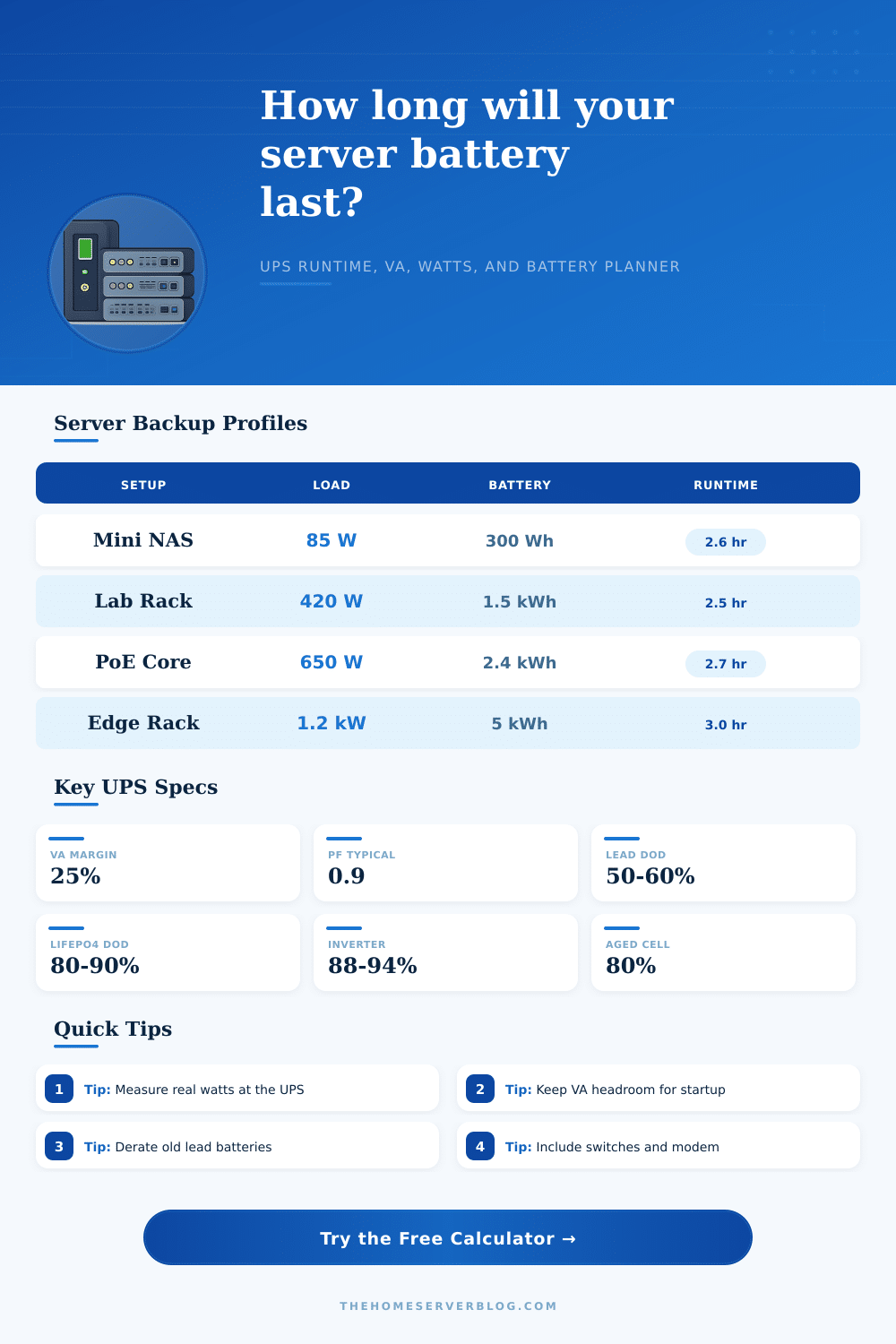
Server Battery Backup Calculator
Estimate UPS wattage, VA rating, battery watt-hours, amp-hours, runtime, derating, and practical headroom for a server, NAS, network core, or small rack.
Battery Backup Results
| Battery Type | Typical Voltage | Usable DoD | Planning Note |
|---|---|---|---|
| Small sealed lead acid cartridge | 12-48 V | 45-60% | Common in desktop and short-depth UPS units |
| Rack UPS lead acid module | 24-96 V | 50-65% | Good for graceful shutdown and short outages |
| AGM external battery bank | 24-48 V | 50-70% | Better runtime when discharge current is moderate |
| Lithium UPS module | 36-96 V | 75-90% | Higher usable energy and lower age derating |
| LiFePO4 rack battery | 48 V | 80-90% | Common for long-runtime inverter systems |
| UPS Topology | Efficiency Range | Power Factor | Best Fit |
|---|---|---|---|
| Standby UPS | 86-92% | 0.6-0.8 | Low-load router, modem, or small NAS |
| Line-interactive UPS | 88-94% | 0.8-1.0 | Most home lab racks and network closets |
| Online double-conversion | 84-92% | 0.9-1.0 | Sensitive gear, generator input, unstable mains |
| DC inverter and battery | 90-95% | 0.9-1.0 | Long runtime and 48 V server rack batteries |
| Modular UPS cabinet | 90-96% | 0.9-1.0 | Dense racks with N+1 power modules |
| Home Server Scenario | Typical Load | Recommended Headroom | Runtime Target |
|---|---|---|---|
| Router, modem, small switch | 25-75 W | 50% VA margin | 2-8 hours |
| Mini PC server and 2-bay NAS | 60-140 W | 35% VA margin | 1-4 hours |
| 4-bay NAS with managed switch | 120-260 W | 30% VA margin | 45-180 minutes |
| Virtualization host cluster | 300-750 W | 25% VA margin | 30-120 minutes |
| PoE camera and AP core | 250-900 W | 30% VA margin | 30-180 minutes |
| Conversion | Formula | Use In Calculator | Practical Limit |
|---|---|---|---|
| Watts to VA | W / PF | UPS apparent power | Keep below 75-80% rating |
| Battery Wh | V x Ah | Nominal stored energy | Derate by DoD and age |
| Runtime hours | Usable Wh / W | Estimated backup duration | High load lowers lead acid capacity |
| UPS heat | Load x loss | Extra room heat | Add to cooling calculations |
| DC current | W / V / eff | Battery cable and fuse check | Use proper DC protection |
Power outages is common in home laboratory environments. Power outages can result in servers shutting down unexpectedly. When a power outage occur, it is important to ensure that the backup system has enough time to allow the server to shut down gracefully.
A graceful shutdown will prevent database corruption and the loss of any work current being performed on the server. Various factor will influence how much time a backup system will provide to a server, including battery capacity, inverter efficiency, and the load of the server. The calculator will provide mathematical results after the user input values for the measured watts, target runtime, battery chemistry, and efficiency.
How long your server will run on a UPS
These field will help the user to understand the difference between the VA (Volt-Ampere) rating of an Uninterruptible Power Supply (UPS) and the usable energy from that UPS. For example, a 1500 VA UPS may be able to supply power to various devices in the laboratory, but the usable energy from the UPS is less than the VA rating due to the power factor, inverter losses, and safe depth of discharge. The user is required to enter each of these factor into the calculator to determine the usable energy of the UPS.
It is important to measure the load of the server in watts. Any inaccuracies in the measurement of the load will have a corresponding error in the runtime that the calculator calculates. For example, servers can draw 80 watts of power when idling, but if the server is accessing data or virtual machines is starting up, the wattage will be higher.
In addition to the server, the wattage of any network path, modem, or switch will need to be measured as well. The calculator allow for the inclusion of a growth buffer for the load of the hardware in the laboratory as the loads of the hardware will increase over time. If the measurement of the load of the hardware in the laboratory is not performed prior to using the calculator, the estimated runtime will likely be inaccurate when the hardware in the laboratory is running.
Another factor in calculating the usable energy of a UPS is the chemistry of the battery that is utilized in that UPS. For example, lead acid batteries lose their capacity quick if deeply discharged or if they are aged. The derating field in the calculator will account for the loss of capacity from lead acid batteries.
Lithium iron phosphate batteries do not suffer the same capacity losses as lead acid batteries and hold their performance over time. The selection of battery chemistry in the calculator will allow for the depth of discharge and efficiency field to change according to that battery chemistry. One of the main decision that will impact the efficiency of the UPS is the desired runtime of the backup system.
For example, if the main goal is to ensure that the data center can run during a ten-minute power outage, there will be a lower requirement for the size of the battery for the UPS. However, if the goal is to power through a long storm or until a generator becomes available, deeper battery capacity will be required. These two field will indicate the relationship between the target runtime in minutes and the amp hours of battery capacity at a specific voltage.
Understanding the relationship between the runtime in minutes and the amp hours of battery will allow the user to understand the capability of the battery selection. Inverters are not 100% efficient in converting the energy from the battery to the devices in the laboratory. Any amount of energy leaves the battery must pass through the inverter, and this create heat that can be a byproduct of the efficiency of the inverter.
The amount of heat created will need to be dissipated through the cooling system for the UPS and laboratory rack. The calculator will display this efficiency in percentage in the results to provide the user information on the heat output of the system. The efficiency needs to be considered in creating a plan for the UPS to not become too warm when the power is out.
Headroom is provided to ensure the UPS does not get overloaded with the devices that are currently running in the laboratory. Many device may draw a surge of power when initially turned on. In addition, there may be an increase in the number of device in the future.
The overhead field in the calculator provides headroom for these scenario to ensure that the user does not place the UPS under maximum load. The reference tables will provide typical values for different type of batteries and UPS systems. These tables will not be a replacement for measuring the load of the devices in the laboratory; however, they can provide a check for the calculations made by the user.
For example, the values in the reference tables will show the efficiency of an online UPS versus a line interactive UPS. In addition, the reference tables will display the depth of discharge for different chemistry of batteries. The depth of discharge is one of the main factor that will have an impact on the usable energy from the battery.
Despite the high capacity of the battery, there may not be much energy that it can deliver to the devices in the laboratory. This is due to the efficiency of the inverter, the depth of discharge of the battery, and the age of that battery. By measuring the load of the devices in the laboratory and using conservative numbers in each of these field, the user will be able to account for the potential decrease of the capacity of the battery.
Although the goal of these calculations is not to prevent power outages from occurring in the data center, the goal is to ensure that the user understands for how long the server will be able to continue to run without power being supplied to them. If the user understands how long the server will last on battery power, the user will understand if more battery capacity is needed for the system.