Kubernetes Namespace Quota Calculator
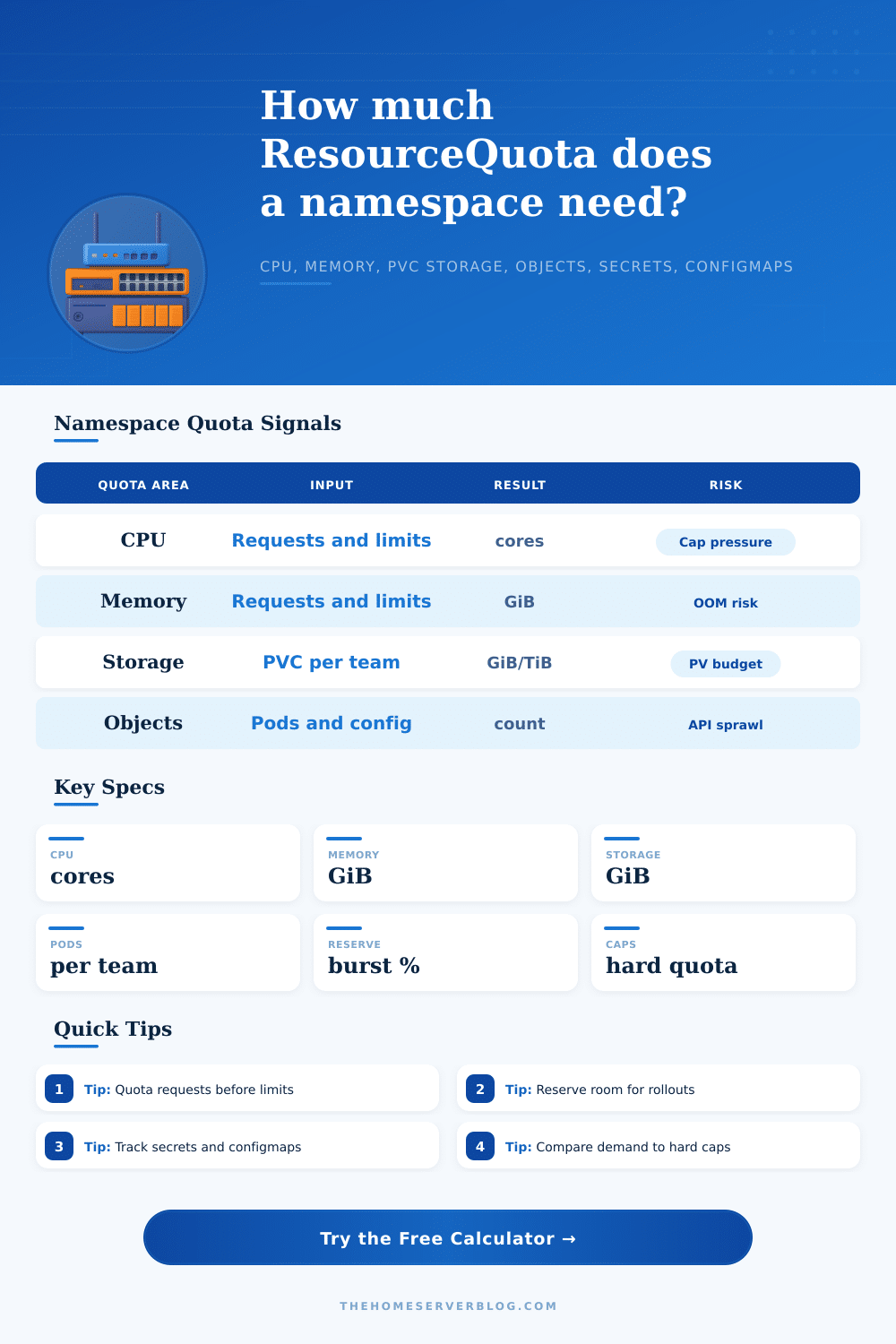
Estimate namespace ResourceQuota needs for teams, pods, CPU requests and limits, memory requests and limits, PVC storage, API objects, secrets, configmaps, burst reserve, and hard cap risk.
Quota Breakdown
Hard Cap Comparison
| Quota key | What it controls | Calculator source | Planning note |
|---|---|---|---|
| requests.cpu | Guaranteed scheduler CPU | Teams x pods x CPU request + reserve | Most useful for node capacity and fair sharing. |
| limits.cpu | Maximum allowed CPU limit sum | Teams x pods x CPU limit + reserve | Can be higher than requests when workloads burst. |
| requests.memory | Guaranteed scheduler memory | Teams x pods x memory request + reserve | Keep below allocatable memory, not raw node RAM. |
| limits.memory | Maximum memory limit sum | Teams x pods x memory limit + reserve | Too much overcommit raises OOM kill pressure. |
| requests.storage | Total PVC requested storage | Teams x PVC storage + reserve | Match storage class budgets and expansion policy. |
| pods | Pod object count | Teams x pods + rollout surge + reserve | Leave room for jobs, canaries, and stuck terminating pods. |
| persistentvolumeclaims | PVC object count | Teams x PVC count + reserve | Pair with requests.storage to avoid tiny-PVC sprawl. |
| secrets / configmaps | Config object count | Per-team secret and configmap inputs + reserve | Watch generated config from Helm, operators, and cert tools. |
| Policy | Best for | CPU and memory stance | Storage stance | Object quota stance |
|---|---|---|---|---|
| Strict platform | Shared production clusters | Low request overage, narrow limit ratios, required LimitRange | Storage classes approved per namespace | Tight pods, secrets, services, and jobs caps |
| Balanced | Most product teams | Requests sized from p95, limits allow moderate burst | Team budget plus 15-25% growth reserve | Caps high enough for rollouts and normal Helm churn |
| Elastic product team | Fast-growing services | More burst reserve and regular quota review | Higher PVC reserve with alerts before expansion | More room for canaries, jobs, and generated CRs |
| Sandbox guarded | Dev, labs, trials, and demos | Small request caps, short-lived workload policy | Small PVC cap and cleanup automation | Low objects cap to prevent namespace clutter |
Set request quotas from measured p95 usage, replica targets, and rollout behavior. Limit quotas can be larger, but they should not hide impossible node packing.
Rolling updates, canaries, init jobs, and temporary debugging pods all consume quota. A namespace that is exactly full will fail at the worst time.
Secrets and configmaps multiply quickly with Helm releases, generated certificates, external secrets, dashboards, and per-environment overrides.
If one team needs high burst or large storage, give it a dedicated namespace and quota. Shared namespaces work best when workload shapes are similar.
ResourceQuota is easier to manage when every pod gets default requests and limits. Otherwise pods may fail admission because required resources are missing.
Alert around 70% to 80% of hard caps for requests, storage, pods, secrets, and configmaps. Quota denial is an admission-time failure, not a soft warning.
Violating your namespace quotas can cause deployment failure. Instead of dramatic failure, this results in an admission error. The application does not stop running but the cluster denies access and prevents your application from working.
Why? Because Kubernetes resource management are treated as secondary until it blocks you. You create namespaces for teams without considering how many secret and pods they will actualy use. When you want to scale up resources, that’s when problem arises. If you know how many people is going to be on your team and what their workloads look like, the calculator does math for you. It takes the guesswork out of the conversion.
How to Set Good Namespace Quotas
It also separates requests from limits, something a spreadsheet are prone to overlook. Most people focus entirely on CPU and memory, assuming that if they have enough cores, they are safe. They’re wrong. It’s possible to have plenty of compute power without enough secret storage or long-term data storage. The tool breaks this down for you so you can see when you’ll hit first constraint.
Limits and requests is not the same. Limits are enforced at runtime by kernel when the pod starts up. Requests are used by the scheduler to determine where to place pods. If one namespace has high limits, but low requests, it might be scheduled just fine, but then fail under memory spike. The calculator asks for these values independently, modeling that difference. It also accounts for canary deployment and rolling update reserve percentages.
That headroom is important during key releases; you don’t want a fully reserved namespace to fails. The other thing that comes up are storage. Over time you will have more data (logs + database) than you do code. And teams tend to underestimates how much they will need. You can configure the number of storage gigs per team and include a burst reserve so it matches your real world growth. For example, data grows much quicker then code does. A hundred gigs might be plenty for a little service, but soon enough your backups and log rotation eat into that. If you’re getting near those limits, comparing the hard caps is helpful.
While it may feel abstract, object counts do matter. As you renew certificates and release new versions of your Helm charts, that number grows; so does the number of secrets and config maps. Lots of objects in a namespace will result in slower response times for the API server. To avoid hitting those admin limits, the calculator keep track of all these different object types. It is easy to ignore metadata until the control plane starts lagging.
Every team are different. Some teams, like product teams, need flexible policies, while other teams, like platform teams, want super strict control. For example, a production db should of have a generous storage buffer. However, no one wants to pay for extra space when testing something new in a dev sandbox. The tool ships with sample styles such as product team or strict platform. You don’t need to pick one size fits all.
You can choose how much slack you give the teams by tweaking the % of reserves according to your confidence in each deployment pipeline. You can allow more room in the pod count if you have high churn. Conversely, you can set a lower limit when you have low churn.
Quotas are a balancing act. Too loose and you have resources sprawled everywhere making debugging harder. Too tight and your team constantly gets denied because they lack creativity. You want quotas to let teams deploy with confidence while also preserving the integrity of the cluster. It’s not just about how many things is allowed. It’s about creating boundaries so people can get their jobs done.
When those ratios are right, the infrastructure vanishes. Developers stop wrestling with admission controllers. They can work on features. That’s what a good namespace looks like: nobody knows it’s there.