WAL Archive Size Calculator
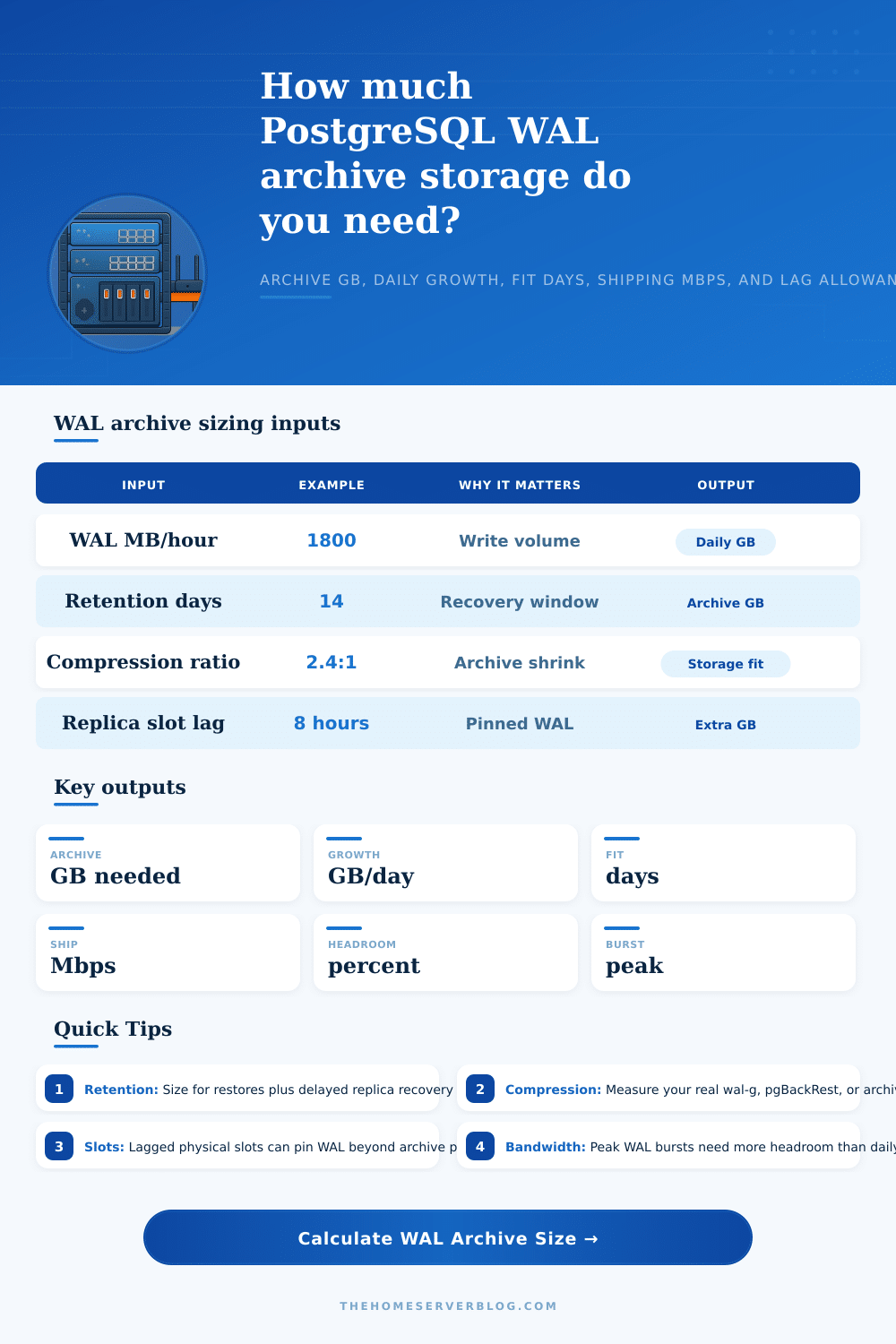
Estimate archive storage, compressed daily growth, retention fit, replica slot lag exposure, and the network bandwidth required to keep archive shipping ahead of write bursts.
1Named workload presets
2Archive sizing inputs
Full calculation breakdown
Planning verdict
Enter your WAL rate and retention target to size storage and shipping throughput.
Formula: compressed hourly WAL equals WAL MB/hour divided by compression ratio. Archive size includes policy retention, burst-lag exposure, a 10 percent base-backup overlap buffer, and 0.5 percent for each extra timeline.
3Archive reference tables
| Preset | WAL MB/hour | Retention | Compression | Common archive risk |
|---|---|---|---|---|
| Small Postgres App | 220 | 7 days | 2.2:1 | Forgetting that maintenance jobs can outgrow user traffic. |
| Busy Home Assistant DB | 520 | 5 days | 2.6:1 | Sensor churn creates steady WAL even when dashboards are quiet. |
| GitLab Homelab | 950 | 10 days | 2.1:1 | CI metadata spikes during pipeline fan-out and repository maintenance. |
| Nextcloud Write Burst | 1400 | 14 days | 2.4:1 | Bulk sync, previews, and file metadata updates arrive in waves. |
| Replica Slot Retention | 2400 | 21 days | 2.0:1 | A stale slot pins WAL faster than the archive policy can purge it. |
| WAL component | What changes it | Sizing signal | Operator check |
|---|---|---|---|
| Normal archived WAL | INSERT, UPDATE, DELETE, vacuum cleanup, index churn | Use sustained MB/hour across a full business cycle. | Compare archive object growth with pg_stat_wal wal_bytes. |
| Full page images | Checkpoints, hint bits, page rewrites after checkpoint | Higher immediately after checkpoint-heavy periods. | Review checkpoint_timeout and max_wal_size before blaming traffic. |
| Replica slot pinning | Disconnected standby, logical decoder, slow consumer | Lag hours multiplied by burst WAL rate. | Monitor pg_replication_slots restart_lsn and confirmed_flush_lsn. |
| Timeline forks | Promotions, PITR testing, standby reparenting | Small metadata files, but operationally important. | Keep history files with the matching base backups. |
| Archive shipping bandwidth | Approx compressed WAL per hour | Best fit | Warning sign |
|---|---|---|---|
| 5 Mbps usable | About 2.2 GB/hour | Small apps, light automation DBs, lab clusters | Upload backlog after every batch import. |
| 25 Mbps usable | About 11 GB/hour | Busy homelab services and moderate SaaS staging | VPN or object storage latency consumes margin. |
| 100 Mbps usable | About 44 GB/hour | GitLab, Nextcloud, Timescale, mixed write systems | Bursts exceed line rate during index rebuilds. |
| 1 Gbps usable | About 439 GB/hour | Production OLTP and analytics staging archives | Storage API throttling replaces network as bottleneck. |
| Retention target | Practical use | Base backup interaction | Archive hygiene |
|---|---|---|---|
| 1 to 3 days | Fast rollback from bad deploys or small operator errors | Daily base backups keep restores short. | Confirm purge never removes WAL needed by the newest backup. |
| 7 to 14 days | Most home servers and staging systems | Weekly backups balance storage and restore effort. | Test PITR at least once per quarter. |
| 21 to 35 days | Delayed discovery of data corruption or audit incidents | Multiple base backups reduce replay time. | Watch object count, not only total GB. |
| 60 days or more | Compliance, slow incident response, data science reproducibility | Backup catalog must track matching timelines and manifests. | Lifecycle old archives into colder storage only after restore tests. |
4Archive strategy comparison grid
NAS archive_command
- Simple for a single home server.
- Fast local writes hide short network dips.
- Needs external copy for site loss.
- Watch free space and stale slot growth.
Object storage archive
- Good durability and lifecycle controls.
- Compression saves storage and egress.
- API throttling can slow burst uploads.
- Restore tests must include credentials.
pgBackRest repository
- Strong retention and stanza management.
- Pairs base backups with archive metadata.
- Repository sizing must include spool space.
- Great when many clusters share tooling.
WAL-G pipeline
- Efficient compression and cloud targets.
- Works well for containerized Postgres.
- Parallelism can outrun small uplinks.
- Monitor failed pushes, not only final size.
5Two practical sizing tips
Size storage from evidence, then add slot risk
Measure WAL during a representative week, compress a real sample, and keep a separate lag allowance for physical or logical slots. Slots fail differently from archive retention because they can pin fresh WAL before normal cleanup can act.
Bandwidth should beat the worst hour
Average GB per day is useful for budget, but archive_command survives by clearing peaks. Keep at least 30 percent network headroom after compression, TLS, VPN, and object storage retries.
In database administration, there’s one time that’s worse than a crash: when you come back to find out that your archive storage was completely full. Not the crash. That’s the silent afternoon where you notice the Write-Ahead Log files is all gone. Now you can’t recover from a base backup because you don’t have log files anymore. And now you’ve closed your recovery window. Getting the size of your WAL archives right is more important than picking the storage type or algorithm for compression. Except then you forgot about replica pins, which extend retention beyond what your policy dictates.
Now let’s look at what creates those logs. Databases deals with bursts of activity, which most folks assume are just an average. A batch import or a nightly vacuum job can triple write load for an hour. Put that into the calculation, along with your hourly rate and a multiplier for busy periods, and it will do the math. What differentiates theory from actual survival is that burst factor. Plan on sizing storage for quiet hours, and you’re going to run out when things are busy.
How to Size Your Database Archive Storage
The data show up fast. Using compression to reduce its size helps lower the bill, but doesn’t alter the fact that it arrives fast. A 2:1 ratio cuts costs, but that’s arithmetic. There’s still some unarchived stuff in the pending queue and there needs to be room for that while the network catches up.
Another concern is replica slots. When PostgreSQL loses connection to a standby server and that server becomes out-of-sync, PostgreSQL will not delete any WAL files that was created while disconnected. Even though these files may be old enough to satisfy your archive policy, they remain on disk consuming disk space on the primary until either the lag is resolved or someone clears them manually. You’re purchasing insurance in case a process becomes stuck, the network experiences a glitch, etc.
It’ll ask how much lag you expect as the worst-case scenario. If you don’t provide one, then when your archive directory fills up (every last byte of disk), it halts the primary database, which can no longer write any new transaction. The tradeoff is that longer retention times have longer restores: If you keep 30 days of logs for auditing, then you’ll have to play back two weeks’ worth of changes when you load a weekly base backup for a restore operation. That’s less efficient and increases the risk of missing logs in the sequence. To avoid this, you’ll have to take more frequent base backups. That spreads out the effort but requires overhead.
The reference tables aligns typical workload types with reasonable defaults. I don’t want the same buffering on my little home server as an application supporting a financial ledger with compliance audit requirements. Match your budget for storage to your real-world recovery requirements instead of how much you’re afraid of losing data.
The last limit is bandwidth. Archiving requires you to ship files across a network, typically through some sort of encrypted tunnel or VPN, which decreases your throughput. Your upload speed must be able to match (or exceed) the rate of data being generated during peaks, otherwise the archive command lag behind. Soon, the pending queue fills and the database stops accepting new writes. Don’t just calculate average daily growth. Plan for spikes! You want to make sure the pipe draining the WAL files is larger than the tap filling them, even while the tap is running full-blast.
The size of this storage tells how much risk you’re willing to tolerate. Do you need a system which fails if it takes an hour for some replica to catch up? Or do you accept that your database will be down for a week while catching up from a disaster? That’s what the number represents, the price of your decision.
How much data are you realy writing? Add a margin for unexpected spikes in traffic. How much latency do you always get when you don’t expect any? When your database is running right, its archive is invisible. When it’s wrong, it shuts down your database before you realize there’s a problem.