Cluster Liveness Planner
Heartbeat Interval Calculator
Estimate how quickly a service notices failed peers, how much heartbeat traffic it creates, and whether jitter or packet loss makes the failover trigger too twitchy.
1 Named heartbeat presets
2 Heartbeat model inputs
Full calculation breakdown
Interpretation
Balanced LAN failover
The heartbeat window is faster than the target and leaves enough jitter slack for a clean wired LAN.
Heartbeat detection only proves a peer is late. Add fencing, leader lease expiry, route withdrawal, database promotion, and client reconnect time to estimate complete service recovery.
For mixed clusters, size the interval from the slowest realistic peer path. A fast LAN default can misfire across Wi-Fi, VPN, LTE, or overloaded storage networks.
3 Reference tables
| Environment | Typical interval | Missed threshold | Use when |
|---|---|---|---|
| Same rack wired LAN | 250-1000 ms | 3-5 | Storage, router, database, or VM host pairs with low RTT and stable switching. |
| Home Wi-Fi lab | 1500-5000 ms | 3-6 | Nodes sleep, roam, retransmit, or share congested consumer access points. |
| Metro or VPN site pair | 3000-10000 ms | 3-8 | Traffic crosses WAN, tunnels, asymmetric routes, or ISP gear. |
| Battery or IoT edge | 5000-30000 ms | 2-5 | Power budget matters more than instant failover. |
Spec comparison grid
Corosync style
- Bias
- Low latency
- Traffic
- Cluster mesh
- Concern
- Switch loss
- Best fit
- Proxmox
VRRP style
- Bias
- Gateway takeover
- Traffic
- Small adverts
- Concern
- Split master
- Best fit
- Keepalived
Lease style
- Bias
- API truth
- Traffic
- Renew writes
- Concern
- API latency
- Best fit
- Kubernetes
Gossip style
- Bias
- Membership
- Traffic
- Fanout
- Concern
- Suspicion time
- Best fit
- Consul
Preset values used by this calculator
| Preset | Interval | Misses | RTT / jitter | Loss | Nodes | Payload | Target |
|---|---|---|---|---|---|---|---|
| LAN HA Pair | 1000 ms | 3 | 4 / 8 ms | 0.2% | 2 | 160 B | 4 s |
| Wi-Fi Lab Nodes | 2500 ms | 4 | 22 / 80 ms | 1.5% | 4 | 180 B | 14 s |
| WAN Site Pair | 5000 ms | 4 | 70 / 180 ms | 0.8% | 2 | 220 B | 25 s |
| Proxmox Corosync | 1000 ms | 5 | 3 / 6 ms | 0.1% | 3 | 240 B | 7 s |
| Patroni PostgreSQL | 2000 ms | 3 | 6 / 15 ms | 0.2% | 3 | 320 B | 10 s |
| Keepalived VRRP | 1000 ms | 3 | 2 / 5 ms | 0.1% | 2 | 96 B | 4 s |
| Kubernetes Lease | 10000 ms | 4 | 12 / 35 ms | 0.3% | 5 | 420 B | 45 s |
| Consul Serf LAN | 1000 ms | 5 | 5 / 12 ms | 0.3% | 6 | 260 B | 8 s |
| IoT Edge Cluster | 15000 ms | 2 | 120 / 550 ms | 3.5% | 5 | 96 B | 40 s |
Risk reading guide
| Result | What it means | Likely fix | Operational warning |
|---|---|---|---|
| Very low / low risk | Loss streaks and delay spikes are unlikely to eat the miss window. | Keep values, then run a real failure drill. | Fast detection still needs fencing or lease safety. |
| Moderate risk | The plan may work, but jitter, packet loss, or fanout is close enough to matter. | Add one missed heartbeat or increase interval 25-50%. | Watch for failover during backups, reboots, or Wi-Fi roaming. |
| High risk | The heartbeat window is narrow for the observed network behavior. | Slow the interval, raise threshold, isolate traffic, or reduce cluster fanout. | False leaders, VIP flaps, and database split-brain become more plausible. |
Tuning trade-offs
| Change | Detection time | Network overhead | False-positive risk | Use it for |
|---|---|---|---|---|
| Lower interval | Faster | Higher | Higher if jitter is unchanged | Stable LAN pairs with strong fencing. |
| Raise missed threshold | Slower | Same | Lower | WAN, Wi-Fi, or maintenance-heavy labs. |
| Reduce payload bytes | Same | Lower | Same | Large clusters or constrained links. |
| Reduce node count | Same | Lower | Lower aggregate risk | Witness-only designs or smaller failure domains. |
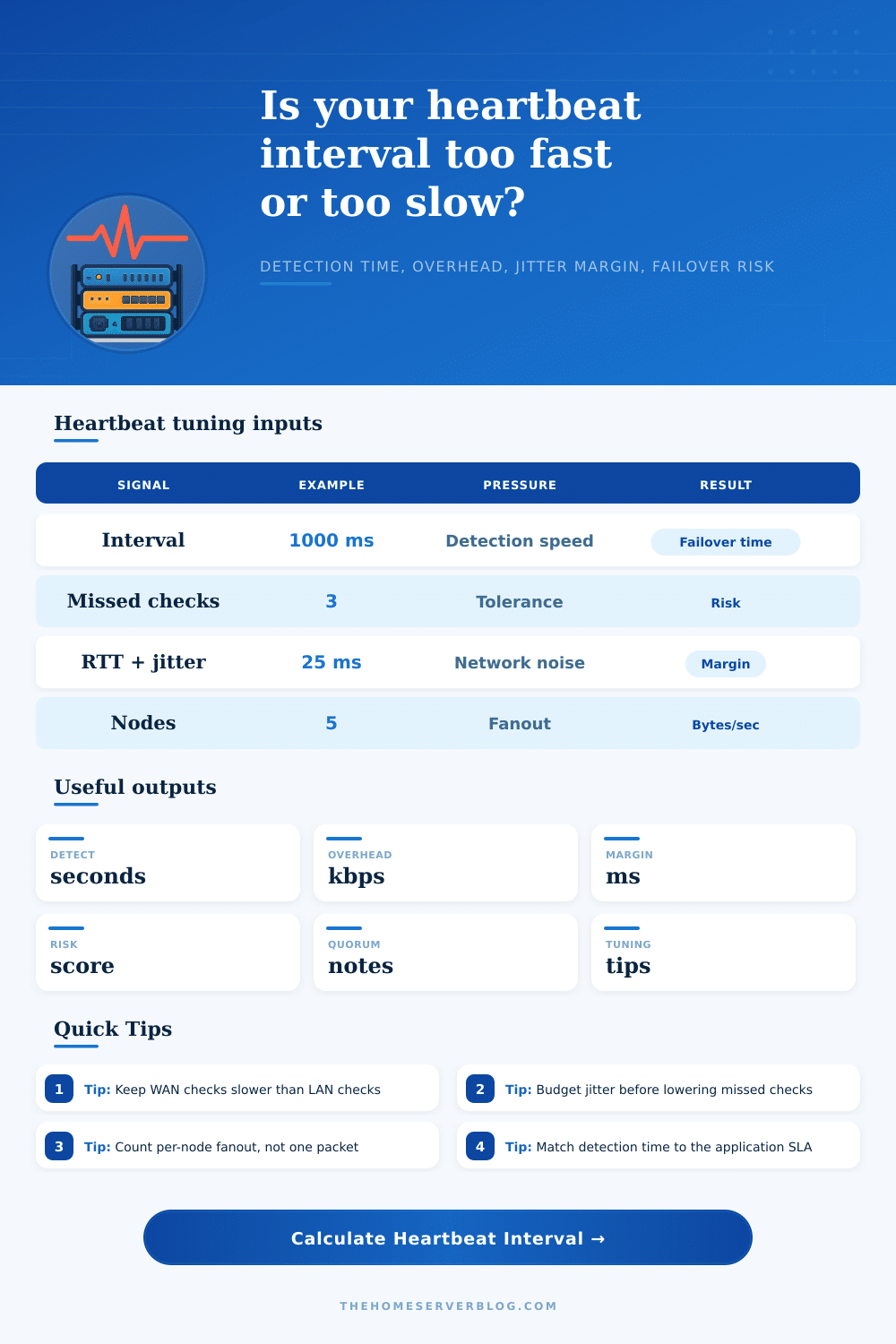
When a server goes down, the delay before cluster notices can cause that look of panic to enter a sysadmin’s eyes. In the middle of a live outage, that feel like an eternity. But increasing speed at which things is detected isnt just about increasing check frequency. It’s about striking a balance between stability and responsiveness. Tug one lever, and you tug another.
Plug in details of your network into the calculator above, and it’ll do the math for you… Saving you from having to guess if you’re being reckless or safe with your settings. But that’s the heart of the problem: How much noise is there on your network? And how fast do you need to know if something has failed?
How to Balance Speed and Stability in Server Clusters
A heartbeat is simply a small packet sent from one machine to another asking, “Are you alive?” Traffic spikes can cause those heartbeats to be delayed, when in fact underlying hardware hasn’t died. In this case, the system may concludes that the node has gone down and initiate a failover, which would be a false positive. This can result in a split-brain situation (i.e., with two nodes believing themselves to be the primary) for any sort of clustering like that found in load balancers or clustered databases.
You want the interval set so that it will catch true failures as quickly as possible, while overlooking the occasional hiccup long enough to prevent chaos. That’s why most folks begin with just the heartbeat interval, thinking of it as responsiveness speed dial: shorter = faster detection. But then you have to think about the overhead.
Those checks is sent out regularly by every node in your cluster. If each one check once per hundred milliseconds and you’ve got a cluster of ten nodes, then suddenly you’re generating a never-ending stream of traffic. That adds up quickly. To help visualize this, tool factors in the payload size and node count. It tells you precisely how much bandwidth those checks consume throughout entire cluster. You might be surprised at how easy it is to underestimate network overhead until your management network becomes choked not with user data but instead with control plane noise.
Finally, there’s jitter, the silent killer of availability plans. Jitter is the variance in round-trip time. It’s your base level of delay, plus some. Jitter will be small on a local area wired network with tight detection windows. But if your cluster crosses a virtual private network tunnel, or simply traverses a Wi-Fi link, then spikes in latency are commonplace. Those spikes have to go somewhere and you need to build a safety margin into your missed heartbeat threshold to cover them. Set your failure threshold too low and you’ll trigger a leadership election each time a single packet happens to get lost momentarily.
Use the reference tables on the page as starting points for various environments; they’ll help you choose reasonable defaults instead of shooting in the dark. Think about packet loss. If you set your fail bar at two or three missed beats, and even one-percent packet loss occurs, that’s problematic. As long as there is some level of loss present, the chances of multiple packets dropping in sequence will rises exponentially with each packet drop. Essentially, you’re pitting operational risk against network conditions, and lowering the false positive bar often comes at the expense of faster detection time.
That means waiting longer then there really is an outage, but not accidentally causing issues due to routine backups and network maintenance windows. The bottom line: knowing what’s “normal” for you is key to choosing the right config, it’s all about understanding the quirks of your infrastructure and requirements of your application.
Some databases will not be happy with a 5 second failover if losing any data is unacceptable. A web app backed by server farm could get away with much faster detection, since serving an already-requested page for a few milliseconds is a relatively minor annoyance compared to getting out of a bad state after it happens. The correct heartbeat isnt one-size-fits-all, but the right balance for you.
Tinkering with heartbeat settings isnt about discovering a magic number. It is about realizing there will always be some noise or latency you must make peace with and manage consciousy instead of ignoring it. You should of use the defaults as a starting point to set expectations, and tweak based on real world experiments (e.g., packet capture analysis, failure drills).
The sweet spot tends to be more in the middle between practical and resilient and not on one end of safety/speed or another. In other words, it’s less about getting the number to appear faster and more about knowing what you are measuring. You could of found a better balance if you had checked the math.