HomeServerBlog network calculator
Goodput Calculator
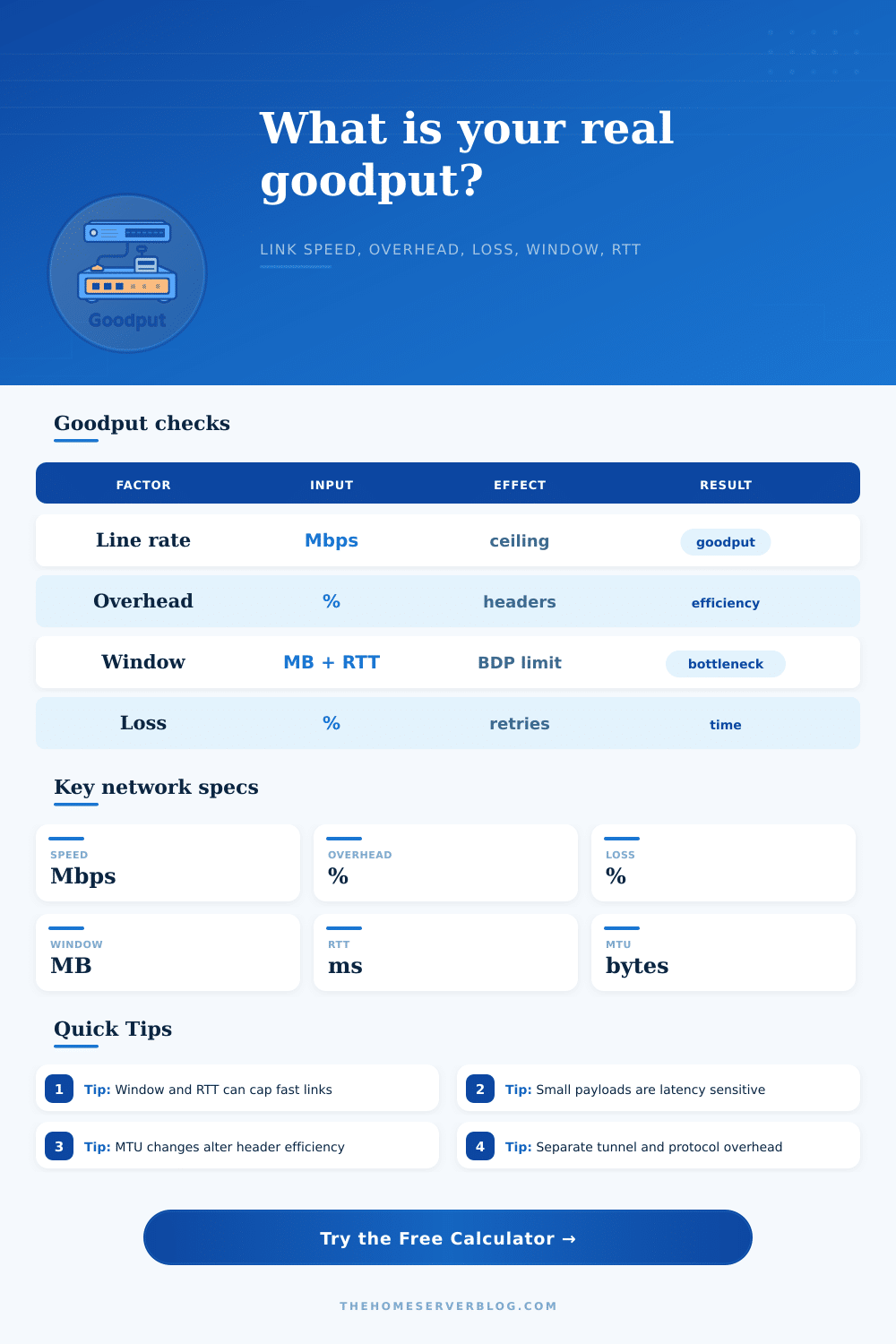
Estimate the application data rate you can actually move after protocol overhead, encryption, packet loss, retransmissions, MTU packetization, TCP window size, and round-trip latency are applied.
Goodput breakdown
TCP over Ethernet
Good local links often lose a modest share to Ethernet, IP, TCP, ACKs, and inter-frame behavior.
3-8%PPPoE WAN
PPPoE lowers MTU and adds encapsulation, so fragmentation and MSS clamping matter more.
6-12%WireGuard or IPsec
Tunnel headers, crypto metadata, keepalives, and lower tunnel MTU reduce useful payload rate.
8-18%Wi-Fi uplink
MAC contention, retries, airtime fairness, and encryption can make goodput far below PHY speed.
25-55%Line rate after protocol, encryption, MTU, loss, and retransmission factors.
Maximum single-stream rate from TCP window divided by RTT.
Approximate bytes carried after headers and resend pressure.
Receive window needed to fill the clean modeled path at the chosen RTT.
| Efficiency | Meaning | Typical cause | Action |
|---|---|---|---|
| 90%+ | Excellent for wired LAN or tuned storage | Low RTT, low loss, enough TCP window | Validate disk and CPU are not the next cap |
| 70-90% | Healthy for many encrypted or WAN paths | Moderate headers, tunnel, or ACK overhead | Check MTU, offload, and tunnel CPU |
| 40-70% | Usable but clearly constrained | Wi-Fi, retransmits, small window, PPPoE | Measure loss and increase window if RTT is high |
| Under 40% | Strong bottleneck or bad path | Loss, retries, LTE jitter, tiny payloads | Fix signal, reduce loss, tune MSS, or parallelize |
| Path | RTT | Window for 1 Gbps | Why it matters |
|---|---|---|---|
| Same rack or switch | 0.2-2 ms | 0.03-0.25 MB | Window rarely limits a single stream |
| Home LAN to NAS | 1-5 ms | 0.12-0.63 MB | Default tuning is usually enough |
| Regional cloud | 20-50 ms | 2.5-6.3 MB | Small windows cap big links quickly |
| Intercontinental copy | 100-180 ms | 12.5-22.5 MB | Parallel streams or tuned windows may be needed |
| MTU | Common use | Packet payload assumption | Goodput note |
|---|---|---|---|
| 1280 bytes | IPv6 minimum, constrained tunnels | 1240 bytes after TCP/IP | More packets and more per-packet overhead |
| 1492 bytes | PPPoE WAN | 1452 bytes after TCP/IP | MSS clamping helps avoid fragmentation |
| 1500 bytes | Standard Ethernet | 1460 bytes after TCP/IP | Baseline for most home server traffic |
| 9000 bytes | Jumbo frame storage VLAN | 8960 bytes after TCP/IP | Lower header cost, but every hop must support it |
| Preset | Best for | Main limiter to watch | Expected behavior |
|---|---|---|---|
| Gigabit LAN TCP | NAS copies, internal services | Disk, CPU, SMB/NFS settings | High efficiency when loss is near zero |
| WireGuard Tunnel | Remote backups and private routing | Tunnel MTU and CPU | Goodput falls if encryption or MTU is mistuned |
| High RTT Cloud Copy | Object storage, remote VPS sync | TCP window versus BDP | Window can cap throughput before link speed |
| Small Packet API | Chatty JSON or RPC traffic | RTT and packet count | Latency dominates tiny payload transfer time |
When you do a speed test, it says you’re getting one gigabit of internet service, that’s what the bill says too. And yet when you try to copy a big file up to a server somewhere, it takes ages even though on paper it should be fine!
There’s a bit of math here: the distance between your theoretical ability (as indicated by advertised bandwidth) and what you can realy use (your goodput). That’s the space between bits flying along the wire and your actual document making it over. It covers whether data is lost in a congestion control hole or buried under retransmissions and headers. Enter the magic above; it’ll take away marketing claims and run the numbers so you know just how much you can get from the wire after real-world friction gets applied.
Why Your Internet Feels Slower Than It Should Be
Most folks see the link speed and stop there, but that’s just the theoretical upper limit. In the real world, you have additional protocol overhead added to every bit before it even leaves your computer. Your ethernet frame has its own header. Then your IP packet gets some more. Then TCP adds yet more in order to guarantee reliable delivery and correct ordering. Add any encryption layer (e.g., WireGuard) or VPNs on top of that. Suddenly, those crypto wrappers eat up bandwidth that will never contribute to your file. Taken together, these layers can easily make up five to fifteen percent of your raw link capacity straight out of the gate. And that’s why you almost never get a full gigabit of file transfer speed from a gigabit connection. That’s not because it can’t do so; it’s simply accounting for that overhead.
Packet loss then becomes a major bottleneck. It might not seem like a big deal since only a tiny fraction of packets is dropped… but TCP will retransmit all of them. That costs bandwidth and time that could of been used to send additional data. If you’re on a slow connection with high latency (like long distance), it can cause the whole transfer to crawl while you wait for each acknowledgment. To account for this, tool asks how much packet loss you’ve seen, and what you think the retransmission overhead is.
If you’re experiencing lots of drop outs, you may want to fix your Wi-Fi signal instead of upgrading your plan or maybe just fix a crappy cable somewhere. Raw speed doesn’t matter as much when the network’s unstable; stability trumps.
Another limitation comes from the TCP window size (which catches people off guard). The TCP window is amount of data that can be in flight without the sender needing to wait for an acknowledgement. A low window means you are forcing the link to sit there over and over again, waiting for responses. If your window is small and your round-trip time is high, this basically halts connection. This is called the bandwidth-delay product limit.
In other words, a small window becomes a kind of narrow funnel on top of a broad hose when you’re on a fast link across continents. To keep the pipe full, you want big enough receive window. The web page lays this out in its reference tables, which show how big a window you need as speed and latency increase.
There are also some subtler factors regarding physical MTU size that affect efficiency. The maximum transmission unit (MTU) on standard Ethernet links is 1500 bytes. This is great if you’re just surfing around the web but not so good when you’re trying to move big files since each packet includes proportional header overhead. You can bump this up with jumbo frames. These have an MTU of up to 9000 bytes and thus fewer headers per amount of payload. This means you can send more actual data during each transmission event. In scenarios such as internal backups or storage networks where milliseconds matter, this makes all the difference. The problem is that you need support throughout your entire path; otherwise, packets gets fragmented, and things go downhill fast. It is another small detail, but one that is important in high-performance environments.
The takeaway: Now that you know what all these knobs do, you’ll be able to troubleshoot when things are slow. Am I banging up against the overhead limit of my transfer protocol? Is packet loss making me retry constantly? Or is a window-based throughput limit causing latency to slow me down? By plugging in your own values… Including your payload size and link speed, the calculator models them all out and helps pin down where the biggest bottleneck is.
Remote work? Cloud migration? Backups? Once you understand how networks work, it becomes real: You can see clearly what your expected performance should be, rather than just guessing when something stalls and wondering “why?”. Now you know what to change next.
All this shows how much we are limited by a physical medium with hard limits. Ultimately, that is all goodput is about. Yes, you can tune software, but no matter how much you do, you can’t change the laws of header costs and latency. But you don’t need to. If you understand those limitations, you avoid being frustrated when efficiency percentage dips under seventy percent. You realize it’s not just slow. Something in the path is either badly configured or busy. And then you start to judge success not by what appears on your bill but by how many useful bits of data make their way through. There is a big difference between theory and practice, but at least now you have some idea of what’s actualy moving down the wire.