HomeServerBlog IPv4 reservation planning
Static IP Reservation Range Planner
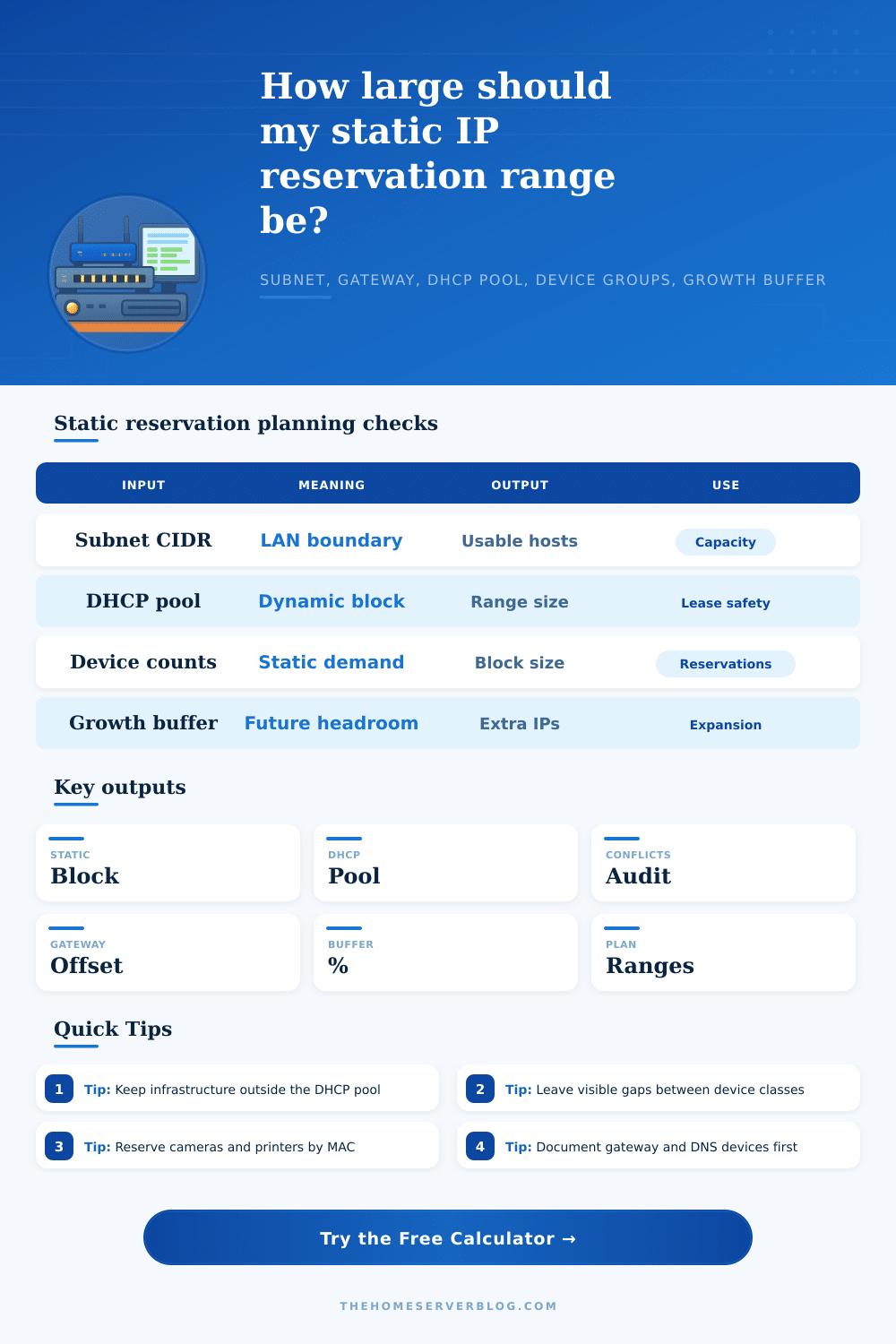
Plan static reservations around a DHCP scope, gateway offset, device classes, and growth buffer so home servers, printers, cameras, access points, and infrastructure keep predictable addresses without colliding with leases.
Planner breakdown
Grouped
Type blocksInfrastructure, servers, printers, cameras, and growth receive separate blocks so future audits are easy.
Lowest block
Low staticFills the first safe addresses after the gateway and before DHCP when that side has enough room.
Highest block
High staticFills from the top of the subnet downward, useful when DHCP starts low and servers live high.
Split edge
Two endsKeeps core infrastructure low while cameras, printers, and spare addresses move toward the high end.
| Plan item | Value | Planner meaning | Use |
|---|---|---|---|
| Subnet | 192.168.10.0/24 | 254 usable IPv4 hosts | LAN capacity |
| Gateway | 192.168.10.1 | Offset 1 | Router and default route |
| DHCP pool | 192.168.10.100 - 192.168.10.220 | 121 leases | Dynamic clients |
| Static demand | 34 IPs | 27 known + 7 buffer | Reservations outside DHCP |
| Device group | Count | First IP | Last IP | Sample labels | Notes |
|---|---|---|---|---|---|
| Run the planner to build suggested reservation blocks. | |||||
| Check | Status | Details | Fix if needed |
|---|---|---|---|
| Run the planner to audit subnet, gateway, DHCP, and reservation capacity. | |||
| Preset | Typical subnet | Static style | DHCP habit | Why it works |
|---|---|---|---|---|
| Home /24 Plan | 192.168.10.0/24 | Low grouped block | Middle to high pool | Leaves simple addresses for core devices and servers. |
| Small Office /24 | 192.168.20.0/24 | Split by device type | Large middle pool | Printers, APs, and cameras stay predictable while laptops lease normally. |
| Camera VLAN | 10.30.40.0/24 | High or grouped camera block | Small installer pool | Fixed camera reservations simplify NVR rules and firewall objects. |
| Server VLAN | 10.10.50.0/25 | Low server block | Short admin pool | Protects server addresses from lease churn and discovery noise. |
| Printer Range | 192.168.30.0/24 | Dedicated printer block | Users and mobile devices only | Print queues survive device reboots and DHCP renewals. |
| IoT Static Block | 192.168.60.0/24 | Mixed static and DHCP | Broad IoT pool | Only brittle devices get reservations; disposable clients keep DHCP. |
| Lab Rack Management | 172.16.8.0/24 | Lowest infrastructure block | Short emergency pool | Management cards and switches remain easy to scan by rack order. |
| AP Management IPs | 192.168.70.0/25 | Low AP block | Clients elsewhere | Controller, AP, and switch addresses sit near the gateway. |
| Mixed DHCP Static Split | 192.168.88.0/24 | Low core, high endpoints | Middle pool | A visible gap separates static ranges from leases. |
This planner is for IPv4 LAN and VLAN reservation planning. Always confirm DHCP exclusion ranges and MAC reservations on the actual router, firewall, or DHCP server before changing production networks.
It was a beautiful afternoon and you had just spent time setting up that new network printer. Got it online and printing out test pages with no issues. Overnight the router reboot for a firmware update. When the morning arrives, the IP address have changed. The printer is not found anywhere on the network. Nobody knows where it went. Its lease has either expired or moved. And now your static setup on the workstations point to nowhere. If you manage anything other than a single laptop this is a common occurrence.
The solution here are to reserve IPs statically. That way devices is bound to certain addresses. But manually configuring lots of device on a subnet isn’t great either. There’s a risk that someone assign the same IP twice. Or their static block might overlap with your DHCP pool.
Why You Need a Network IP Plan
The planner solves that for you when you specify your device count and subnet boundary. It calculates what part is dynamic versus fixed. Fixed. It prevent overlap. It also spares you from having to do it all yourself by hand. It maps out where dynamic lease stop and fixed infrastructure starts.
This is where things get tricky, how do you plan for space in a basic twenty-four bit subnet? How many addresses is available on a normal home/small office network? Two hundred and fifty four. It sounds like plenty right… until you consider reserving a spot for your routers, access points, switch(es), servers, printers, cameras and anything else that need an address. What happens when you don’t set aside enough for your DHCP pool? Visitors and other temporary device can’t get a lease. If you assign too many addresses to DHCP, you won’t have an organized section left for your permanent devices.
When most folks begin they’ll grab addresses from the bottom of the range. They’ll choose a number for the gateway (point one) and then randomly pick some numbers above that. That will work for a while, but when you get up to about thirty device the network is a mess. Instead, group things. Put your infrastructure (switches, routers, etc.) at the very bottom. Servers are next. Then leave a gap so you can see where you’re going before you get into the middle of the DHCP pool. Later on, you can quickly glance at your list of connected device and recognize which range is assigned to what. This also leaves breathing room in your router table.
That’s why the calculator has a place for entering your growth buffer. Networks evolve over time. Today you purchase an IP camera; tomorrow you get a smart thermostat; next month you spring for a new NAS. If you only assign precisely enough static IPs for each device (thirty in our example), then what happens when you need more? Enter a growth buffer, such as 25%, which reserves some addresses for the future today. That way you don’t run into any issues next time you reboot or add another piece of hardware. Better to waste ten unused IP address than chase down an IP conflict later.
Take block splitting by devices as an example. For firewalls, you want to give certain device a static IP address so they can be treated as exceptions (like your NVR recording rules) or simply to have a fixed address for recording (like printers). Phones and laptops don’t need permanent IP addresses, so use DHCP for them. You can look at it visually with the tool, then know that once all your critical stuff is locked down, there’s still plenty of room for your other stuff to get a lease.
The other gotcha involves the gateway offset. By default, point one is where the router resides. However, some admins tweak it to stop brute force password guessing against the first address. That’s fine but then you’ll need to alter the planner input accordingly. It checks to ensure your gateway sits safely outside both the dynamic pool and the static reservation block. Conflicts are flagged instantly so you can adjust them before making any changes.
Configuring and documenting your ranges is just as important. Keep track of what MAC address goes with what IP on a spreadsheet, this will save you countless hours of troubleshooting down the road. If something is acting funky in the network, you don’t have to guess, you’re staring at a map that you hand-drew with intent.
So the result of all this is: When a well thought out static range works, it’s invisible. When it doesn’t work, it’s obvious. And the point of having a static range is building a network that works through rebooting without any human help. Static ranges give you separation between your persistent infrastructure and temporary clients. They allow you to trust what’s underneath the machine and stop chasing ghosts in the machine. It’s worth a couple minutes of planning for that kind of reliability.