HomeServerBlog storage reliability tool
RAID URE Risk Calculator
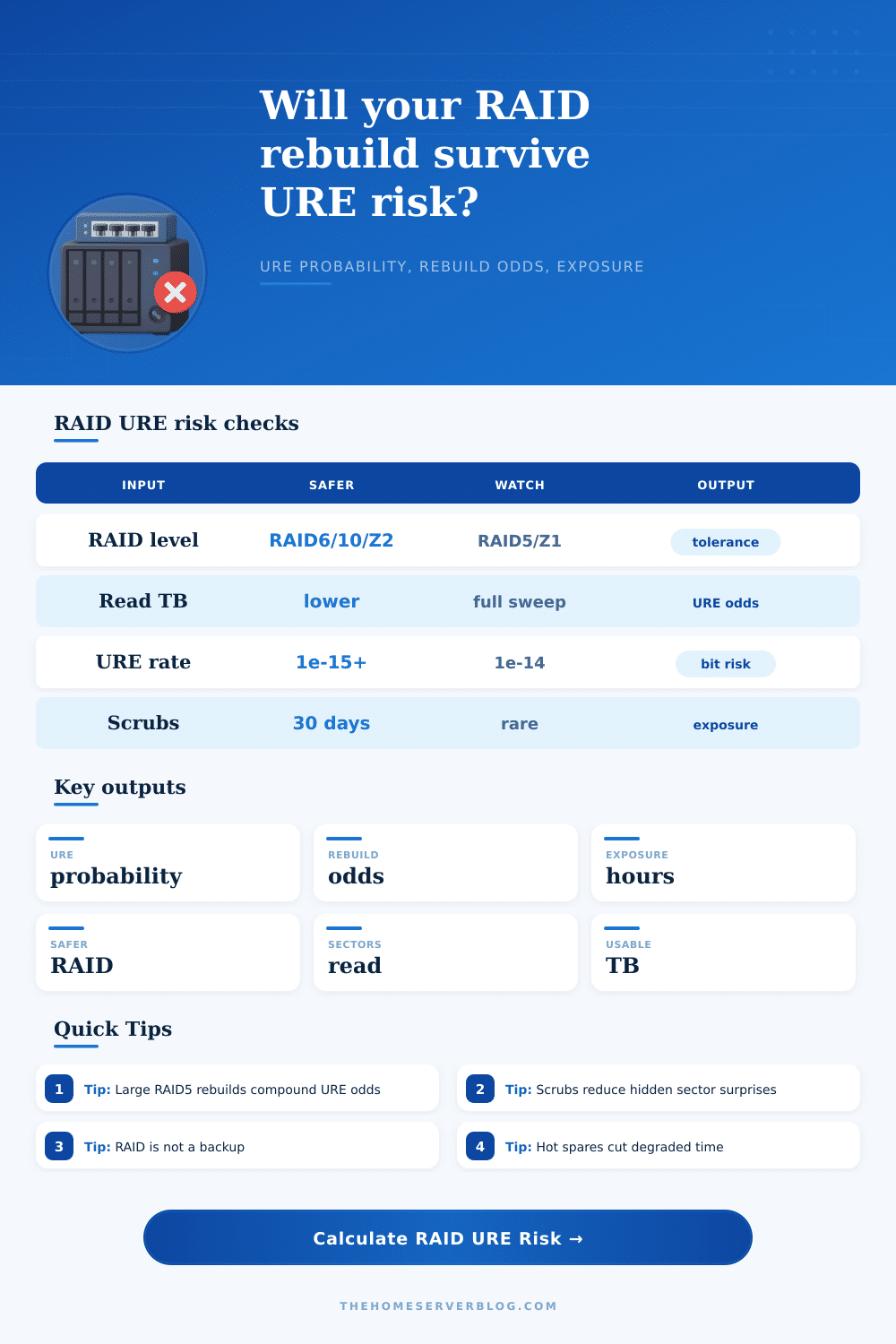
Estimate unrecoverable read error probability, URE-only rebuild success odds, degraded exposure hours, and a safer RAID direction before trusting a large disk rebuild.
Breakdown
RAID5 / RAIDZ1
HighSingle parity handles one missing disk, but a URE during rebuild can stop reconstruction on many controllers.
RAID6 / RAIDZ2
BetterDual parity can absorb one additional read fault while the failed drive is being rebuilt or resilvered.
RAID10
StrongMirror stripes rebuild only the failed member mirror, lowering read volume and shortening degraded time.
Backup First
RequiredNo RAID level replaces offline, versioned, tested backups for deletes, corruption, theft, or controller failure.
| At least one URE | Read load signal | Typical meaning | Operational response |
|---|---|---|---|
| 0% to 5% | Small mirror or enterprise media | URE is unlikely to be the rebuild limiter. | Keep normal scrub and backup checks. |
| 5% to 20% | Moderate array or consumer disks | Rebuild should be watched closely. | Scrub before risky maintenance and verify backups. |
| 20% to 50% | Large RAID5 or older disks | Single parity starts to look fragile. | Prefer RAID6, RAID10, or smaller vdevs. |
| 50%+ | Very large read sweep at 1e-14 | URE risk is likely enough to plan around. | Do not trust the rebuild as the only recovery path. |
| Preset | Drives | RAID | URE rate | Why it matters |
|---|---|---|---|---|
| RAID5 4x8TB | 4 x 8 TB | RAID5 | 1e-14 | Classic home NAS layout where one full-drive rebuild reads many bits. |
| RAID6 6x12TB | 6 x 12 TB | RAID6 | 1e-14 | Large disks, but dual parity changes the rebuild failure curve. |
| RAID10 8x4TB | 8 x 4 TB | RAID10 | 1e-14 | Lower rebuild read scope because only one mirror partner is rebuilt. |
| ZFS RAIDZ1 | 5 x 8 TB | RAIDZ1 | 1e-14 | Single parity vdev risk grows with width and drive size. |
| ZFS RAIDZ2 | 6 x 12 TB | RAIDZ2 | 1e-14 | ZFS checksums help detection, while second parity helps reconstruction. |
| Home NAS 3x16TB | 3 x 16 TB | RAID5 | 1e-14 | Big consumer disks make a three-drive single-parity rebuild uncomfortable. |
| Backup Array 5x10TB | 5 x 10 TB | RAID6 | 1e-14 | Backup pools still need rebuild resilience because restore windows are stressful. |
| SSD RAID5 Lab | 5 x 2 TB | RAID5 | 1e-16 | Higher rated media lowers URE risk, but controller and write endurance still matter. |
| Enterprise SAS Pool | 12 x 1.8 TB | RAID6 | 1e-15 | Smaller enterprise disks with better URE ratings are friendlier to rebuilds. |
| RAID level | Capacity model | URE tolerance model | Best use |
|---|---|---|---|
| RAID0 | n x drive size | No failed drive tolerance; rebuild is not possible. | Scratch data only. |
| RAID1 | 1 x drive size | Reads the surviving mirror; any URE can block perfect rebuild. | Small simple boot or service mirrors. |
| RAID5 / RAIDZ1 | (n - 1) x drive size | Single parity; zero additional UREs tolerated in this model. | Small arrays with strong backups and low read volume. |
| RAID6 / RAIDZ2 | (n - 2) x drive size | Dual parity; one additional URE is survivable in this model. | Large SATA arrays, backup targets, and wide vdevs. |
| RAID10 | floor(n / 2) x drive size | Mirror rebuild read scope is narrowed to the paired surviving member. | Virtualization, databases, and fast recovery needs. |
| RAIDZ3 | (n - 3) x drive size | Triple parity; two additional UREs are survivable in this model. | Very wide ZFS archive vdevs. |
| Finding | Check | Practical action | Priority |
|---|---|---|---|
| High URE odds | Probability above 20% | Migrate single parity to RAID6, RAIDZ2, or RAID10 before expanding disks. | High |
| Long exposure | Exposure above 168 hours | Add hot spare, improve alerting, and run scrubs before planned drive swaps. | High |
| Rare scrubs | Scrub interval above 45 days | Schedule monthly scrubs or patrol reads so latent bad sectors surface earlier. | Medium |
| Large rebuild reads | Read TB above one drive size times parity width | Split into smaller vdevs, reduce array width, or use mirror groups. | Medium |
| No hot spare | Manual replacement delay | Keep a tested cold spare on the shelf or configure a real hot spare. | Medium |
This calculator estimates URE-related rebuild risk from drive rating, read volume, and layout tolerance. It does not model every controller behavior, correlated drive failure, bad firmware, cabling faults, write holes, human error, or backup quality.
Then one day, a drive fails and you have to rebuild your RAID array. The progress bar starts crawling across the screen as it copies all that data back onto your array. Hours…days later, you realize you’re up against math of unrecoverable read errors and physics of magnetic storage. That’s where theory storage protection collides with cold hard reality of statistics.
You aren’t just watching a progress bar. You’re preventing another disk from failing in what may be a critical period of time. URE is an acronym for Unrecoverable Read Error. This is a manufacturer rating, it indicates the rate at which a given drive can be expected to fail to return the information asked for based off its platters. Most consumer drives has a rate of one error per ten trillion bits read.
Why RAID Can Fail and How to Stay Safe
That seems like a very low number… but then you recall you’re doing billions of individual reads when rebuilding a moddern array, since you need to read tens of terabytes off the working drives to reconstruct the failed ones. The calculator on this page do the math for you: it multiplies your rebuild time, size, and number of drives by your drives’ error rates, converting some abstract spec from the drive maker into a concrete percentage chance of failure.
RAID is all about availability; that’s why most folks thinks of RAID as a backup which is a very bad idea. You can swap out drives, and the RAID keeps things running. However, it won’t save you from corruption, ransomware, or accidental deletion. Even if you lose a drive and get hit with a URE, you’ve got no array left. You’re relying on your backups for protection against total data loss, and that’s what makes knowing how exposed you are so important.
Each hour your array is operating in degraded mode is one more hour when another failure equals catastrophe. It explains why large single-parity arrays becomes risky when using the inputs in the tool. Sure, an array with four disks configured as RAID5 and each disk being eight terabytes is neat and tidy on paper; you lose just one disk for parity, but then if that disk fails, it has to rebuild from the other three which have to read everything. Twenty-four terabytes of I/O stress. At one in ten to the fourteenth bits, the chances of reading over a bad spot during that read-in goes up considerabley.
The page’s reference table breaks it down nicely, see how swapping to a mirrored layout or dual parity changes the tolerance curve. RAID10, RAID6: RAID6 gives you better odds by adding another layer of redundency; RAID10 improves your odds because rebuilding only its mirror partner cuts the read load in half.
When one drive fails, RAID10 only rebuilds its mirror partner, which cuts amount of data that must move in half compared to parity construction. And since the array also has two parity stripes, RAID6 adds a second parity stripe that can survives one more failure (on top of rebuilding) during the rebuild process. It doesn’t buy you free capacity, but it does buy you resilience.
There’s always a trade off between peace of mind and usable space. But if your drives are big enough, the cost of storage is much less than the cost of losing all your data… So why not store a spare terabyte of parity info?
Also, most home users don’t bother with regularly scheduling background checks. These help because Scrubs force the drive to read each sector and correct any small errors before they becomes catastrophic. It’s like a health check… no surprise. Waiting until a drive dies to find out you have bad sectors is too late; you’ve just missed the benefit of doing proactive maintenance on your drives. The tool uses scrub frequency in its exposure estimates. Latent errors found when rebuilding are real killers for arrays.
The math is simple: More data equals more bits to read when recovering. Faster interfaces don’t change number of errors per bit. While you can’t cheat physics, the variables you can control are maintenance habits, drive quality, and redundancy level. Use your calculator to determine if your odds of failure are too high. Don’t learn this lesson the hard way.
You should of moved your layout before failure happens. Go to dual parity or mirroring instead of single parity. You built storage to last years. It only needs to fail once to break your weekend. Be sure to check your risk before you go to bed.