HomeServerBlog storage planning tool
Capacity Growth Runway Calculator
Estimate when a NAS, ZFS pool, media server, backup target, or virtualization datastore will hit its reserve threshold after growth, snapshots, compression, RAID layout, and planned expansion are applied.
Capacity breakdown
Growth model
| Protection layout | Usable estimate | Expansion note | Best fit |
|---|---|---|---|
| Single disk or JBOD | N disks | No parity loss | Scratch, replaceable data |
| Mirror or RAID 1 | 50% | Add pairs | Small NAS, VM storage |
| RAIDZ1 or RAID 5 | N-1 disks | Add full vdev | Media with backups |
| RAIDZ2 or RAID 6 | N-2 disks | Add full vdev | Large home NAS |
| RAIDZ3 triple parity | N-3 disks | Wide vdevs | Big cold archive |
| Stripe of mirrors | 50% | Add mirror pair | IOPS-heavy VM pool |
| Workload | Typical growth | Compression | Churn risk |
|---|---|---|---|
| Media library | 0.5-4 TiB/mo | Low | Low snapshots |
| VM datastore | 0.2-2 TiB/mo | Medium | High snapshots |
| Photo vault | 0.1-1 TiB/mo | Low | Moderate edits |
| Backup target | 0.5-5 TiB/mo | High varies | Retention-heavy |
| NVR archive | 1-12 TiB/mo | Very low | Retention fixed |
| Logs and text | 0.1-3 TiB/mo | High | Index overhead |
| Runway band | Planning signal | Common action | Risk |
|---|---|---|---|
| 24+ months | Healthy | Track trend quarterly | Forecast drift |
| 12-24 months | Plan | Pick expansion layout | Drive lead time |
| 6-12 months | Order soon | Free bays or add shelf | Rushed migration |
| 0-6 months | Urgent | Reduce retention now | Performance drop |
| Already past | Critical | Delete, move, expand | Write failures |
| Expansion choice | Capacity effect | Operational effect | When to use |
|---|---|---|---|
| Add matching vdev | Large step | Balanced layout | ZFS pools with bays |
| Replace all drives | After resilver | Long rebuild window | Small NAS full bays |
| Add mirror pair | Medium step | Easy growth | VM or SSD pool |
| Prune retention | Immediate | Less history | Backups and NVR |
| Move cold data | Immediate | Tiered restore | Archive-heavy NAS |
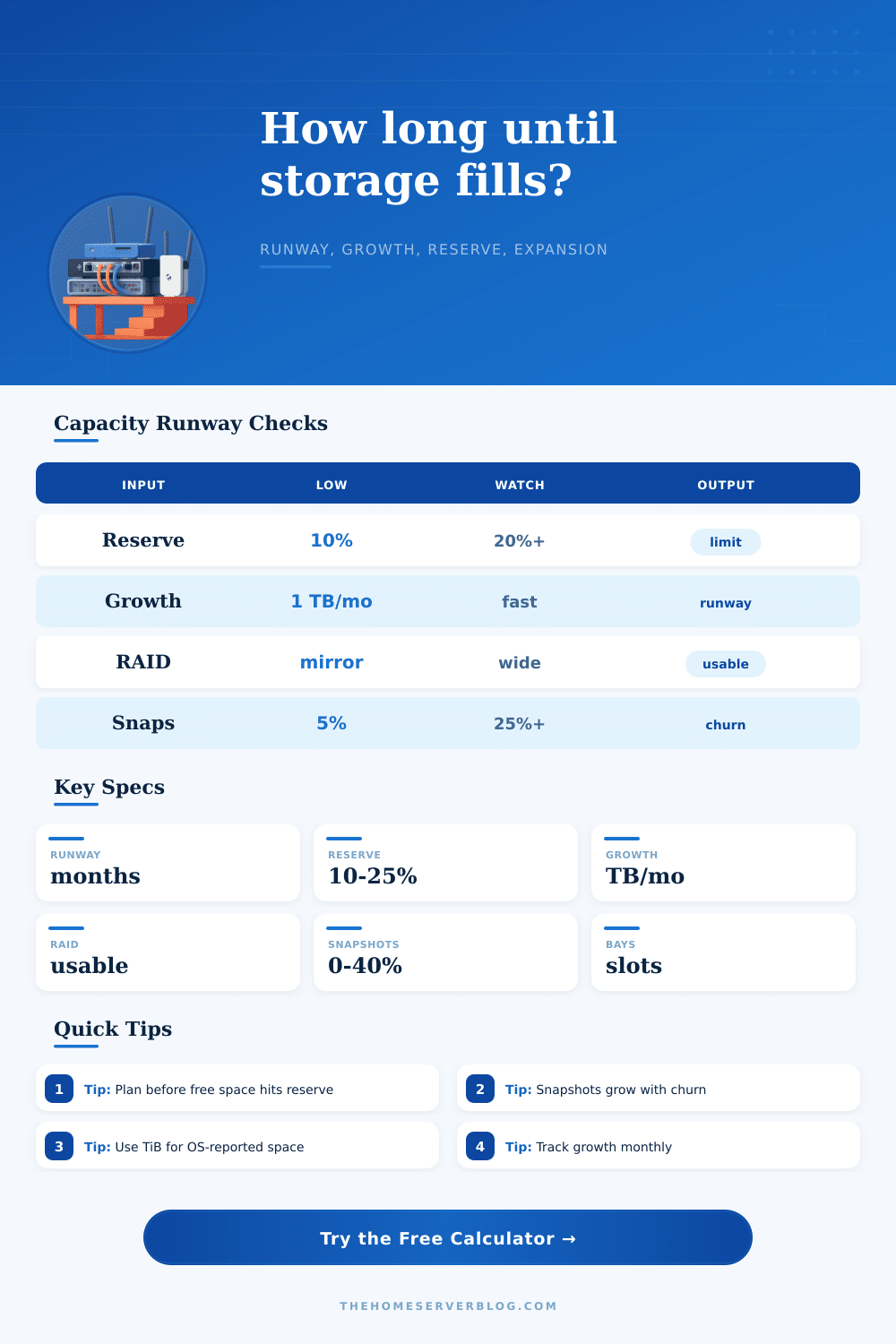
Capacity runway is a forecasting model. Recheck it after big imports, camera bitrate changes, retention changes, new VM snapshots, dedupe setting changes, or any drive layout migration.
That’s why you purchased your NAS, right? You were looking for a solution to store things permanently. Photos, movies, backups, you figured they’d fit into this solid box. Sure, maybe the storage in that box isn’t so strong (but the box itself should of last), right?
The problem: data expands more quickley than you think. And running out of space are never convenient. This usually happens when you’re watching a movie. It happens when you try to run a backup job, only to discover there is no place left to save new files.
Why You Need to Plan Your NAS Storage
How much data do I have? That’s often not what the question is; it’s the rate at which that space becomes unusable that concern us. Maybe you’ve got lots of room; you can see huge numbers like “usable capacity” and breathe easy. But ease isn’t something that happens right away: it has a time dimension. How long does your current usage pattern last until it eats up your buffer and make the system unsafe again?
Knowing when you’ll eat up your runway is planning for runway. You know when you won’t have enough disk tomorrow, next month, or next year. Your storage systems aren’t empty bucket getting filled by a constant drip of data. They’re complex ecosystems with their own dynamics: snapshots, compression, and more. For example, the filesystem may save space by compressing new files (if you run ZFS or Btrfs). However, it will hold multiple versions of your files around for weeks or months in case you accidentalley delete something and need to restore. Those snapshots consumes physical blocks on disk. And they won’t go away until your retention policy eliminate them.
To determine your actual growth rate, the calculator factors in your snapshot churn plus compression savings on top of your monthly ingest. One terabyte of new data don’t mean one terabyte of disk usage. Secondly, you’ll have to determine what level of “free space” you want to maintain. At 99% capacity, your disk will fragment, perform slowly, etc. To avoid that, most people maintains a buffer of around fifteen or twenty percent (so there’s enough room for the filesystem to breathe). Think of that as your runway floor. When you reach it, then you’re technically out of space.
This is where the tool shows you: how long do I have until I run out of space (in months)? Until then you’ve got your safety net. It makes you aware of the moment that plenty turns into panic.
Adding capacity doesn’t always scale smoothly. Depending on the layout (RAID 5? Is it RAIDZ2? RAID 6?), expanding storage can require purchasing several matching drive and rebuilding a virtual device from scratch. It is not a nice gradual increase, but more like a step up. The table of references details how different protection schemes sacrifice space for security. Even though you might have four blank bays in your server’s chassis, that’s not necessarily a direct translation into additional gigabytes if you need three or even four disks for triple parity. Resilvering data onto fresh drives take both time and money, which further muddies the math.
What kind of data is it? Before adding another server, consider whether your data will grow slow but steadily (e.g., a photo vault) or rapidly but briefly (e.g., virtual machines used for testing or updates). You can’t simply erase last month’s video if your retention policy requires you to keep it, yet video doesn’t compress very well. By contrast, snapshots accumulate on VMs and lead to rapid, temporary spikes in usage; without cleaning things up, this appear as permanent growth. Security cameras also grow relentlessly, and predictably.
We want to get off the scramble-reactive treadmill and onto the plan-ahead proactive one. When the tool informs you that you have six months of runway, go ahead and order some drives. Book out the migration for a weekend and perform some tests. Do it all on your terms, with no urgency. And if the tool reports back that you’ve got 60 months of runway, sweet dreams: your current architecture has legs.
That’s what capacity planning is about, beyond simple math… Managing risk under the guise of a spreadsheet. It’s learning how fast your data grows so you transform that flashing light from a warning siren to a dashboard indicator. No longer will you guess at when the well goes dry, but instead fill it up on your own timetable.