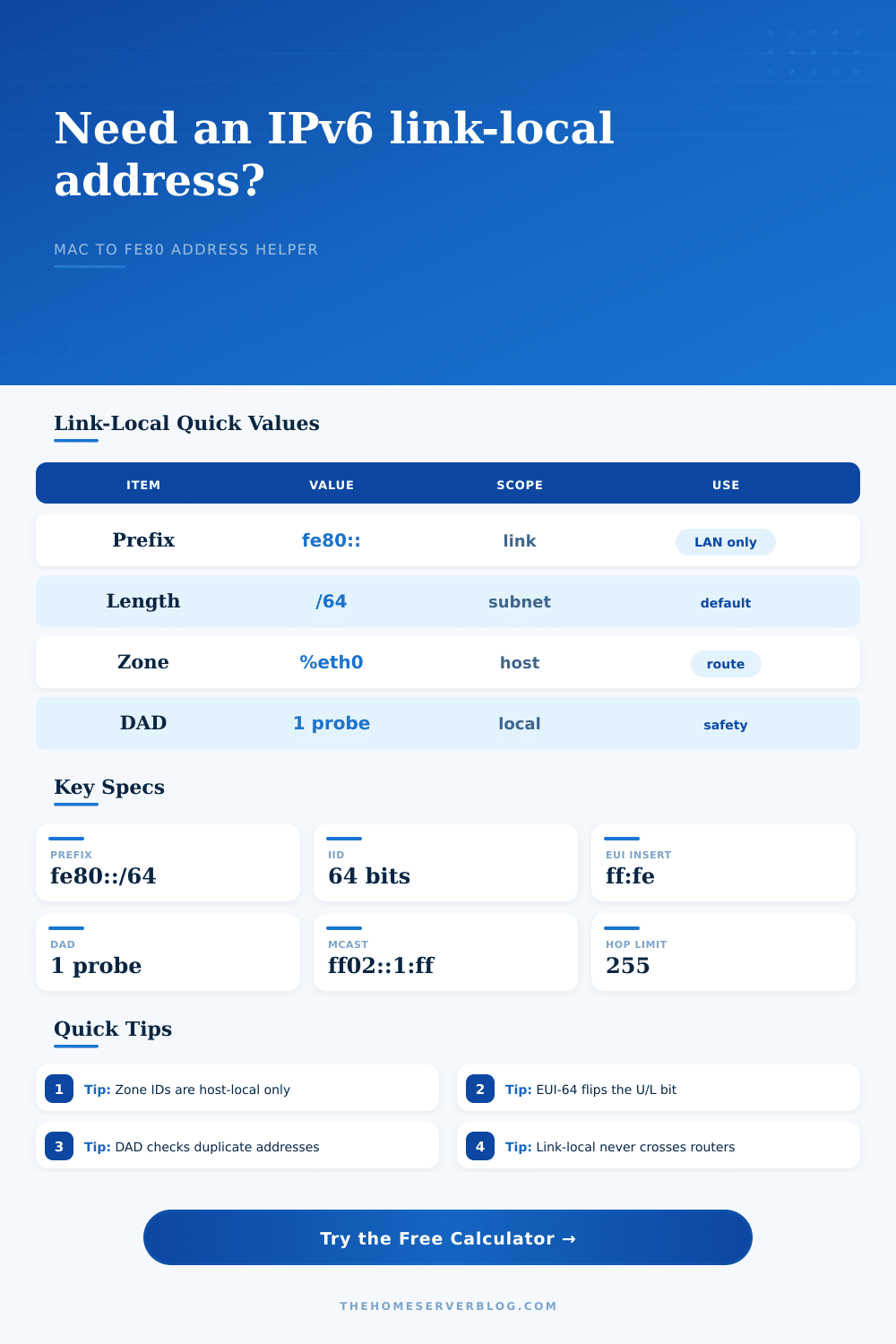
IPv6 Link-Local Address Calculator
Convert a network interface MAC address into a link-local IPv6 address, interface ID, zone form, and neighbor discovery values for home lab troubleshooting.
The calculator uses the IPv6 link-local prefix plus a 64-bit interface identifier. Modified EUI-64 inserts ff:fe into the MAC and flips the universal/local bit.
Calculation breakdown
| Step | Modified EUI-64 action | Example |
|---|---|---|
| Normalize | Strip separators from MAC | 3c5282112233 |
| Split | Make first 3 and last 3 bytes | 3c:52:82 + 11:22:33 |
| Insert | Add ff:fe between halves | 3c:52:82:ff:fe:11:22:33 |
| Flip | XOR first byte with 0x02 | 3e:52:82:ff:fe:11:22:33 |
| Platform | Zone example | Ping form |
|---|---|---|
| Linux | %eth0 | ping -6 fe80::1%eth0 |
| Windows | %12 | ping -6 fe80::1%12 |
| macOS | %en0 | ping6 fe80::1%en0 |
| URI | %25eth0 | http://[fe80::1%25eth0]/ |
| IPv6 value | Meaning | Practical limit |
|---|---|---|
| fe80::/10 | Reserved link-local block | Not routed |
| fe80::/64 | Usual on-link prefix | One link |
| ff02::1 | All nodes multicast | Same link |
| ff02::1:ff00:0/104 | Solicited-node range | Last 24 bits |
| Project | Typical link | Check target |
|---|---|---|
| Proxmox cluster | vmbr0 bridge | Host neighbor cache |
| NAS direct attach | 10G point-to-point | Storage NIC reachability |
| Firewall LAN | Router interface | RA next-hop address |
| Access point | Managed switch port | Controller discovery path |
If you’ve ever tried to ping an address on your local network, only to have it time out because of the quirks of link-local addressing, then you were probably dealing with a common IPv6 headache. Link-local is still one of the most confusing aspects of IPv6 in today’s networking environments and yet these addresses are all over the place. While they can’t be used to reach the internet (since they don’t route past the nearest link), what they’re for is talking to that device directly next to you. Half the headache of troubleshooting your own home lab come from this, but understanding how it works goes a long way toward avoiding those issues.
The root problem is that link-local addresses are unique within a network… but only within a particular segment of cable. Each interface on your network will generate one using a process called EUI-64, which is typicaly based off its hardware MAC address. If you want to know what happens the calculator here will flip bits and insert bytes for you. Just feed it a hardware address and it spit out the matching fe80 address.
Understanding Link-Local Addresses in IPv6
Why does this matter? Many admins wrongly believe if something’s IPv6, then it must be globally unique. Nope. Link-local addresses is not global. They are exactly the same on a router in Tokyo as they are on a server in London, until they’re on the same wire. This is what the zone identifier does, and here’s why people screw this up more than anything.
If you type in an interface name such as enp3s0 or eth0 into the tool, you’re saying “use this physical/virtual port on my machine.” Without that zone ID, host doesn’t know where to route the packet, particularly if there are multiple network cards enabled on the host. If you manage both Windows workstation and Linux servers in your environment, for instance, you’ll find that the zones can be formatted a bit differently across operating systems. The calculator allows you to test out the formatting of this zone, so you understand the difference. For example, you’ll see a slight difference in syntax across platforms but the general concept is the same: tell it the scope and keep things from getting ambiguous.
As a useful bonus, the tool has duplicate address detection too (and this is a parameter you can adjust). So if it sees another machine coming up on its interface, it will send out some probes to make sure nobody else grabbed that link-local address. In a quiet home lab, normally just one is enough. If you’re in a noisy environment (lots of virtual machines or wireless clients) you may wish to bump this up to reduce collisions. The calculator shows you roughly how much your host should of keep in its neighbor table based on these other parameters. This helps you see how they work together, which matter when troubleshooting reachability issues or flapping ports on switches.
A common oversight is that neighbor discovery is built on top of link-local addresses. This includes your communication with your router. It also includes how the router handles things like router advertisements and duplicate address detection. If you’re configuring a managed switch or even a firewall, you’ll end up dealing with these addresses far more frequent than you expect. This part is initially confusing as there are some multicast addresses involved, but the tool provides some reference tables describing what those are. While you don’t have to memorize them, understanding the concept behind solicited-node multicast explains why your host transmits traffic to certain groups instead of simply broadcasting it everywhere.
I can’t stress enough how learning link-local addresses isn’t really about memorization or prefixes. Rather its about scope: this is a conversation that stays in the room. Once you understand that, the rest of IPv6 becomes much easier to navigate. While the tool will let you see if what you’ve got works for your particular configuration, it’s the “why” behind those addresses that makes it truly valuabl. It takes a mysterious black box and makes it something you can manage and expect on your network stack.