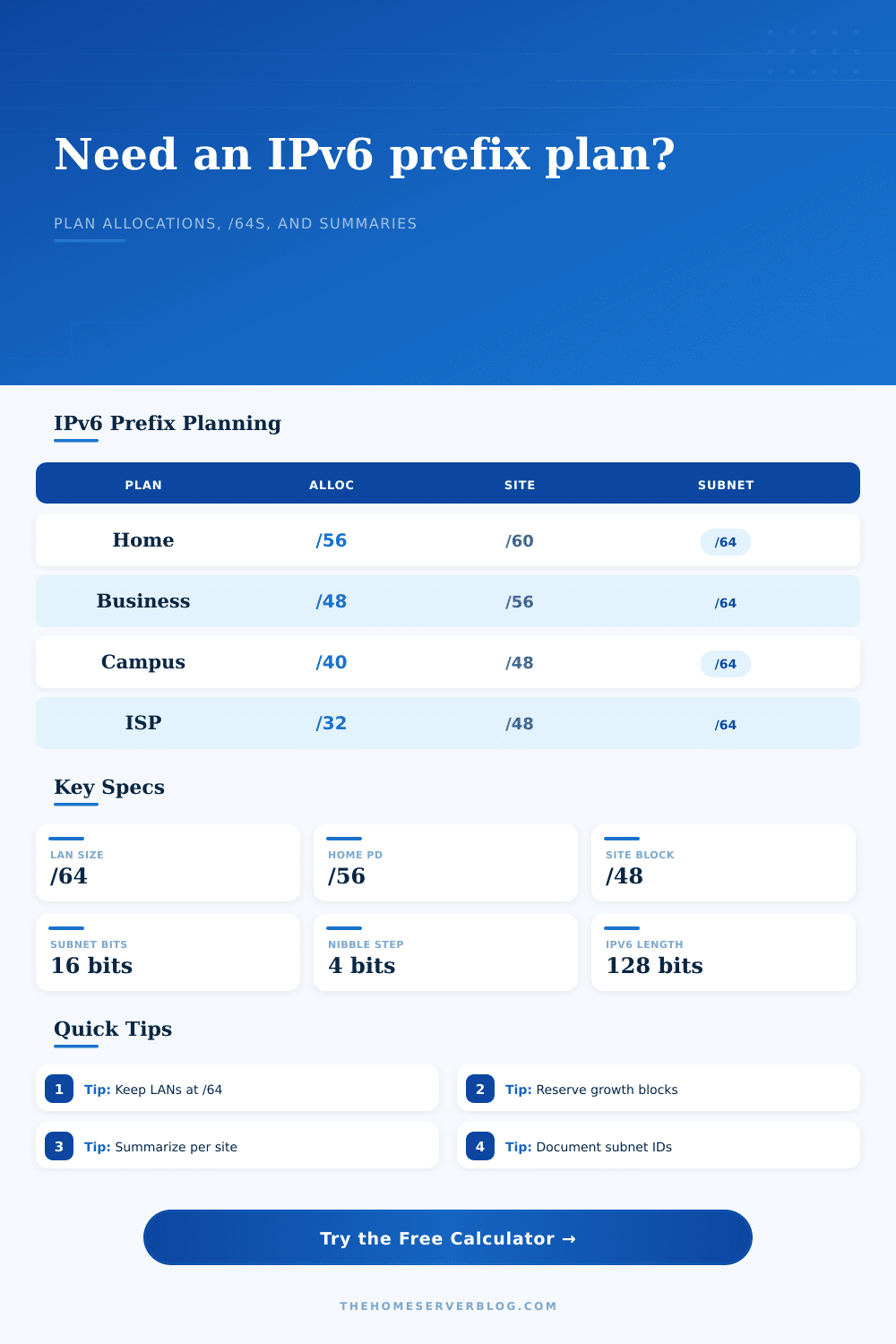
IPv6 Global Routing Prefix Calculator
Size an IPv6 global routing prefix plan from an upstream allocation to site summaries, /64 LANs, spare subnet capacity, and equipment fit.
| Allocation | Typical Use | /64 LANs Inside | Planning Note |
|---|---|---|---|
| /60 | Small residential delegation | 16 | Tight but workable for a few VLANs. |
| /56 | Common residential or small office PD | 256 | Enough for many home lab VLANs. |
| /48 | Site, business, campus, or lab block | 65,536 | Classic site-sized IPv6 planning unit. |
| /32 | Large provider aggregate | 4,294,967,296 | Used for many downstream /48s. |
| Site Prefix | /64s Per Site | Subnet ID Bits | Best Fit |
|---|---|---|---|
| /60 | 16 | 4 | Compact home or lab split. |
| /56 | 256 | 8 | Home lab, small office, branch. |
| /52 | 4,096 | 12 | Large lab, tenant, or campus zone. |
| /48 | 65,536 | 16 | Full site with clear growth room. |
| Reference | Value | Why It Matters | Practical Limit |
|---|---|---|---|
| IPv6 address length | 128 bits | Prefix length plus interface ID equals full address. | Plan prefixes, not host counts. |
| Standard LAN size | /64 | SLAAC and neighbor discovery expect a 64-bit interface ID. | Avoid smaller LANs unless design requires it. |
| Hex nibble boundary | 4 bits | /48, /52, /56, /60, and /64 are easy to document. | Non-nibble plans are harder to read. |
| Route summarization | Shortest common prefix | One site summary can cover many VLAN /64s. | Keep site blocks contiguous. |
| Project | Starting Prefix | Suggested Site Split | Typical Active /64s |
|---|---|---|---|
| Apartment lab | /60 | Single /60 | 4-12 |
| Home server stack | /56 | One /60 per zone | 8-32 |
| Small business | /48 | One /56 per site | 20-80 |
| Provider lab | /32 | One /48 per customer | Varies by tenant |
When you connect, your ISP gives you some IPv6 address space (typically either a /56 if it’s your house or a /48 if it’s your company). So you look around and you’ve got this big, huge, infinite-looking block of addresses to play with. It’s so easy to waste them! It’s also so easy to exhaust the structure before exhausting the address space.
That’s what happens when networks fail nowadays; and this tool turns that shapeless blob of hexadecimal numbers into a clear picture of subnets, sites, and reserves. When you make a plan, you can use the tool above to see if it’ll still work tomorrow.
How to Plan Your IPv6 Network
The next thing to decide is what kind of cuts to make on that top piece: the global routing prefix. This portion comes from your ISP, and it represent the cap on everything below it. Most people leave this alone, which is wise, but understanding its length matters. But knowing how long it is still matter.
If you have a /48, that leaves you with a sixteen-bit block to split up into your various sites. With a /56, you’ve got only twelve bits. In base ten, that doesn’t sound like much. But in base two, it’s substantial. It means the difference between just a few dozen potential subnets and thousands of them.
That calculator does the math for you. It tells you precisely how many sites will fit within your allocation, and then how many /64 LANs will exist within each site. You don’t have to know the powers of two by heart. But you should be aware of the limitations.
In practice most designers is using /64 for the LAN segments proper. Why? Well there’s a technical answer. It’s because neighbor discovery relies on that size. SLAAC does as well. And then there’s a practical reason. Shrink the subnet down to conserve address space and you break standard tools. Don’t do that. Reserve the final sixteen bits for your interface ID. Leave the upper bits to deal with routing hierarchy. That will keep things simple. It’ll prevent any headaches caused by using non-standard prefix lengths.
Now define your sites. Your sites could be a physical location (a building). Your site could be a tenant. Or it could simply be a zone within your home lab. In the planner, you can specify a prefix length for those sites. You might use something like a /56. Go for it! Then each of the sites receives their portion of that address space.
That’s where the reserve comes into play. Ten subnets? Fine. But you know you’re going to add a few more: one for guests, another for management, perhaps another for storage. Enter the reserve input. Set aside what you will need in the future. Don’t redraw the map as you expand.
IPv6 design also needs to consider route summarization. You can’t just slap random /64s on everything. Your router must keep track of each and every one. When you do it in contiguous blocks, the router only sees a single summary route covering all the sites. That shrinks its forwarding table. Troubleshooting becomes simpler.
As we’ll see in the equipment comparison section, different classes of equipment has differing abilities to cope with large numbers of routes. A hundred routes may be problematic for a home router. Layer three switches gobble them up no problem. Understanding your gear’s limitations will help you decide whether to spread things out or summarize aggressively.
This falls out nicely on Hex boundaries. You see, IPv6 uses hexadecimal for its address format. Each character represents 4 bits. And a nice thing about prefixes is they line up on those nibble boundaries. A /48, /52, /56, /60 line up neatly. A /47 doesn’t quite break at a hex boundary. That’s ugly. It encourages typing errors. Just use the even steps. The docs will be clearer for it. Your mental model will be simpler for it.
IPv6 isn’t about address hoarding. It’s about addressing organization. There are a lot of addresses. But there is only so much space in the structure. Plan accordingly. Make your networks manageable now, but expandable later. Break down the allocation by site; subnet after that. Allow for future growth. And yes, use the calculator to visualize the plan. Do this before it goes into the config file.
Begin with the large block. Chisel away the sites. Safeguard the /64s. Reserve some additional space for that ever-necessary growth. It’s not a difficult practice. It is just a little thing. And it rewards you when you’re called up at 2 AM to add that twelfth VLAN.