TCP Checksum Calculator
Compute the expected TCP checksum, verify a captured packet, and see the pseudo-header math used by IPv4 and IPv6 stacks.
Checksum results
| Checksum item | Bytes or bits | Included in sum | Practical note |
|---|---|---|---|
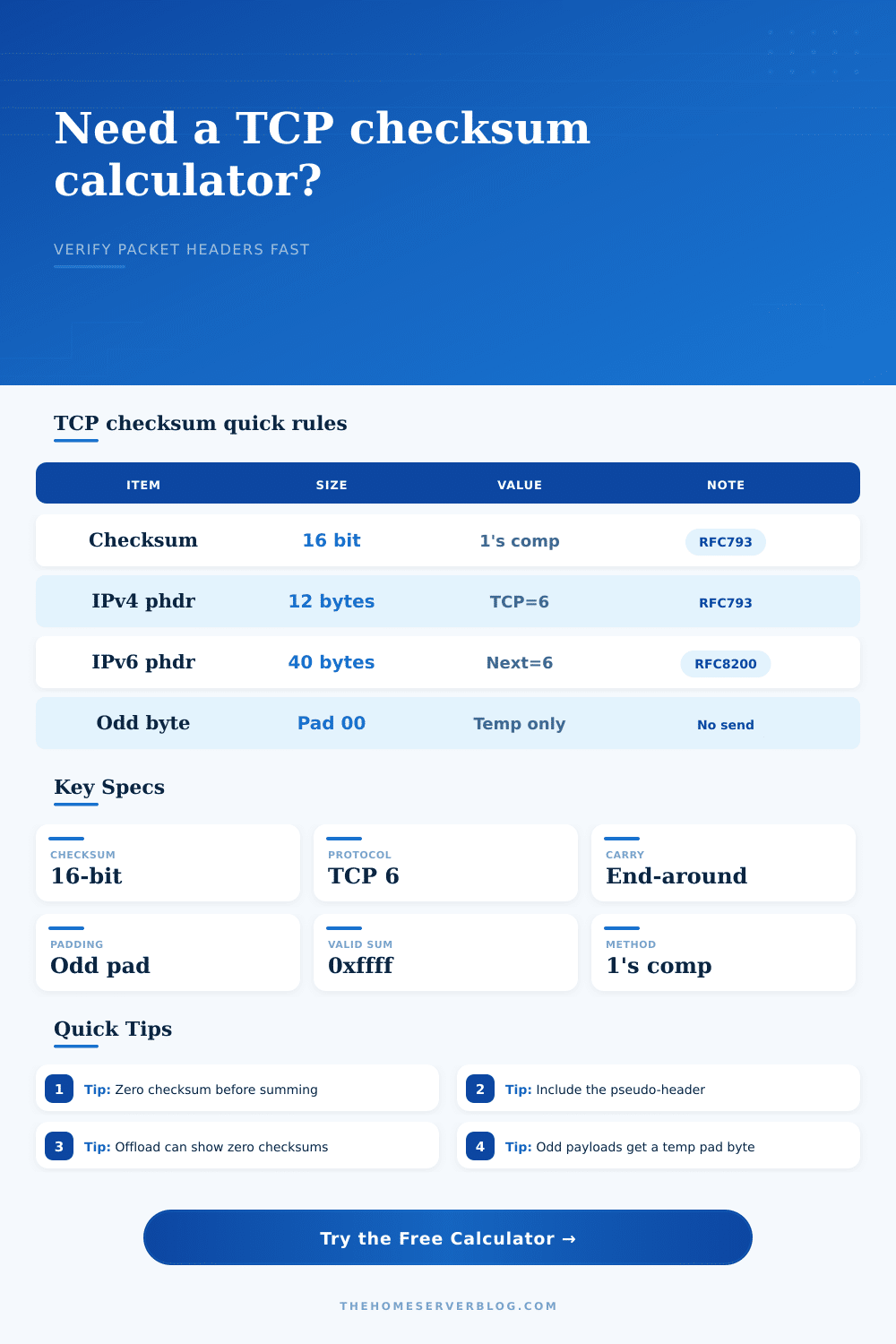
| TCP checksum field | 16 bits | Zeroed for calculation | Bytes 16 and 17 of the TCP header are set to 00 00 before generating the expected value. |
| TCP header | 20 to 60 bytes | Always | Data offset tells receivers how many 32-bit words belong to the TCP header. |
| TCP payload | 0 or more bytes | Always | Odd payload totals are padded with a temporary 00 byte only for checksum math. |
| End-around carry | 16-bit fold | After additions | Carry bits are wrapped back into the low 16 bits until no carry remains. |
| Pseudo-header type | Source and destination | Length field | Protocol marker |
|---|---|---|---|
| IPv4 TCP | 4 bytes source plus 4 bytes destination | 16-bit TCP length | One zero byte followed by protocol number 6. |
| IPv6 TCP | 16 bytes source plus 16 bytes destination | 32-bit TCP length | Three zero bytes followed by Next Header value 6. |
| After NAT rewrite | Use translated addresses | Same TCP length | Any source or destination address change alters the checksum input. |
| Fragmented traffic | Use reassembled packet | Full TCP segment | Checksum validation is performed on the complete TCP segment, not a lone fragment. |
| Packet preset | Typical port pair | Payload pattern | Why it matters |
|---|---|---|---|
| IPv4 SYN handshake | 49153 to 443 | No payload | Clean baseline for header-only checksum testing. |
| HTTP GET segment | 52000 to 80 | ASCII request bytes | Shows how readable payload bytes change the final checksum. |
| IPv6 SYN flow | 41000 to 443 | No payload | Demonstrates the longer IPv6 pseudo-header format. |
| Odd-length payload | 62000 to 8080 | Five bytes | Highlights temporary zero padding for the final 16-bit word. |
| Capture source | Best use | Common checksum view | Review approach |
|---|---|---|---|
| Switch mirror port | Wire validation | Final transmitted checksum | Use when proving the packet placed on the LAN was valid. |
| Sending host | Application troubleshooting | May show zero or partial checksum | Check whether transmit checksum offload is enabled. |
| Firewall trace | NAT and policy review | Pre-NAT or post-NAT value | Match addresses to the trace side before calculating. |
| Virtual switch | Home lab replay | Depends on hypervisor path | Disable offload in the test VM when comparing captures. |
We spend years learning how to build systems, but some of the most infuriating bugs lurk in invisible arithmetic of the network layer. You might have a packet capture that won’t parse or a firewall dropping traffic without explanation. In a lab environment, packets might go poof somewhere between guest OS and virtual switch.
It’s rarely anything about the application data itself. More often than not, it’s the checksum. TCP checksums is small, sixteen-bit numbers that do the lion’s share of the work in verifying integrity, but they’re deceptively simple to break unless you understand how they’re built. The calculator above will run the math for you, but knowing why helps save you from chasing ghosts in the wire.
How TCP Checksums Work
And this brings us back to the fake header. That’s where everyone screws up on this whole thing. Even with just the TCP header, there isn’t enough information present to be certain the packet ended up at its intended destination. A router can drop IP header but pass through the TCP segment. You’ll have the data, but it will go to wrong location.
To solve this problem, the protocol places the following values into a temporary header, which never gets sent: source IP, destination IP, protocol number, and TCP length. These is used to create a bundle placed before the real TCP data. This bundle is never sent. It only exists as part of the checksum calculation. It ties the transport layer to the network layer, otherwise, the checksum wouldn’t mean anything.
The thing takes that hex data you entered and unwraps the IP part of packet. Then it reconstructs it invisibly. With an IPv4, it pulls down twelve bytes that make up the protocol ID and addresses. With an IPv6, it gets the entire sixteen bytes of address space. Next it adds your TCP header and whatever payload you gave it.
Because your payload may have an odd number of bytes, there’s a temporary zero byte required to pad out the last sixteen-bit word. This is temporary padding. It won’t get sent over the wire; it’s simply a result of the math.
Next, the calculator zeros out the checksum field in the TCP header. This is standard procedure. There’s no way to use the existing checksum to check itself. Clear it out first, add everything else together, then see if it matches what was actualy on the packet.
But here’s where it gets odd. It isn’t just straight binary addition. It’s one’s complement addition. Beyond 16 bits, the adder wraps around to the start and brings a carry along. But there’s an end-around carry that makes sure final answer stays within two bytes. It’s a neat hack from back before we had powerful processors on our network equipment, but it lets receivers check their packets for errors. Just sum up the whole thing, including the checksum. If the answer comes out right, then it must be correct because the math works out. The total should of be all ones. Any one-bit error in transmission won’t sum cleanly.
And you get to watch it happen, step by step. That’s what the calculator does.
Then there’s the added wrinkle of real-world captures. In most moddern networks, checksums gets calculated by hardware on the network card. It never even gets sent up into the software stack. That’s why if you look at captured traffic on host that transmitted it, you’ll see either a placeholder value or a zero checksum. It is not wrong. It is just a feature. You can choose the capture profile in the calculator and have it reflect this.
So when you’re looking at a switch SPAN port, you know you’re seeing the real thing. When you’re looking at a NIC with offloading enabled on host, you know you’re seeing what was there before calculating happened. Mixing them up causes false positives.
Add NAT devices into the mix. The pseudo-header gets rewritten by the firewall. The checksum needs to be calculated again. What happens if the NAT box doesn’t properly update the TCP checksum? The packet dies on arrival. That’s a common way things fail in virtualized environment. You can use the tool to swap in translated addresses and it will show you new expected checksum. It highlights just how fragile this system is.
Changing one bit in source IP breaks the whole thing. Suddenly, what was once a black box becomes a see-through pane of glass. What once made you guess. “Why am I getting these dropped packets?”, now lets you see: The mismatch.
The checksum isn’t merely a number; it’s a promise between sender and receiver. Verify it, and you’re validating more than just the data itself. You’re validating the route, too, and destination. You’re confirming that the data, the path, and the destination all align. And the destination got exactly what it asked for.
That’s what the calculator does for you, up top. But understanding that it works like that makes the whole thing click in your mind. This subtle, hidden math is the key to a connection staying solid. It doesn’t simply catch mistakes; it proves the packet realy goes where it claims to go.