Cache TTL Optimization Calculator
Estimate the TTL that balances cache hit ratio, stale-content risk, revalidation work, and origin miss load for reverse proxies, CDN edges, DNS-like caches, APIs, docs, and home lab services.
Shorter TTL
Freshness improves, but expired objects touch origin more often. This is best when data changes often and origin latency is predictable.
0% hitCurrent TTL
The entered setting shows the current balance between cache warmth, object churn, purge activity, and stale tolerance.
0% hitLonger TTL
Origin load drops, but changed objects can stay visible longer unless purge rules remove the stale keys quickly.
0% hit| Cache pattern | Typical TTL | Best fit | Freshness caution |
|---|---|---|---|
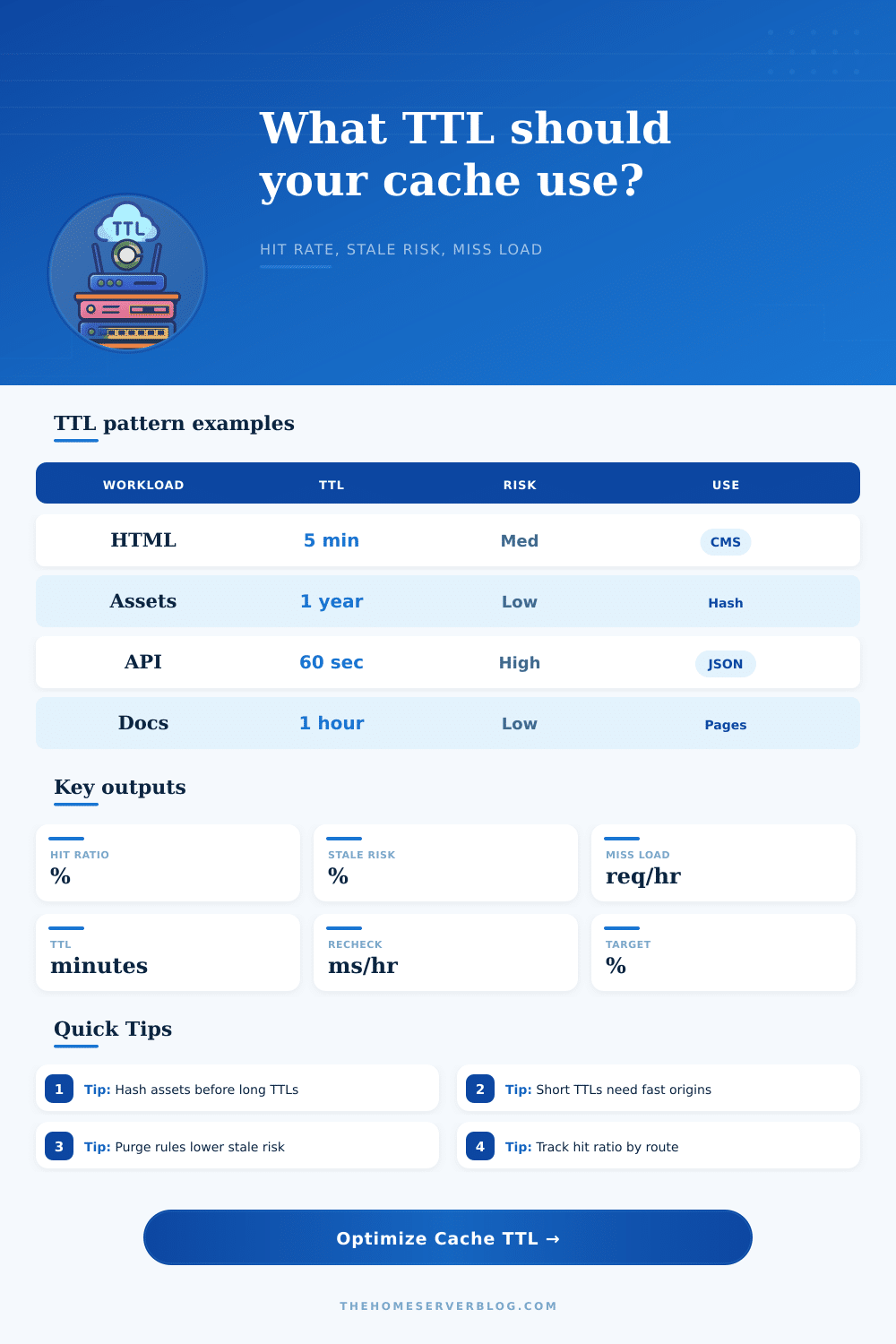
| HTML page cache | 1 to 10 minutes | WordPress, docs shells, marketing pages | Keep purge hooks for edits, comments, and login-dependent fragments. |
| Immutable static assets | 30 days to 1 year | Hashed CSS, JS, fonts, image builds | Never use long TTLs on unversioned filenames. |
| Public API response | 15 seconds to 5 minutes | Prices, metrics, status summaries, search hints | Vary headers and user scope can split the cache key space. |
| Catalog or inventory pages | 5 to 30 minutes | Product lists, package indexes, artifact indexes | Pair TTL with tag purges for changed records. |
| DNS-like edge cache | 30 seconds to 1 hour | Name lookups, service discovery, routing metadata | Lower TTL before migrations and failovers. |
| Signal | Low value means | High value means | TTL response |
|---|---|---|---|
| Object change rate | Content is stable | Freshness risk rises quickly | Shorten TTL or increase purge accuracy. |
| Requests per object | Cold-key workload | Objects stay warm after first miss | Longer TTL gives better return on busy keys. |
| Revalidation cost | Cheap 304 checks | Origin still spends noticeable time | Use stale-while-revalidate or raise TTL carefully. |
| Purge frequency | TTL controls freshness | Purges shorten effective residence | Watch hit ratio after deploys and bulk updates. |
| Workload | Preset TTL | Why it works | Primary failure mode |
|---|---|---|---|
| Dashboard JSON | 30 seconds | Small freshness window for changing counters | Too many clients can still hammer origin. |
| API Prices | 60 seconds | Short cache smooths bursts without hiding changes long | Stale prices if upstream changes faster than purge. |
| Image Thumbnails | 24 hours | Generated variants are usually stable once created | Unversioned replacement images can linger. |
| Package Index | 10 minutes | Index churn is bounded but downloads stay responsive | Mirrors can lag after rapid publishes. |
To set your TTL, you need to find the right balance of clarity vs. Distortion. That’s where the setting needs to be tweaked just far enough to clean up noise without being tweaked too far so the signal is lost entirely. This is a balancing act that many people fail to achieve on small servers and home labs because TTLs is seen as static constants instead of dynamic system tools.
Instead, once you plug in your traffic patterns into the calculator above, it do the math for you so you don’t have to guess at conversions or coefficients. It tells you roughly what percentage of requests will get served by the cache vs. It tells you roughly what percentage of request will be served by the cache versus the source server, and it warns you about the danger of serving old content if the content changes faster then the TTL expires.
How to Set Your TTL
As it turns out there is always this trade-off between load and freshness. With a short ttl, your users see accurate information almost instanty. The downside is that every single request will trigger a request to the origin server. If the origin is slow and/or heavily loaded, the resulting latency and bandwidth usage isn’t good either. On the other hand, a long ttl ensures that the origin remains silent while keeping the user experience snappy. One drawback is that you may display stale news headlines, incorrect inventory counts or inaccurate prices.
Most of the trick are understanding which of these thing are actualy measured in your environment. First, consider your object change rate: How frequently does the set of unique objects update per hour? For example, maybe you have a static docs website. In that case, it’s probably close to zero during weekdays. Nothing changes so you can set a long TTL with no issues. On the other hand, maybe you’re caching results of a live API response (stock data, crypto prices, etc.). Your change rate goes through the roof.
This input feeds into the “stale risk” calculation, which is the chance that a hit will return outdated content following an update. That’s what most folks are missing; they care about speed but not whether they’re returning incorrect information when they’re fast.
Surprisingly, how often an object is purged are a big part of today’s cache strategy. If you’re able to actively clear away old cache entries when things change, there’s no reason to sit around waiting for an expiration period to pass. Exact purging (after a content edit, or after a deploy) lets cached objects keep a good hit ratio without leaving changed keys lingering until someone notices. And indeed, it’s considered here as part of the suggested TTL, how removing actually increases the useful lifetime of that cache object by picking out just the bits that have changed. It is like clearing off your desk rather than buying new one each day.
The full miss vs. Revalidation cost is another important input. When you perform a revalidate (a lightweight check to see if something changed), it will often respond with a 304 Not Modified response which doesn’t use much bandwidth at all. On the other hand, when you do a full miss, you’re fetching the whole thing again. If your origin can handle these checks inexpensively, you can get away with a lower TTL without incurring more latency. If revalidation costs you, you’ll want to err on the side of longer caches and smarter purges so fewer things hits the back end overall.
That is laid out in the reference table on the page. They gives you a starting point for common scenarios like immutable assets versus HTML pages, then let you tweak from there.
Improve each individual service instead of trying to improve the entire server with a single rule that works for everything. Separate your cacheable stuff based off how it behaves. Hashed images and CSS? Drop them in long term storage rules and let them hang out there for months if need be without any problems. Dynamic JSON responses? Stick those in different buckets with short TTLs or aggressive purging hooks. The reason is you don’t want one dodgy endpoint dragging all your other objects down into a cautious, low-performing TTL. Get the best of both worlds: your slow stuff stays fresh and your fast stuff stay fast.
And lastly, trust the metrics instead of your gut. Monitor the hit ratio post-deployment. See how it shifts and if it falls sharply then either your guess at the change rate was wrong, or else the scope of your purge logic is too wide. Tweak those inputs, recalculate, repeat. You’re not going for one magic number so much as the sweet spot where the system’s load remains under control while users only occasionally complain about seeing stale content.
It’s an easily-shattered balance, but when locked-in it largely manages itself with little human intervention. You should of realized that tuning a cache is less about finding the perfect number and more about accepting the right tradeoffs for your specific audience and content lifecycle. It’s about making the right compromises given the nature of your content and its audience lifecycle.