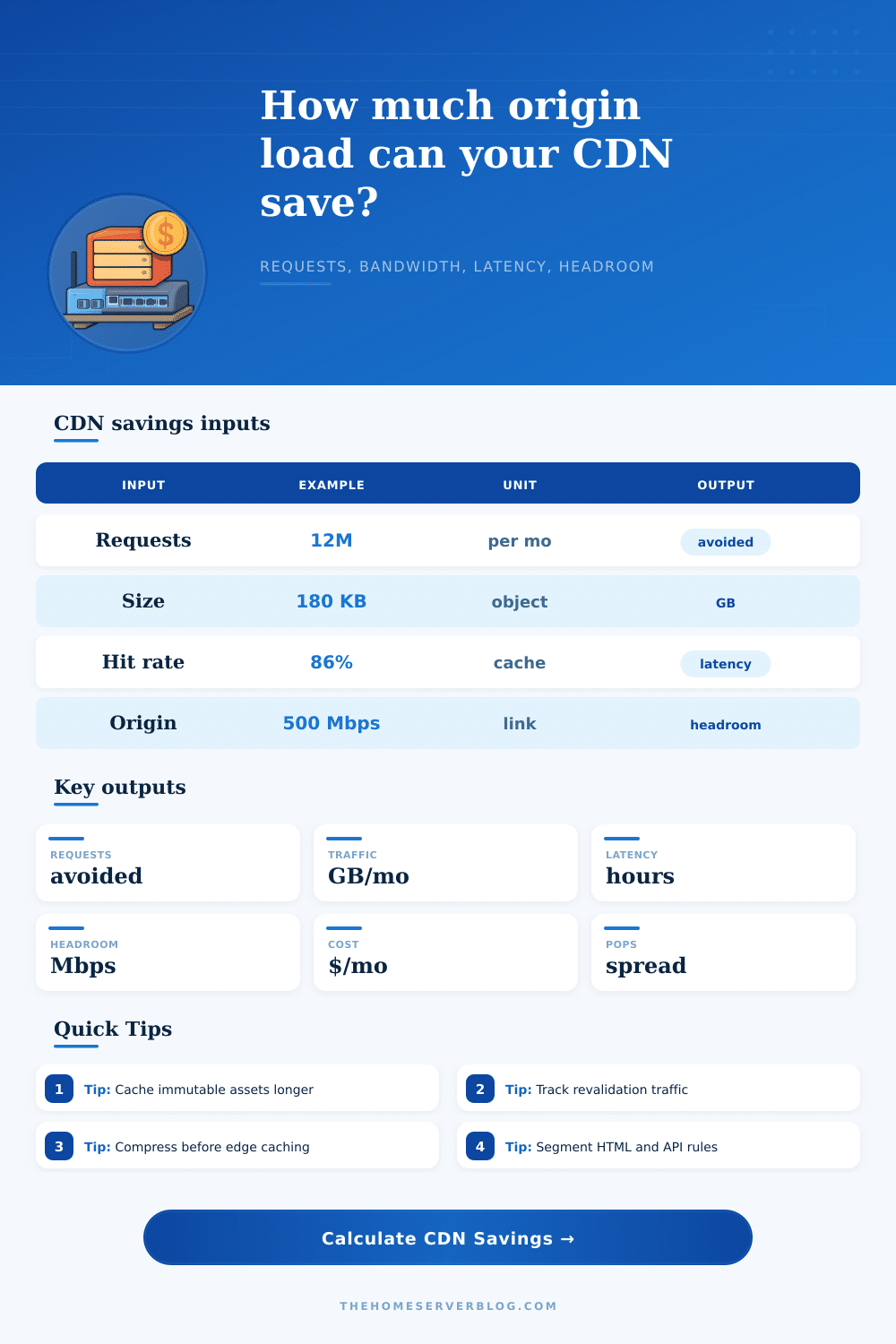
CDN Cache Hit Savings Calculator
Estimate how many origin requests, gigabytes, wait hours, and Mbps of server capacity a CDN can remove from your stack after compression and revalidation are counted.
Includes cache misses plus revalidation pings that still reach origin.
Estimated monthly origin transfer savings at the entered $/GB rate.
Average compressed cache-hit delivery per active region.
Percent of request pressure removed after revalidation overhead.
Origin only
Every request waits on the same server, storage, TLS, application, and egress path.
0 GB/monthCache hits
Objects already stored at edge avoid origin CPU, database lookups, disk reads, and outbound transfer.
0 avoidedRevalidation
Conditional requests are cheaper than full misses but still create origin connection and header work.
0 checks| Cache profile | Typical hit rate | Good TTL pattern | Planning note |
|---|---|---|---|
| Static blog assets | 85% to 98% | Long TTL plus hashed filenames | CSS, JS, fonts, and images usually produce high savings. |
| WordPress media | 70% to 94% | Long media TTL, short HTML TTL | Image variants and query strings can lower first-pass hit rate. |
| API GET cache | 35% to 85% | Short TTL with stale-while-revalidate | Works best for public or token-independent responses. |
| Release files | 90% to 99% | Immutable versioned URLs | Package, patch, and installer traffic can save large origin pipes. |
| Object type | Compression expectation | Cache caution | Measurement cue |
|---|---|---|---|
| HTML shell | 55% to 75% | Personalized cookies may bypass cache | Compare transfer size to decoded size. |
| JavaScript bundle | 60% to 80% | Use content hashes for long TTLs | Check Brotli level and source map policy. |
| JPEG or WebP images | 0% to 35% | Image optimization matters more than gzip | Track generated widths and formats. |
| JSON API payload | 50% to 85% | Vary headers can fragment cache keys | Audit cache key dimensions by route. |
| POP layout | Best fit | Tradeoff | Calculator interpretation |
|---|---|---|---|
| 1 to 3 regional POPs | Small local audience | Lower cache fragmentation | Per-POP load is concentrated and easier to warm. |
| 4 to 12 POPs | National or multi-region sites | Balanced latency and cache spread | Good default for home lab public services. |
| 13 to 40 POPs | Global docs, downloads, launch traffic | More cold-cache variance | Prewarm important objects when launches are predictable. |
| 40+ POPs | Large public delivery | High observability need | Use logs by POP instead of only global averages. |
| Signal | Low value means | High value means | Action |
|---|---|---|---|
| Revalidation rate | Most hits avoid origin | Many hits still ask origin | Review ETag, Last-Modified, and TTL rules. |
| Miss penalty | Origin is near or fast | Origin is distant, busy, or dynamic | Prioritize edge cache for slow routes first. |
| Egress $/GB | Cost savings may be secondary | Traffic savings affect bill directly | Separate cost savings from capacity savings. |
| Origin Mbps used | Pipe is comfortable | Link can be the bottleneck | Keep burst headroom for deploys and cache purges. |
When you launch a site it’s overwhelming. Traffic floods in immediately. Servers buckles under weight of requests. Your egress cost skyrockets. Customers stare at blank screens. And it’s all usually a cache issue, not a code issue.
Whether or not your edge nodes deliver the goods themselves or they’re costly proxies for your origin server make all the difference in the world. When thinking about cache efficiency, don’t confuse volume with value. Many people think they’re good because their overall number of requests is big (but that’s where most goes wrong). Ten big video files that remain cached in memory use fewer CPU cycles than a million small HTML fragment nobody ever caches. Think about what gets loaded, not just how many request it creates.
Why Caching Makes Your Website Faster and Cheaper
To help you do this, the calculator above will translate raw requests into real world savings: how much latency was reduced and how much bandwidth was offloaded. It removes the illusions caused by traffic, showing you how much actualy hits your backend once revalidation and compression is considered. The savings are hiding in the compression You may have assumed that gzip was saving you space. In fact, Brotli usually gets an additional fifteen percent out of your text assets (CSS/JS). This is a huge deal when you realize that’s the size of payload BEFORE it even leaves the edge. Fewer bytes means quicker transfer and less pressure on your origin pipe. The tool accounts for that and shows you the true difference based off how much bigger or smaller the objects are after being compressed versus not at all. Ignoring the efficiency of your compression? Paying for air.
And of course there’s the revalidation trap. Yes, you’ll want to check whether each item in the cache is expired or not, but checking that cost you something as well. If a browser queries “Hey, is this file new?”, the server must answer “Nope, it’s still here.” Otherwise, it would return a thirty-four code. However, answering still take time and resources to connect. And if your cache has a high hit rate and a similarly high revalidation rate, then your cache is laboring to tell you it doesn’t know anything new. As the page explains plainly via its reference table, static assets shouldn’t of asking for permission to exist often.
But this latency saving is both real and total. Save one hundred milliseconds on your miss penalty from millions of requests; now you’re saving users hours of collective waiting. And that’s more than a pretty number for your dashboard: It affects your search rankings and bounce rate. Your users don’t care how your servers are architected. They want their images loading so they won’t grow bored. By distributing your network with points of presence, you bring that data nearer to its consumption point, reducing the distance light must travel to return to your central hub.
The last bottleneck is your origin capacity. You are sitting on a five hundred megabit pipe and only using four hundred of it for cached content that should of stayed at the edge. You’re not giving yourself any room for actual dynamic request. The calculator calculates how much aggressive caching frees up that headroom. That buffer buys you time. Time to scale horizontally or vertically without panicking, time that keeps a minor traffic spike from becoming a full outage.
Launches require planning for cold caches. The first few minutes of any deployment are brutal because nothing is cached yet. Have plans for how to warm up critical paths; don’t let the first wave flatten your backend. An unchanging URL helps with this: if the filename only updates when the underlying content does, then you can cache forever without worrying about stale data. That simplicity gets rid of complex invalidation rules which tend to break under pressure.
It’s about more than lower bills: It’s about being resilient. Your origin remains calm enough to deal with the handful of requests that actualy require it, while your edge absorbs the shock of traffic surges. It is the sweet spot between stability and performance. Stop fighting fires and build features instead.