HomeServerBlog IPv4 block splitter
CIDR Subnet Count Calculator
Count how many smaller IPv4 subnets fit inside a parent CIDR block, reserve space for future VLANs, and check whether a home lab, routed site, or point-to-point pool still has room to grow.
Full subnet count breakdown
Balanced VLANs
/27 to /28Good for normal home lab networks with management, trusted LAN, storage, guest, and services split apart.
Typical holdback: gateway, DNS, DHCP helper, VIPDense Lab VLANs
/29 to /28Useful when many small test networks matter more than large DHCP pools.
Typical holdback: gateway and one spare service IPGuest and IoT
/26 to /25Leaves room for phones, televisions, sensors, controllers, and short-lived wireless clients.
Typical holdback: router, DNS, captive portal, spareCamera and NVR
/27 to /26Fits camera fleets, NVR interfaces, monitoring appliances, and static address reservations.
Typical holdback: gateway, NVR, time source, sparesCluster Management
/28 to /26Works for hypervisors, out-of-band cards, storage nodes, control planes, and service VIPs.
Typical holdback: gateway, IPMI, VIPs, storage headsRouted Site Blocks
/24 to /22Best when each building, family site, or lab rack receives a summarizable routed chunk.
Typical holdback: router pair, DHCP, DNS, sparesPoint-to-Point Links
/31 or /30Counts small transit networks for routers, firewalls, lab tunnels, and WAN simulations.
Typical holdback: none for /31, classic two hosts for /30DMZ Services
/28 to /27Separates exposed reverse proxies, bastion hosts, test web apps, and firewall pinholes.
Typical holdback: gateway, load balancer, DNS, spare VIP| Parent CIDR | Child CIDR | Child Subnet Count | Use Case |
|---|---|---|---|
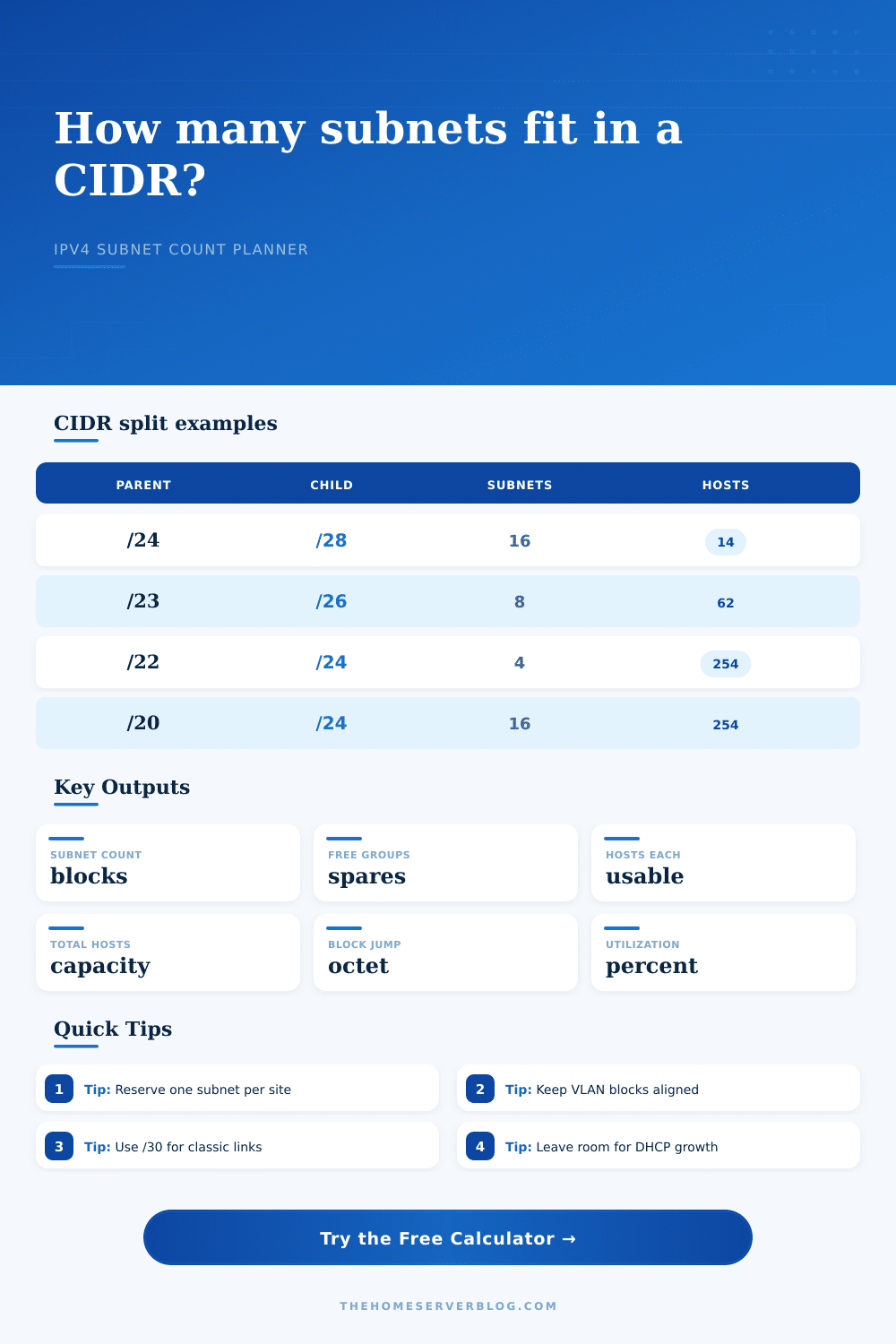
/24 | /28 | 16 child subnets | Small VLAN plan with fourteen usable hosts per VLAN. |
/24 | /29 | 32 child subnets | Very small lab segments, firewall zones, or NAT test blocks. |
/23 | /26 | 8 child subnets | Several medium wireless, IoT, service, and management networks. |
/22 | /24 | 4 child subnets | Clean site, rack, or family-network divisions with familiar /24s. |
/20 | /24 | 16 child subnets | Multi-site lab addressing where each site receives a /24. |
| Child CIDR | Total Addresses | Typical Usable Hosts | Common Home Lab Fit |
|---|---|---|---|
/30 | 4 | 2 | Classic routed point-to-point or firewall transit link. |
/29 | 8 | 6 | Small DMZ, tiny lab segment, or service VIP pocket. |
/28 | 16 | 14 | Management VLAN, small server VLAN, or compact lab zone. |
/27 | 32 | 30 | Camera group, home office, or moderate DHCP network. |
/26 | 64 | 62 | Guest wireless, IoT, or a busy client subnet. |
/24 | 256 | 254 | Traditional LAN, site block, or simple routed summary unit. |
| Project Size | Suggested Parent | Suggested Child | Planning Note |
|---|---|---|---|
| Starter home lab | /24 | /28 | Enough for management, servers, guest, IoT, storage, and spares. |
| Homelab plus cameras | /23 | /26 | Fewer but larger subnets for DHCP-heavy client networks. |
| Routed rack practice | /22 | /27 | Many small routed blocks for firewall and router labs. |
| Multi-site private plan | /20 | /24 | Sixteen neat site-sized blocks that are easy to summarize. |
| Transit link pool | /24 | /30 | Sixty-four classic two-host link networks for routers and firewalls. |
| Standard Or Rule | Value | Practical Limit | Why It Matters |
|---|---|---|---|
| RFC 1918 private block | 10.0.0.0/8 | Largest private pool | Good for large routed labs and repeatable site summaries. |
| RFC 1918 private block | 172.16.0.0/12 | Sixteen /16s | Useful when avoiding common home-router 192.168.0.0/16 overlap. |
| RFC 1918 private block | 192.168.0.0/16 | 256 /24s | Familiar, but more likely to collide with VPNs and consumer gear. |
| 802.1Q VLAN IDs | 1 to 4094 | Vendor ranges vary | Subnet count should track VLAN count only when each VLAN gets one IP block. |
| RFC 3021 point links | /31 | Two usable endpoints | Modern routing links can avoid wasting network and broadcast addresses. |
This calculator uses IPv4 subnet math. It treats /31 point-to-point links and /32 host routes specially, while normal subnets reserve network and broadcast addresses.
Sure, you begin with energy, but before long you have an unholy tangle of IP addresses on your hands. First, there is the firewall, then there is server VLAN, and then there is the camera VLAN. Oh wait, I didn’t plan my address space very well, so now my guest network is spilling its guts onto my management zone.” Yeah, that happens a lot. Planning out your address space always fall behind the race to turn stuff on.
But here’s the thing: IPv4 runs out eventually. And every time you shift a single bit in subnet mask, the whole picture changes. Carving a big chunk of space into chunks doesn’t just divide digits. It determine where your routing tables stop, where your DHCP pools end, and where your security zones begin. Too much, and you’re wasting thousands of IP addresses. Too little, and you exhaust your subnet count before you get all those smart light connected.
How to Plan Your Network Subnets
Now, when you want to know what size child you can get out of a particular parent block, simply use this calculator to do the work for you. No more guessing at boundary jumps or doing binary conversions by hand. Plug in your parent block (e.g. Plug in a traditional /24 and say “I need X amount of hosts” per child segment. It will turn that raw CIDR notation into practical engineering decisions.
Now half the battle is understanding what goes into this. The density comes from the child prefix. Commonly this sweet spot in a home lab is /28 which gives you fourteen usable host on that subnet. This is plenty of space for a few servers, a management interface, and some extra room. But fourteen hosts means there are only sixteen slots. There are sixteen slots, including the broadcast and network address. Stack them up in a /24 and now you have sixteen subnets. If you want to reserve a couple for emergencies or migrating, then you’ve got fourteen live VLANs to work with.
These is growth buffers. Most folks don’t realize how important the growth buffer setting is. Your home lab won’t remain static. At some point, you’ll add a test environment, a backup appliance, maybe even a new printer. Running an exact count of required subnets now means you’ll have no wiggle room to take on tomorrows idea. Reserve blocks in advance with this tool. That is the difference between a rigid address plan that must be painfuly renumbered when you add your fifth VLAN and a flexible one that handles change easy.
This is where point-to-point links come into play. Traditional routing teaches that you need a /30 link between two router to give you two usable hosts. That’s fine when using moddern protocols which will happily accept /31 links and use all addresses, although not everyone equipment does support them. In doing more complex routing setups this becomes important as you want to be able to simulate these. From the page, they have their reference tables laid out nicely where they show how rapidly the /30s multiply given a bigger block.
Don’t fear the numbers! It’s nothing more than division and multiplication under a different name. What matters most is understanding your network’s makeup: Do I need narrow subnets for isolation among security zones? Or do I need wide subnets for dozens of devices on my guest Wi-Fi network? The limits are provided by the calculator. Now it’s up to you to fit your needs within them.
First, plan the boundaries: Before you plug in cables, calculate the network boundaries on paper. Do this on paper. Ten minutes now to calculate your subnets will save you ten hours trying to untangle a collision after the routing table gets confused and the DHCP pool runs dry. A little forethought keeps the chaos at bay.