Data Usage Calculator Mbps to GB and TB
Convert line rate into daily and monthly data using active hours, duty cycle, protocol overhead, reserve headroom, and decimal or binary reporting.
🔧Named bandwidth scenarios
📊Traffic inputs
0
GB per month0
GiB per month0
GB per active dayOK
after reserveCalculation breakdown
🖧Network and app spec grid
The grid updates after each calculation and is intended for quick home lab checks before committing a backup, camera, tunnel, or replication workload to a metered connection.
📘Mbps conversion reference
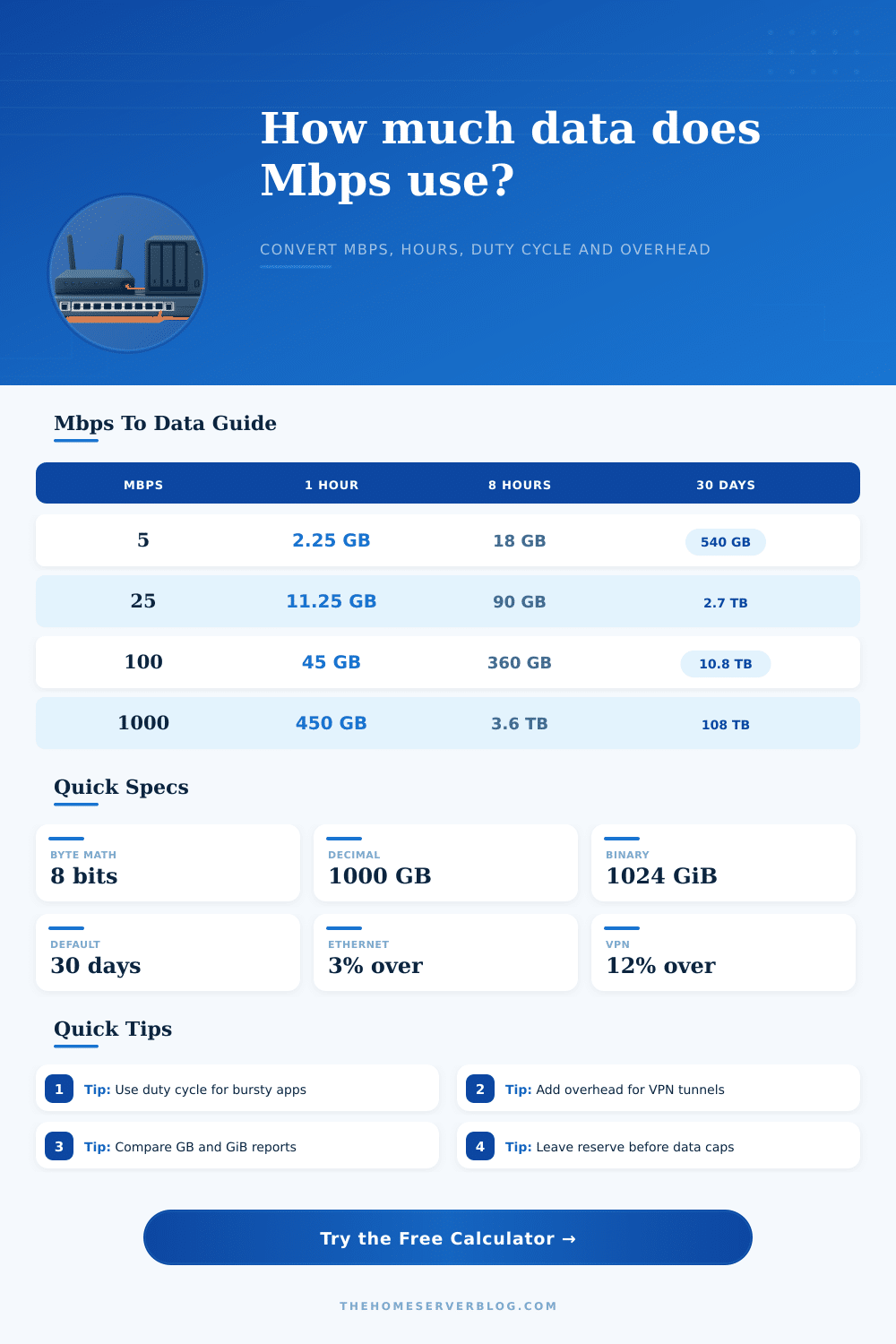
| Line rate | Decimal MB per second | Data per hour | 8 hours per day, 30 days |
|---|---|---|---|
| 1 Mbps | 0.125 MB/s | 0.45 GB | 108 GB |
| 5 Mbps | 0.625 MB/s | 2.25 GB | 540 GB |
| 10 Mbps | 1.25 MB/s | 4.5 GB | 1.08 TB |
| 25 Mbps | 3.125 MB/s | 11.25 GB | 2.7 TB |
| 100 Mbps | 12.5 MB/s | 45 GB | 10.8 TB |
| 1000 Mbps | 125 MB/s | 450 GB | 108 TB |
⚙Protocol overhead guide
| Profile | Typical overhead | Why it happens | Use when |
|---|---|---|---|
| Wired Ethernet | 2% to 5% | Frames, IP, TCP, ACKs | Switch, NAS, server links |
| Wi-Fi client | 8% to 20% | MAC overhead and retries | Wireless cameras or laptops |
| VPN tunnel | 10% to 18% | Encapsulation and encryption | WireGuard, IPsec, OpenVPN |
| Cellular WAN | 12% to 25% | Radio scheduling and retries | LTE, 5G, fixed wireless |
| Storage sync | 5% to 15% | Checksums and metadata | Rsync, S3, ZFS send |
📦Common bandwidth scenario table
| Scenario | Typical Mbps | Schedule | Planning note |
|---|---|---|---|
| Remote work VPN | 3 to 12 Mbps | 6 to 9 hr/day | Upload share can be high during calls. |
| 1080p security camera | 2 to 6 Mbps | 24 hr/day | Duty cycle depends on motion recording. |
| 4K security camera | 12 to 25 Mbps | 24 hr/day | Always-on recording can exceed caps fast. |
| Cloud backup job | 10 to 100 Mbps | Night window | Use compression for dedupe-friendly data. |
| Plex remote stream | 8 to 40 Mbps | Evening use | Transcoding changes the true Mbps rate. |
| Linux ISO mirror | 50 to 1000 Mbps | Burst window | Duty cycle matters more than peak speed. |
📏Data cap pace table
| Monthly total | 1 TB cap | 1.2 TB cap | Home lab interpretation |
|---|---|---|---|
| 250 GB | 25% | 21% | Light traffic with room for updates. |
| 600 GB | 60% | 50% | Normal busy household or lab. |
| 900 GB | 90% | 75% | Track backup and streaming windows. |
| 1.2 TB | 120% | 100% | Cap pressure starts without reserve. |
| 2.5 TB | 250% | 208% | Continuous video or replication workload. |
💡Practical tips
Data caps is the limit on an amount of data that a person can use within a specific time period. Individuals who has a home lab or a network providing a small office with a dedicated connection may encounter data caps on there internet service provider. Although the internet service provider advertise the connection as being capable of high data speeds, the amount of data that the devices in the home or office can use may lead to the person exceeding the data cap assigned to the connection.
The data that is transferred between devices contains data for idle time and security protocols. Thus, the amount of data that is actualy transferred between two device is less than the theoretical data speed of the connection. The calculator allow a person to estimate the amount of data that their home or office will use within a given month.
How to Estimate Monthly Data Use
The person must enter the sustained data rate at which the equipment will experience data transfers, the number of hour during which the equipment will remain busy, and the duty cycle. The calculator factor in the data for overhead in framing data packets, data transfer errors, and data transfers through an virtual private network. Additionally, you can enter the amount of data that is saved through data compression of the data transfer into the calculator.
The calculator display the data in both decimal and binary unit. Internet service provider usually calculate data in decimal units, while operating systems calculate data in binary units. The parameters that are entered into the calculator determine the accuracy of the data calculations.
For instance, the bandwidth rate are the rate at which the data connection can transfer data. The advertised data rate for a service plan is not the same as the data rate that a surveillance security camera will experience. The number of hours per day that a device is active is the total number of active hour.
However, the duty cycle is a rate of how many of those active hours are actively transferring data. A security camera that only records movement for part of the hours will have a lower duty cycle than a mirror server that is continuous active. Even if the internet connection can reach a high headline data speed, a low duty cycle will ensure that the data cap is not exceeded.
The calculations also take into account the data overhead that