HomeServerBlog domain operations tool
Domain Renewal Cost Calculator
Plan renewal cadence, expiry risk, reminder workload, registrar spread, DNSSEC exposure, privacy coverage, grace windows, and safe lead time without using currency or registrar-specific assumptions.
1Domain renewal presets
2Renewal operations inputs
Portfolio breakdown
Risk posture
3Operational label grid
4Domain lifecycle comparison grid
Inventory
Start cleanTrack domain, registrar, expiry date, owner, nameservers, DNSSEC state, privacy state, auto-renew state, and recovery contact in one place.
Reminder window
Lead earlyOpen reminders before transfer locks, client approval queues, DNSSEC changes, or contact verification can block action.
Renewal action
Verify resultDo not stop at the click. Confirm the new expiry date, nameserver set, DS record state, lock state, and renewal receipt in the inventory.
Grace fallback
Last resortGrace periods are recovery buffers, not scheduling buffers. Treat anything inside grace as an incident path.
Auto-renew audit
Trust, then testAuto-renew only helps when payment methods, account access, domain contacts, and expiry notifications are all still healthy.
Registrar spread
Reduce contextMore registrar accounts add login, MFA, contact, policy, and dashboard drift. Consolidate only when transfer locks and DNS risk allow it.
DNSSEC check
Protect chainSigned zones need DS record and key state checks after registrar, nameserver, or renewal workflow changes.
Post-renewal review
Close the loopUpdate reminders, owner notes, expiry exports, DNSSEC evidence, privacy status, lock status, and next review date.
5Reference tables
| Preset | Domains | Interval | Auto-renew | Registrars | Operational reason |
|---|---|---|---|---|---|
| Single Blog Domain | 1 | 1 year | 100% | 1 | Low volume, but the single domain is usually critical to the site. |
| 10-Domain Portfolio | 10 | 1 year | 80% | 2 | Small mix of primary, redirect, parked, and project domains. |
| Agency Client Domains | 80 | 1 year | 65% | 8 | Client ownership and scattered accounts increase reminder work. |
| Homelab Internal Domains | 6 | 2 years | 100% | 1 | Few domains, often tied to DNS, VPN, monitoring, and certificates. |
| SaaS Multi-TLD | 45 | 2 years | 90% | 4 | Brand, redirect, regional, and defensive TLDs need consistent checks. |
| Expiring Domain Batch | 24 | 1 year | 40% | 3 | Several domains are close to expiry and need immediate triage. |
| DNSSEC Heavy Portfolio | 30 | 1 year | 85% | 3 | Signed zones require extra DS and nameserver verification. |
| Registrar Consolidation | 55 | 1 year | 70% | 10 | Many accounts create duplicated login and policy checks. |
| Auto-Renew Audit | 38 | 1 year | 55% | 5 | Focuses on finding domains not covered by reliable automation. |
| Renewal stage | Recommended check | Risk if skipped | Best owner |
|---|---|---|---|
| 120 to 90 days out | Portfolio export, client approval, registrar access, auto-renew audit. | Client or account blockers discovered too late. | Domain owner or service desk. |
| 60 to 45 days out | Manual renewals, DS record review, nameserver sanity check, contact update. | Transfer lock or contact changes compress the window. | Infrastructure admin. |
| 30 to 14 days out | Final renewal confirmation and expiry date verification. | Auto-renew failures or missed invoices become urgent. | Primary admin and backup admin. |
| Inside 7 days | Incident-style escalation and daily status checks. | Website, email, SSO, API, or certificate disruption. | Escalation owner. |
| After renewal | Inventory update, reminder reset, DNSSEC evidence, privacy status. | Next cycle starts with stale data. | Inventory maintainer. |
| Operational flag | What to count | Why it changes lead time | Planning response |
|---|---|---|---|
| Auto-renew disabled | Manual domains and unverified auto-renew domains. | Someone must act before expiry and confirm the new expiry date. | Increase reminders and assign a named owner. |
| Multiple registrars | Separate dashboards, MFA paths, reseller panels, and client accounts. | Each account adds login, notification, and policy drift. | Batch checks by account and document access paths. |
| DNSSEC enabled | Signed zones, DS records, key rollovers, and nameserver changes. | Broken DS or key state can cause resolution failure. | Verify chain state after changes and renewals. |
| Privacy enabled | Privacy, proxy, or redacted contact domains. | Contact validation and notices may be less obvious. | Check admin email and privacy forwarding health. |
| Transfer lock active | Recently registered, transferred, or contact-changed domains. | Consolidation and recovery plans may have to wait. | Plan renewals before transfer projects. |
| Risk band | Signal | Meaning | Next action |
|---|---|---|---|
| Comfortable | Soonest expiry exceeds safe lead time. | The portfolio has time for normal renewal workflow. | Keep reminders active and export monthly. |
| Watch | Soonest expiry is within the reminder window. | Renewal work should already be in motion. | Confirm ownership, auto-renew, and registrar access. |
| Tight | Soonest expiry is inside the safe lead target. | Operational buffers are shrinking. | Escalate manual domains and DNSSEC domains first. |
| Critical | Soonest expiry is at or below 7 days. | Expiry disruption is plausible if action fails. | Run daily checks until expiry dates are confirmed. |
| Grace path | Expiry already happened or is imminent. | Recovery depends on registrar and registry state. | Treat as incident response and verify DNS after recovery. |
6Renewal scheduling tips
The most expensive domain in your portfolio is usually the one you forgot about. It is usualy not some high-traffic generic.com name. But probably an old parked redirect that nobody remembers; or a forgotten support subdomain whose URL no longer matches where customers go to get help; or long-dormant site of a client project whose phone has been quiet since last winter.
By the time you remember about this domain, it’ll be too late: there will already have been a series of failures of DNS, followed by broken email routing… which will result in panicked calls to midnight-closed registrar phone lines.
How to Manage Domain Renewals
Domain renewal is something you think of as just another small budget line-item, merely an annual transaction like all others. The truth is, it’s an operational logistics issue that must be scheduled for, verified, and managed against risk.
This turns into a bunch of data you might find easier to understand: The calculator (above) shifts away from cost and toward cadence: How many domains do you hold? What percentage are auto-renewed? Are they spread out among several registrars? This matters.
Having a domain mix where ninety percent are automated is very different than just ten percent. The latter scenario will cause problems in your renewal process, especially if you have privacy protection or DNSSEC on part of your portfolio. Those things layer on security, but they can causes delays in renewal unless planned for ahead of time.
Renewal isn’t automatic. Treat domain renewal as an operational logistics problem rather than a simple annual transaction. Yes, there’s the option to set up auto-renew; no, don’t rely on that. It can break at any time. Until then, it’s convenient. However, you’ll need to check your account status (and payment method) anyway. Assume it won’t auto-renew unless you confirm otherwise.
The calculator gives you a risk score depending on how many registrar accounts you maintain and what percent are on auto-renew. For example, if you want to save money and split domains among five providers, you’re multiplying your login overhead by five. Every account will have its own billing cycle and renewal period. Each also has its own policy changes and notification settings.
The more domains you have per registrar, the less context switching (which is good for efficiency). But every domain transfer also comes with a potential lock period, which complicates when it renews. Consider the admin drag versus the diversification security benefit here.
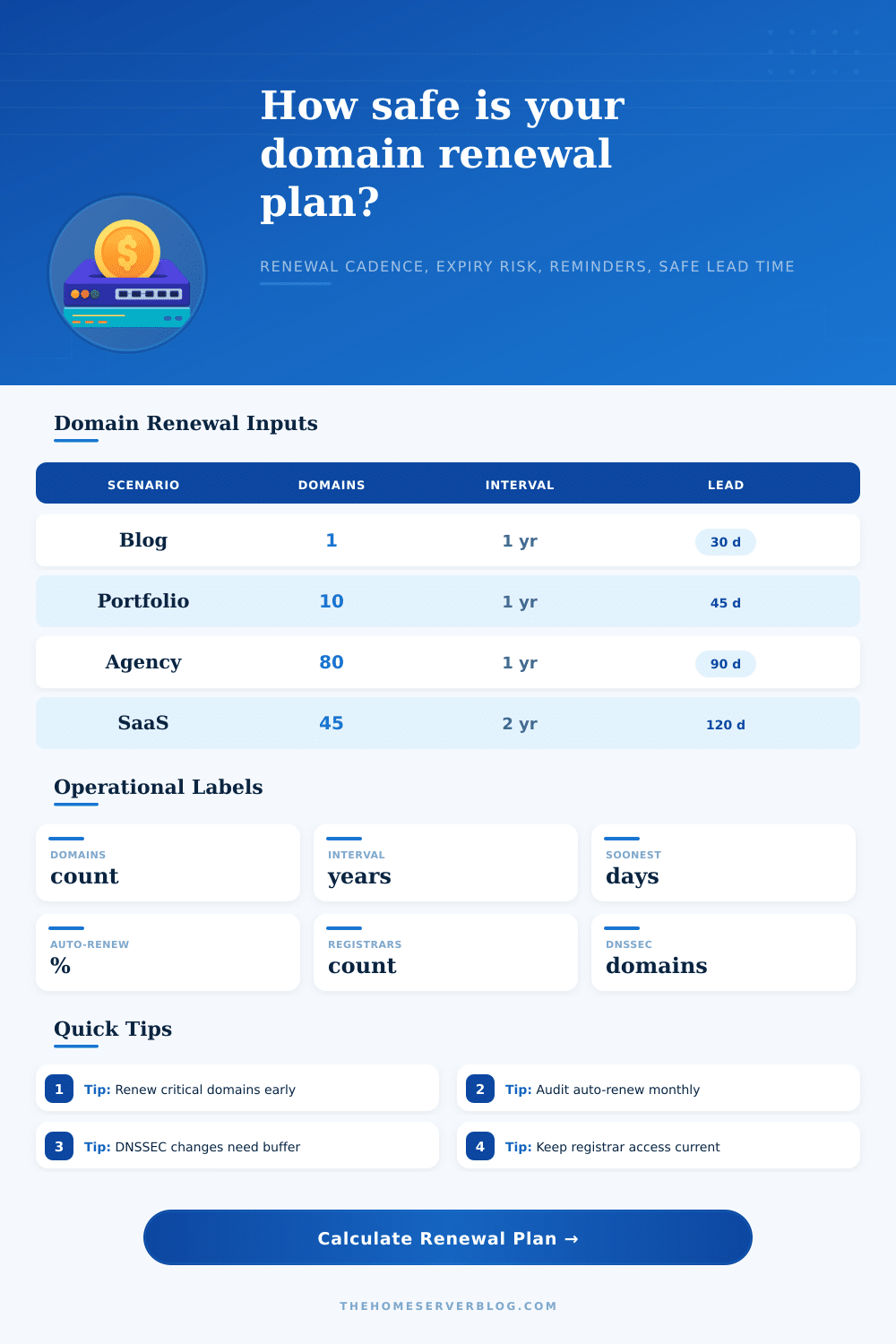
This is where lead time becomes important. A single blog can afford to wait until thirty days before expiration. An agency with eighty domains for clients? Not so much. To be conservative, use this tool’s calculator: it factors in transfer locks and grace periods to estimate how far ahead you should of plan.
Grace periods aren’t for planning, they’re recovery mechanisms. Registry policies differs; deadlines are hard stops. Use the redemption window as a buffer at your own peril. When a domain enters the redemption phase, its price skyrockets and its DNS stop resolving instantly.
Most operational errors result from lack of visibility. If it ain’t measured, then it can’t be managed. Getting an export of your domains once per month means you’ll catch these silent failures well before they turn into outages.
Did you disable auto renew for this account when resolving a support ticket? Were those privacy services set to expire on all those domains? Has someone’s contact info gone stale? All this is caught early.
The reference tables shows how the workload varies based off scenario. For example, a homelab user who automates everything at one registrar requires a far smaller reminder net compared to an agency with many client accounts spread across various registrars.
In summary, domain management means minimizing variance. You want to remove as many manual decision points as possible from the renewal process. Your domains is set to renew automatically (or at least audited every quarter). You verify access credentials on a regular basis. You set reminder well before the expiration date. The end result isn’t just that your domains remain active, but that they also continue resolving properly when the going gets tough.
Begin with a clean inventory; define clear owners for each asset; consider renewal as an ongoing loop instead of an annual event. Some proactive thinking now will spare you from panicked scrambling later.