Hex to MAC Address Converter
Convert raw hex, reversed dumps, and EUI-64 variants into clean MAC formats with live bit checks and prefix breakdowns.
Full Breakdown
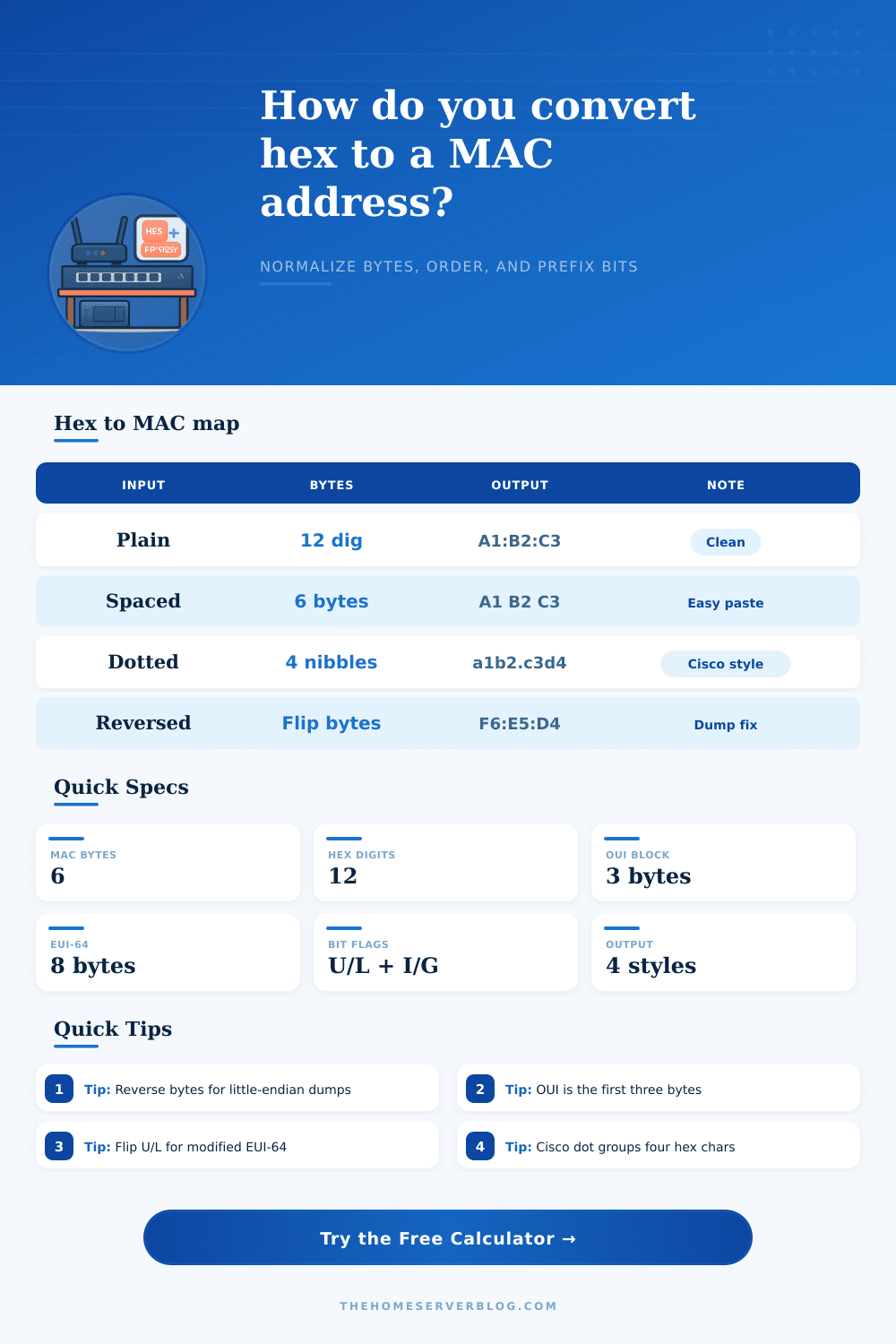
| Source Style | Example | Clean Bytes | Parser Note |
|---|---|---|---|
| Plain hex | A1B2C3D4E5F6 | 6 bytes | Raw digit stream |
| Colon pairs | A1:B2:C3:D4:E5:F6 | 6 bytes | Common MAC text |
| Dash pairs | A1-B2-C3-D4-E5-F6 | 6 bytes | Label friendly |
| Cisco dotted | A1B2.C3D4.E5F6 | 6 bytes | Four hex chars each |
| Spaced bytes | A1 B2 C3 D4 E5 F6 | 6 bytes | Easy to copy |
| Output Format | Layout | Example | Best For |
|---|---|---|---|
| Colon | AA:BB:CC | A1:B2:C3 | Most tools |
| Dash | AA-BB-CC | A1-B2-C3 | Labels |
| Dotted | AAAA.BBBB | A1B2.C3D4 | Cisco style |
| Spaced | AA BB CC | A1 B2 C3 | Logs |
| Compact | AABBCC | A1B2C3 | Script use |
| Bit | Value | Meaning | Practical Read |
|---|---|---|---|
| I/G | 0 | Individual | Unicast address |
| I/G | 1 | Group | Multicast address |
| U/L | 0 | Universally unique | Factory burned in |
| U/L | 1 | Locally administered | Virtual or manual |
| Family | Length | Derived Rule | Typical Use |
|---|---|---|---|
| MAC-48 | 6 bytes | Direct format | Switches, NICs |
| EUI-48 | 6 bytes | Same layout | Generic 48-bit ID |
| Modified EUI-64 | 8 bytes | Insert FFFE | IPv6 interface ID |
| Raw EUI-64 | 8 bytes | Keep as is | Long form ID |
This converter keeps the cleaning, byte order, and bit flags visible so you can spot reversed dumps, vendor prefixes, and locally administered addresses at a glance.
A MAC address is an unique identifier for a network interface. A MAC address consist of 48 bits, which is equivalent to six bytes. A MAC address may be represent in several formats, including as a raw dump of it’s content in hexadecimal, as a dotted format if it come from a Cisco device, or as a format that use colons to separate the bytes.
The raw dump of the address may contain a series of seemingly random character, but you can convert these into a more readable format for use in network scripts. Should a MAC address not be formatted correct before being used in a network script, the script may not correctly identify the network devices with the MAC address in a wrong order or format. A MAC address contains specific information in both the first three byte of the address and the remaining three bytes.
How to Read and Convert a MAC Address
The IEEE assigns the first three bytes of a MAC address as the Organizationally Unique Identifier (OUI), such as Cisco Systems or Intel. The last three bytes contains information that is specific to the device that was used to create the MAC address. Systems that use a little endian format will print the MAC address in a reversed order of its bytes.
To correctly print the MAC address, the bytes must be reversed. Additionally, the Ethernet address can be expanded to incorporate an 8-byte EUI-64 address for use with IPv6 by inserting the two byte FFFE in the MAC address and modifying some of the bit in the address. The first octet of a MAC address contains information regarding the type of MAC address that is contained within the address.
The least significant bit of the first octet can indicate whether a MAC address is unicast or multicast. A zero in this bit indicate a unicast address, and a one in this bit indicate a multicast address. The next bit can indicate whether a MAC address is universal or local.
A zero in this bit indicates that the MAC address is a universal address, meaning the vendor assigned it to the device. A one in this bit indicates a local address, meaning a person or network administrator set the address. Should these bit be incorrectly interpreted, the type of MAC address will be incorrectly identify.
A converter tool allow a person to normalize a MAC address so that it is easy to read. MAC addresses can have different type of separators, and the converter tool will strip these separators so that the MAC address can be processed correct. A converter tool can reverse the order of the bytes in a MAC address.
Additionally, the converter tool can add padding to short string of hexadecimal characters. Using a converter tool allow a person to view a MAC address to determine whether it is a multicast address or a local admin address. Additionally, the tool can display whether a MAC address has been expanded into an EUI-64 format.
Many people makes mistakes when troubleshooting a network by not considering the byte order in which a MAC address is printed. A MAC address that is printed in the reversed order will not recognize the MAC address of the vendor until the bytes are flipped into the correct order. Additionally, an EUI-64 address that has been modified will not function correct until the FFFE bytes are inserted into the address and the local bit is flipped.
A converter tool allow a person to perform these actions without having to perform the calculation necessary to perform these tasks. Thus, using a converter tool will ensure that a MAC address is properly normalized and that it is accurate when auditing the OUIs of network devices or cloning virtual network interface card.