HomeServerBlog messaging capacity tool
NATS Throughput Calculator
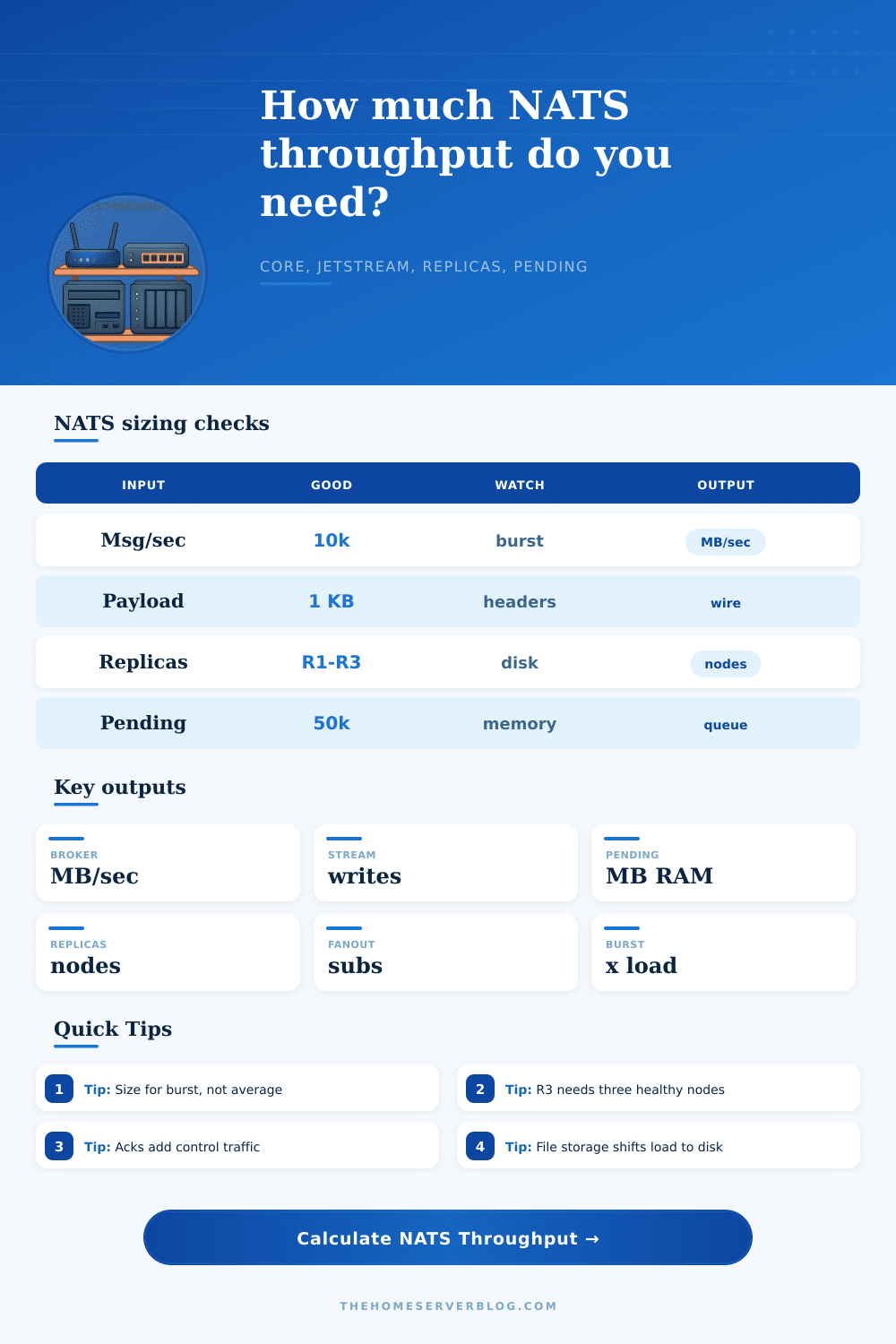
Estimate Core NATS broker traffic, JetStream write amplification, pending message memory, and the minimum replica-aware cluster shape for request reply, fanout, telemetry, and durable streams.
Raw producer side traffic before subscriber fanout and acknowledgments.
Modeled delivery traffic across normal subscribers and queue consumers.
JetStream consumer acks, batch acks, and redelivery margin if selected.
Minimum useful server count from replica quorum plus throughput spread.
Core NATS publish
At most onceFast transient messaging. Broker load is mostly publish ingress plus subscriber delivery fanout.
JetStream stream
Persisted logAdds write load, consumer state, acks, and storage limits for durable delivery patterns.
Replication factor
R3 quorumReplicated streams multiply write bytes and need enough servers to hold healthy copies.
Pending backlog
50k msgsSlow consumers, large payloads, and high fanout turn pending limits into memory planning.
| Workload pattern | Typical NATS mode | Main sizing driver | Calculator field to watch |
|---|---|---|---|
| Request reply API | Core NATS inbox replies | Short payloads and round-trip concurrency | Message rate, subscribers, burst multiplier |
| Telemetry fan-in | Core or JetStream subject hierarchy | Subject count and bursty device publishing | Subject count, payload bytes, storage mode |
| Work queue | JetStream durable or queue consumer | Acks, pending queue depth, redeliveries | Ack policy, max pending messages, replicas |
| Audit stream | JetStream file storage | Write bandwidth and retained storage pressure | JetStream enabled, replication factor, file storage |
| Ack policy | Modeled control traffic | Best use | Throughput note |
|---|---|---|---|
| No acknowledgments | 0 extra ack messages | Core NATS transient fanout or fire-and-forget telemetry | Lowest broker chatter but no durable consumer confirmation |
| Explicit consumer ack | One ack per delivered JetStream message | Durable workers, audit readers, and at-least-once processing | Control traffic rises with consumer delivery count |
| Ack all batch policy | About one ack per ten delivered messages | Batch processors that can confirm ordered progress | Lower ack rate but failure scope covers more messages |
| Explicit ack with redelivery margin | Explicit acks plus redelivery reserve | Slow or unreliable workers where NAK and timeout traffic appears | Adds headroom for retries and queue churn |
| Storage mode | Write behavior | Memory impact | Home lab planning note |
|---|---|---|---|
| Core only | No persisted stream write | Pending buffers and client connections dominate | Good for service discovery, RPC, and ephemeral events |
| JetStream memory storage | Writes retained in memory | Highest RAM pressure for retained messages | Fast but risky on small nodes if payloads are large |
| JetStream file storage | Writes land on disk for each replica | Moderate RAM for cache and pending state | Watch SSD write bandwidth and latency under bursts |
| File with memory cache | Disk persistence plus cache allowance | Middle ground for read-heavy streams | Useful for dashboards and durable consumers replaying hot data |
| Cluster shape | Replica fit | Fault tolerance clue | Calculator interpretation |
|---|---|---|---|
| Single node | R1 only | No server fault tolerance | Fine for small labs and Core NATS experiments |
| Two nodes | R1 or R2 | Limited quorum behavior for replicated streams | Use mostly for capacity split, not strong durability |
| Three nodes | R3 sweet spot | Can keep a majority when one node is down | Common minimum for durable JetStream planning |
| Five nodes | R3 or R5 | More placement and failure headroom | Useful when write load or tenant spread exceeds three nodes |
There are three idle servers. There were good intentions. It is a home lab. NATS seem like just the right thing to handle sensor data, route events across containers and keep services talking with as little overhead of a full-fledged message queue. Everything works fine for weeks. You add JetStream to persist some audit logs.
Now one of your nodes are sweating. Disk IO spikes. Your pending memory metrics climbs into the red. More often than not, this isn’t because NATS has failed. It’s because once you’re dealing with replicated streams and durable storage, your throughput calculations changes from simple pub/sub patterns to something much more complexer.
How to Choose Server Size for NATS
Overhead fanout is something most folks grossly undervalue. If you publish one message and four subscribers consumes it, the broker has to write that payload four times to the network stack. Now put JetStream on top of that; those writes go back to disk again.
Plugging in your expected message rate into the calculator above spares you guessing at coefficients and what’s hiding behind bandwidth cost. It makes you consider distinction between total system load and ingress traffic. This is the Burst Multiplier.
The most critical input is rarely the base message rate. The message rate. Outages reconnect devices. Cron jobs flush logs. Concurrent user events fire. In the real world, there isn’t a flat line of telemetry. Size your cluster for an average and peaks will tear it down. Two or three is a healthy burst factor to plan for. This leaves room for the system to breathe when reality hits. People make this mistake: they optimize for steady state, ignoring the storm.
JetStream persistence adds another dimension: each message require a write to disk, in particular when using storage (of any sort). Assuming you are following the normal advice of running with R3 replication, then each write occur on three separate nodes, requiring a quorum. That’s effectively a tripled write requirement, so now you require three times as much throughput from your SSDs just for writes, in addition to whatever else you’re doing with it.
The calculator displays both of these figures. The broker traffic figure represent the original message load, and the extra write figure shows the increased stream write load due to JetStream persistence. To be clear, you still only write once per message; it’s that each one require a write to disk, plus however many more you want to set for replication. So you require sufficient SSD capacity not only to store data, but also to sustain some level of write bandwidth during write bursts, because they will occur.
The other side of memory is also tricky, specifically, pending messages. The pending queue holds all of your messages that are trying to get out, but aren’t yet because their consumer isn’t fast enough, or was disconnected for a while. Setting this one too high on a small server can cause you to swap memory to disk under load, which kills performance more quickly than most things I know of.
Setting reasonable pending limits makes consumers eat data at a rate they can handle. Memory pressure becomes design constraint instead of a runtime crash. That means that the smallest cluster you should make has a specific shape, as well. For example, in order to have an R3 replication factor, there must be at least three healthy nodes to give you quorum. The tool visualizes this and tells you minimum number of nodes needed for each replication strategy. That’s not just about redundancy; it’s about having the system continue to be available if a machine fails unexpectedly or needs to go down for maintenance.
The other thing that matters is what storage mode you pick. There’s fast but volatile memory storage. You lose it all if the power goes down, unless you’ve backed up elsewhere from the broker. And there’s durable file storage that requires careful consideration of how you plan based off disks. Then there are mixed modes which attempt to give you a bit of each world, with your hottest data cached in RAM and your history kept on disk. Every one of those changes the load profile.
The tool lays out the pros and cons nicely in its reference tables, you can then match your durability requirements to your hardware capabilities.
All in all, how much should you size a NATS cluster? It depends. You need to balance performance against safety. A big part of that equation is “headroom.” How many extra messages can you take without choking yourself by buying too little hardware? How many spikes do you expect? You don’t want to buy more than what you need, but you also don’t want to run out of capacity if there is a spike.
Persistence is another consideration; if something happens and the system needs to be restarted, how much of that persistence will survive? If you have too much persistence, you’ll choke the disk subsystem. If you have too little, you’ll lose some data. You want a system which feels like nothing, since it just works. So start conservatively (you can always add nodes later), get a reasonable burst factor, and then use those numbers to determine what kind of hardware to purchase.
The key is knowing your limits so that you would of recognized them when they are reached in production.