Network Jitter Calculator
Estimate delay variation for wired, wireless, and hybrid links so you can size a jitter buffer and spot unstable paths.
Full Breakdown
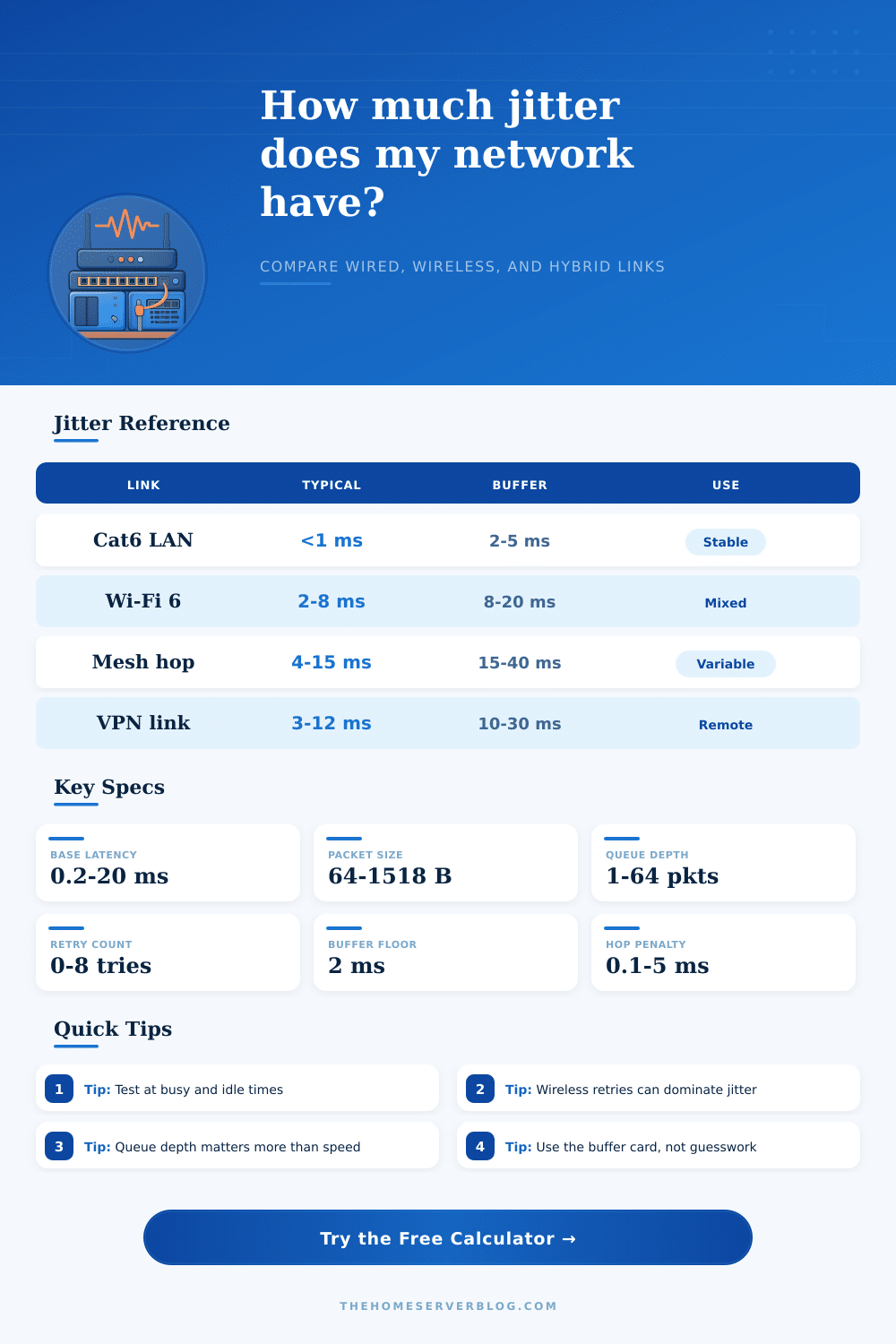
| Link Type | Typical Jitter | Buffer Start | Best Fit |
|---|---|---|---|
| Cat6 / 2.5G LAN | Under 1 ms | 2-5 ms | Office and NAS |
| MoCA 2.5 coax | 0.3-1 ms | 3-6 ms | Room to room |
| Wi-Fi 6 access | 2-8 ms | 8-20 ms | Laptop and phone |
| Mesh backhaul | 4-15 ms | 15-40 ms | Whole-house coverage |
| Application | Good Jitter | Watch Zone | Why It Matters |
|---|---|---|---|
| VoIP call | Under 5 ms | 5-20 ms | Speech breaks first |
| Competitive gaming | Under 8 ms | 8-30 ms | Input feel gets noisy |
| 4K streaming | Under 15 ms | 15-40 ms | Buffering hides dips |
| Backup sync | Under 25 ms | 25-60 ms | Less time-sensitive |
| Delay Source | Typical Add | Triggers | Best Fix |
|---|---|---|---|
| Queueing | 1-10 ms | Burst traffic | QoS and shaping |
| Wireless retry | 2-20 ms | Weak signal | Cleaner channel |
| Hop count | 0.1-1 ms | Extra devices | Simpler path |
| Serialization | Small or large | Big frames | Higher bandwidth |
| Standard | What It Describes | Useful Value | Practical Note |
|---|---|---|---|
| RFC 3550 | RTP jitter estimate | Abs delay change | Tracks variation over time |
| IEEE 802.11 | Shared airtime | Retry spikes | Wireless is less steady |
| TIA-568 | Structured cabling | Short wired runs | Best for low jitter |
| MoCA 2.5 | Coax networking | Stable media | Usually predictable |
This calculator treats jitter as variation in delay, then layers queueing, retries, hops, and packet size into one practical estimate for home network planning.
Network jitter are the variation in the time in which data packets reaches there destination. Network jitter cause instability in digital communications. Network jitter isnt the speed of the network.
Instead, network jitter is the inconsistently of the timing of data packets. If the data packets arrives inconsistently, then people experience stuttering during video calls or lag while playing online games. Network jitter occurs within the network as the data packets do not travel at a constantly rate.
What Is Network Jitter and How to Reduce It
There are several cause of network jitter. One of the most common cause of network jitter is network congestion. For example, if network congestion occurs during a network backup, the router will have to queue up the data packets waiting to be sent across a network.
The data packets will have to wait for the router to free up the network for them to travel, causing network jitter. Wireless connections can also causes network jitter. For example, if the signal strength of a wireless network are weak, the wireless hardware will have to resend the data packets.
This process of resending data packets can cause network jitter. Wired connections such as Cat6 cables has lower network jitter than wireless connections. However, if the network use both wired and wireless connections, the wireless connections can cause network jitter.
Another significant cause of network jitter is the queue depth. The queue depth is the number of data packets queuing up in a buffer waiting to be sent. High bandwidth dont guarantee a low network jitter if the queue depth of the network is high.
For example, many people experiences network jitter during the peak hour of the day when more device are using the network. Additionally, network jitter is high if one device on the network is creating a deep buffer in the network. Wireless networks tend to have more network jitter because the channel are often crowded, forcing the network to resend the data.
Voice calls are highly sensitively to network jitter. If the network jitter for a voice call is above five milliseconds, the voice call will fail. Video streaming is less sensitive to network jitter because video streaming use buffering to hide the effect of network jitter.
Some data traffic is more sensitive than others to network jitter. For example, gaming require very low network jitter because there is a high expectation of immediate response to the inputs of the gamers. Data storage is not as sensitive because it do not require real-time response times to the data requests.
The number of hops on the data packet travel can also cause network jitter. Every time the data packet passes through a hop, a device such as a switch or router, the data packet will experience a small amount of delay. The more hops in the data packet journey, the more greater the possibility of significant network jitter.
Network jitter can be managed by considering the size of the buffers and the quality of the equipment used for the network. For example, if the network uses buffers of an appropriate size to store the data packets, the network can absorb the peaks in data traffic without increasing the latency of the data packets. Additionally, the data equipment used for the network must be of high quality and one that do not introduce much network jitter.
Many people make the mistake of ignoring the noise created by the baseline noise created by the equipment. By using the wrong equipment, people will experience unpredictable network jitter. By using the test presets for the network, you can benchmark the network jitter.
Different scenario on the network can be tested to compare the effect on network jitter. For example, you can test the networks hybrid wired and wireless connection against a network with only wired connection. By managing the networks queue depth, wireless channels, and the number of hops on the data packet journey, you can reduce network jitter.