RAID 6 Rebuild Time Calculator
Estimate dual-parity rebuild time, parity recalculation load, used-stripe impact, second-failure exposure, and URE risk proxy for a RAID 6 NAS or home lab array.
⚙RAID 6 presets
🖧Array and rebuild inputs
Rebuild breakdown
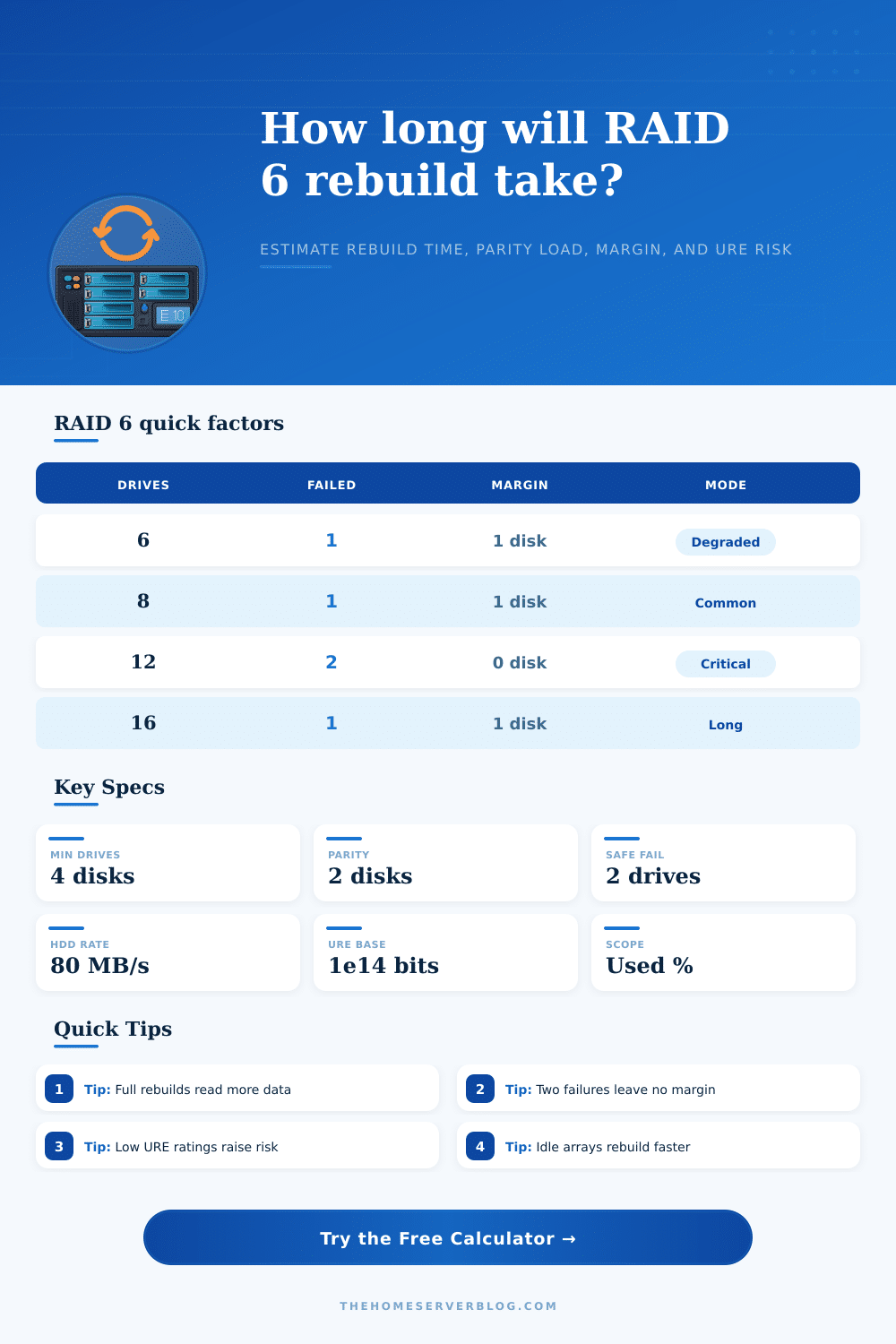
📊RAID 6 factor grid
📋Reference tables
| Array | Raw | Usable | RAID 6 note |
|---|---|---|---|
| 6 x 8 TB | 48 TB | 32 TB | Small NAS |
| 8 x 12 TB | 96 TB | 72 TB | Common NAS |
| 12 x 16 TB | 192 TB | 160 TB | Long rebuild |
| 16 x 18 TB | 288 TB | 252 TB | High exposure |
| Rate | 1 TB | 12 TB | Best use |
|---|---|---|---|
| 50 MB/s | 5.6 h | 66.7 h | Busy HDD |
| 100 MB/s | 2.8 h | 33.3 h | NAS HDD |
| 200 MB/s | 1.4 h | 16.7 h | Fast HDD |
| 800 MB/s | 0.3 h | 4.2 h | SSD pool |
| Failed | Can rebuild | Extra margin | Action |
|---|---|---|---|
| 0 | Healthy | 2 drives | Monitor |
| 1 | Yes | 1 drive | Replace |
| 2 | Yes | 0 drives | Urgent |
| 3 | No | None | Restore |
| URE rating | Bits | Typical media | Proxy effect |
|---|---|---|---|
| 1e13 | Weak | Aged disk | Very high |
| 1e14 | Base | Consumer | High |
| 1e15 | Better | NAS HDD | Lower |
| 1e16 | Strong | SSD | Low |
💡RAID 6 rebuild tips
RAID 6 protects against up to two drives failing at once. However, it’s only safe if it can be rebuilt in time before the next one goes down. The calculator will show you how long that will take and actualy how much strain is being put on your system. It allows you to see how exposed your data are as you rebuild. Most people assume that RAID 6 makes them safe forever, but an array isn’t safe until it has been fully reconstructed.
This estimate uses overhead and throughput calculations. First, it take in your disk size and count to determine how much data you have. Next, you adjust for the limitations of real world performance. Drives are stressed, moving mechanical devices (they’re more than just containers). When a drive dies, the controller has to recalculate parity for all remaining platters. That calculation requires data transfer capacity and CPU cycles.
How Long RAID 6 Takes to Rebuild
Input a percentage of the parity load (reflecting friction between what your system needs and what your drives can provide) and an expected rebuild rate (in MB/sec). Because there will be some contention from background activity, these numbers should of been conservative. Virtual machines? Streaming media? Rebuilding while running those will add significant drag. Better to overestimate here so you’ll know how long you’re exposed to risk.
How much data is on your NAS? How long does each write take? Is it old hardware that needs to write everything (including blank sectors)? Does your controller support skipping blank blocks in the filesystem? This calculator lets you know how long rebuilding will be for your particular situation… And provides options: select all vs. You can choose to rebuild only the blocks you need.
Selectively rebuilding if supported by your NAS shortens rebuild times. A few hours can make a huge difference when rebuilding a large array with a dozen drives or more; it’ll either complete during the night or span multiple days.
You might also have to deal with uncorrectable read errors. The controller can’t correct bad sectors. It has to use its ability to read data to rebuild the parity. Because of this, you might eventually hit an uncorrectable sector that just won’t work. That likelihood varies based off how good your drive is and how much data you move around. That is why they have a rating selector in the tool.
You select the type of disk you are using, from enterprise SSD to consumer disks. The better the drive, the fewer read cycles it goes through before failure. This means there are fewer chances of crashing while rebuilding. If you’re working with aged consumer drives, that number goes up considerably. Speed matter, yes. But you’re relying on the mechanical reliability as well.
Common configurations have reference tables that put things in context. A sixteen-bay archive server is not an eight-bay media pool. The former holds more storage and rebuilds is slower, while the latter holds less data and is more easily disrupted by users. Either way, there’s no wiggle room when two drives go down concurrently. In this situation, RAID 6 protects against total collapse; just barely. The next error brings the whole thing crashing down.
Uncertainty is reduced when planning is in place Find out what your drive can handle, how much load it will carry, and plug those numbers into a calculator to find your window of exposure. That helps you set up your plan, either schedule it for off hours or throttle back on other stuff. It transforms the process from chaos to managed. You’ll get through the rebuild alive and know what you’re risking.