Database partition planning
Table Partition Count Calculator
Estimate partition count, average partition size, rows per partition, retention drop cadence, query pruning width, maintenance overhead, future partitions, and warning level for time-based table partitioning.
Calculation breakdown
Planning meters
Range partitions
Time-based range partitions work best when inserts and queries include the partition key. They make retention cleanup a metadata operation instead of a large delete.
Interval size
Short intervals reduce each partition size and improve pruning for narrow queries, but they increase catalog objects, scheduled jobs, and monitoring noise.
Retention count
The active count is the retention window divided by interval length, rounded up. Future partitions are added separately so inserts have ready target tables.
Maintenance budget
Overhead estimates the operational tax from metadata, autovacuum workers, index maintenance, statistics, backups, restore drills, and partition creation jobs.
| Preset | Range / retention | Interval | Data rate | Planning note |
|---|---|---|---|---|
| Home Lab Metrics | 180 days / 90 days | 1 day | 2.5M rows, 18 GB/day | Daily partitions keep monitoring data easy to drop and restore. |
| IoT Sensor Stream | 365 days / 180 days | 1 day | 12M rows, 45 GB/day | High ingest with predictable time filtering and frequent roll-off. |
| App Event Log | 120 days / 60 days | 1 day | 6M rows, 24 GB/day | Operational logs usually favor daily partitions and short retention. |
| Audit Trail | 84 months / 84 months | 1 month | 400K rows, 3 GB/day | Long retention with lower daily volume often prefers monthly partitions. |
| Clickstream Daily | 180 days / 90 days | 1 day | 80M rows, 220 GB/day | Large daily partitions may need subpartitioning or shorter intervals. |
| Billing Ledger | 60 months / 60 months | 1 month | 900K rows, 8 GB/day | Monthly boundaries align with invoice close and reporting cycles. |
| Security Events | 365 days / 365 days | 1 week | 15M rows, 60 GB/day | Weekly partitions balance investigative queries and retention management. |
| Time Series API | 90 days / 45 days | 12 hours | 20M rows, 75 GB/day | Modeled as half-day intervals using a 0.5-day interval value. |
| Warehouse Fact | 36 months / 24 months | 1 month | 25M rows, 120 GB/day | Monthly fact partitions suit batch loads and broad analytical scans. |
| Hot Log Table | 30 days / 14 days | 1 day | 150M rows, 350 GB/day | Oversized daily partitions should trigger compression or subpartition review. |
| Monthly Archive | 120 months / 120 months | 1 month | 120K rows, 1.5 GB/day | Small monthly archive partitions avoid thousands of tiny tables. |
| Multi Tenant Events | 365 days / 180 days | 1 week | 35M rows, 95 GB/day | Time plus tenant distribution may need hash subpartitioning for hot tenants. |
Daily range
Best for logs, events, metrics, and tables with daily retention jobs. It gives clean pruning and simple drops, but long retention can create many objects.
Weekly range
Useful when daily partitions are too small or catalog count is too high. Query windows shorter than a week may read more data than necessary.
Monthly range
Good for ledgers, billing, and archive tables. It keeps count low, but each partition can become large when ingest is heavy.
Range plus hash
Adds tenant, account, or device hash subpartitions inside time ranges. It can reduce hot partitions, but raises object count and maintenance complexity.
Hot and cold tiers
Keep recent partitions on fast storage and move older partitions to cheaper storage or compressed tables. This works well when most queries are recent.
Unpartitioned table
Still viable for small tables, low retention pressure, or workloads without time predicates. Avoid partitioning when the operational overhead is larger than the benefit.
| Average partition size | Usually healthy | Watch range | High risk | Planning action |
|---|---|---|---|---|
| Small OLTP table | 1 to 20 GB | 20 to 80 GB | Above 150 GB | Use daily or weekly partitions; avoid thousands of tiny partitions. |
| Event or log table | 10 to 100 GB | 100 to 300 GB | Above 500 GB | Review compression, index count, and detach/drop runtime. |
| Analytical fact table | 50 to 250 GB | 250 to 800 GB | Above 1 TB | Monthly partitions may be fine when scans are broad and storage is columnar. |
| Audit or ledger table | 5 to 100 GB | 100 to 300 GB | Above 500 GB | Align with legal retention and reporting periods. |
| Partition count | Healthy | Watch | High risk | What it means |
|---|---|---|---|---|
| Active partitions | Under 200 | 200 to 1000 | Above 1000 | More partitions increase planning, metadata, statistics, and maintenance work. |
| Future partitions | 7 to 60 | 60 to 180 | Above 180 | Precreate enough to survive scheduler delays, but avoid years of empty objects. |
| Query partitions touched | 1 to 7 | 8 to 31 | Above 31 | Common queries should prune most partitions when filtering by time. |
| Retention drops | Steady cadence | Batchy cadence | Manual only | Automated detach or drop jobs keep retention predictable. |
| Database engine | Native feature | Common interval | Operational focus | Practical note |
|---|---|---|---|---|
| PostgreSQL | Declarative range partitions | Daily, weekly, monthly | Constraints, indexes, autovacuum, pruning | Create future child tables before inserts reach the boundary. |
| MySQL | RANGE partitioning | Daily or monthly | Partition pruning and max partition count | Primary and unique keys must include partitioning columns in common designs. |
| SQL Server | Partition functions | Monthly or weekly | Filegroups and sliding windows | Switch partitions for fast archive and retention workflows. |
| Oracle | Interval partitioning | Daily or monthly | Local indexes and automatic creation | Interval partitions reduce scheduler burden but still need monitoring. |
| ClickHouse | Partition by expression | Month or day | Part count and merges | Avoid over-partitioning; ordering keys often matter more for query speed. |
It’s easy for a database table to start out as a tool used purely for storage and turn into a structural issue. And typically this occurs without anyone noticing. Suddenly queries that used to return instantly begins dragging their feet. Rows will lock up for a second or two instead of milliseconds. Your backups take too long to finish in the time allowed. You didn’t do anything obvious to “break” things. Instead, you let the table expand over time until it became inefficient.
Now, at least for some tables, partitioning isn’t an idea from school but one with real-world use. You don’t want to cut data apart just for that reason. You want to see how cutting the data apart makes a real difference in speed, manageability, or even system stability.
How to Choose the Right Table Partitions
The standard way that most think about table partitioning is based off the size of their storage drives. Terabytes of data means you want smaller tables so they can be backed up within a given window. That’s not unreasonable as a starting place, but it doesn’t account for bigger picture. Time management is what makes partitioning really useful. And if your application is querying on dates, like most applications are these days, then you should of had your partitions line up with those dates.
So when someone asks for all the data from last week, the database ignores all the other three hundred and sixty-four days of data. That’s what we call partition pruning. It’s effective because the optimizer looks at the SQL statement and sees the time filter. It understands that there’s no reason to read the indexes (or whole sections of the disk) for anything outside that range.
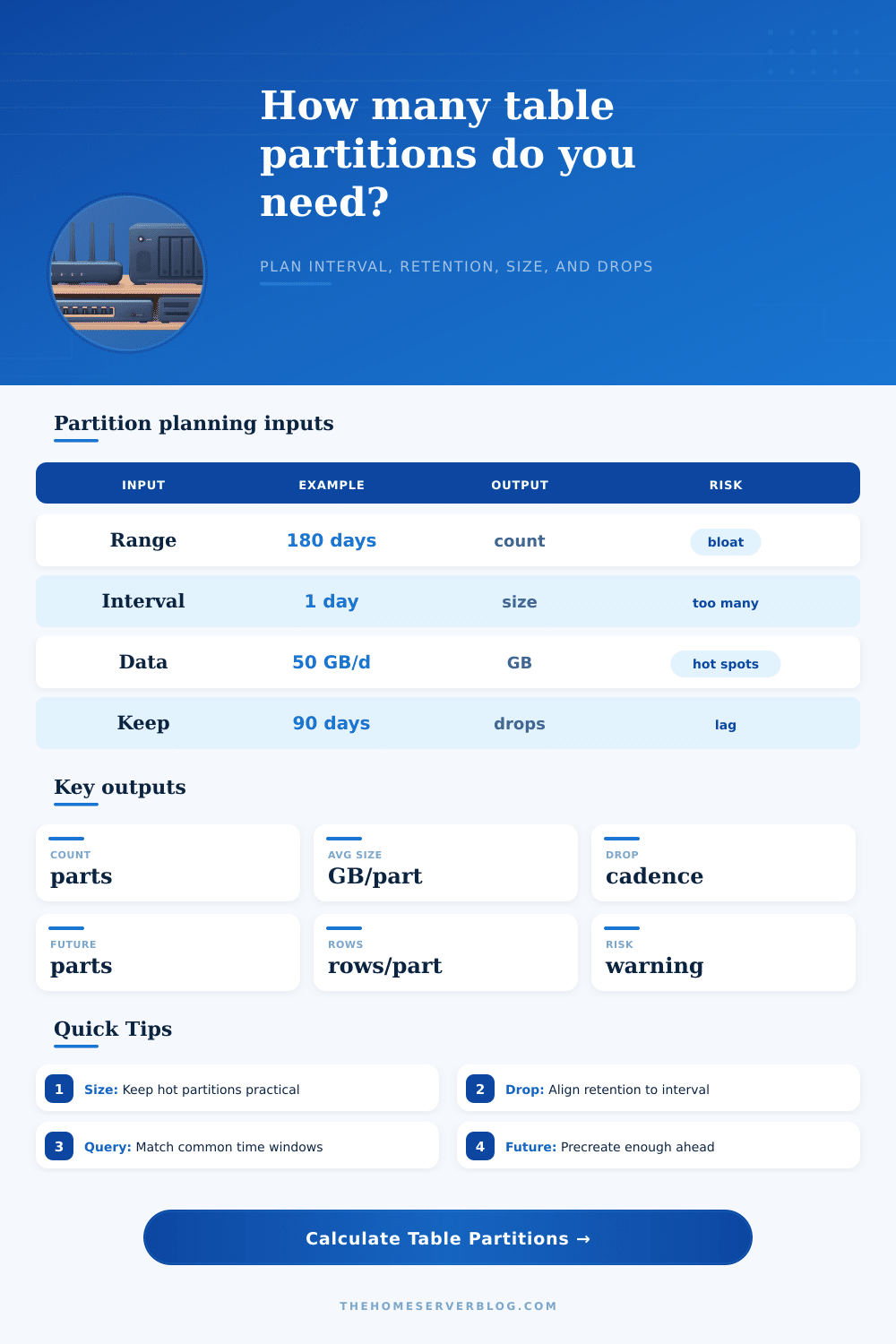
The page’s calculator does all that math, but it needs some explanation of what goes into it. It’s not just putting numbers in boxes here. What you’re doing here is specifying the pace at which your system operates. The retention window is the length of time something remains in the system before being deleted. The interval is the level of detail at which you run your cleanup jobs.
If you use daily partitions, you get fine-grained deletion of old data, but then there are going to be thousands of object for the catalog to administer. If you use monthly partitions instead, administration burden is much lower, but when there’s an error inside one of these big chunks, rebuilding or vacuuming that thing will take a very long time. Metadata bloat versus object size is another tradeoff. This is where many folks get tripped up. We improve some metrics but not other operation costs.
For example, maybe your data comes into your warehouse in daily batches. These include clickstream logs, IoT sensor data, and more. And so days seem like a natural interval to partition on. But do you need to keep that data around for just 30 days? Then you’re working with 30 tables every single day. Ok. Maybe that’s fine. Do you need to keep that data around for five years? Then you’re working with almost two thousand tables. Yikes!
Your catalog is heavy. Gathering stats is hard. Autovacuum workers can get confused. You might find that monthly or weekly intervals work best for you, despite having larger-than-desired partitions.
To see what effect a given preset will have, check out the reference table on the page. Compare the impact of an audit trail to that of a home lab metrics setup. The former produces large, stable blocks that favor long term compliance. The latter quickly drops data in order to provide short term visibility. No preset is right for everyone.
Your partition strategy depends on your query patterns. Does each report always cover a complete month? Monthly partitions makes sense because all reports will touch the same number of physical objects. Do your dashboards display only the past 24 hours and refresh hourly? Daily partitions make pruning easier.
And don’t forget about partitions in the future. That might not sound like much but when it goes wrong it’s an issue. Say your job to create new partitions failed early on a Tuesday morning. Now, all inserts from the rest of the day will be slowed down or fail while the DB hunts for somewhere to put them. Creating a buffer of future partitions is cheap insurance and gives you breathing room to resolve whatever broke the automation while still keeping the app up and running.
The numbers become a red flag for you and the warning levels exist precisely so you will get one before it stops making any kind of sense. If your partition size is too big, then you’ve defeated the whole point of isolating things. The same goes for having too many. If you have so many that they are choking the system metadata, you have too many. However, you still need more than just a few.
It’s never about getting the right number. It’s about reaching a place where no matter what traffic spikes or how the retention policy changes, you won’t be thrown out of whack. The first step is to align your partitions with the window sizes that are most common in your queries. After that, consider how it actualy works. The catalog should remain tidy. Automate the tidying so it isn’t done manually. Make the pieces manageable. If you time it correctly, the table won’t feel like a liability anymore. It will begin acting like the well-organized archive you always hoped it would become.