HomeServerBlog VPN capacity tool
VPN Tunnel Count Calculator
Estimate WireGuard, IPsec, OpenVPN, or overlay tunnel load from remote sites, peer density, mobile users, keepalives, crypto throughput, failover handshakes, and redundancy.
1Named VPN presets
2Tunnel and gateway inputs
Calculation breakdown
Capacity signal
3Networking spec comparison grid
4Preset sizing table
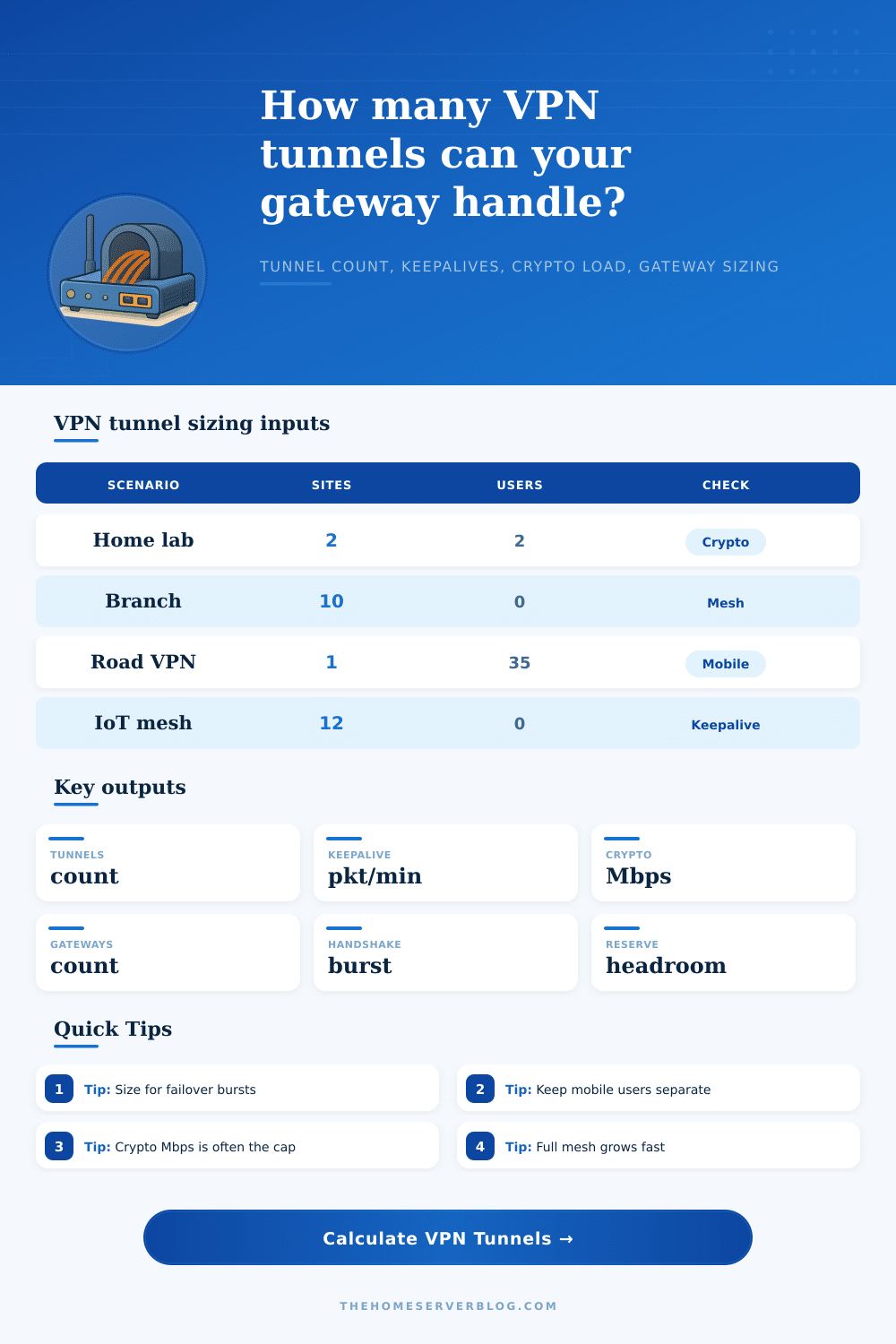
| Preset | Remote sites | Peers/site | Planning intent |
|---|---|---|---|
| Two-Site Home Lab | 2 | 1 | Simple WireGuard or IPsec pair with light mobile access. |
| 10 Branch Mesh | 10 | 1 | Branch routers with multiple site-to-site relationships. |
| WireGuard Road Warriors | 1 | 1 | Mostly mobile endpoints landing on one small gateway. |
| IoT Site Mesh | 12 | 1 | Small routed networks with chatty keepalive behavior. |
5Protocol behavior table
| Protocol family | Tunnel growth pattern | Main bottleneck | Home lab note |
|---|---|---|---|
| WireGuard | One peer pair per allowed route relationship | CPU crypto and route count | Great for small boxes, but full mesh still multiplies configs. |
| IPsec hub-spoke | One or two SAs per branch path | IKE bursts and ESP Mbps | DPD timers can add control traffic on flaky WAN links. |
| OpenVPN server | Usually one tunnel per connected client | Single process CPU and TLS | Mobile staff loads are easier to count than mesh site links. |
| Overlay VPN | Peers, relays, and subnet routers interact | Relay path and control plane | Count subnet routers separately from human devices. |
6Gateway capacity table
| Gateway type | Typical crypto range | Useful tunnel density | Sizing cue |
|---|---|---|---|
| Small ARM router | 80-300 Mbps | 25-150 light tunnels | Use conservative throughput if no hardware crypto offload exists. |
| x86 mini PC | 600-2500 Mbps | 200-1500 tunnels | AES-NI and kernel fast paths can change the result sharply. |
| Virtual firewall | 300-4000 Mbps | 300-2500 tunnels | Reserve CPU for routing, logging, IDS, and packet filtering. |
| HA gateway pair | Per node measured | Failover burst limited | Use the weaker node and include reconnect handshakes. |
7Capacity warning table
| Signal | Green range | Warning range | What to change |
|---|---|---|---|
| Crypto utilization | Below 70% | Above 85% | Add gateways, lower per-tunnel target, or use faster ciphers. |
| Keepalive load | Below 20k pkt/min | Above 80k pkt/min | Lengthen timers where NAT behavior allows it. |
| Handshake burst | Below gateway rate | Over 2x gateway rate | Stagger reconnects or add active gateways. |
| Mesh tunnel count | Linear growth | N squared growth | Prefer hub routes or route reflectors for larger labs. |
The calculator uses a conservative 75% usable crypto budget per gateway, 2,500 active tunnel control objects per gateway, and a 10% reconnect burst over 60 seconds for failover sizing.
8Planning tips
In your home lab, it always begins simply: you have this cool new bedroom server and you want to connect to your living room NAS securely. Fire up WireGuard. Instantly it works! The tunnel’s lit up. The traffic is flowing. You’re feeling like a networking wizard.
And then someone mentions they’d also like to add another remote office, or perhaps your partner would like to connect from their laptop when travelling. Now that clean pair of tunnels doesn’t seem quite as manageable anymore. Connecting two points isn’t all you’re doing now. You’re juggling a network of networks… And the invisible weight of those connections begin to show itself in your router’s CPU graph.
Why Your Home Server Gets Slow
Mostly the issue isn’t the data flowing down the pipe; it’s the overhead required to open and maintain that pipe. Each tunnel requires a handshake. Every minute, keepalive packets is sent to verify that the pipe remains live. Finally, each packet sent must be encrypted and then decrypted as it enters or leaves your LAN.
This is why this becomes more of an art form than simply checking boxes. If you undersize your tunnels, you choke your gateway every time someone logs on. Oversize them and you’re running unused expensive hardware doing nothing.
Most of us don’t think about keepalives until we notice our bandwidth graph filling up with little packets when it should be empty. These little pings stop your connection from timing out on your NAT device. However, if you have several dozen phones coming back every 25 seconds, they does start to add up quickly.
All this means is that you need to crunch some numbers (the calculator above does it for you once you enter in number of sites/users/interval), because you’re going to guess wrong trying to decide whether three-dozen laptops vs. Two office routers will produce more control traffic. This way, you face up to reality: A mobile user isn’t a tunnel. It’s a stream of repeated handshake requests, followed by a continuous hum in the background, eating at your gateway’s resources long before the real data transfer begin.
The hard limit is typically crypto throughput. Perhaps you have a gigabit internet connection but maybe your router doesn’t has any hardware acceleration so it’s only encrypting at three hundred megabits per second? That’s where AES-NI comes in; it takes a task that is otherwise a software bottleneck and turns it into an easy job for the processor. Otherwise, you’re fighting the clock with each and every packet. And that’s why you shouldn’t trust generic benchmarks; it matters which hardware you have.
Routing packets is a different beast from encrypting them. A fast CPU can move packets quickly, but that doesn’t mean it can handles encryption just as well. Before adding an additional tunnel, you want to know just how many packets of encrypted stuff your box can realy chow down.
The thing about mesh topology is it scales exponentially, precisely why you avoid it if you don’t need it. With ten sites, you now have forty five tunnels just for site-to-site. If you add your mobile users on top of that, you’re talking hundreds of active session. The hub-and-spoke model keeps it linear and manageable by concentrating the load, while applying additional stress to the hub gateway. Centralized bottleneck risk versus distributed complexity: that’s the choice.
Another problem in this equation is redundancy. When you plan for failover, you can’t simply double your number of tunnels because they won’t all come back up simultaneously when you switch over. But they will create a huge spike in handshake requests that can take down an already stressed gateway.
That page breaks it out in the reference table. This table compares how the protocols behave. It explains why WireGuard is different than OpenVPN or IPsec and where they scale. Again: One isn’t necessarily better than another. It’s about selecting the right tool for the constraints you have. Pick the light-weight version when constrained by CPU. And pick the hub model when constrained by complexity of configurations.
And then eventually you no longer think in terms of tunnels abstractly represented by dotted lines on a diagram. They become something to consume. A resource with costs. They use bandwidth for their control traffic, memory for storing their session state, and CPU cycles to process them all.
And when you do finally realize this cost, you don’t add a tunnel because it’s convenient. You add one only if there is a real business need that justifies the expense. That first rush of excitement from making a tunnel work is replaced by a more grown-up understanding that being stable is more important than being connected.
This matters not just for the happy path, but for the worst case scenario where everything tries to connect at the same time and your gateway should of proven itself.