CIDR Block Calculator
Calculate IPv4 network address, usable host range, subnet mask, wildcard mask, host capacity, CIDR splits, and VLAN sizing for home servers, lab racks, VPN tunnels, containers, and routed networks.
Calculation Breakdown
| Child or VLSM block | Network | Usable range | Capacity |
|---|---|---|---|
| Run calculator | - | - | - |
| CIDR | Subnet mask | Total addresses | Usable hosts | Common home lab use |
|---|---|---|---|---|
| /20 | 255.255.240.0 | 4,096 | 4,094 | Container, Kubernetes, or large lab overlay networks |
| /22 | 255.255.252.0 | 1,024 | 1,022 | Summarized home lab with several routed VLANs |
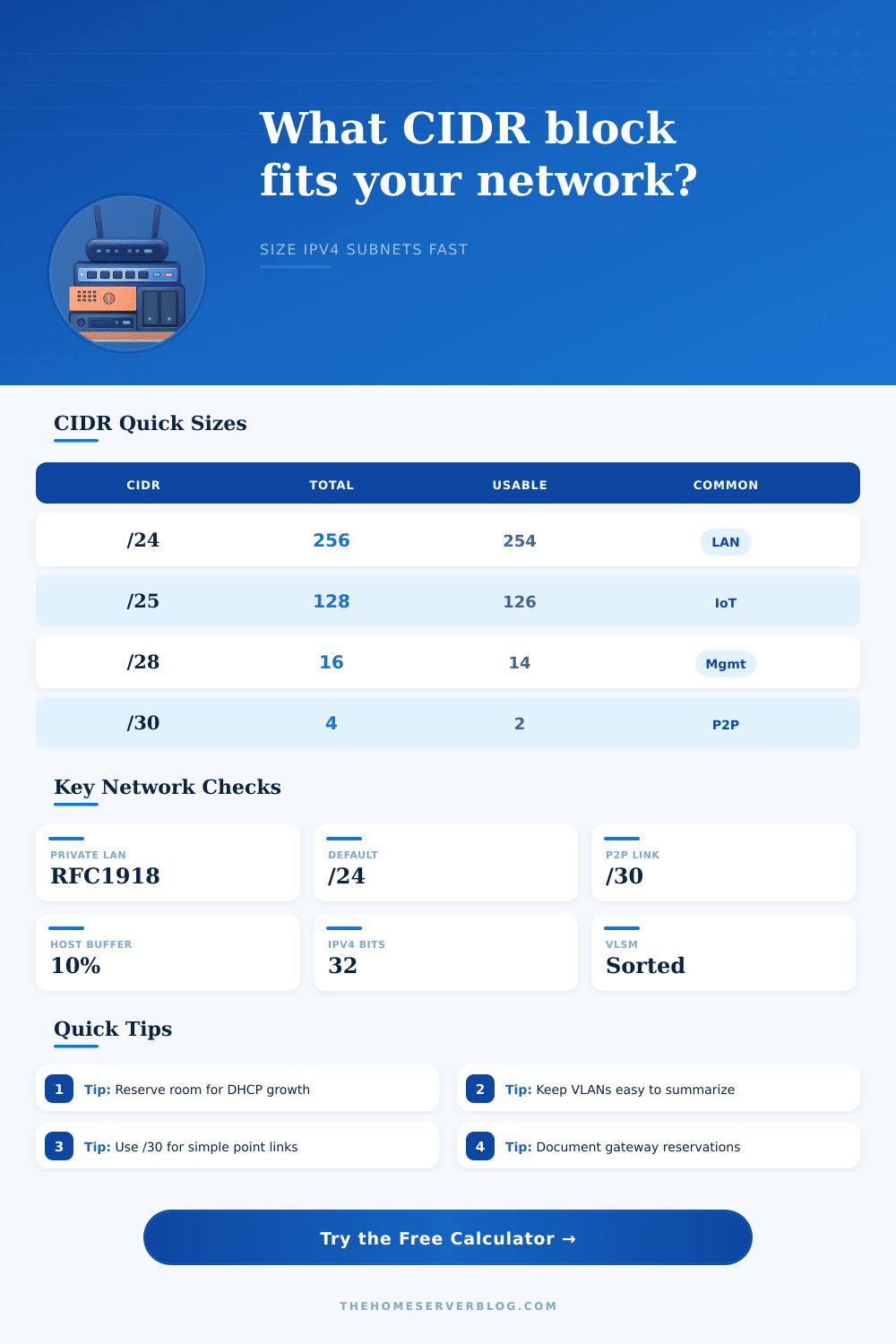
| /24 | 255.255.255.0 | 256 | 254 | Main LAN, server VLAN, or normal client network |
| /25 | 255.255.255.128 | 128 | 126 | Large IoT, guest, or device network |
| /26 | 255.255.255.192 | 64 | 62 | Camera VLAN, small lab segment, or DMZ |
| /27 | 255.255.255.224 | 32 | 30 | Guest WiFi, management, or appliance subnet |
| /28 | 255.255.255.240 | 16 | 14 | Switch, IPMI, UPS, router, and admin interfaces |
| /30 | 255.255.255.252 | 4 | 2 | Classic router-to-router transit link |
| Private range | CIDR block | Total addresses | Best planning use | Routing note |
|---|---|---|---|---|
| 10.0.0.0 to 10.255.255.255 | 10.0.0.0/8 | 16,777,216 | Large labs, routed sites, overlays | Easy to summarize, but avoid random overlap with work VPNs |
| 172.16.0.0 to 172.31.255.255 | 172.16.0.0/12 | 1,048,576 | Docker, lab, and site-to-site ranges | Often useful when 192.168 space is crowded |
| 192.168.0.0 to 192.168.255.255 | 192.168.0.0/16 | 65,536 | Home routers and small VLAN maps | Commonly overlaps with consumer networks and VPN peers |
| 169.254.0.0 to 169.254.255.255 | 169.254.0.0/16 | 65,536 | Link-local fallback only | Do not design normal routed VLANs around APIPA space |
| Network segment | Typical devices | Suggested CIDR | Usable hosts | Reservation pattern |
|---|---|---|---|---|
| Main LAN | Clients, phones, printers | /24 | 254 | Reserve .1 to .49 for infrastructure and static services |
| Server VLAN | NAS, hypervisors, services | /25 or /26 | 126 or 62 | Keep gateways, load balancers, and monitoring static |
| Camera VLAN | NVR and PoE cameras | /26 | 62 | Allow extra IPs for camera swaps and test benches |
| Management | Switches, IPMI, UPS, PDUs | /28 | 14 | Static only; no broad DHCP pool is usually needed |
| WireGuard pool | Phones, laptops, admins | /29 or /28 | 6 or 14 | One address per peer keeps routing simple |
| Transit links | Router pairs | /30 or /31 | 2 or 2 | Use /31 only when both endpoints support RFC 3021 |
| Planning task | Formula | Example | Result | Practical check |
|---|---|---|---|---|
| Host capacity | 2^(32 - prefix) - 2 | /24 | 254 hosts | Network and broadcast are reserved on normal subnets |
| Smallest host block | Find smallest n where 2^n - 2 fits | 60 hosts | /26 | Add static reservations before picking prefix length |
| Subnet splitting | 2^(child prefix - parent prefix) | /24 to /27 | 8 subnets | Child prefix must be longer than parent prefix |
| Wildcard mask | 255.255.255.255 - subnet mask | /24 | 0.0.0.255 | Useful for ACLs, routing filters, and firewall rules |
| Block step | 256 - mask octet | /27 | 32 address step | Network starts align on the step boundary in that octet |
When you are planning your network, you must consider how many network device you will have that will be connected to the network. A person should consider the growth of the network in the future, as well as the trade-offs between network sizes. The blocking of addresses behind your router will determine whether or not your network can grow, or whether it will require some rework to be completed later.
IPv4 addresses is divided into segments, and the prefix length for those segments will determine how many addresses are contained within each segment. A long prefix length will indicate that there are fewer addresses within each segment, but that there is more control over the network. A short prefix length will provide more addresses for devices on the network, but it will create larger broadcast domain for the network.
How to Plan Your Network IP Addresses
While homes typically do not require massive amounts of address, they do require some blocks of addresses for devices like servers, containers, and test rigs. In the calculator, the arithmetic will be performed once you have entered the address for the block, the prefix length, and the number of hosts that is required. The number of hosts required should account for gateways and other static addresses within the network.
In most subnets, the number of addresses for hosts will be less than the total number of addresses in that subnet range… The network address and the broadcast address are taken away from the available addresses block. Furthermore, there may also be gateways and monitoring hosts within the network.
These addresses should also be accounted for in the calculator, or else you may find that there is no remaining space for network infrastructure within the network. The different portions of the network may require different size of address blocks. For instance, the main client VLAN for a network may require a larger block of addresses than other portions of the network, as most traffic from clients will go to the internet, not other clients on the network.
The blocks for the camera and IoT device segments should be smaller because these devices typically create multicast traffic and do not move from one location to another. The management interface and link between routers should have very small blocks of subnets as this allows for easier documentation of every IP address in the network. The use-case selector displays these different use cases for subnets of various size.
By selecting a longer prefix for the subnets that will be created within the parent subnet, the subnet calculator can show how many subnets of that size can be created within the parent block of IP addresses. This helps to ensure that there will be no collisions between devices from different VLANs. It also allows to see if the IP ranges for the subnets are wasting any IP addresses.
Lastly, this view allows to see if the network range can be advertised to a VPN or firewall as part of creating a network that is connected to other location or uses the cloud. Addresses in the private address ranges are not globally unique to each network. Furthermore, the use of these private address ranges can create collisions between networks.
These collisions can occur between two home networks that join together or if a client of a VPN tries to use the 192.168 range that is already in use in the network. Instead, the network can use a range of addresses in the 10.0.0.0 space or it can use the 172.16 block of addresses. Each of these address ranges can be documented in the network map for the VLANs.
Creating growth buffers within the network allows for new devices to be added to the network. While a growth buffer of 10 percent of the total number of devices in the network might be small, it will prevent a crisis from occurring if another device needs to be added to the network. The field for entering the size of the growth buffer makes this explicit within the plan for the network.
An effective addressing plan will be successful if it is clear and documented. Using clear network addresses and well-documented reservations for specific devices will allow for the network to survive changes to the hardware and new network projects. The math is simple if you accurately enter the number of devices in each subnet into the subnet calculator.
Using an effective addressing plan will allow for the network to stay easy to read and to avoid troubleshooting issue.