Spark Cluster Size Calculator
Estimate Apache Spark executors, worker nodes, executor memory, task parallelism, and shuffle disk from data volume, workload shape, node type, and overhead.
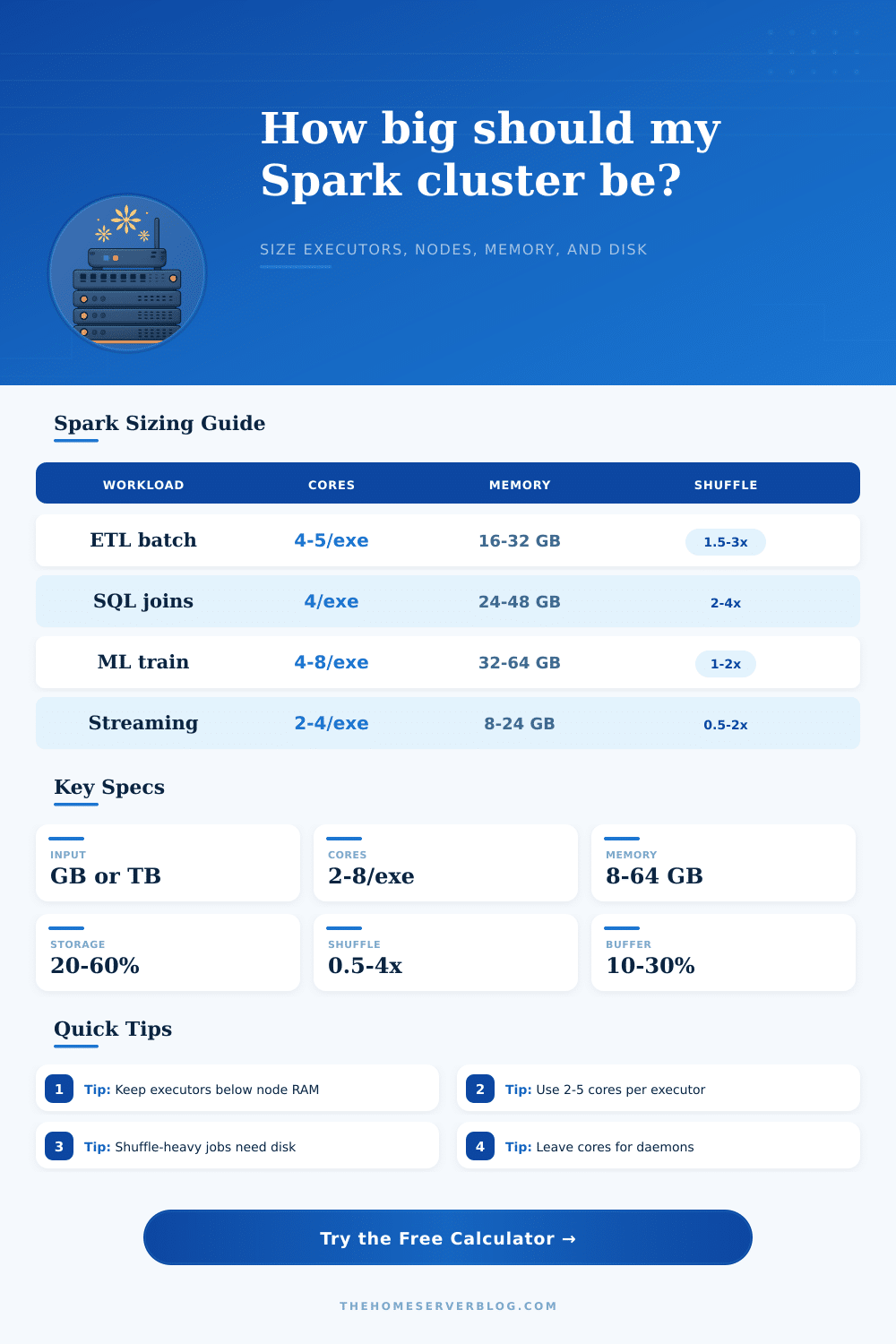
| Workload pattern | Executor cores | Memory target | Shuffle disk guide |
|---|---|---|---|
| Daily ETL with Parquet scans and writes | 4 to 5 cores | 16 to 32 GB per executor | 1.5x to 3x expanded input |
| Wide SQL joins, sorts, and aggregations | 3 to 4 cores | 24 to 48 GB per executor | 2x to 4x expanded input |
| Iterative ML training and feature engineering | 4 to 8 cores | 32 to 64 GB per executor | 1x to 2x expanded input |
| Structured Streaming micro-batches | 2 to 4 cores | 8 to 24 GB per executor | 0.5x to 2x expanded input |
| Node class | Example shape | Best fit | Watch point |
|---|---|---|---|
| Compact worker | 8 cores / 64 GB RAM | Small labs, streaming, light ETL | Few executors per node |
| Balanced worker | 16 cores / 128 GB RAM | General ETL and SQL workloads | Leave RAM for overhead |
| Memory heavy worker | 32 cores / 256 GB RAM | Cached data, ML features, large joins | Avoid giant heaps |
| Compute dense worker | 48 cores / 192 GB RAM | CPU-heavy transforms and compression | Memory per core can be tight |
| Executor option | Executors | Worker nodes | Use when |
|---|---|---|---|
| Conservative 3-core | Run calculator | Run calculator | Skew, joins, and smaller task waves |
| Balanced 4-core | Run calculator | Run calculator | Most ETL, SQL, and lakehouse jobs |
| Wide 6-core | Run calculator | Run calculator | CPU-heavy maps with low shuffle pressure |
How much Spark do you set up? That’s not a question you guess; you size it by measuring and managing trade-offs between speed, cost, and reliability.
You have an ever-growing dataset and a deadline for running your ETL job each night; however, your budget is static. Adding nodes typically degrades performance and also generally doesn’t save you money. Over-provisioning hides inefficiencies, while under-provisioning turn your data pipeline into a timeout nightmare. How do you get that sweet spot between finishing fast enough and staying within budget?
How to Size Your Spark Cluster
First, remember that we start from raw file size and add back expansion from compression. While on-disk files like Parquet and ORC are quite compact, they expands when read by Spark into RAM. Also, a high shuffle multiplier will dominate your sizing logic. Why is there a shuffle multiplier? It’s how much data moves over the network between nodes as part of executing your query. A join multiplies (or even triples) amount of data moved compared to, say, a simple filter operation. You don’t have to know all of spill scenarios; it’s handled by the calculator’s coefficients.
Next is determining number of cores per executor. It’s tempting to give an executor as many cores as possible so they processes faster. But in reality this is not effective. Giving one executor 16 cores will lead it to block all tasks while the JVM’s garbage collector go through its cleaning routine. Smaller executors. With perhaps just four cores, isolate this issue. They keep scheduling predictable and avoid blocking other tasks. Stability comes from architecture: many little workers are far more stable than a handful of big ones.
Adding a second level of complexity is node selection. For typical SQL-style workloads, you’ll do fine with 16-core node equipped with 128 GB of RAM (it’s nicely balanced). For something like an iterative machine learning workload, keeping your data cached in memory means going with a more memory-intensive node. Allow some room for Spark’s daemon processes, JVM overhead, and even the operating system itself. Out-of-memory errors are frustrating: they’ll kill a job quietly and require hours to track down. The reference table shows mapping between types of workloads and corresponding hardware profiles.
Tuning decisions are largely driven by partition size. If partitions are too small, then Spark will spend more time managing tasks than actualy processing data. Conversely, if they’re too big, it reduce parallelism… Leaving some of the nodes idle while others work hard. A good heuristic for this is to aim for 256 MB per partition. This matches the default block size in many Hadoop distributed file systems. It gives each task enough work to balance the associated overhead without giving it too much work to get overwhelmed.
Disk used for shuffling is what we call disposable capacity: It is local storage used to spill intermediate data out of memory when doing very large-scale things. The capacity required should of be sufficient for peak load with retries; however, since it can always be re-computed, it doesn’t need to survive the loss of an individual node. Thinking about shuffle disk as separate from durable storage makes your infrastructure cheaper and easier to design.
There’s no magic number for sizing; it’s about finding the right balance between reliability, cost and speed. Use the tools’ estimates as a starting point, then spin up a tiny test job, look at the Spark UI for bottlenecks and tune accordingly. You want your cluster to feel balanced, one where your data flows through with neither waste nor friction.