Nginx Worker Connection Calculator
Estimate Nginx client concurrency, file descriptor pressure, upstream socket load, TLS handshake capacity, safe RPS, and the bottleneck that should be tuned first.
⚡Nginx presets
📊Worker and traffic inputs
Nginx connection estimate
💻Live planning metrics
🧭Nginx event model grid
| Event model | Common platform | Concurrency behavior | Planning note |
|---|---|---|---|
| epoll | Linux | Scales well with many idle and active sockets | Typical choice for modern home servers and VPS hosts. |
| kqueue | FreeBSD, macOS | Efficient readiness notifications for high connection counts | Often used on BSD firewalls, appliances, and reverse proxies. |
| eventport | Solaris, illumos | Designed for event completion and many descriptors | Less common, but still capable when OS limits are tuned. |
| select or poll | Fallback platforms | Higher overhead as descriptor counts grow | Use lower utilization targets or switch to a scalable event method. |
📘Directive and limit reference
| Nginx setting | What it controls | Typical range | Capacity impact |
|---|---|---|---|
| worker_processes | Number of worker processes | auto or CPU cores | Multiplies total worker connection slots. |
| worker_connections | Maximum connections per worker | 1024 to 65535 | Raw max is workers multiplied by worker_connections. |
| worker_rlimit_nofile | Open file descriptor ceiling for workers | 8192 to 1048576 | Must exceed client sockets, upstream sockets, logs, and temp files. |
| keepalive_timeout | How long idle HTTP clients remain connected | 1 to 75 sec | Higher values improve reuse but raise waiting connection count. |
| keepalive_requests | Requests allowed on one client keepalive connection | 100 to 1000+ | More reuse can reduce TLS handshakes and accept pressure. |
| upstream keepalive | Idle backend connections held per worker | 16 to 512 | Improves proxy speed but consumes backend and Nginx FDs. |
🖧Connection state reference
| Connection state | Counts toward | FD pattern | What to watch |
|---|---|---|---|
| Reading | Client connection slots | One client socket per request | High reading can indicate slow clients or request body uploads. |
| Writing | Active request concurrency | Client socket plus upstream socket when proxying | Long writing time reduces safe RPS at the same worker limit. |
| Waiting | Keepalive client slots | One idle client FD until timeout | Waiting can dominate busy sites with browsers and crawlers. |
| Upstream | Backend service capacity | One or more backend sockets per active request | Backend pools, NAT tables, and ephemeral ports can bottleneck first. |
📌Common Nginx sizing examples
| Scenario | Workers x connections | Keepalive profile | Main limit to validate |
|---|---|---|---|
| Small VPS reverse proxy | 2 x 1024 | 40% to 60% waiting | Per-worker file descriptors and backend latency. |
| WordPress or PHP-FPM edge | 4 x 4096 | 50% to 75% waiting | Upstream PHP-FPM workers usually cap active requests. |
| Static file server | 4 x 8192 | 60% to 80% waiting | Disk, sendfile behavior, bandwidth, and slow downloads. |
| API gateway | 8 x 8192 | 20% to 45% waiting | Upstream fan-out, timeout policy, and active latency. |
| TLS-heavy edge | 8 x 16384 | 30% to 65% waiting | TLS handshakes, session reuse, and CPU crypto capacity. |
🧮Formula reference table
| Metric | Formula | Why it matters | Tuning response |
|---|---|---|---|
| Raw worker slots | worker_processes x worker_connections | Upper bound for connections before file descriptors are considered. | Raise worker_connections only when FD limits can support it. |
| Active requests | Expected RPS x request seconds | Shows request slots doing useful work instead of waiting keepalive. | Reduce upstream latency to raise safe RPS without more sockets. |
| Total clients | Active requests / active client share | Converts active work into active plus keepalive client sockets. | Lower keepalive timeout if waiting clients dominate FDs. |
| FD demand | Client sockets + upstream sockets + reserve | Nginx can hit EMFILE even when worker slots look available. | Increase LimitNOFILE and worker_rlimit_nofile together. |
| Safe RPS | Active capacity / request seconds | Converts the bottleneck back into a traffic rate. | Compare this with load tests and Nginx stub_status. |
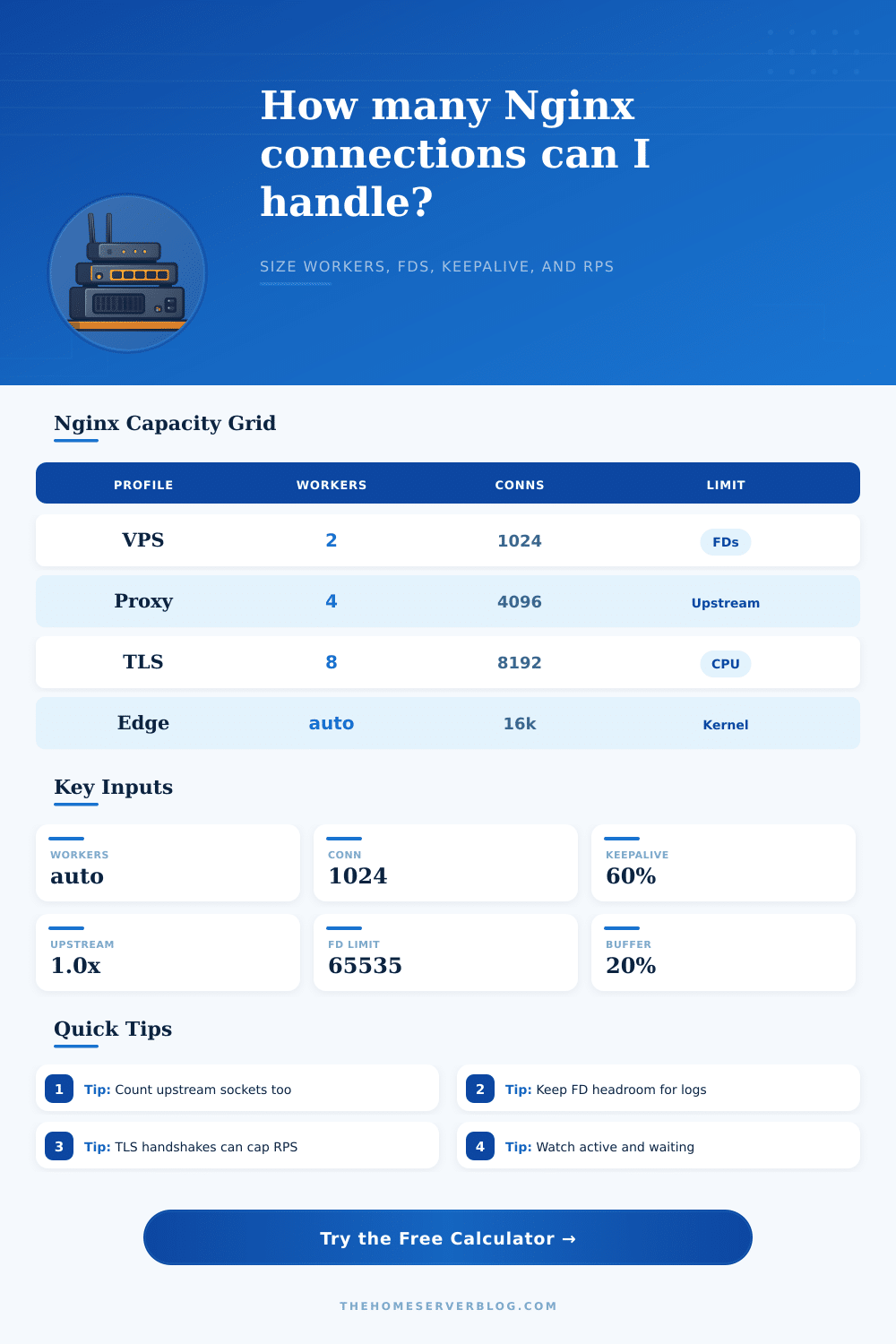
Nginx handles billions of requests daily. You don’t just set worker_connections to whatever seems right because blindly cranking them up can lead to your server choking on file descriptor exhaustion. It does deal with it, asynchronousy. But then you start running out of file descriptors because you raised the worker_connections limit without raising anything else. This isn’t a problem of having Nginx accept requests; it’s a problem of having those requests processed by the operating system and backend systems. If your sockets is maxed out, you don’t want more workers. Find the bottleneck first.
To get the right values, the calculator will analyze your traffic profile and tell you exactly what limits you should of had, no guessing about CPU vs memory vs socket constraints! The most deceptive input variable here is keepalive ratio, as newbies use that to conserve resources and set it way down. But an idle waiting connection still consumes file descriptors! A browser hanging out on a cached web page uses up a socket as much as it does when its busy downloading a big file. And you’ll end up with far smaller actual capacity if 60% of your clients are simply waiting. That kind of optimization is based off throughput, not on how expensive it is to support concurrency.
How to Set Nginx Limits Correctly
Nginx also open a new socket when it proxies requests to backends such as API gateways or PHP-FPM, adding more pressure on the upstream connections. For each active transaction, it will double number of file descriptors used. The tool takes this into account by asking about expected number of upstream connection per request. Depending on how complex the service mesh hops are and whether you use fan-out subrequests, that number go up fast. You might end up having enough client-side capacity but not enough to talk to your own servers, especially at peak loads when they spike.
The other frequent bottleneck is file descriptors. Nginx doesn’t check the global system limit but instead uses lowest value imposed on its worker processes in user space. This default are set conservatively on most distributions and will cause problems at even modest loads. To visualize this cap, the calculator takes into account how many it thinks you’ll need and then compares it to what’s available. Since Nginx require these descriptors too (for log files and temporary files), it also calculates a reserve for them. If you ignore this reserve, when something go wrong unexpectedly your server won’t be able to cope because there’s nowhere to put extra requests.
While raw connection numbers might sound simple, TLS termination adds more complexity. Handshakes uses a lot of CPU. You may have tens or hundreds of thousands of idle connection sitting around waiting to be reused via TCP keepalives, but establishing the connection initially takes up cycles. Since it’s possible for many new connections to overwhelm your server before you exhaust sockets, the tool also contains fields for new connection shares and TLS handshake capacity. In this case (low session reuse in your traffic profile), the network interface stay relatively quiet while CPU is the constraint.
Performance curves are driven by event models, but not as much today than they used to be: Linux epoll scales well on idle connections. As descriptors increases, older mechanisms such as select rapidly degrade. That’s why I’ve included the reference tables to illustrate why your headroom strategy depends on platform choice. You can maximize concurrency while keeping system stable under load by choosing the proper model and avoiding proportional overhead.
Scaling Nginx isn’t about one number or even a few numbers. It’s not about turning one knob all the way up. It’s about managing a collection of valves and pipes; some will get gummed up with crap and some will blow out if pushed too hard. To do it well is to design a system which work well at scale in the real world, not just the idealized world. That means knowing how your kernel restrictions works together with your back end response time. When you approach it like this, treating it as a coherent whole and less as a bunch of knobs, your software will work well.