WAF Rule Count Calculator
Estimate how many WAF rules your edge policy expands into, how many checks it runs per second, how much latency it may add, and how large the false-positive review queue can become.
Lean edge WAF
Few managed groups, early allow rules, narrow regex use, and body limits on only high-risk paths.
Fastest pathBalanced application WAF
Managed groups plus route-specific rate and regex checks for login, admin, API, and uploads.
Best defaultDeep inspection WAF
Multiple managed packs, broad body inspection, bot signals, regex payload checks, and tenant overrides.
Highest load| Rule source | Calculator weight | Why it matters | Planning note |
|---|---|---|---|
| Managed rule group | 42 rules per group | Vendor packs expand into many SQLi, XSS, protocol, and reputation checks. | Track rule-count drift when vendors update managed groups. |
| Custom allow rule | 0.35 eval weight | Allowlists often short-circuit traffic before expensive checks. | Place safe health checks, admin VPNs, and service tokens early. |
| Custom block rule | 1.0 eval weight | Simple path, header, IP, method, and country matches are usually cheap. | Keep broad blocks readable and measurable. |
| Regex match rule | 2.4 eval weight | Regex and payload patterns cost more than exact or prefix matches. | Use regex only where simpler match types cannot express the rule. |
| Preset | Typical use | Rule mix | Primary load driver |
|---|---|---|---|
| WordPress Basic WAF | Public blog or small business WordPress site | Moderate managed rules, a few allows, login rate limit | Plugin and admin path protection |
| OWASP CRS Edge | Generic reverse proxy in front of mixed web apps | Many managed groups plus a moderate regex layer | Managed rule expansion |
| API Gateway Rules | JSON APIs, token checks, schema-ish path rules | Fewer managed groups, many precise blocks and rate rules | RPS and request bursts |
| File Upload Inspection | Forms, media uploads, multipart API endpoints | Body-heavy managed and regex checks | Inspection KB per request |
| Metric | Comfort range | Investigate | Operational meaning |
|---|---|---|---|
| Weighted evals per request | Below 120 | Above 260 | Rule stack may be too broad for every route. |
| Added WAF latency | Below 5 ms | Above 20 ms | Regex, body scan, or edge CPU pressure may be visible to users. |
| Review queue | Below 25 per day | Above 150 per day | False-positive review process may become the bottleneck. |
| Body inspection | 16 to 64 KB | 128 KB or more | Deep payload scanning can dominate otherwise simple rule sets. |
| Tuning area | Good signal | Bad signal | Calculator action |
|---|---|---|---|
| Rule ordering | Trusted traffic exits early | Every request hits every deep check | Increase allow rules and compare latency. |
| Managed packs | Groups map to real app risk | Unused packs cover technologies you do not run | Reduce managed groups and compare rule count. |
| Regex patterns | Patterns are route-limited and tested | Global regex catches normal app input | Lower regex count and false-positive percent. |
| Body inspection | Limited to forms, JSON, and uploads | Large bodies scanned on static or health routes | Adjust inspected KB to model route scoping. |
Web application firewalls are a silent reality; often you don’t know you’ve got one until it breaks. Deploy it, block a couple of simple attacks, then go about your business for months. The rules sits silently in the background. No one notices them…until something changes. Traffic spikes or a new feature is launched. Suddenly, page starts taking a little longer (50ms!) to load. Or worse, legitimate requests begin failing with blank pages. A too-eager rule determined that there normal input was suspicious. It’s happened to every company running complex infrastructure. And it isn’t usually because the security is the issue. Usually it’s because of the built-up weight of its policy stack. Its weight goes unnoticed until no one checks the scale.
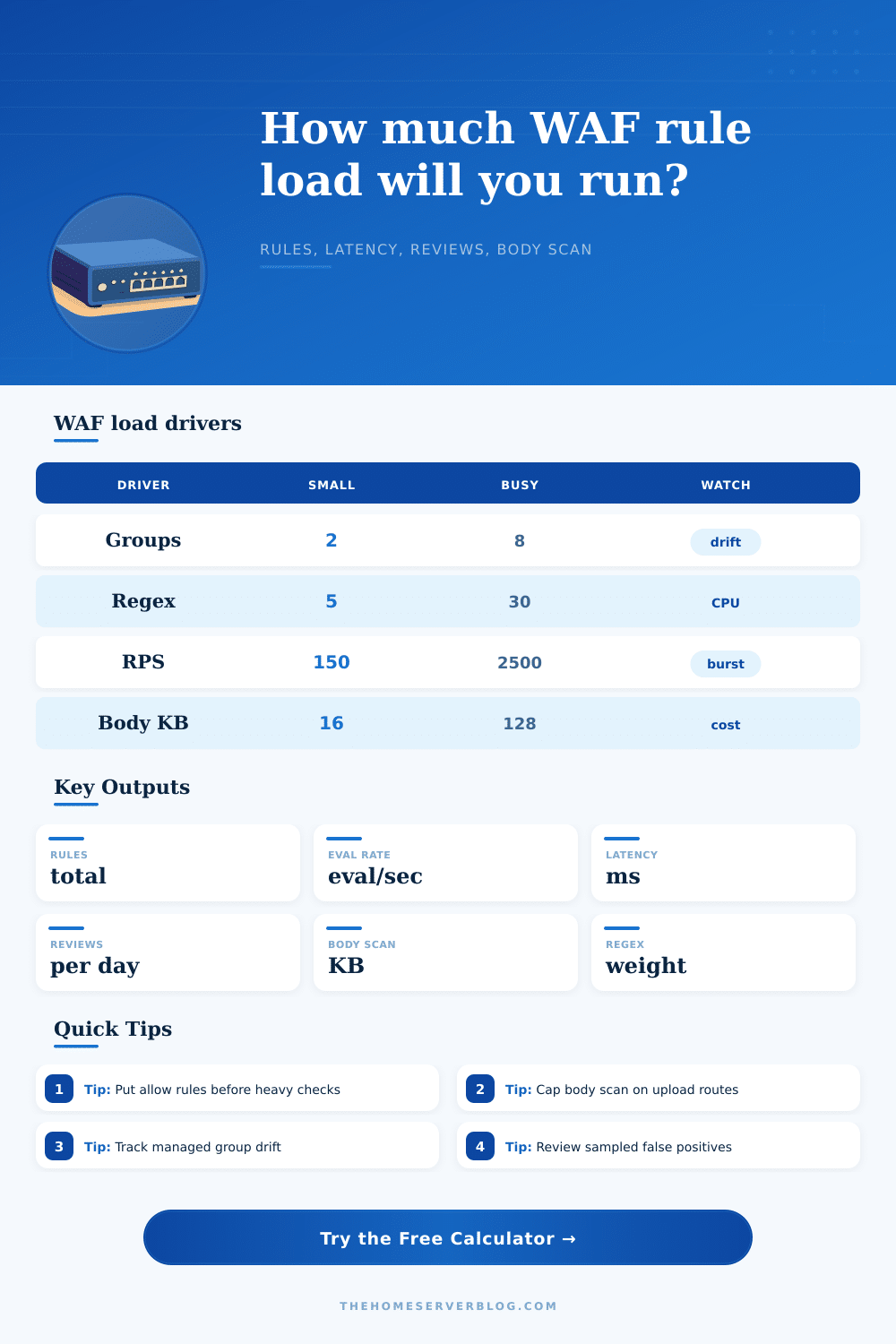
Now you can see that weight. Before it’s too late. This calculator (above) turns the otherwise abstract choice of settings into actual operational cost. Plug in the number of regex patterns, rate limits, custom allow and block rules, and managed rule groups. Add in your body inspection settings and your traffic velocity. Watch as those inputs expand to reveal the likely volume of false positive reviews, the added delay, evaluation rates per second, and total rule count. This is a way to audit your own defense strategy without needing live production data.
The Hidden Cost of WAF Rules
Managed rule groups are super expensive but most engineers undervalue this cost. In the console, they’re clean and tidy. With one click, you get a bunch of stuff: Bot traffic protection! You get cross-site scripting protection. You also get SQL injection protection. Under the hood, though, these packs grows out into dozens of distinct checks. To account for the real world implementations of vendors, let’s say there are about forty-two rules in each group (that’s the number we plug into the calculator). Now, if you’ve got five groups active on each request, that means you’re firing more then two-hundred checks on every single hit. And, remember: Each check incurs a cost. It takes time. Even microsecond delays scale up to thousandths of seconds when multiplied by thousands of requests per second.
The second common trap is Regex rules. They’re useful and even necessary in some cases (i.e., when the pattern needs to be more complicated). However, they’re also expensive for computers to run. Because of the way patterns compile and backtrack on edge CPU, the tool evaluates regexes with greater weight then it does straight-up string matches. Use them when you need precision, but don’t go using them as a catch-all for everything that seems vaguely fuzzy. If you keep adding regex rules each time someone complains their form was blocked, you’ve moved beyond security into reaction territory.
And then there are your friends: allow rules. By putting your trusted service tokens, internal IPs, and health checks up front where they can be evaluated with minimal expense, you can drastically reduce latency. The calculator does this through an “early exit” discount on allow rules. It shows that skipping large checks for safe traffic improves performance much more than a single slow block rule ever could of. Order matters. Having a good order makes your policy feel fast, it stops early for many requests.
False positives also have an impact on humans. Based off your error rate and traffic, the tool provides an estimate on how many blocked request per day you’ll have to look through. That’s usually missed when planning for this tool. Security teams believe they can block bad actors at scale while assuming the unintended harm doesn’t matter. But once your queue reaches hundreds of items per day, your engineers don’t build features anymore; they triage noise. Your team burns out managing alerts rather than improving defenses. Your security weakens.
That’s not all: body inspection compounds things further. It takes time to scan big JSON payloads or uploaded files, and that time scale linearly with payload size. To model the delay, we include an average number of kilobytes being inspected. Only deeply inspect high-risk endpoints like upload handlers and login forms. Inspecting favicon requests or static CSS files for embedded malware wont help you.
In short, a WAF policy is a balance sheet. One side shows the coverage of your protection rules. The other side shows the overhead of running them, both from a performance perspective and the work to maintain such furnitures. The calculator doesn’t tell you how to write rules; it tells you how much they cost you today in time and effort. And that alone gives you visibility into making better tradeoffs. Make the security tighter where it matters and less strict where it merely makes noise. You want a firewall that protects the application but isn’t holding it hostage. You want the guard at the door to be vigilant, but efficient so that guests don’t mind having to wait.