Worker Process Calculator
Size web, queue, API, and background workers from CPU cores, available memory, per-worker RAM, average job time, target jobs per minute, blocking IO, concurrency model, safety buffer, and burst backlog.
1 Choose a Worker Preset
2 Enter Server And Queue Inputs
Worker Sizing Breakdown
Capacity Guardrails
3 Process Model Comparison Grid
4 Worker Planning Cards
CPU Headroom
CPU-heavy jobs usually scale near cores. Blocking IO lets more workers wait without consuming full CPU, but lock contention can still cap gains.
Memory Ceiling
Process workers duplicate runtime memory. Keep operating system cache, database clients, TLS buffers, and deployment overlap outside the worker budget.
Queue Burst
Burst drain time uses only spare capacity after the steady target rate. If spare throughput is zero, the burst cannot drain.
Concurrency Fit
Threaded and async models can handle IO-heavy jobs with fewer processes, while CPU-bound work needs fewer slots and stronger isolation.
5 Reference Tables
| Preset | Typical Model | Starting Point | Watch First |
|---|---|---|---|
| PHP-FPM Small VPS | Prefork process pool | 2 to 8 children | RSS memory and slow upstream calls. |
| NGINX Worker Auto | Per-core event workers | One process per core | Connection limits and upstream saturation. |
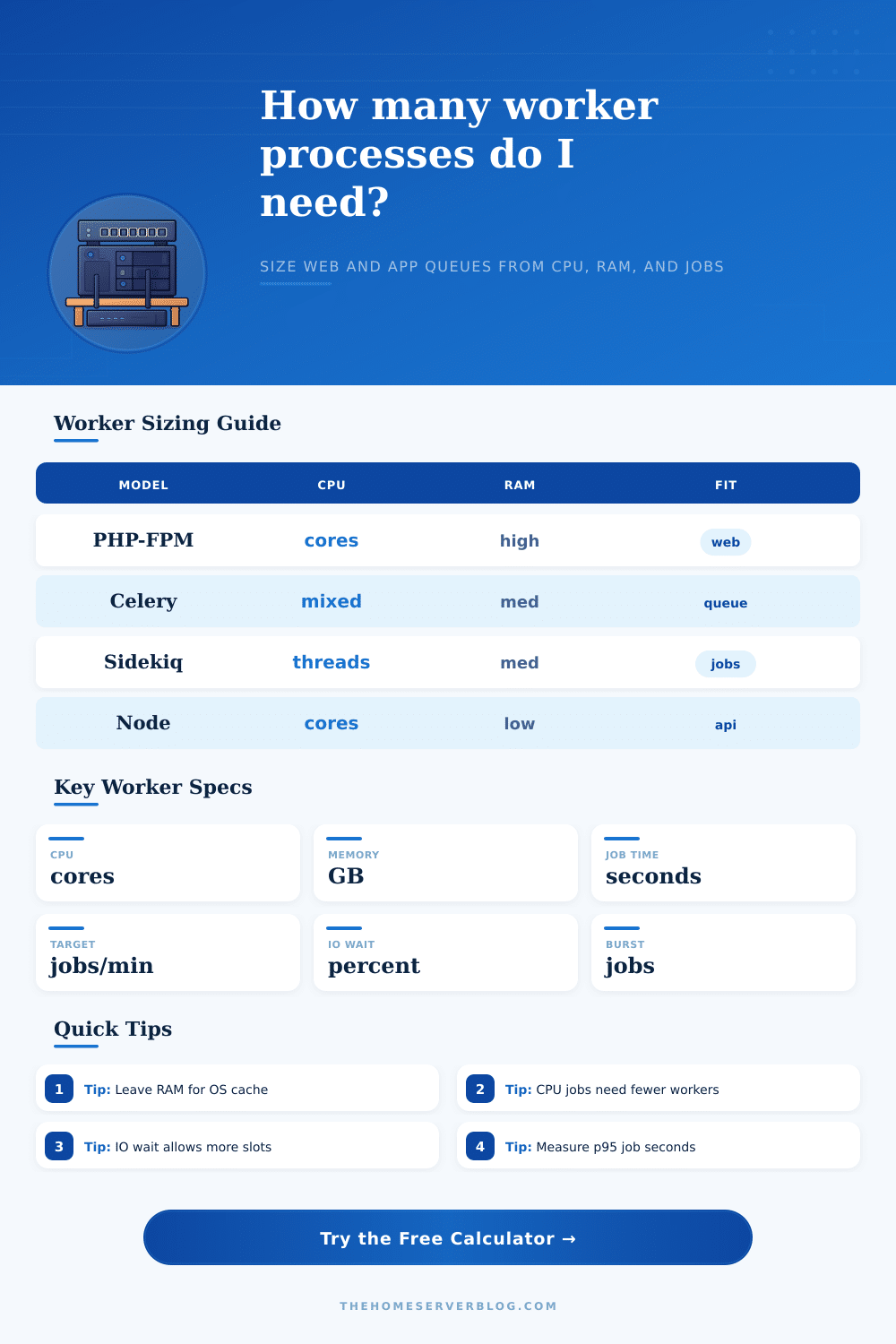
| Celery Queue | Prefork or green pool | Core-count for CPU, higher for IO | Broker prefetch, DB load, and task p95. |
| Sidekiq Webhooks | Threaded worker pool | Few processes, many threads | Redis, database pool, and provider throttle. |
| Gunicorn API | Process or threaded workers | 2 x cores plus one for sync | Request latency and worker timeout. |
| Node Cluster | Per-core cluster workers | One process per core | Event loop delay and blocking code. |
| Concurrency Model | Best Fit | Slot Logic | Sizing Warning |
|---|---|---|---|
| Prefork process pool | PHP-FPM, sync Python, classic queue workers | One active job per process | Memory usually limits before CPU on small VPS nodes. |
| Threaded worker pool | Sidekiq, Puma, JVM workers, mixed API jobs | Several IO-friendly slots per process | Database connection pools must match thread count. |
| Async IO event worker | Node, async Python, webhook dispatchers | Many waiting jobs per process | One blocking call can stall the event loop. |
| Per-core cluster workers | Node cluster, NGINX, API gateways | Processes track CPU cores | Extra processes may only add context switching. |
| CPU-bound isolated jobs | Image render, ML scoring, compression | Few slots, high CPU share | Keep workers near cores and watch thermal throttling. |
| Green threads or fibers | Gevent, eventlet, lightweight queue clients | IO wait creates useful slots | Libraries must cooperate with the scheduler. |
| Utilization Band | Queue Behavior | Risk Signal | Recommended Action |
|---|---|---|---|
| Below 55% | Comfortable headroom | Workers often idle | Keep as buffer or reduce idle processes. |
| 55% to 70% | Healthy production band | Small bursts drain quickly | Good target for home labs and small APIs. |
| 70% to 85% | Busy but workable | p95 jobs change drain time | Add buffer or split slow job classes. |
| 85% to 100% | Near saturation | Backlog clears slowly | Scale workers, reduce target, or optimize jobs. |
| Over 100% | Unstable queue | Burst never drains | Capacity is below arrival rate. |
| Sizing Formula | What It Measures | Calculator Use | Practical Note |
|---|---|---|---|
| Slots x 60 / seconds | Raw worker throughput | Converts job duration to jobs per minute | Use measured handler time, not queue age. |
| Target x buffer | Buffered demand | Required rate after safety margin | Buffer should cover retries and p95 variance. |
| RAM cap / worker RSS | Memory ceiling | Maximum safe process count | Leave cache and deployment overlap outside this cap. |
| CPU cap x IO boost | Useful process cap | Prevents runaway context switching | IO-heavy workers can exceed core count safely. |
| Burst / spare rate | Drain time | How long extra backlog lasts | If spare rate is negative, backlog grows. |
6 Worker Process Tips
Even with modest memory usage and a CPU graph that’s OK, you might find that one of your servers is still stuttering under load. The problem isn’t the lack of raw processing power; it’s typically the number of worker processes allocated to process traffic. Determining the correct worker count is less about guesswork and more about understanding how your application deals with concurrency.
Your system will be more efficient if you gets the number of workers allocated to handle the traffic right. Too few workers mean that requests pile up in your queue, leading to increased latency. Too many workers cause the system to spend more time switching between tasks different than actually doing any work.
How to Choose the Right Number of Workers
To size workers, consider job nature, available RAM, and number of CPU cores. For example, if the job is crunching image pixels, it’s using all the CPU cores. But if the job is waiting for something from a database, then the CPU are free to be used by another task. The calculator tool takes care of that math for you when you put in the job profile and the specs of your servers.
It factors in target throughput, blocking IO percentage, and average job duration. That last one. IO wait, is often overlooked but realy important. If your job spends 40% of its time waiting for a disk read or some external API response, then those workers aren’t eating up any CPU cycles while they’re waiting. So you can have more workers running concurrently than you would think just based on their number of CPU cores.
Idle workers still take up memory, but no compute power. The other hard constraint is memory. Every process requires some minimum quantity of RAM to run (its base) and then additional RAM according to its current task load. To calculate your cap, take away the OS overhead/caching from the available memory and divide that by amount used per worker. Going over this will result in swap space, which kills performance immediately.
The tables below on this page help explain this for popular stack configurations such as Node.js clusters and PHP-FPM. This means you should account for burst capacity too: it’s straightforward to plan for steady state, but not for chaos. Even if your normal workload is small, a single marketing email going out to ten thousand people will swamp the number of workers available. You must have enough spare capacity to absorb that backlog while still serving new requests.
Under normal load, shoot for running only 60% used, leaving plenty of headroom for spikes and ensuring tail latency doesn’t kill the user experience. How you solve this depends on your concurrency model. If you use preforked processes, they’re resource-heavy and memory-hogging, but you don’t have to worry about lock contention. Threaded pools easily shares resources but might have issues with lock contention. Asynchronous event loops take very little overhead and manage huge amounts of IO concurrency, except if you adds in a blocking call.
Inefficient behavior results from choosing a concurrency model ill-suited to your workload. Never trust theoretical averages… Jobs vary widely in their real-world time. The average only tells you what’s typical; it does not tell you what happens when things go bad. Use the p95 duration to understand what happens on bad days. It’s always better to oversize slightly and never risk an outage than to base sizing based off of the average and be exposed during peak variance.
Keep things separated to maintain stability. Run low-latency tasks like web-facing requests on a worker that’s been optimized for those kinds of workloads, while running your long-running batch jobs on another type of worker. That way if one slow job happens, it won’t block everything else.
However, these are still estimations. Things has a bit of oddness in production environments. Network latency plays into this. Framework overhead and database connection limits also play into it. Ultimately what matters is testing your setup under load to realy trust it. You should of considered your own application behavior to determine your safety buffer. Worker sizing is both a science AND an art, use the former to help you reach the latter. Consider IO wait, memory, and CPU constraints to help your system runs better.