IPv6 Zero Compression Calculator
Expand, validate, and shorten IPv6 notation for routers, VLANs, containers, VPN tunnels, DNS zones, and home-lab documentation.
| Rule | Correct example | Why it matters | Home-lab check |
|---|---|---|---|
| Compress one zero run with :: | 2001:db8::1 | Only one double-colon can be reversed unambiguously. | Use it once per address, never twice. |
| Pick the longest zero run | 2001:db8:0:1::10 | RFC 5952 makes equivalent addresses compare consistently. | If tied, choose the leftmost run. |
| Do not compress one zero hextet in RFC mode | 2001:db8:0:1:2:3:4:5 | Single-group :: can make diffs harder to scan. | Leave one isolated zero as 0. |
| Remove leading zeros inside hextets | db8 instead of 0db8 | Shorter notation keeps router configs readable. | Never remove all digits; zero remains 0. |
| Use lowercase by default | fe80::1 | Lowercase is the RFC 5952 text recommendation. | Useful when comparing config backups. |
| Prefix | Typical home-server use | Equivalent /64s | Address identifiers in each subnet |
|---|---|---|---|
| /48 | Large lab, multi-site, routed rack segments | 65,536 | 2^64 per /64 |
| /56 | ISP residential delegation with many VLANs | 256 | 2^64 per /64 |
| /60 | Small routed home lab | 16 | 2^64 per /64 |
| /64 | Standard SLAAC LAN or server VLAN | 1 | 2^64 |
| /127 | Point-to-point tunnel or routed link | Not a LAN size | 2 endpoint identifiers |
| Range or pattern | Address type | Common example | Operational note |
|---|---|---|---|
| 2000::/3 | Global unicast | 2001:db8::10 | Publicly routable when assigned by provider. |
| fc00::/7 | Unique local address | fd12:3456::1 | Good for internal-only lab services. |
| fe80::/10 | Link-local | fe80::1 | Interface-scoped; often needs a zone ID in tools. |
| ff00::/8 | Multicast | ff02::2 | Used by discovery, routing, and neighbor protocols. |
| 64:ff9b::/96 | NAT64 well-known prefix | 64:ff9b::c000:221 | May be written with an embedded IPv4 tail. |
| Project | Starting notation | Compressed notation | Best prefix habit |
|---|---|---|---|
| Proxmox management VLAN | fd12:3456:789a:0001:0000:0000:0000:0010 | fd12:3456:789a:1::10 | Use one /64 per routed VLAN. |
| Router loopback | 2001:db8:0000:0001:0000:0000:0000:0001 | 2001:db8:0:1::1 | Store as a /128 host route. |
| WireGuard peer link | 2001:db8:0000:0002:0000:0000:0000:000a | 2001:db8:0:2::a | Use /127 for two endpoints. |
| DNS reverse delegation | 2001:0db8:85a3:0000:0000:0000:0000:0000 | 2001:db8:85a3:: | Delegate on nibble boundaries when possible. |
In IPv4, we are used to variable length subnet masking because we was starved for addresses. In contrast, the IPv6 address represent 128 bits of information in a hexadecimal format, which means it’s long, hard to read and even harder to write down. It isn’t that the protocol is broken; we’re just bad at dealing with thirty-two hexadecimal numbers.
Enter: zero compression. Enter your address in the calculator above, and it do the math for you. It spares you having to convert and guess at coefficients. It squishes the number string down to something you can paste into a DNS record or router config.
How to Read IPv6 Addresses
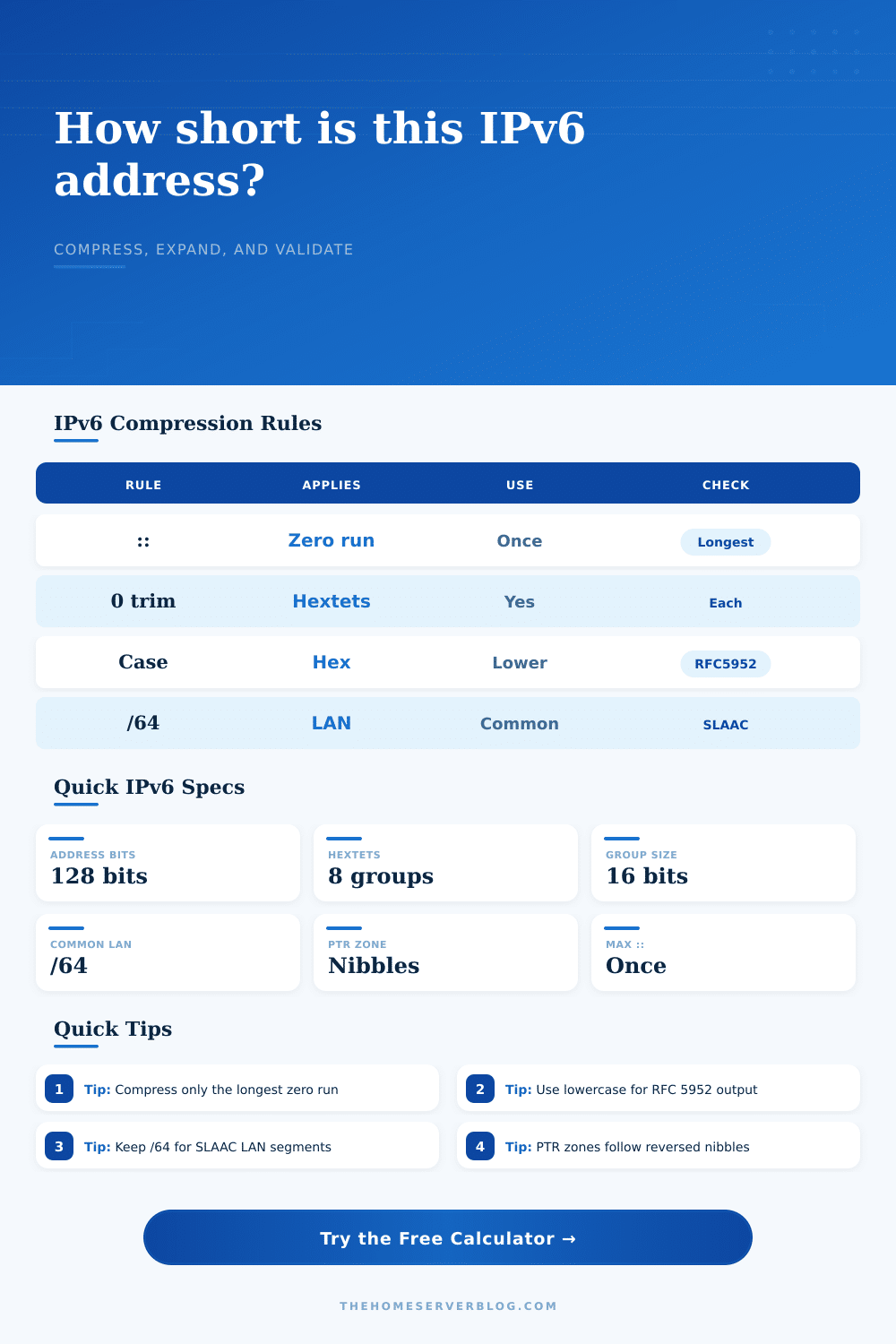
Before you press the button that says “calculate,” you should of know what’s going on with all those zeros. That’s a pretty strict and straightforward rule: replace any single run of zero groups by a double colon. But only once. When you’ve got two distinct runs of zeros, choose whichever is longer to collapse. And if both are equally long, choose the one on left. It’s not aesthetic, it’s about being consistent across systems. After all, if we didn’t all abide by this, our firewall rules would be different than our DHCP lease files wouldn’t match up. RFC 5952 requires us to behave like this; it keep things consistent.
The tool has several policies available. Strict RFC is the default and won’t compress a single zero group. Some engineers say we should compresses single zeros to save space, which are wrong for documentation. Keeping one zero as `0` instead of `::` makes visual location of that data obvious. It also keeps you from accidently skipping over it as you scan through a block of addresses. That matter if you’re troubleshooting a routing table at 2 a.m.
The other gotcha is the prefix length. Because we ran out of addresses in IPv4, we ended up with variable length subnet masking. IPv6 on the other hand assume there’s plenty of space to keep going until the heat death of the universe. For LANs it defaults to a check against a `/64`, since that’s what is assumed by most routing protocols and auto-configuration via SLAAC. Breaking standard client behavior with something like a `/48` for a single LAN segment are asking for trouble. You can see how many addresses is available given any prefix choice with the help of the tool. Even at a `/64` level you’ve still got 18 quintillion addresses. Individual user subdivision are not necessary.
Most home labs fall apart here: Reverse DNS. IPv6 PTR records are created using nibbles (not octets). Each hexadecimal digit are a nibble. To create a reverse lookup zone, you must have exact knowledge of what parts within your network prefix refer to what. This calculator does it for you. It shows the difference between number of nibbles that are fixed based off your prefix and how many can be used to identify hosts. You avoid common error of creating a reverse lookup zone that’s too small to be useful or too large for efficient operation by your DNS server.
One small pet peeve is case sensitivity. Uppercase and lowercase is both valid for hexadecimal. The standard recommendation is lowercase. The standard recommendation is to use lowercase. It saves on ink when printing and just generally appear nicer. By default, the tool makes sure you’re using lowercase so your output stays neat. Again, not a big deal; but it’s one less thing for our brain to have to worry about as we operate our infrastucture.
If you’re running a fleet of servers (or a lab with Kubernetes and Proxmox), the best thing you has going for you is documentation. A good network map won’t do much if it’s notated poorly in IPv6. The tool includes reference tables that make for a handy cheat sheet of common prefix sizes: from the `/127` for point-to-point tunnel to the `/56` ISPs handout for residential customers. It put all those numbers into context.
Ultimately, it’s about readability. You should be able to look at an address and know what it does for the network. By taking out visual noise of redundant empty groups and leading zeros, the compressed form do this. It transforms a wall of text into a structure that identifies something. So test the address out with the tool, but then let your judgement determine which way to document the address.
Remember that the router doesn’t require compression; it’s just a help to how humans see things. Consistency is important: make sure it’s neat, keep it simple, and save yourself some sanity. A double colon can be a very powerful tool, just don’t abuse it.