6to4 Address Calculator
Convert a public IPv4 address into a 2002::/16 6to4 prefix, plan /64 LAN IDs, estimate tunnel MTU, and check gateway capacity for legacy IPv6 transition labs.
| Field | Bits | Example | Planning Use |
|---|---|---|---|
| 6to4 well-known prefix | 16 | 2002 | Marks the address as a 6to4 transition prefix. |
| Embedded public IPv4 | 32 | cb00:7109 | Hex form of the gateway public IPv4 address. |
| Site prefix | 48 | 2002:cb00:7109::/48 | One routed site allocation with 65,536 possible /64 LANs. |
| Subnet ID | 16 | 0001 | VLAN, bridge, or routed LAN number inside the 6to4 site. |
| Interface ID | 64 | ::1 | Host or gateway suffix within the selected /64 prefix. |
| IPv4 Range | Use | 6to4 Fit | Action |
|---|---|---|---|
| 1.0.0.0 to 223.255.255.255 public space | Internet-routable unicast | Valid when not otherwise reserved | Derive 2002:IPv4hex::/48 and verify relay routing. |
| 10.0.0.0/8, 172.16.0.0/12, 192.168.0.0/16 | Private RFC 1918 | Not valid for public 6to4 | Use native IPv6, 6rd, ULA, or a tunnel broker instead. |
| 100.64.0.0/10 | Carrier-grade NAT | Not reliable | Request public IPv4 or use provider-managed IPv6. |
| 127.0.0.0/8, 169.254.0.0/16, 224.0.0.0/4 | Loopback, link-local, multicast | Invalid | Do not build 6to4 prefixes from these addresses. |
| 192.0.2.0/24, 198.51.100.0/24, 203.0.113.0/24 | Documentation examples | For examples only | Fine for calculator demos; do not deploy as live WANs. |
| Outer IPv4 MTU | IPv6 Payload MTU | Overhead | Practical Note |
|---|---|---|---|
| 1500 | 1480 | 20 bytes | Typical Ethernet WAN when ICMP packet-too-big works correctly. |
| 1492 | 1472 | 20 bytes | Common PPPoE outer link; test PMTUD before production use. |
| 1400 | 1380 | 20 bytes | Safer value for nested VPN, LTE, or unknown middleboxes. |
| 1280 | 1260 | 20 bytes | Below IPv6 minimum for the inner path; avoid for live hosts. |
| 9000 | 8980 | 20 bytes | Lab jumbo frame only; every hop must support the larger frame. |
| Method | Address Source | Routing Model | Home Lab Fit |
|---|---|---|---|
| 6to4 | Public IPv4 embedded in 2002::/16 | Protocol 41 to relay or peer | Useful for learning; avoid depending on public anycast relays. |
| 6rd | Provider IPv6 prefix plus IPv4 bits | ISP-managed relay | Better operational model when the ISP explicitly supports it. |
| Tunnel broker | Assigned IPv6 prefix | Configured point-to-point tunnel | Predictable lab choice when public IPv4 is available. |
| Native IPv6 | ISP delegated prefix | Direct dual stack routing | Best target for home networks that need stable IPv6 service. |
| ULA only | fd00::/8 local prefix | Internal routing only | Good for isolated labs, not a replacement for Internet IPv6. |
| Project | LAN Count | Typical Gateway | Planning Result |
|---|---|---|---|
| Small home lab | 4 to 8 /64s | OpenWrt CPE or router VM | Single /48 has far more subnet room than required. |
| Training classroom | 24 to 60 /64s | Linux gateway or pfSense mini PC | Use documented subnet IDs for each bench or team. |
| Branch office lab | 16 to 64 /64s | MikroTik or Cisco lab router | Confirm protocol 41 forwarding through the upstream firewall. |
| Cloud VM endpoint | 8 to 32 /64s | Cloud VM | Check provider policy before forwarding encapsulated traffic. |
| NAS IPv6 test bed | 2 to 12 /64s | NAS virtualization host | Keep it isolated until firewall policy is fully tested. |
Tunnels include the 6to4 protocol, which tunnels IPv6 within IPv4. A public IPv4 address get embedded in the IPv6 prefix. Anyone with a public IP can obtain a routed IPv6 space (i.e., 2002::/16). You don’t have to wait for your ISP to support it. What made the design strong was the automation, what makes it weak is the reliance on old infrastructure.
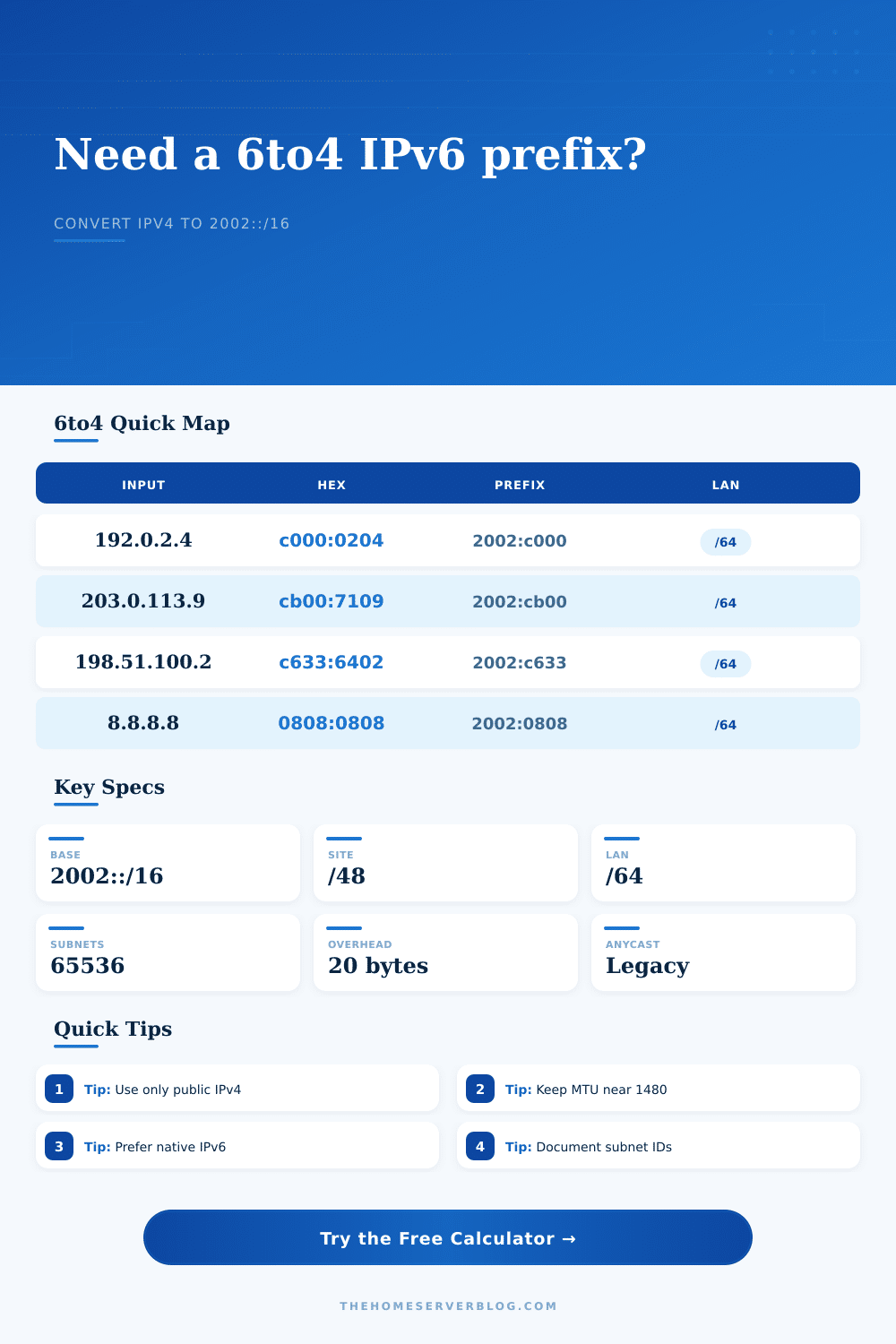
Let’s run the numbers. Above I’ve got that same IP address running through my own little calculator. It take the IPv4 address and returns the matching 2002 hex address. From there it display the site prefix, and shows how many /64 subnet you should of create internally for your lab.
What is the 6to4 Tunnel?
It also points out one of the physical constraints of tunneling. When using 6to4 every IPv6 packet add twenty bytes of overhead via encapsulating IPv4 header. That decreases your Maximum Transmission Unit (MTU). In a 6to4 tunnel with a typical Ethernet outer link (1500 byte) you’re left with an effective IPv6 MTU of 1480 bytes.
This is a reduction that many user don’t notice. They configure the tunnel, connectivity works. They think everything else must work well to. Middleboxes can refuse to deal with fragmentation. Large packets may get dropped or fragmented silent. You have to tweak the MTU on gateway to align it with the MTU for inner path.
The page has a handy reference table explaining how various outer MTUs corresponds to inner payload limits. For instance, typical PPPoE has an outer MTU of 1492. That leaves just 1472 bytes for IPv6.
The other problem with 6to4 is routing. To get to the native IPv6 internet it depended on public anycast relays at 192.88.99.1. Today those relays are mostly gone, or flakey. You shouldn’t build a production network relying on them.
If you’re trying out transition mechanisms, or have a closed lab, it makes sense to use this calculator today. And if you have a peer you connect to and they run a 6to4 endpoint as well, then great! It’s a bit of a historical artifact; a thing that still exist and kind of works. But it should never be your first strategy.
The subnet planning features demonstrate how one 6to4 site result in the assignment of a /48 prefix. That’s 65,536 /64 subnets. In the world of a home lab, that’s overkill. Maybe four or five segment are all you need for bridges and VLANs. And the tool lets you visualize that space. Assigning hex IDs to various network segments make documentation clean. See what hex value corresponds to your isolated test bed or guest network.
It is good to know the gateway capacity estimates. Encapsulating software use significant CPU resources. Are you running this on a VM or a lower-powered ARM device? You’ll reach the limit of its processing before you run out of bandwidth. Your uplink speed is included in the calculator. After taking encapsulation overhead into account, it offer a reasonable throughput estimate. Remember that there is a cost to tunneling. Bandwidth and it uses cycles.
6to4 teaches us about transitions. It teaches how to make it work with the infrastructure that was there at the time. Today we have better ways. We have native IPv6 now. Tunnel broker point-to-point tunnels is more reliable. Most ISPs support 6rd.
The 6to4 calculator helps explain address embedding. How do those bits map? The next step is to learn about newer methods. These methods does not depend on the shaky relay systems. The tech is still there, but the world has moved beyond it.