IPv6 Unique Local Address Generator
Build a stable RFC 4193-style ULA /48 for a home lab, then map VLAN-friendly /64 networks for routers, servers, storage, guests, and lab services.
| IPv6 scope | Prefix | Typical home lab use | Routing note |
|---|---|---|---|
| Unique local address | fd00::/8 | Private routed lab networks | Route inside your site or VPN only |
| Link local | fe80::/10 | Neighbor discovery and router adjacencies | Never routed between links |
| Global unicast | 2000::/3 | ISP-assigned public IPv6 | Internet routable when firewall allows |
| Multicast | ff00::/8 | Discovery and service protocols | Scope controls reach |
| Plan size | Prefix length | /64 networks | Best fit |
|---|---|---|---|
| Single LAN | /64 | 1 | One flat home network |
| Small site slice | /56 | 256 | One building or remote office |
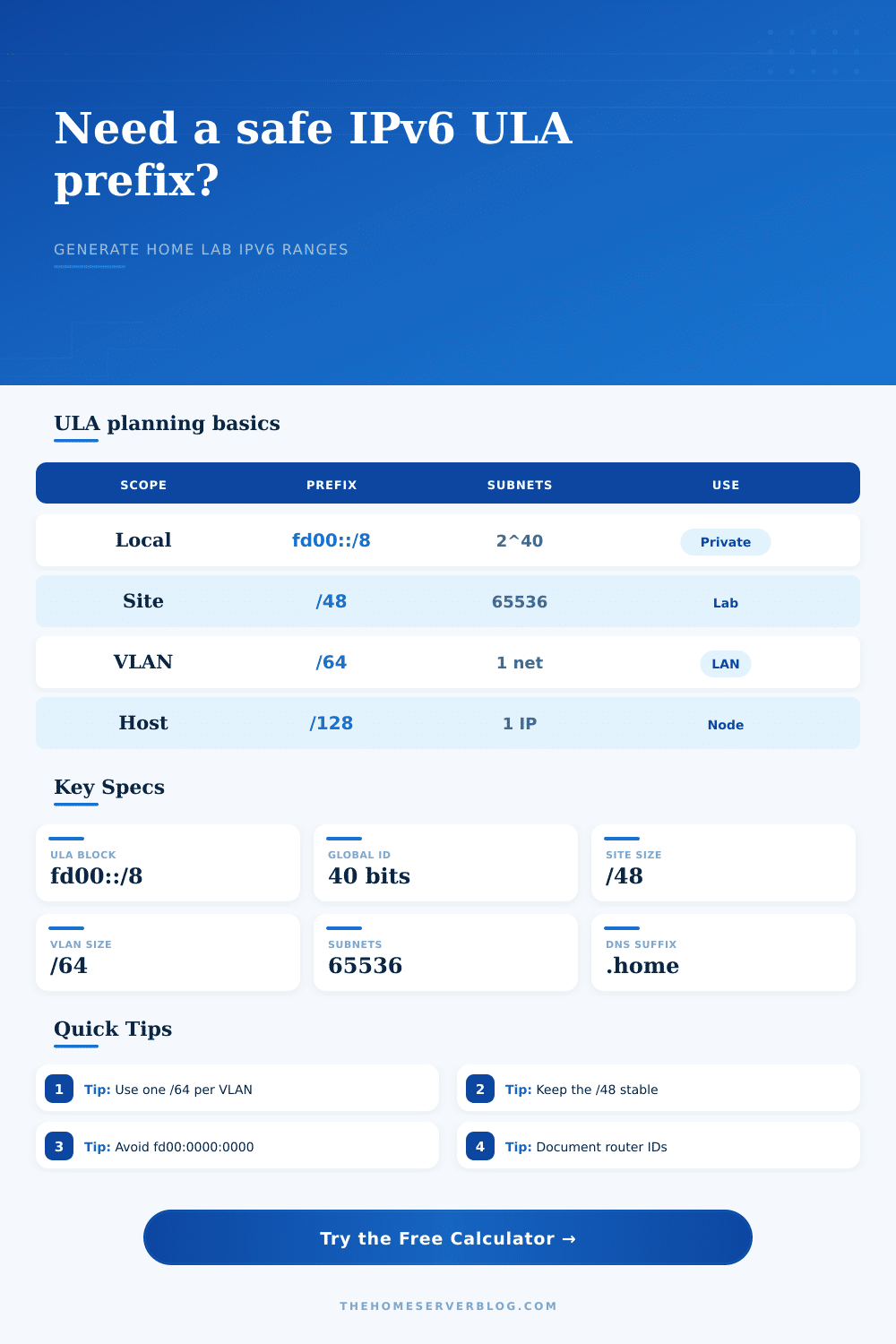
| Standard ULA site | /48 | 65,536 | Whole home lab organization |
| Multiple ULA domains | Many /48s | 65,536 each | Independent labs or tenants |
| Subnet ID pattern | Example | Strength | Tradeoff |
|---|---|---|---|
| Decimal VLAN IDs | VLAN 30 = 0030 | Easy to read in firewall rules | Looks decimal, but field is hexadecimal |
| Site nibble | 1xxx, 2xxx | Clean split by building or rack | Limits each site block by chosen nibble size |
| Role-coded blocks | 10xx servers | Groups services in route tables | Requires a naming standard |
| Compact sequence | 0001, 0002 | Fast for temporary labs | Less descriptive during troubleshooting |
| Common project | Typical /64s | Good subnet block | Notes |
|---|---|---|---|
| Proxmox cluster | 6 to 12 | 0100 to 01ff | Mgmt, VM, storage, migration, backup |
| Ubiquiti home | 8 to 20 | 0200 to 02ff | Main, guest, IoT, camera, admin |
| Router lab | 20 to 80 | 0300 to 03ff | Loopbacks, transit, simulated sites |
| Kubernetes lab | 10 to 40 | 0400 to 04ff | Node, service, ingress, storage segments |
Chances are that you’ve grown your home network beyond just a router. You’ve got smart lights in the kitchen, cameras in the garage, a Proxmox cluster in the basement and a guest network for those visiting friend. With all these devices, IPv4 private addresses begins to feel limited.
This is where IPv6 provides an alternative. Your playground is the Unique Local Address block. It is a private address space that doesn’t leak to the internet. This means you can route freely within your walls without conflicting with global routing tables. It allows you to divide networks heavily without having to worry about running out of numbers.
Why You Should Plan Your Home Network
Once you pick a prefix that’s going to stick around, this is when things get interesting. You don’t want a site-local block whose name you’ll need to change whenever you rename your network (remember all those DNS records, firewall rules, and monitor script that has to be updated).
The recommended size for a home lab is a slash forty-eight prefix, which is what the tool up top generates in a standardized way. It gives you plenty of space, enough for thousands of subnets, so you won’t find yourself forcing several VLANs onto one segment. It does the math necessary to create a globally unique identifier, sparing you from drudgery of figuring out hex numbers on your own. All you do is tell it how wide you’d like your lab to be and it constructs the rest.
The place where most hobbyists get tripped up: planning for expansion. It’s tempting to slap devices with addresses one after another when they come online, but then you’ll have a mess on your hands when you want to direct traffic. Plan in blocks instead. Whether it’s a virtual network (VLAN) or a physical Ethernet segment, any link should of being thought of as being a /64.
Using this, our calculator will give an approximation of the number of such segments required based off your existing environment. Consider dedicated networks for backups/replication traffic, isolated areas for Internet-of-Things devices, and transit links between router. Reserve some portion of your address space today. This prevents the painful task of renumbering later when you decide to add a second data rack or a Kubernetes cluster next year.
A second benefit of choosing a good generator over randomly selecting numbers is collision resistance. The chances of stepping on someone else’s locally assigned address in a home lab are incredibly small, but a deterministic seed guarantees you’ll get back the same set on your own config. Generating the same seed phrase regenerates the same prefix each time whether you migrate it to a new piece of hardware or have to rebuild your router. For things like long running services that rely on static addresses or an automation script, this consistency can’t be underestimated. No need to remember a bunch of strings, just something reliable that lets you recreate your network map.
The IP addresses are nice, but they’re only part of the picture; so is documentation. If you plan out your subnet identifiers with predictable values, it’s easier to troubleshoot late in the night when some service fails. It could be convenient if you reserve certain ranges for management traffic different than other uses. These are other users’ devices or servers.
The page has examples of popular patterns; pick one that matches your brain and use the reference tables on the page to document your choice. You can use hex blocks to logically group your services. You could use decimal IDs which match your VLAN tags. Make it clear, because then there is less searching “What does this belong in” and more doing “Here’s something that works.” Every address should tell a story.
To sum up, good networking starts long before you string any wire to the wall, so take a moment to establish your rules, assign your ranges, and log all your decisions. Your infrastructure will reward you for consistency over time. How complex you want it to be depends entirely on your vision; the calculator is just the scaffolding. Start with a clean cut using your prefix. Expand with intention. Then, watch your workshop change from a jumble of parts into a single whole. The upfront effort of drawing out your plans is different than the difference between chaos and a pro-quality environment. Actually, you should of seen how much better it works when planned. This moddern approach helps everything livig much more smoothly.