Binary to Decimal Converter
Convert home lab bit strings into decimal, signed, hex, octal, mask, and fixed-point values without leaving your server notes.
⚙Real Home Lab Presets
🖧Conversion Inputs
Nibble grouping is easiest for hex checks; byte grouping is easier for IP, storage, and packet fields.
Conversion Results
📊Equipment and Networking Spec Comparison
📘Binary Place Value Reference
| Bit position | Binary weight | Decimal value | Home lab example |
|---|---|---|---|
| 0 | 2^0 | 1 | Flag bit, on or off |
| 1 | 2^1 | 2 | Second permission or status bit |
| 2 | 2^2 | 4 | Read bit in a Unix mode triplet |
| 3 | 2^3 | 8 | Low nibble boundary before hex 0x10 |
| 7 | 2^7 | 128 | High bit in an IPv4 octet |
| 15 | 2^15 | 32768 | Sign bit in a 16-bit sensor word |
🖧Capacity by Configuration
| Configuration | Bits | Unsigned range | Typical home server use |
|---|---|---|---|
| Nibble | 4 | 0-15 | One hex digit, compact status flags |
| IPv4 octet | 8 | 0-255 | Address octets, ACL masks, DHCP notes |
| Unix permission triplet | 3 | 0-7 | Read, write, execute permissions |
| 16-bit register | 16 | 0-65535 | IPMI flags, sensor words, switch bitmaps |
| 32-bit IPv4 mask | 32 | 0-4.29B | Subnet masks and route summaries |
💻Standards and Practical Limits
| Reference | Binary size | Decimal endpoint | Practical limit to remember |
|---|---|---|---|
| IPv4 address | 32 bits | 255.255.255.255 | Four 8-bit octets in network order |
| IPv4 subnet mask octet | 8 bits | 0, 128, 192, 224, 240, 248, 252, 254, 255 | Valid masks use contiguous 1 bits |
| Ethernet type field | 16 bits | 2048 for IPv4 | Hex is usually easier than decimal here |
| VLAN ID | 12 bits | 1-4094 usable | 0 and 4095 are reserved in 802.1Q |
| Unix chmod digit | 3 bits | 0-7 | Read is 4, write is 2, execute is 1 |
📝Common Project Sizes
| Project | Example bits | Primary result | Secondary check |
|---|---|---|---|
| Home router LAN octet | 11000000 | 192 decimal | Hex C0 for 192.168.x.x |
| /24 subnet mask octet | 11111111 | 255 decimal | Contiguous mask bits valid |
| NAS chmod 755 | 111101101 | 493 decimal | Triplets read as 7, 5, 5 |
| Switch VLAN block | 0000111100001111 | 3855 decimal | 8 set VLAN flags |
| Sensor Q8.8 value | 0001100101000000 | 25.25 fixed | Raw integer is 6464 |
💡Lab Notes
If you built a home server (or started), odds are you did so for greater control over your own data. In doing so, you ran across some binary code. That all starts with an IP address such as 192.168.1.1. Maybe you’re familiar with the numbers, after all, they’re the first thing you see when you type your router’s IP into your web browser, but maybe you’ve never realy considered them as bits. Those four digits represent 11000000 in binary. Until then it just looks like random noise. Then suddenly once you realize what a single digit represents, it make sense.
Binary is simply a different way of counting. Because your brain is accustomed to counting based off tens, it seems weird. This page’s calculator converts the ones and zeroes into numbers you’re used to seeing in base ten. You can remember the logic; it’s simple enough.
Why Binary Matters for Your Home Server
It starts on the right with each bit being a multiple of two. Bit 1 (on the far right) is 2^0 or one. Then bit 2 (next column over) is two. This is followed by four, eight, sixteen, thirty-two, sixty-four, and finally one-hundred twenty-eight. If the bit are set to one, you add that number. If not, you don’t add anything.
Think of it like a list of numbers to check. And that’s where things get tricky: keeping track of which position corresponds to which weight when the string gets long. People aren’t good at remembering the positions of items in a long series without making errors. That’s why grouping the bits helps.
Octets. When performing most home lab tasks, you’re working with eight-bit chunks known as octets. That’s how TCP/IP networking works. You are configuring your subnet mask. You’re flipping switches in an eight bit container. All eight bits on = 255. All eight bits off = 0. Everything else in-between sets the boundaries that help us divide our traffic.
This web page breaks them down for you and shows you what bits contributes to the final result. It also converts from hex, which comes into play because each hexadecimal digit represent four binary bits. That’s the reason why hex is used for things like color codes and memory addresses. It cuts down on the visual clutter by a lot.
And it turns out that besides networking, another area where you see binary is in the permissions on files in Unix. Maybe you’ve seen those things like 644 or 755? What do they mean? They’re three bits per category (read, write, execute) represented as digits. The first digit is read. The second digit is write. The third digit is execute.
Read = 4. Write = 2. Execute = 1. So if you add them up, you have your permission level. Seven is full access (read + write + execute). Five is common for directories (read + execute). Knowing how it works makes troubleshooting access easier. Instead of guessing, you can know exactly what has been granted by converting binary to decimal.
Fixed-point numbers and signed integers complicate the system further. A lot of your hardware sensors will spit back voltage or temperature measurements in binary form, including negative results. They use something called two’s complement math, which uses the top bit to show sign of the number. In other words, it is not a positive number here. If you read that as an unsigned number, you end up with a huge, ridiculous number. Thankfully, the calculator will handle the interpretation for you.
It won’t let you have a measurement from a sensor of minus ten degrees Celsius turn into sixty-five thousand. It knows when it has a sign bit versus a magnitude bit.
The engineering roots of binary also come through in fixed-point math. Before they got cheap, computers did integer arithmetic with an assumed decimal point. For instance, Q8.8 means the first eight bits are the whole portion and the remaining eight is the fractional part. That’s common on older embedded systems and in digital signal processing uses. If you’re working with some IoT devices or other legacy hardware, you may run into this. Specifying fractional bits tells device how many bits are fractional. This ensures you get the right decimal value instead of just a raw integer that makes no sense in context.
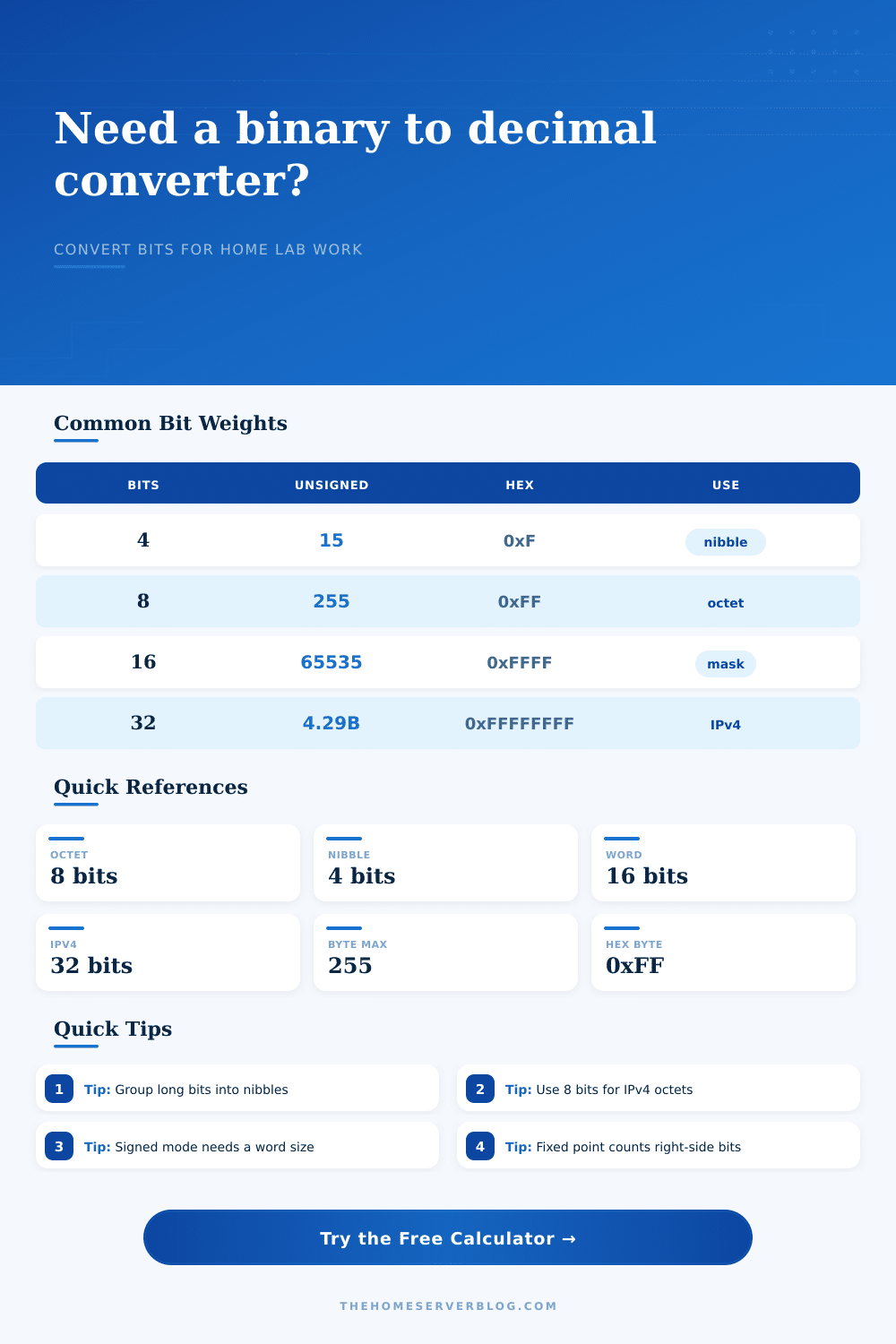
Another important variable is word size. You might think of this as your assumption about how many bits are in each number. Depending on word size, the very same binary string can represent different thing. If you choose eight bits, then it’s zero to two hundred fifty-five. Sixteen doubles it. Thirty-two covers all of IPv4 addresses.
If you type in a short binary string but use a big word size, then the leading zeros will be significant, they’ll affect both endianness and alignment. Endianness refers to whether a system is little-endian (reads from right-to-left) or big-endian (reads from left-to-right). It can make a difference when looking at registered values or debugging network packets.
On the page, there are also some handy reference tables for most commonly used limits. Remember: Fifteen is the maximum nibble value. Two hundred fifty-five is max for a byte. These limits set the edges of what can be configured. An IP address whose octet value is two hundred fifty-six doesn’t fit because the hardware isn’t capable of storing that much in the bits available. Knowing where the boundaries lie prevents misconfigurations leading to outages.
Ultimately, binary is simply a language. Once you speak it, you start to see patterns in sensor data, permission sets, and network masks. Before that, they was hard to see. You supply the context; the converter does the math. Then you have actionable data from your home lab. Bit by bit, it reveals more about your equipment’s operation. And that knowledge?