Binary to Text Converter
Decode binary payloads from console captures, packet notes, sensor frames, and home server logs into readable ASCII, UTF-8, Latin-1, or escaped text.
⚙Real Home Lab Presets
🖧Conversion Inputs
The converter accepts only binary digits plus the delimiter type you choose. Auto mode also accepts spaces, tabs, dots, colons, dashes, commas, pipes, and new lines.
Decoded Text Results
HTTP/1.1
📊Equipment and Networking Spec Comparison Grid
🔢ASCII Control Reference
| Binary | Hex | Name | Home lab meaning |
|---|---|---|---|
| 00000000 | 0x00 | NUL | Padding byte in some captures and fixed records |
| 00001001 | 0x09 | TAB | Column separator in logs and copied terminal output |
| 00001010 | 0x0A | LF | Linux line ending and syslog line break |
| 00001101 | 0x0D | CR | Carriage return in CRLF protocol lines |
| 00011011 | 0x1B | ESC | ANSI terminal sequence starter |
| 01111111 | 0x7F | DEL | Legacy delete control, rarely printable |
🌐Encoding and Delimiter Table
| Mode | Accepted separators | Best for | Practical limit |
|---|---|---|---|
| Continuous bits | None | Copied binary from firmware notes | Bit count must divide by the unit size |
| Space bytes | Spaces and tabs | Wireshark manual notes and terminal paste | Each byte should contain eight digits |
| Dot bytes | Dots | IPv4-style byte inspection | A dotted item is still decoded as a byte |
| Colon bytes | Colons | MAC-like captures and protocol examples | Use binary digits, not hex pairs |
| Line bytes | New lines | Analyzer exports and spreadsheet rows | Blank lines are ignored |
| Auto mode | Space, dot, colon, dash, comma, pipe | Mixed copied documentation | Other characters are rejected |
💻Text Payload Standards
| Context | Typical bytes | Encoding | Check before using |
|---|---|---|---|
| HTTP request line | GET / HTTP/1.1 | ASCII | Lines usually end with CRLF, bytes 0x0D 0x0A |
| SSH banner | SSH-2.0 | ASCII | Banner text appears before encrypted session setup |
| MQTT topic | home/lab/temp | UTF-8 | MQTT strings are length-prefixed UTF-8 bytes |
| Syslog message | <134>host | UTF-8 or ASCII | Priority field starts with printable angle brackets |
| DNS label | server | ASCII subset | Real DNS wire format includes label length bytes |
| Modbus ASCII | :010300 | ASCII hex text | Frame starts with colon and ends with CRLF |
🧮Common Project Size Table
| Project | Example payload | Primary result | Secondary check |
|---|---|---|---|
| Router HTTP probe | 64 bits | HTTP/1.1 | 8 decoded bytes before headers continue |
| SSH service check | 56 bits | SSH-2.0 | Printable ASCII banner prefix |
| MQTT topic capture | 104 bits | home/lab/temp | 13 UTF-8 bytes, all printable |
| Syslog priority | 80 bits | <134>nas: | Priority field plus source marker |
| Serial module reply | 32 bits | OK[CR][LF] | Control labels expose line ending |
| Base64 token start | 64 bits | YWJjMTIz | Looks printable, then decode separately |
💡Calculator Tips
Ones and zeroes scroll by on raw packet/serial console. What appears as data to your eye looks like random stream of noise. You’d guess that this must be some other language we need to translate from binary.
No, it’s not a language. Text is human consensus about meaning; binary represents electricity states. There is a space between these two things and it cause debugging problems.
How to Read Binary Data
You look at a sequence of bits and imagine they’re conveying a message. But you don’t know the encoding, the byte order, or the framing. So you’re just guessing.
It saves you the guesswork on coefficients and conversions. That’s where understanding what each field mean becomes important.
For example, the delimiter choice comes first. In an UART log or Wireshark capture, those bits don’t come as tightly packed bits into bytes. Instead they just flow. And this tool allow you to specify how you want the bits split up. Do you use dashes, colons, spaces?
Why does that matter? Because if you miss one bit, all following bytes gets shifted. Misaligned output usually results in gibberish. Counting the bits will help you find the right starting point.
The other frequent problem is encoding. For legacy stuff, it’s predictable and safe: ASCII. Everything from syslog messages to HTTP headers just contain those standard keyboard characters. Today, it’s UTF-8. The encoding setting instructs the tool how to interpret multi-byte sequence.
In UTF-8, what appears as a garbage byte could be one component of some accented character. In UTF-8 mode, the tool reject any invalid byte run. That’s a feature, not a bug. It forces you to examine the source.
If the decoder complains, then either the capture are corrupted or you’re looking at some binary data that was never intended for text.
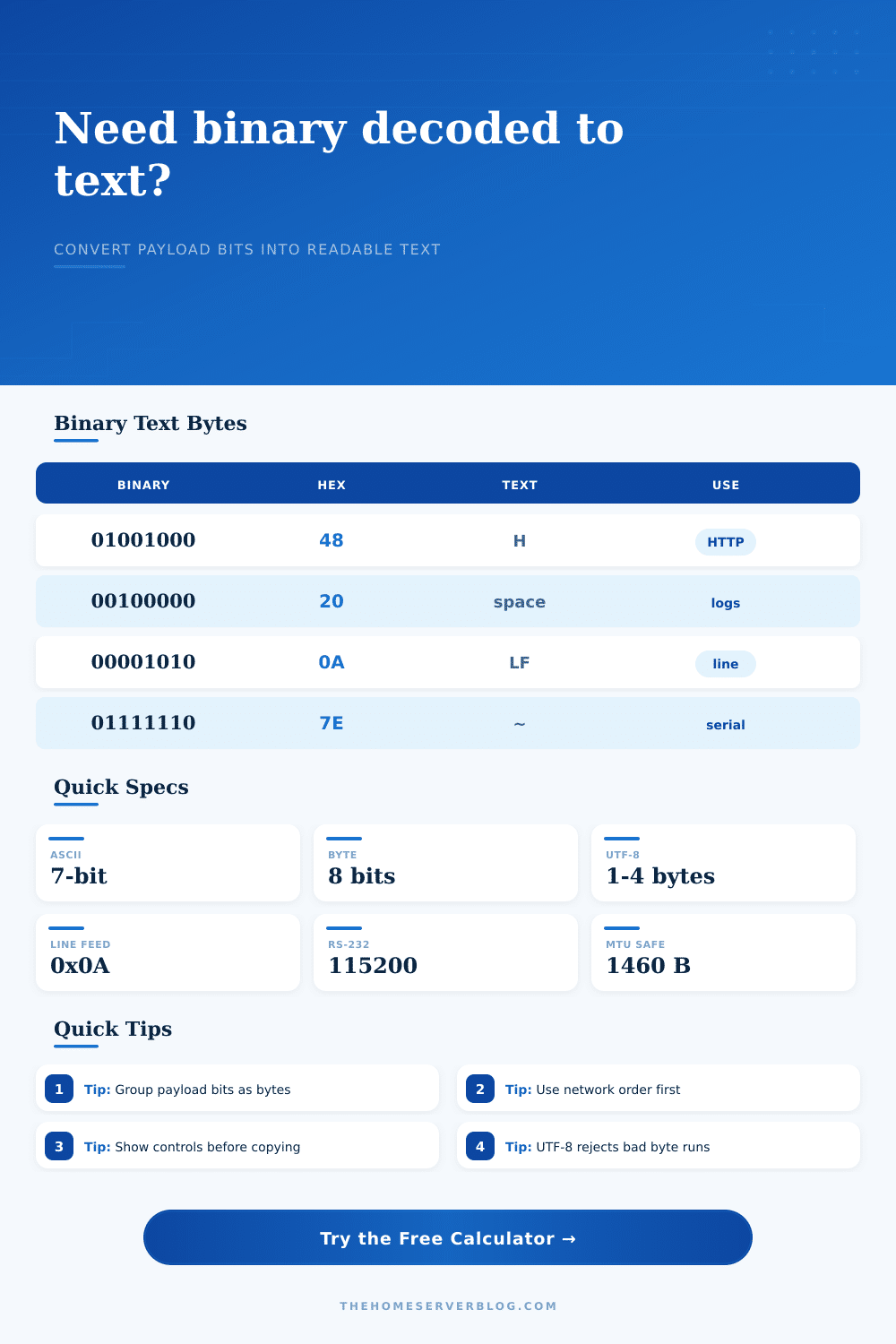
Control characters must be considered as well. That’s a byte for newlines. Yes, that’s a visual character but it’s also a byte (0x0A). The reference table identifies tabs, carriage return, and line feed representations. When you see [LF] it means your protocol use that to indicate where a line ends.
If you don’t account for those non-visual bytes, you’ll have mismatched frame. You’ll get failed connections too. These can be stripped, preserved, or escaped. You pick based off whether you’re reading the payload or trying to debug the transport layer.
The other thing that confuses people is byte order. This is called network byte order. It is big-endian order. What does that mean? Well, most personal computers is little-endian order.
You look at some network packet, or maybe you read a word from a Modbus frame. Reversing the byte order turn a readable ASCII string into garbage. By toggling the byte order button on the calculator, it reverse the bytes to align with the device’s architecture. It is a minor tweak but it connects how humans read data to how it is stored in hardware.
Real world scenarios are reflected in the presets. Plain ASCII is nearly always an SSH banner. UTF-8 is commonly an MQTT topic. Raw binary is usually a wake-on-LAN magic packet. It’s not text. This helps guide the decoder’s expectations, based on what preset was used.
Decoding a binary image as text gets you errors. Decoding a text log as binary metadata causes you to miss context.
The point isn’t simply converting bits into letters. It’s verifying that communication from the device remain intact. Working output indicates a good pipeline. Bad output shows where you should of look next.
The bits don’t lie. They only await being asked the right question.