SMTP health, authentication, bounce control, inbox placement
Email Deliverability Rate Calculator
Estimate delivered rate, inbox placement, bounce volume, and safe hourly send pace from bounces, complaints, proxy reputation, authentication alignment, warmup age, blocklist risk, throttling, and engagement.
Hard bounces, soft bounces, complaints, authentication, and risk are weighted together.
Inbox estimate is lower when reputation, auth, engagement, or complaint signals weaken.
Volume uses your sent count and the two bounce percentages.
Safe pace is capped by warmup age, risk score, engagement, auth, and your throttle.
Deliverability breakdown
| Recipient outcome | Formula signal | Current estimate | Operational meaning |
|---|
| Preset | Send pattern | Auth posture | Typical risk profile |
|---|---|---|---|
| New Domain Warmup | Low daily ramp, cautious hourly throttle | DMARC aligned | Domain age and volume spikes are the main limits. |
| Transactional Mail | Steady user-triggered events | Strict DMARC with alignment | Low bounce, low complaint, high engagement. |
| Newsletter Batch | Large subscriber sends in waves | DMARC aligned | List hygiene and stale recipients dominate. |
| Password Reset Flow | Bursty but expected security mail | Strict DMARC with alignment | Low complaint, high urgency, strict throttling. |
| Monitoring Alerts | Frequent alert notifications | SPF and DKIM pass | Engagement can be low if alerts are noisy. |
| E-commerce Receipts | Purchase-triggered receipts | Strict DMARC with alignment | Very strong engagement and low spam complaint risk. |
| B2B Outreach | Prospecting and follow-up sequences | SPF and DKIM pass | Complaints, cold domains, and blocklist risk matter most. |
| Support Ticket Mail | Conversation and case updates | DMARC aligned | Replies help, but shared helpdesk domains need care. |
| Self-Hosted Mail Server | Mixed self-managed SMTP traffic | SPF pass only | Reverse DNS, blocklist history, and open relay posture are critical. |
| Authentication status | Model trust factor | Best suited traffic | Deliverability note |
|---|---|---|---|
| No aligned authentication | Low | Testing only | Most production mail should not run without aligned sender authentication. |
| SPF pass only | Basic | Legacy SMTP, alerts, lab mail | SPF helps but forwarding and display-domain mismatch still weaken trust. |
| SPF and DKIM pass | Good | Newsletters, support, platform mail | DKIM gives message integrity and works better across forwarding. |
| DMARC aligned | Strong | Marketing, transactional, outreach | Alignment ties visible From domain to authenticated SPF or DKIM identity. |
| Strict DMARC with alignment | Very strong | Receipts, resets, security mail | Strict policy improves trust when bounces, complaints, and risk are already controlled. |
| Metric range | Healthy target | Risk zone | What to adjust first |
|---|---|---|---|
| Hard bounce rate | Under 2% | Over 5% | Suppress invalid recipients, validate signup paths, and remove stale imports. |
| Soft bounce rate | Under 3% | Over 8% | Slow the throttle, watch provider deferrals, and retry with capped backoff. |
| Spam complaint rate | Under 0.1% | Over 0.3% | Tighten consent, segment inactive users, and make unsubscribe handling immediate. |
| Blocklist risk | Under 10% | Over 35% | Pause risky traffic, confirm DNSBL status, and isolate shared-IP sources. |
| Engagement | Over 25% | Under 12% | Send to active users first and re-permission or suppress cold recipients. |
| Operational fix | Primary signal improved | How fast it helps | Watch during rollout |
|---|---|---|---|
| Enable aligned SPF, DKIM, and DMARC | Authentication trust | Immediate after DNS propagation | DMARC reports, forwarded mail, and subdomain alignment. |
| Reduce throttle during warmup | Deferrals and soft bounces | Same day | Queue depth, provider 4xx responses, and delayed delivery time. |
| Suppress inactive recipients | Engagement and complaints | One to three campaigns | Revenue or alert coverage impact for removed segments. |
| Separate streams by subdomain | Reputation isolation | Gradual | Transactional mail should not share cold outreach reputation. |
| Audit open proxy and relay exposure | Proxy and blocklist risk | Immediate after remediation | Reverse DNS, HELO identity, TLS posture, and abuse logs. |
SPF Alignment
Path trustConfirms which hosts can send for the envelope domain. It is necessary, but weak alone for forwarded mail and brand alignment.
DKIM Signing
Message trustSigns headers and body so receivers can verify that the message was not altered after leaving the sender.
DMARC Alignment
Brand trustConnects the visible From domain to authenticated SPF or DKIM identity and gives mailbox providers a clear policy signal.
Bounce Hygiene
List trustHard bounces show bad recipient quality. The calculator subtracts them directly and penalizes high bounce patterns further.
Complaint Control
Consent trustSpam complaints are weighted heavily because mailbox providers use them as fast feedback on unwanted mail.
Warmup Pace
Volume trustNew domains and IPs get lower safe send rates until accepted delivery, low bounce rates, and engagement become consistent.
Open rates can suffer at launch, and that’s not always because of the time you sent it or the subject line. Sometimes your email doesn’t make it into people’s main inbox. It go straight to spam or gets rejected before they ever see it.
But why? What factors goes into that? The math will do that calculation for you (above), but knowing what factors contribute to these numbers protect your own reputation. Signals matter more than luck, You know those mailbox providers (Outlook and Gmail) that filter your emails? They has many data points they use to determine whether or not your message is wanted.
How to Keep Your Emails Out of Spam
One core piece of this is authentication; the foundation of their trust. When your authentication records (SPF, DKIM, DMARC) aren’t aligned, it’s like you’re mailing someone without a photo ID. The system thinks you could be an imposter, so it will treat your messages with extreme doubt. Alignment of these records tie together the technical identity that signs your email with visible sender domain (proof that you are who you say you are). This small configuration exercise pay huge dividends in inbox placement.
Authentication is the foundation of deliverability, while list hygiene tells a tale in bounce rates. Invalid email addresses (aka hard bounces) reflect poorly on quality of your signup validation or whether you’re using purchased lists. Some soft bounces are caused by server timeouts, a user’s mailbox being full, and other things… Is only a temporary hiccup; too many can lead to your provider seeing your traffic as chaotic and throttling it.
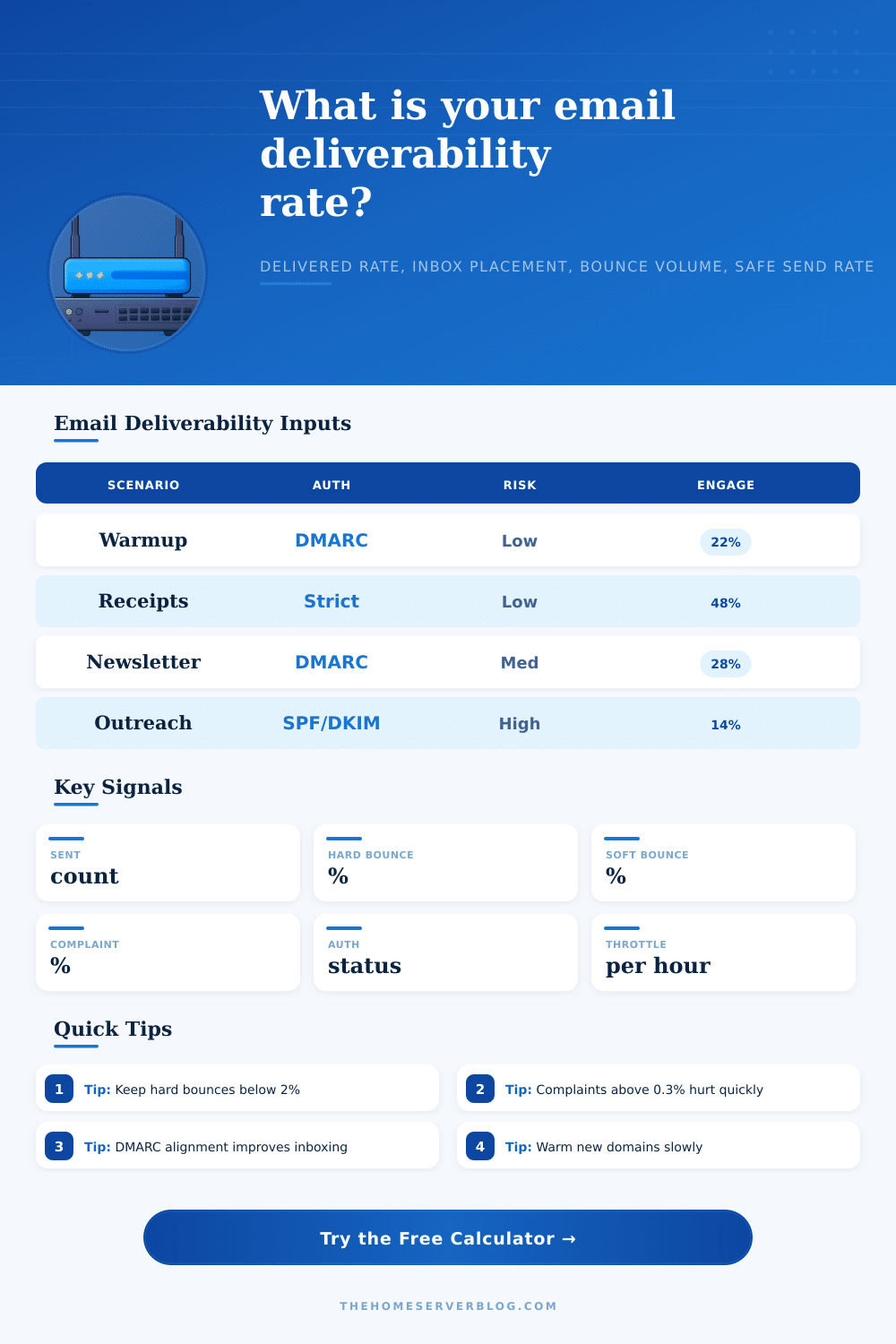
The page breaks down these scenarios well in its reference table, detailing what kind of risk profile different kinds of emails like cold outreach vs. Transactional receipt have. Broad newsletter need to earn their way into the inbox via consent and engagement, while transactional typically get more preferential treatment since they’ve been requested by recipient.
The most misunderstood metric in this space may be engagement. While many marketers only focus on opens, today’s providers is looking at clicks, replies, and yes, whether or not a user opened up your email then deleted it. When someone marks your mail as spam, you get an instant, severe hit to your domain reputation. If your complaint rate is over 0.3%, providers will begin actively suppressing you. Sending to dead weight also drags down your engagement metrics and raise your risk of inadvertently receiving complaints from someone who forgot they signed up years ago.
Sending from dedicated IPs/domains also require time to warm up. Don’t think you can send 10K emails on day one and be delivered perfectly, it would of been better to ease in. The providers want to see a track record of sending consistantly with low risk. That’s what gives them confidence in granting you more volume. By throttling your sends, you allow the system to slowly gain their trust. Rush it and you’ll end up getting listed on blocklists which takes weeks to get off. Use the safe send rate output to find the balance between making progress and staying under the radar.
Too little attention gets paid to proxy risk, and when you’re on a blocklist, it’s already too late. Your sending infrastructure may have open relays that allow spammers to send through, or you’re sharing an IP address with spammers. This drags your own clean traffic down into the mud based off association. By isolating different streams of email under their own subdomain, you can avoid having a bad batch of promotional emails drag down the delivery of critical password resets. It’s an easy operational fix that saves your most important communications.
Ultimately email deliverability is about maintaining a good reputation while staying consistent. It is the right mix of technical configuration and what people expect from your emails. Maintain strict authentication, keep bounce rates low, and keep complaint rates around zero so there’s never any question about whether you’re a spammer. Let the tools worry about doing the estimates and let yourself worry about being disciplined. Don’t break the warmup, send clean signals, and watch those inboxes start filling back up again.