HomeServerBlog subnet and firewall planning
IP Range to CIDR Converter
Convert a start IP and end IP into exact CIDR blocks for firewall allowlists, DHCP scopes, VPN pools, Kubernetes service ranges, static blocks, and routed home lab networks.
Conversion breakdown
Displayed CIDR routes
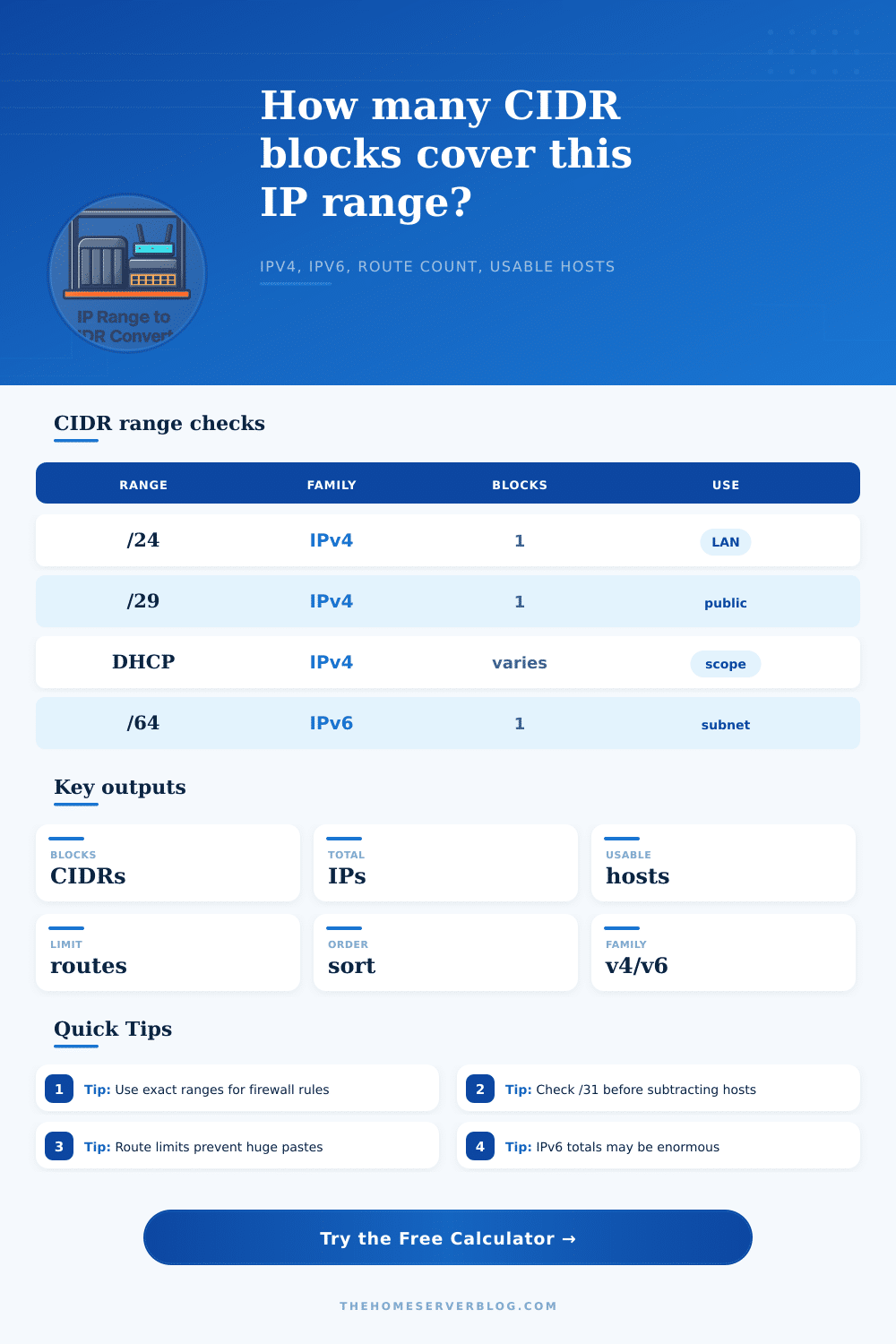
IPv4 /24
256Common LAN subnet size; usually 254 classic usable hosts when network and broadcast are excluded.
IPv4 /29
8Small public allocation often used for firewalls, static WAN blocks, lab DMZs, or routed service IPs.
IPv6 /64
2^64Standard IPv6 LAN subnet size for SLAAC and most normal home lab VLAN designs.
Host routes
/32 or /128Single-address route entries for exact firewall exceptions, NAT targets, or one-off allowlist records.
| Prefix | IPv4 addresses | Classic usable | Common use |
|---|---|---|---|
| /32 | 1 | 1 host route | Single firewall or route entry |
| /31 | 2 | 2 point-to-point | Router links using RFC 3021 behavior |
| /30 | 4 | 2 hosts | Small transit or appliance segment |
| /29 | 8 | 6 hosts | Public static block or DMZ allocation |
| /24 | 256 | 254 hosts | Typical home lab VLAN or office LAN |
| Range type | Example | Likely CIDR shape | Planning note |
|---|---|---|---|
| Aligned subnet | 192.168.10.0 to 192.168.10.255 | One /24 | Best case: a single block exactly covers the whole range. |
| DHCP middle slice | 192.168.1.50 to 192.168.1.200 | Several mixed blocks | Unaligned start and end addresses force smaller edge blocks. |
| Public allocation | 198.51.100.24 to 198.51.100.31 | One /29 | Usable host math depends on whether all IPs are routed to you. |
| Service pool | 10.96.0.0 to 10.111.255.255 | One /12 | Large aligned private ranges summarize cleanly for routers. |
| Firewall allowlist | 203.0.113.40 to 203.0.113.87 | Mixed /29 to /32 | Exact CIDR output avoids authorizing extra addresses. |
| Output order | Best for | What changes | What stays exact |
|---|---|---|---|
| Ascending | Documentation and ACL review | Routes list from lowest start IP to highest | Coverage and block count do not change |
| Descending | Reverse audits and cleanup notes | Routes list from highest start IP to lowest | Coverage and usable count do not change |
| Largest first | Router summaries and visual scanning | Broadest prefixes appear before edge fragments | Every generated CIDR remains inside the range |
| Smallest first | Finding exceptions near range edges | Host routes and small fragments appear first | No extra addresses are included |
| Family | Address width | Maximum host route | Important behavior |
|---|---|---|---|
| IPv4 | 32 bits | /32 | Network and broadcast exclusions are often used on normal LAN subnets. |
| IPv6 | 128 bits | /128 | No broadcast address exists, so usable count normally equals total addresses. |
| IPv4 private | 10/8, 172.16/12, 192.168/16 | /32 | Great for VPN, DHCP, lab VLAN, and Kubernetes range planning. |
| Documentation blocks | 192.0.2/24, 198.51.100/24, 203.0.113/24 | /32 | Safe examples for calculator testing and written network plans. |
This converter builds exact CIDR coverage from the binary value of the start address, the remaining address count, and the largest aligned power-of-two block available at each step.
In practice, however, networks aren’t nice, tidy, geometric shapes on a diagram. They sprawl and grow as needed. Sometimes they chop out chunks for virtual private networks and firewalls, and other times they simply tack more devices onto the end of existing segments. As a result, the IP spans becomes a tangled mess that won’t conform to standard Classless Inter-Domain Routing blocks. The range from 192.168.1.50 through 192.168.1.200, for instance, begins and ends at random places inside an octet, making it impossible to easy subnet without over-allocating addresses you don’t care about, thereby creating a security risk just waiting to happen.
To solve this, you need to break up the range into smaller blocks, exact ones that are easy to implement, though tedious if done manually, but trivial with automation. De-aggregating is the process by which it takes those squishy start and end values and converts them into smallest possible set of CIDR prefixes that still fully covers all IP addresses in the given range. In other words, it takes your big block containing extra addresses you don’t own and breaks it up into powers of two.
Why We Need to Split IP Addresses
That means instead of getting a giant block that contains extra IPs, you get back something like a /24 for most of the range but maybe also some /28s and /30s on the edges so you can accommodate how it starts and stops. That way you get every single address from within your defined boundaries without including a single address outside of them. It’s the difference between handing over a key to the whole building or handing out a key card that only works on your floor.
Why does this matter? To answer that question we have to dig deeper into how routing tables actualy work. It’s easier and faster for routers to handle smaller sets of larger routes then vice versa. In other words, this is called route summarization. But here’s where security policies come into play. It might make sense to allow all traffic from a wide /16 for a certain business, but then it turns out that means hundreds of hosts can access your network when only one or two should. Efficiency for safety. But safety costs us efficiency.
That’s where the tool comes in. By visually illustrating how many individual route you’re going to have to add to your config in order to achieve such precision, it allows you to decide if that level of granularity makes sense for your use case, or if a somewhat more general route could get the job done while keeping the number of blocks down.
The input options are important too. The obvious one here is to choose the right address family. But what about max prefix length? This is when real world restrictions apply. Cloud providers or some network equipment may not support routes longer than a /24 because they cannot handle prefixes that long in their route tables. Set that value to /24 and it won’t be able to produce a /32 host route for you even if that’s what your range needs. Instead, it’ll divide the difference. This could result in needing more blocks to cover the same area. So it’s simulating real life restrictions before pasting the config back out into the wild.
Don’t forget to check or uncheck network/broadcast so total hosts available accounts for them. This is really critical if you’re using these to create DHCP scopes, because those two addresses gets reserved and aren’t available to give to clients. It’s nicely spelled out on the page in the reference table. It maps prefix length to numbers of addresses, typical uses, etc. For example, /30 gives you four addresses but only two that are actually usable (good for point-to-point router links). /24 will give you 256 addresses (typical for local area networks). So with this baseline knowledge of what the number means, you can make sense of the results. When your converter spits back a bunch of /31s and /29s, you’ll know you have some really tiny, splintered allocation going on that might be static assignments for certain devices or something like that.
Usability also matters. Sorting from biggest to smallest shows how range is broken up. Sorting from smallest to largest makes more sense for firewall rules, where things are usually numbered in order.
The conversion math is a little confusing. It’s all binary math, and each 1-bit flip doubles (or halves) the network size. But you don’t have to remember the powers of two to make a good decision. All you have to know is that there’s a tradeoff here: more precision gets you more routes, and vice-versa. Let the calculator figure out the binary math for you; then ask yourself if it’s worth the added administrative overhead to gain the security promise of knowing nobody will slip in an unauthorized IP.
Ultimately this comes back to applying structure to the chaos without making it overly complicated. When you break those arbitrary ranges apart into individual CIDRs they’re made up of, then you know what your network really consists of. When you use a specific list of permissions instead of a vague idea like “some IPs,” you get the real benefit. You will know exactly what your infrastucture serves, and nothing else.