HomeServerBlog subnet planner
IP Address Distance Calculator
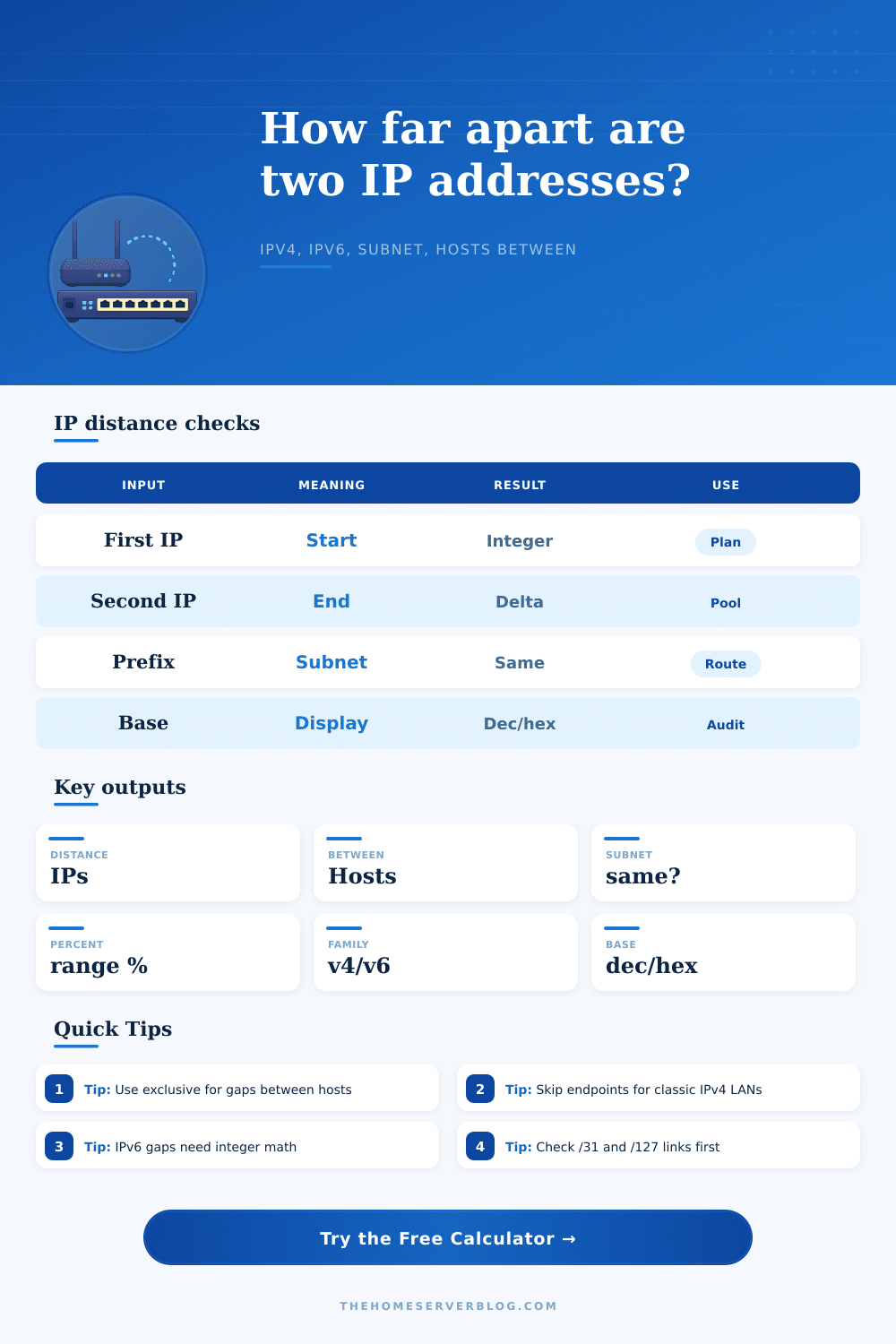
Compare two IPv4 or IPv6 addresses as exact integers, count the hosts between them, test whether both sit in the selected subnet, and show how much of that subnet span the gap consumes.
Distance breakdown
Step 1: Parse
IPv4 integersEach address becomes one unsigned integer, so dotted and colon notation can be compared exactly.
Step 2: Subtract
second - firstThe raw signed delta keeps direction information before absolute or wrap mode is applied.
Step 3: Bound
prefix windowThe subnet is derived from the first address and selected prefix, then both addresses are tested.
Step 4: Count
policy appliedInclusive, exclusive, and reserved endpoint rules produce the final host count.
| Prefix | Total addresses | Classic usable hosts | Common home lab use |
|---|---|---|---|
| /24 IPv4 | 256 | 254 | Default VLAN, guest WiFi, or small office subnet. |
| /29 IPv4 | 8 | 6 | Small public static block with gateway plus a few hosts. |
| /31 IPv4 | 2 | 2 on point-to-point links | Router adjacency where both addresses can be usable. |
| /64 IPv6 | 18,446,744,073,709,551,616 | same practical host space | Standard SLAAC subnet for a LAN or VLAN. |
| Mode | Formula idea | Use it when | Watch point |
|---|---|---|---|
| Exclusive | distance minus one | You need the gap between two fixed endpoints. | Adjacent addresses produce zero hosts between. |
| Inclusive | distance plus one | You are sizing a DHCP, VPN, or static pool span. | Endpoint reservations may still shrink the count. |
| Skip reserved | remove subnet edge hits | You are planning traditional IPv4 LAN host capacity. | /31 and /32 use special handling. |
| Subnet wrap | minimum of direct and wrapped path | You are checking circular pool offsets or ring allocation order. | Only meaningful when both IPs are in the same subnet. |
| Scenario | Typical pair | Prefix | Distance clue |
|---|---|---|---|
| Gateway to last host | .1 to .254 | /24 | Large but still inside one classic VLAN. |
| DHCP pool span | .50 to .199 | /24 | Inclusive count should match available leases. |
| Public static block | .9 to .14 | /29 | Small address distances matter because endpoints are scarce. |
| IPv6 SLAAC check | ::1 to ::abcd | /64 | Human-visible gaps are tiny compared with the subnet. |
| Base | Best for | Example output | Practical note |
|---|---|---|---|
| Decimal | Counts and pool sizing | 253 | Most readable for host quantities. |
| Hexadecimal | IPv6 offsets and masks | 0xfd | Matches packet captures and address notation. |
| Binary | Bit boundary checks | 11111101 | Long IPv6 values are compacted with bit count. |
| Mixed | Audit notes | 253 (0xfd) | Good for tickets and change records. |
This calculator performs address arithmetic only. Confirm production changes against your router, DHCP server, IPAM, and any provider allocation notes before applying a live network update.
IP addresses are made up of a series of numbers with a strict numbering scheme. It’s this scheme that governs traffic flow through your network. And when sizing out a DHCP pool or planning a VLAN, that seemingly harmless set of numbers can trick your eyes. 192.168.1.10 to 192.168.1.20 may look like a short leap on paper, but in fact is a certain number difference and that difference will tell you if there’s plenty of space left for adding device without reaching the broadcast ceiling.
Plug in your endpoints and calculator does the number crunching for you, no more hand converting octets to binary only to discover just how little breathing room you realy have. It’s all a trick, of course, just treat an address like any other integer instead of a string of words and numbers. Routers don’t deal with human-readable strings; they see an IPv4 address as one 32-bit integer that’s conveniently broken down into four readable parts for us puny humans.
Understanding IP Address Numbers
So when you ask this tool to tell you how far apart the final available host and the gateway are from each other in a typical /24 subnet, what you’re actualy asking is “how far along this number line do I have to walk until I reach point A or B?” That’s why subnet prefix length is such a critical piece of information here: It defines the edges of your network, which allows tool to determine whether two given addresses lives right next door to each other… or on opposite sides of a router hop in a totally different (though logically close) neighborhood.
You cannot see some endpoints, and most of us omit them from our calculations. By default with classic IPv4 design, the first address is the network identifier; the last is the broadcast address. There is no place for a user device there. Should we count it? Or not? The calculator will allow you to specify which approach you want: count everything in the range (all integers) or skip the reserved ones.
Counting ’em all provides true number of hops on your audit… Great if you’re checking someone else’s work. Skipping them allows you to plan for expansion, telling you how many devices you could of actualy plug into the network. That’s the difference between theoretically possible and usable space, which is where most home lab run into trouble.
With IPv6, we jump from 32 bit numbers to 128 bit ones. Suddenly the numbers are so large that even decimal numbers starts to seem ridiculously long. A /24 range of addresses contains only 256 addresses but a /64 gives you enough space for more devices than atoms in the sun. So it’s easy to feel like comparing two IPv6 addresses is abstract and not relevant when typically there will be huge swathes of address space between them that don’t matter much. But it still matters if two device are on the same subnet mask, as this is important information to make local communications efficient.
But there’s another subtler piece that many miss: directionality. All of these return an absolute distance; it doesn’t matter if the second address was higher/lower than the first one. When I’m debugging a script that sequentially allocates addresses, what matters more is “Address B is twenty spots below Address A.” The signed delta options lets you see that flow.
Checking if your server static reservations overlap with a VPN client pool is helpful. That’s where the reference table on the page comes in: it spells out, for example, what sort of span we’re talking about, say a host-to-gateway span vs. It mentions things like a DHCP pool size. It also reminds us that the right metric depends on the situation.
A public /29 block is valuable real estate, so every single number matters for your billable IPs. An internal IoT VLAN may be wasting half its space with no consequence. Know what you have before you trust what it spits back out.
So in short, it’s a visibility thing. It removes all the human touches from the format to show what kind of math is realy going on under the hood of your network. If you want to know how far apart your two servers are or if you don’t want to accidently give yourself an address conflict, knowing the integer distance lets you plan rather than hope. You no longer guess at the location of the broadcast edge, but design to real-world capacity limit.
It’s not about remembering a bunch of masks; it’s about understanding the numbers that those dots obscure. If you can visualize the addresses as points along a line instead of random letters, then you’ll see how this all makes sense. Often only one calculation separates confusion from control.