HomeServerBlog IPv4 planning tool
Subnet Splitter Calculator
Split an IPv4 CIDR block into smaller routed, VLAN, lab, DMZ, Kubernetes, guest, camera, tenant, or point-to-point subnets with gateway and reserve planning.
Subnet Split Breakdown
Share of the source CIDR consumed by generated subnets.
Host capacity across every generated subnet after gateway reserve.
Network and broadcast addresses lost across classic IPv4 subnets.
First unallocated target-size subnet inside the base range.
| # | VLAN | Subnet CIDR | Usable host range | Gateway | Addresses |
|---|---|---|---|---|---|
| Calculate a subnet plan to populate generated blocks. | |||||
| Target prefix | Addresses | Classic usable hosts | Typical home lab use |
|---|---|---|---|
| /24 | 256 | 254 | General LAN, servers, guest Wi-Fi, or larger IoT groups |
| /26 | 64 | 62 | Camera VLAN, lab bench, appliance rack, or small tenant |
| /28 | 16 | 14 | DMZ services, management slice, hypervisor cluster, or firewall lab |
| /30 | 4 | 2 | Router-to-router point-to-point transit network |
| /31 | 2 | 2 | Point-to-point links where both addresses are usable |
| Allocation mode | Reserve behavior | Best fit | Planning note |
|---|---|---|---|
| Sequential after reserved head | Skips low-address blocks first | Network gear, future router loopbacks, or firewall experiments | Keeps production subnets after infrastructure space |
| Sequential with reserved tail | Leaves high-address blocks unused | Growth padding after known VLANs | Easy to document because used space starts at the base |
| Spread reserved gaps | Distributes held-back slots through the plan | Tenant pools, pod CIDRs, and staged lab growth | Avoids one large reserve pile that later causes renumbering |
| Allocate from high addresses | Builds from the top of the base range | Temporary labs, migrations, and cleanup projects | Leaves lower addresses free for stable networks |
| Even slot VLAN spacing | Uses alternating slots before filling gaps | VLANs that may later split again | Simple way to leave neighboring growth room |
| Gateway reserve | Addresses held | Common use | Capacity effect |
|---|---|---|---|
| No gateway reservation | 0 | Container pod blocks, routed transfer networks, or pure address pools | Uses the full classic host count |
| Reserve first usable IP | 1 | Most home routers, L3 switches, and firewall VLAN interfaces | Subtracts one host from each generated subnet |
| Reserve last usable IP | 1 | Networks where gateways are documented at the top of the subnet | Subtracts one host from each generated subnet |
| Reserve first and last usable IP | 2 | HA pairs using virtual IPs, HSRP, VRRP, or standby firewall pairs | Subtracts two hosts when the subnet is large enough |
| Preset | Source CIDR | Target CIDR | Practical result |
|---|---|---|---|
| Home Lab /24 to /28s | 192.168.10.0/24 | /28 | Sixteen small server or appliance blocks before reserves |
| VLAN Plan /22 | 10.20.0.0/22 | /26 | Sixteen medium VLANs across a single summarized route |
| Kubernetes Pod CIDRs | 10.244.0.0/16 | /24 | Node-sized pod networks with predictable boundaries |
| Point-to-Point /30s | 172.16.255.0/24 | /30 | Sixty-four routed link blocks before reservations |
| Tenant Networks | 10.80.0.0/20 | /24 | Sixteen tenant or lab slices with clean documentation |
The math is rigid, which means planning when you split an IP range. You don’t want to have too few, but you also don’t want to have nothing left over for expansion. Random grabbing of chunks risks running short without realizing it until you’re already there. The calculator does the arithmetic for you so that you avoid that error down the road. Whether you’re after large VLANs (e.g., for Wi-Fi) or small links, it’ll divide your starting CIDR block into whatever size segment(s) you need. All those input values is translated into your actual physical infrastructure, and you should understand how that works.
Begin with your base network. How many addresses do you have to work with? Most home labs are on a /24, providing only 256 addresses. For something like a multi-tenant or small office environment, you might begin with a /22 or even a /16. Your ceiling is based off where you start. What you’ve been given can’t be exceeded. I’ve seen projects grow faster then anticipated, and this becomes frustrating when plans change.
How to Plan Your Network Subnets
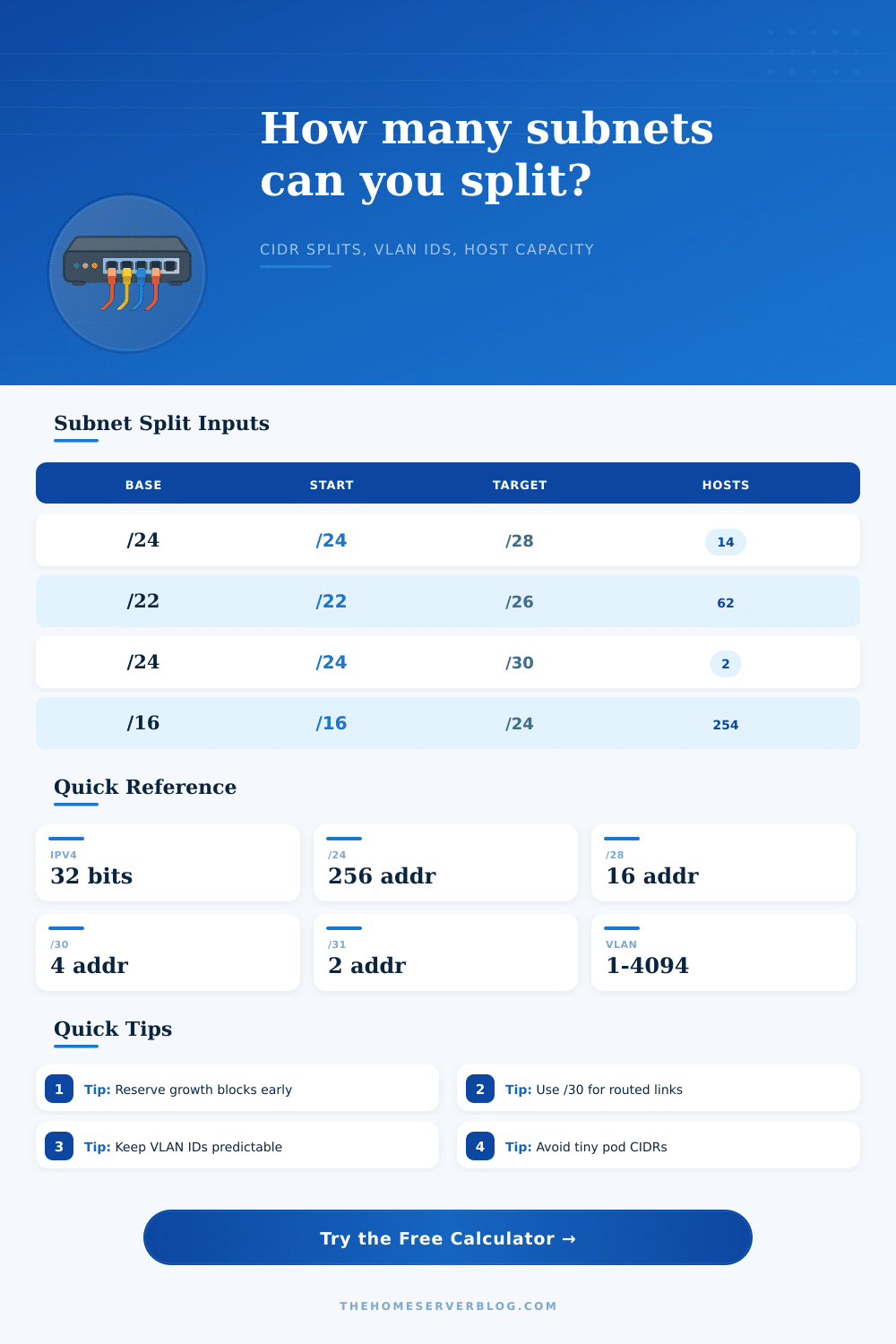
Then there’s your target prefix. Your target prefix determine how many addresses are available in one slice. If you choose a /28, it will give you 16 addresses. This is enough to use up if you have a dedicated DMZ or cluster of server. If you choose a /30 then that means you get just four addresses. That might be useful when you need to link two router together but don’t want to waste half a subnet on unused IP addresses. The question here is finding the right balance between flexibility and efficiency. Smaller slices mean less waste per segment, but it also means more admin overhead: you’re having to deal with more individual blocks.
Where things get messed up are with the reservation inputs. A lot of folks slam it all in there from day one, there is no breathing room. With this tool, you can reserve a block to leave open for future expansion. Or reserve the first part of range for infrastructure and sprinkle out some blanks across the plan so they’re easy to expand into later. A couple blank ones today saves you from the agony of renumbering your networks six months from now. Adding a guest network or another camera system force a renumber.
Each subnet requires a door out. Most designs leave the first available IP for the router. Sometimes you are forced to reserve the first and last. Maybe you’re using high availability pair. In any case, the calculator will deduct those reserved IPs from your total. Then it display how many actual devices fit onto each segment. Why? Because if you don’t account for this, you’ll run into IP conflicts. Your laptop could attempt to take an address assigned to the default gateway.
Another part of the puzzle is vlan ids. While they don’t factor into the ip math, it’s nice if the vlans are sequential and predictable so any other poor bastard who has to inherit your config won’t go nuts. Give marketing vlan 10, give engineering vlan 20. They is easy to document and easy to remember. Randomly jumping all over the place mean you need a lookup table just to remember what switch port goes where with which server.
On the page there are reference tables laying out common uses for various length prefixes. Match your real-world needs to the technical spec. Great, if you’re setting up a bank of security cameras, go with a /26, 62 hosts is more than enough for most installs. If you need a point-to-point link and every bit matters, use a /31. These are not hard and fast rules but they are time-honored patterns to avoid waste.
At its core, subnetting comes down to discipline. It teaches you how to organize chaos into a more manageable form while thinking of the future. Whether it’s a corporate network or a homelab, the underlying principles is consistent: plan well, leave some room for the unknown, and document it all. In a year when you come back to that documentation, you’ll be thanking your previous self for saving the extra slice on the plate.
You should of used more space. It would of been better.