HomeServerBlog network planner
IP Address Increment and Decrement Calculator
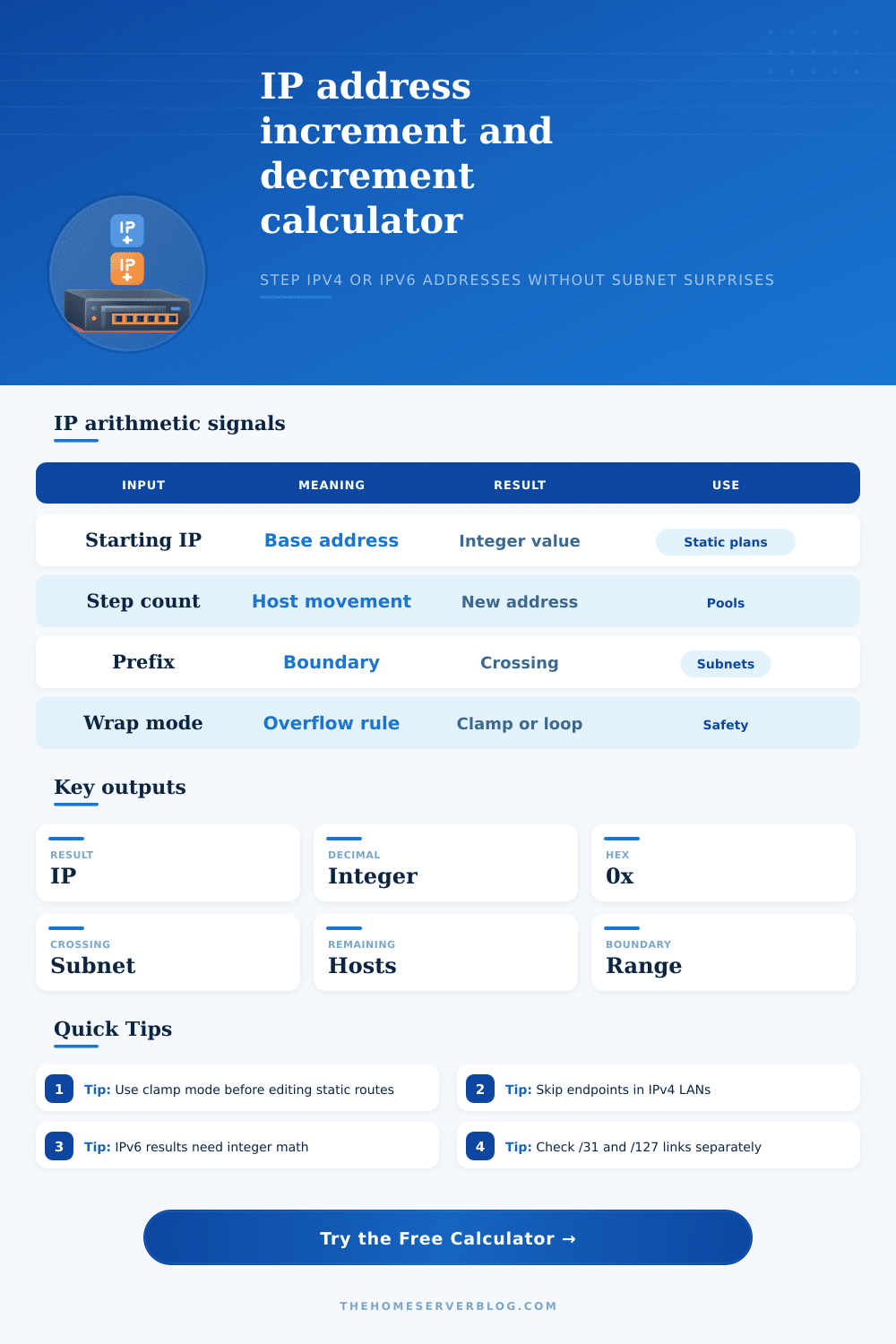
Step IPv4 and IPv6 addresses forward or backward, apply a reservation offset, respect subnet boundaries, and see the exact decimal and hexadecimal integer behind the resulting address.
Arithmetic breakdown
| Item | IP address | Decimal | Hex |
|---|---|---|---|
| Network start | 192.168.10.0 | 3232238080 | 0xC0A80A00 |
| Usable start | 192.168.10.1 | 3232238081 | 0xC0A80A01 |
| Result | 192.168.10.21 | 3232238101 | 0xC0A80A15 |
| Usable end | 192.168.10.254 | 3232238334 | 0xC0A80AFE |
| Subnet end | 192.168.10.255 | 3232238335 | 0xC0A80AFF |
The subnet range is anchored to the starting IP and the selected prefix. This makes it useful for checking whether a planned next address still belongs to the intended VLAN, route, or pool.
| Trace point | Calculation | Address | Status |
|---|---|---|---|
| Starting address | base | 192.168.10.20 | inside |
| Step movement | +1 | 192.168.10.21 | raw |
| Reservation offset | +0 | 192.168.10.21 | raw |
| Boundary rule | clamp | 192.168.10.21 | final |
| Mode | When target leaves range | Best use | Example signal |
|---|---|---|---|
| Clamp | Returns the closest usable subnet edge. | Static records, firewall objects, and change reviews. | 192.168.10.260 becomes 192.168.10.254 in a /24 with skipped endpoints. |
| Wrap | Loops through the usable range using modulo arithmetic. | Sequences, lab rotations, and deterministic pool walks. | Stepping past the end resumes at the usable start. |
| Allow | Returns the raw integer result even if it crosses the boundary. | Route checks, planned migrations, and neighbor-subnet audits. | The crossing card turns yellow or red depending on the edge condition. |
| Scenario | Typical prefix | Skip endpoints | Recommended wrap | Why it matters |
|---|---|---|---|---|
| Home server VLAN | /24 IPv4 | Yes | Clamp | Avoid assigning network or broadcast addresses to hosts. |
| Point-to-point link | /31 or /127 | No | Allow | Both endpoints may be valid on modern router links. |
| IPv6 LAN segment | /64 IPv6 | No or Yes | Allow | Useful for SLAAC-style offsets and interface identifiers. |
| Camera or IoT reservation | /24 IPv4 | Yes | Clamp | Offsets keep low, documented reservations away from DHCP churn. |
| Cloud private subnet | /24 to /20 IPv4 | Yes | Clamp | Provider-reserved addresses often sit near subnet edges. |
How do we know if we made a mistake entering our network identifier? We use an IP address calculator.
When building out a home lab or managing a small office network, you frequently enters an IP address that’s one digit greater than your gateway. It’s easy to mistype some digits which confuses you and wastes time doing math in your head instead of getting work done. If this sounds familiar then you’ve learned quickly that IP addresses is mathematical integers, not free-form character strings. They have very precise meaning and placement. Humans don’t do well at memorizing and manipulating base-256 arithmetic. Make it even harder by needing to scan for holes, reserved endpoint, and subnet masks. Without a guide manually stepping addresses is awkward at best.
Why Use an IP Address Calculator
At 192.168.10.254, add one and you get 192.168.10.255. That’s actualy accurate when dealing with integers alone. But in practical terms, that final address are the broadcast ID of the same old /24 network. Using that address as a host address will break communications for all other hosts on that network.
The tool translates dotted decimals into their corresponding binary bases. No more guessing if next available address will work or not. Don’t choose a theoretical number that doesn’t actualy work.
The scale of both protocols is not easy for mental math, though. IPv4 is 32 bits, meaning the entire address space can fit inside a number less than four billion. That seems reasonable unless you’re dealing with /28 or /30 prefix sizes. Then there are just enough addresses to make each one count.
IPv6, however, is 128 bits, meaning the address space is beyond what a typical programming integer can represent. To keep up with those kinds of offsets properly, you must be doing BigInt arithmetic. Interface IDs and SLAAC? Oh boy. Those are special tools indeed. The scale difference affects networking plans entire.
Instead, think of these as guard rails. When you look at the inputs, it helps to think about them as guardrails rather than just settings. If you need to use a /31 point-to-point link then don’t worry about leaving addresses open for broadcast and network traffic. A /31 doesn’t leave any address for either of those two things. You are paying for every single bit on a /31 link to make it function. And if the tool skip endpoints on a /31 link, you end up with no usable hosts. That isn’t very useful. So knowing what your topology looks like will help you avoid automating against it.
A lot of your planning choices are going to be based off whether or not you want to use wrap behavior. For instance, if you want static assignments and don’t want it to bleed into a nearby route or VLAN, then clamping at the subnet edge will serve as a safety net. If you want to test sequential allocation from a known pool, wrapping can come in handy. In a lab environment for example, you could cycle through the addresses to see if any conflict with anything else. Instead of stopping, the system loop back to the start of the usable range. That’s similar to what most DHCP servers would do once their pools are filled up. So you get a sneak peek at what will happen when there isn’t any more room.
For complicated deployments, reservation offsets provide more accuracy. When reserving an address block for your guest network or IoT device later, you can jump ahead by the offset to get the next available. You do not need to painstakingly count through them. It is just a number now. Just calculate it out. It turns a tedious audit task into a single calculation.
The end result provides the decimal and hex numbers which can be scripted for automating things. When addresses must be specified as integers, human-readable dotted notation does not always work in those config files. That’s the deal with networking: It’s all about boundaries. Assign IPs for your smart home cameras. Carve out a subnet for each department. Get everything online and keep it organized, without stepping on anyone’s toes. When you think of IP addresses as real numbers with constraints, it makes guessing stop and planning begin. Before pressing enter, you’ll know exactly where that line in the sand lies. This gives you confidence when you go looking for your gateway’s neighbor.