HomeServerBlog route and VPN planning
Subnet Overlap Detector
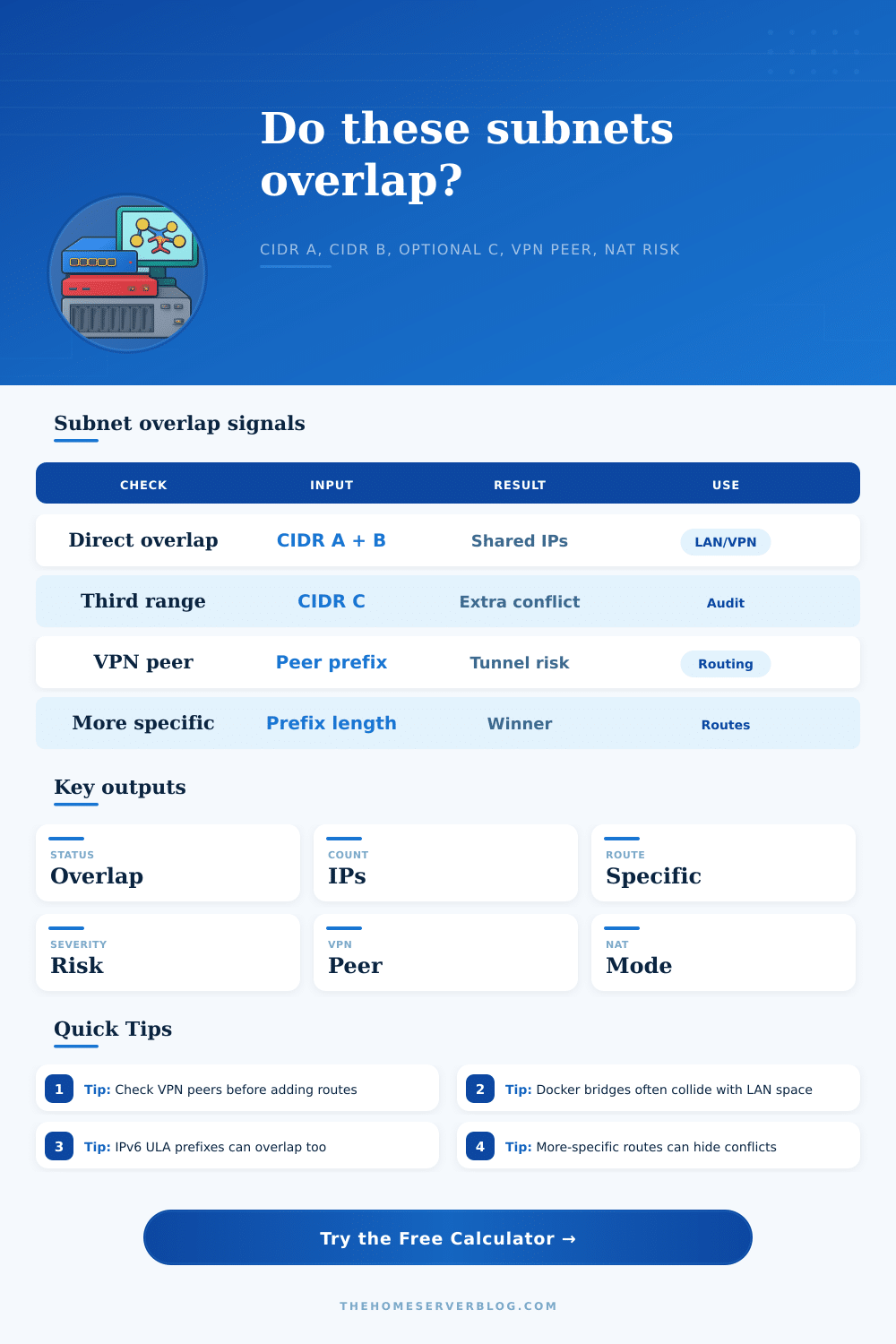
Compare CIDR A, CIDR B, an optional third subnet, and a VPN peer prefix to find overlapping address space, route specificity, NAT conflict pressure, and operational severity before you touch a router table.
Overlap breakdown
Exact match
/24 = /24Same network on both sides. Expect ARP, VPN, NAT, or route-table ambiguity until one side is renumbered.
Contained subnet
/16 holds /24A more-specific route may win, but the broader summary can still blackhole return traffic.
Partial edge
Ranges crossOnly part of each prefix overlaps. This often appears during migrations or route leak cleanup.
No collision
DisjointNo shared addresses. Still check VPN peer prefixes and future summaries before advertising routes.
| Pair | First prefix | Second prefix | Overlap range | Addresses | Signal |
|---|---|---|---|---|---|
| A vs B | 10.8.0.0/16 | 10.8.20.0/24 | 10.8.20.0 - 10.8.20.255 | 256 | Overlap |
| Severity | Typical trigger | Route behavior | Recommended next step |
|---|---|---|---|
| Low | No overlap or lab-only overlap with no VPN peer | Routes remain unambiguous | Document the ranges and keep future summaries separate. |
| Medium | Small overlap, NAT workaround, or many route tables | More-specific routes may mask symptoms | Confirm return path, NAT order, and firewall policy. |
| High | VPN peer overlap, contained subnet, or partial shared space | Traffic may prefer the wrong next hop | Renumber, translate, or split advertisements before production. |
| Critical | Exact match or broad private-space collision | Bidirectional routing is unsafe without translation | Stop peering or tunneling until an address plan is chosen. |
| NAT overlap mode | What it helps | What it cannot fix | Calculator effect |
|---|---|---|---|
| No NAT workaround | Clean route design | Nothing hides an address collision | Overlap severity stays higher. |
| Static one-to-one NAT | Partner or VPN conflicts with stable hosts | Large dynamic pools and asymmetric return paths | Severity drops slightly but keeps a route warning. |
| Hide NAT / masquerade | Client-only access through one translated address | Inbound services and peer-to-peer visibility | Severity drops for small overlaps. |
| Policy NAT with exceptions | Selective tunnel or app carve-outs | Operational complexity across many tables | Severity includes a policy complexity add-back. |
| Prefix situation | Example | More-specific route | Risk note |
|---|---|---|---|
| Equal prefix length | 10.10.0.0/16 vs 10.10.0.0/16 | Neither is more specific | Metric, admin distance, or insertion order may decide. |
| Contained child | 10.10.0.0/16 vs 10.10.20.0/24 | The /24 wins for matching destinations | Return routes can still follow the broader /16. |
| Partial overlap | 10.10.0.0/23 vs 10.10.1.0/24 | The /24 wins inside the shared edge | Only part of the parent has ambiguous handling. |
| IPv6 ULA collision | fd12:3456::/48 vs fd12:3456:10::/64 | The /64 wins for that LAN | ULA plans still need uniqueness across sites. |
The detector normalizes every CIDR to a binary start and end interval, intersects every pair, merges the conflict intervals, and then scores severity from address count, containment, route-table count, NAT mode, and VPN peer involvement.
Yes, you’ve spun up the Kubernetes cluster on your home lab. Yes, you’ve set up the site-to-site VPN to tunnel traffic back to your server rack from the office. Everything look good, everything is showing green on the dashboard.
But when you try to ping a container on the other side of the tunnel? Packets dissapears; something’s not right in the routing tables. Subnets are overlapping in a way that are wrong. That’s subnet overlap: it breaks network connectivity by making routing decisions unclear.
Why Subnet Overlap Breaks Your Network
In most cases, this isn’t due to misconfiguration; it’s an issue of convenience. Because 192.168.1.0/24 is convenient to remember, you configure Wi-Fi to use it. Then you create a new Docker container that uses the default subnet. Next, you add a WireGuard interface that allocate addresses locally without checking if they are already in use. When these subnets touch, they collide.
Your router now has a choice between two possible paths to reach the same destination… And will choose at random. The traffic appears on the network, but doesn’t find its way back because the return path simply doesn’t know which interface it should be talking too.
An overlap detector does away with guesswork about how to plan out addresses by normalizing each CIDR block to binary intervals. Just enter your main network plus one (or two) subnets you intend to migrate/audit (e.g., a DMZ or some other path to/from production), and the tool will tells you what’s up with overlapping prefixes in your network.
For example, most folks don’t even realize the need to populate the VPN peer prefix field until after they’ve tweaked their firewalls to no avail, because their remote office shares same private IP address space as their home office LAN! The calculator spots this right away and exactly tells you how many such addresses you have in common. It also flags which route is probably going to “win” according to prefix length.
The results are also dependent on route specificity, where a specific route (such as a /24 subnet) will generally replace a less-specific summary route (/16). This complicates things, because you may find that traffic appears to flow both ways, or not at all depending on which way you are trying to reach. In other words: you’re able to send something out from the specific tunnel, but the return packet attempts to traverse the wider LAN interface instead and falls flat.
To account for this risk, the tool considers how much the two routes overlap versus how complex your intended set of routes will be (more tables = greater potential for the conflict to spread), resulting in a higher score.
When people suggest “workaround” solutions, they typically say use NAT (either masquerading or static one-to-one NAT). This hides the conflicting addresses from each other but you lose visibility of the original source IP address and add much operational overhead. It complicates firewall logging and introduces asymmetry which break stateful inspection devices.
The calculator flags when you’re using NAT to mask a problem instead of solving it. It reminds you that translation is a bandage, not a cure for poor address planning.
In today’s home labs, it is very common for Docker’s default bridge range or Kubernetes’ pod network range to overlap with other subnets already on your network (either corporate or an ISP-provided LAN). So if you’re migrating services from a bare-metal server to containers, test your new container bridge for compatibility with your current network prior to committing that change. This will take 10 seconds and save you hours of troubleshooting down the road.
The tool also includes reference tables that classify common scenarios, from full overlap and guaranteed failure to partial overlap and intermittent problems. These tables should help you classify how severe your conflict is. This way, you can decide when to renumber quickly and when to make do with a policy NAT exception in the meantime.
After all, networking’s all about predictability. If you don’t understand the path a packet might take through your network, then it has already escaped your control. Do yourself a favor and check for overlaps before you ever configure an interface. Make sure your network behaves as you’d expect from Day One. Use the address plan, not the tunnel.