IP Address Sorter
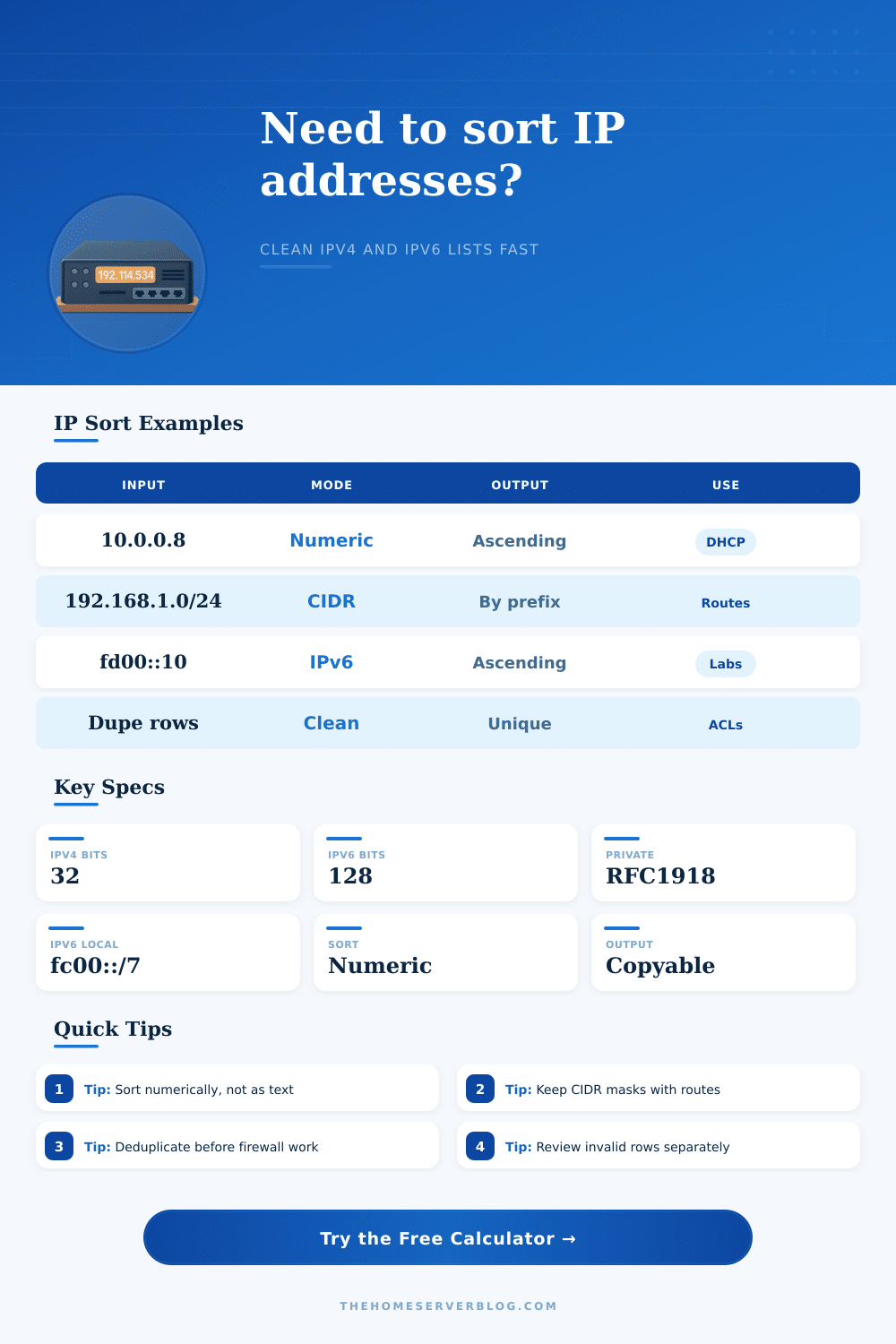
Clean messy IP lists, sort IPv4 and IPv6 addresses numerically, keep CIDR masks attached, remove duplicates, flag invalid rows, classify private ranges, and create copy-ready output for DHCP scopes, ACLs, firewall objects, and route tables.
Sort Breakdown
| Mode | Primary Key | Secondary Key | Best Use | Example Result |
|---|---|---|---|---|
| Numeric address order | Address integer value | Prefix then note | DHCP scopes, inventory lists, scan exports | 192.168.1.8 before 192.168.1.45 |
| CIDR network then prefix | Network address | Shorter prefix first | Static routes, ACL source blocks, VPN policies | 10.0.0.0/16 before 10.0.10.0/24 |
| IPv4 first, then IPv6 | Family bucket | Numeric value | Mixed firewall exports and dual-stack audits | All IPv4 rows before fd00:: rows |
| Private and local first | Scope category | Numeric value | WAN allowlists mixed with lab addresses | 10.0.0.5 before 8.8.8.8 |
| Descending numeric order | Reverse address value | Family and prefix | Backwards audits or newest-highest pools | 192.168.1.200 before 192.168.1.20 |
| Range | Family | Classification | Typical Home Lab Use | Sorter Behavior |
|---|---|---|---|---|
| 10.0.0.0/8 | IPv4 | RFC1918 private | Large lab, VLANs, VPN routes | Private count and scope-first bucket |
| 172.16.0.0/12 | IPv4 | RFC1918 private | Container networks, labs, site ranges | Private count and numeric placement |
| 192.168.0.0/16 | IPv4 | RFC1918 private | Home LANs, consumer routers, IoT | Private count and /24 grouping |
| 169.254.0.0/16 | IPv4 | Link local | Automatic fallback addressing | Local count, usually audit carefully |
| 127.0.0.0/8 | IPv4 | Loopback | Local services and testing | Local count and special scope label |
| fc00::/7 | IPv6 | Unique local | Private IPv6 lab addressing | Local count and IPv6 numeric sort |
| fe80::/10 | IPv6 | Link local | Neighbor discovery and interfaces | Local count, kept with zone-free address |
| Project | Typical Rows | Recommended Mode | Duplicate Rule | Output Format |
|---|---|---|---|---|
| Home DHCP reservation list | 20 to 80 | Numeric address order | Remove exact duplicates | Clean list only |
| Firewall source objects | 10 to 200 | Scope or family mode | Mark duplicates for review | CSV with classification |
| Static route table cleanup | 5 to 120 | CIDR network then prefix | Remove exact duplicates | Aligned table text |
| Camera or IoT scan export | 15 to 250 | Numeric address order | Keep all rows if timestamps matter | Numbered rows |
| WireGuard peer inventory | 3 to 100 | Family or numeric mode | Merge notes from duplicates | Firewall object style |
| Input Issue | Detected As | Counter Affected | Suggested Review | Example |
|---|---|---|---|---|
| Same IP pasted twice | Duplicate | Duplicates removed or marked | Confirm whether hostnames differ | 192.168.1.8 NAS and 192.168.1.8 |
| Bad octet value | Invalid IPv4 | Invalid rows | Fix typos before importing to firewall | 192.168.1.300 |
| CIDR mask outside range | Invalid prefix | Invalid rows | Use /0 through /32 for IPv4 | 10.0.0.0/40 |
| Compressed IPv6 | Valid IPv6 | IPv6 rows | Sorter expands internally for comparison | fd00::20 |
| Host note after address | Preserved note | Output formatting | Strip only when target system rejects notes | 10.0.0.12 switch |
Managing a list of IP addresses becomes difficult when the list contain a large number of IP addresses. A list of IP addresses can become difficult to manage if the list contain different family of IP addresses, if the list contains duplicate entries, or if the list contains notes that has been pasted into the same block of text. An IP address sorter is a tool that can take a list of IP addresses that is difficult to read and manage, and sort the addresses into a list that is easy to read, understand, and manage.
Routers, firewalls, and other network device often require a list of IP addresses that is clean and does not contain error. To use an IP address sorter, an individual must first choose the family of IP addresses that the IP address sorter will manage. For instance, many networks only use IPv4 addresses, as every device on the network use IPv4 addresses to communicate with the other devices on the network.
Keep IP Address Lists Clean and Organized
Other networks, however, may use IPv6 addresses to provide for the growth of that network or to test the implementation of IPv6 on the network. IP address sorter tools often allow an individual to choose between managing a list that contains mixed address family, IPv4 addresses only, or IPv6 addresses only. Choosing an IPv4 address or IPv6 address only option will return a list that is free of the wrong protocol; however, if the list contains both types of addresses, the IP address sorter can either sort the IPv4 addresses to appear first in the list, or it can manage the entire list as it appears.
An IP address sorter can sort IP addresses in different ways. For instance, text sorting will arrange the addresses in a manner in which 192.168.1.100 would be sorted to appear before 192.168.1.20 (as the character 1 comes before the character 2). Alternatively, if the addresses are to be sorted in a manner in which the smaller number is sorted to appear first in the list, then the IP addresses will be sorted numerically.
Finally, the addresses may also be sorted according to the CIDR mode, which sort networks according to their networks before the hosts within those networks (and the mode that route tables use). Within any list of IP addresses, it is possible for an individual to encounter one or more duplicate IP addresses. A duplicate IP address can be created if, for instance, a device name was copied and pasted into the list of IP addresses twice, or if an IP address and note was inserted once into the list, and the same IP address was inserted without a note.
As a firewall will treat each of these duplicates as separate network devices, the presence of duplicate addresses within such a list can create errors within the firewall. An IP address sorter can remove any exact match of IP addresses (or any duplicates), can mark them for review, or can merge the notes associated with each of the addresses. Many lists of IP addresses contain notes associated with each of the IP addresses, as those notes may indicate the reason for which each IP address is assigned to a device, for instance.
While some network devices will reject a list of IP addresses if any text follow the IP address, other devices will accept those lists of text. Therefore, notes within a list of IP addresses can be kept, stripped, or wrapped in a manner that causes the addresses to be passed to the next device in the network with only the data that that next device require to function. Some rows within a list of IP addresses may be invalid for various reason.
For instance, an invalid row may contain text that indicates that an IP address was mistyped, or the prefix for the IP address was outside of the allowed range. These invalid rows can be moved to the top or the bottom of the list, allowing the user to correct those errors while maintaining the total count of the IP addresses within the list. The total count of the IP addresses within a list can be critical to ensure that an audit of the network matches the device that are actually on the network.
An IP address sorter can also classify the scope of the IP addresses within that list. For instance, private range, link-local addresses, and unique local IPv6 addresses can be categorized, allowing for easy understanding of how those addresses relate to the network. For instance, each category may indicate whether those addresses should be allowed through a WAN allow list, or if they should remain contained to the lab in which they were created and assigned.
By grouping the IP addresses according to the network to which they belong, an individual can easily audit a group of IP addresses. For instance, a group of twenty IP addresses may belong to one subnet, while another group of only two IP addresses may belong to another subnet. By grouping each of the IP addresses according to their subnet, an individual can more easy determine which subnets to audit for errors.
Grouping according to subnets does not change the addresses of the devices, but rather provides an overview of the subnets to the individual. Networks change from time to time due to the addition of new device or networks (such as container networks) to those existing networks. As such, a list of IP addresses that was organized for one time period may become disorganized during another time period.
An IP address sorter can be used to organize these addresses each time that a network is exported from its device, preventing the disorganization from increasing within the network. The use of an IP address sorter can lead to a variety of benefit for the network. For instance, firewalls will have shorter policies if the duplicates are removed from the list of IP addresses.
Route tables will load without error if the addresses are sorted according to the CIDR mode. Additionally, DHCP scope will not be filled with gaps if the addresses are sorted according to the numeric sorting mode, as each address will appear from the lowest to the highest address in the list. Over time, an individual will become accustomed to using the IP address sorter.
As a result, the individual will no longer have to wonder if any device has an IP address that already exist within the list; the IP address sorter will provide that information. Additionally, the individual will no longer have to second guess if any of the networks have impossible prefix length; the IP address sorter will highlight those with impossible prefix lengths. Thus, the work that the individual must perform remains the same, but the friction that is created in performing that work is reduced due to the implementation of the IP address sorter.