Internet Download Speed Calculator
Estimate download time, real usable throughput, daily data volume, and multi-device headroom from an advertised internet connection.
Internet Download Plan
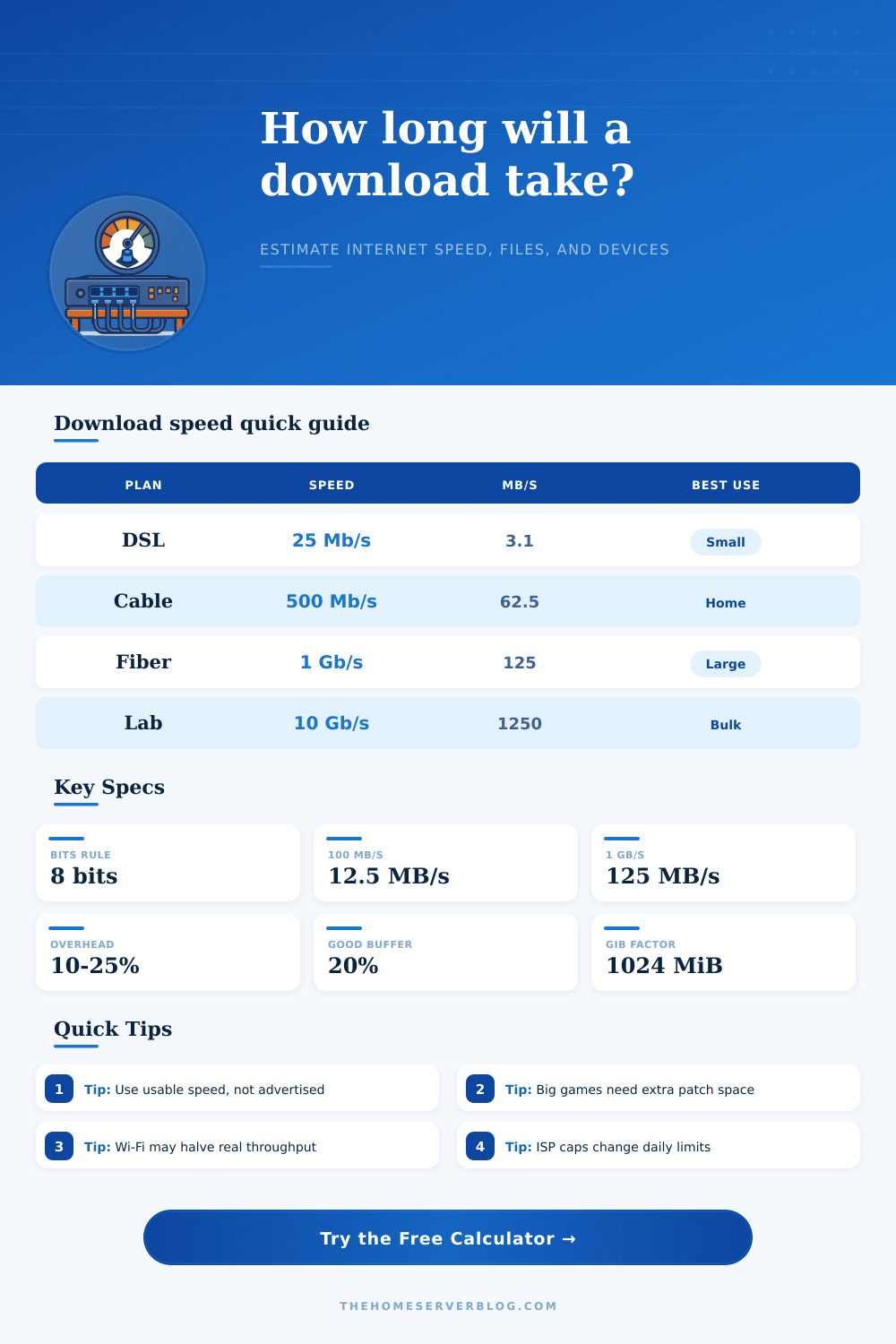
| Internet Speed | Ideal MB/s | 10 GB File | 120 GB Game |
|---|---|---|---|
| 25 Mb/s | 3.1 MB/s | 53 min | 10.7 hr |
| 50 Mb/s | 6.3 MB/s | 26.7 min | 5.3 hr |
| 100 Mb/s | 12.5 MB/s | 13.3 min | 2.7 hr |
| 300 Mb/s | 37.5 MB/s | 4.4 min | 53 min |
| 500 Mb/s | 62.5 MB/s | 2.7 min | 32 min |
| 1 Gb/s | 125 MB/s | 1.3 min | 16 min |
| 2 Gb/s | 250 MB/s | 40 sec | 8 min |
| 10 Gb/s | 1250 MB/s | 8 sec | 1.6 min |
| Connection Type | Typical Efficiency | Common Extra Loss | Planning Note |
|---|---|---|---|
| DSL or fixed wireless | 75-88% | Latency and line quality | Use measured speed during busy hours |
| Cable broadband | 80-92% | Neighborhood congestion | Evening downloads may run below plan rate |
| Fiber internet | 88-96% | Router, Wi-Fi, CDN | Wired clients often reach the best result |
| LEO satellite | 65-85% | Weather, cell load, latency | Expect more variation across the day |
| 5G home or hotspot | 60-88% | Signal and tower load | Moving the gateway can change results greatly |
| Public Wi-Fi | 35-70% | Captive portal and airtime | Large downloads may be shaped or blocked |
| Home lab WAN edge | 85-95% | Firewall inspection and VPN | IDS, VPN, and QoS can cap throughput |
| Unit | Means | Conversion | Where You See It |
|---|---|---|---|
| Mb/s | Megabits per second | Divide by 8 for MB/s | ISP plans and speed tests |
| Gb/s | Gigabits per second | 1 Gb/s equals 1000 Mb/s | Fiber plans, routers, switches |
| MB/s | Megabytes per second | Multiply by 8 for Mb/s | Browsers and download managers |
| GB | Decimal gigabyte | 1 GB equals 1000 MB | Game stores, ISPs, disk vendors |
| GiB | Binary gibibyte | 1 GiB equals 1024 MiB | Operating systems and some tools |
| Overhead | Non-payload traffic | Often 5-25% | TLS, TCP/IP, retries, app checks |
| Download Scenario | Typical Size | Good Target Speed | What Bottlenecks First |
|---|---|---|---|
| Operating system ISO | 5-8 GB | 100 Mb/s or more | Mirror server and Wi-Fi quality |
| Modern PC game | 80-180 GB | 500 Mb/s or more | Launcher unpacking and SSD writes |
| Console launch update | 40-120 GB | 300 Mb/s or more | Console storage and platform CDN |
| Cloud photo archive | 200-800 GB | 1 Gb/s if available | Cloud provider throttling and cap limits |
| VM template library | 300 GB-2 TB | 1-10 Gb/s lab edge | Firewall throughput and destination disk |
| Mobile hotspot update | 10-60 GB | 50-200 Mb/s | Signal, hotspot thermal limits, data cap |
When downloading large file, such as video games or operating system images, the speed at which data is downloaded from the internet may be slower then the speed promised by your internet service providers. This is due to the fact that internet speeds is calculated under ideal circumstances, but when downloading files, various factors works against the speed of the internet connection. By understanding these factors, you can successfully calculate how long it will take to download a file of any size.
To calculate download speed, there are several specific elements that must be accounted for. You must select the type of internet connection, as there are various types of internet connections. The advertised speed of the internet connection must be entered into the calculator.
How to Calculate Download Time
The efficiency of the internet connection must be accounted for, since data is lost to the protocol that is used to transfer the files. The loss of the Wi-Fi signal must be accounted for, as many individual use Wi-Fi connections instead of ethernet connections to the internet. Finally, the amount of device on the network must be accounted for, since all devices compete for the bandwidth provided to the network.
The calculator will provide three specific outputs that will allow individuals to understand their downloading capability. The calculator will provide the time that it will take for the files to download, allowing for the successful planning of the download. The usable speed of the internet connection will be provided.
Share of the internet data provided to each device will also be provided, which is helpful in networks where many individuals live in the same household and use the network simultaneous. Finally, the calculator will provide the data that will be used for the download, which helps to regulate the data plans that some individuals have with their internet providers. Many individuals do not consider the amount of internet speed that is lost to protocol protocols.
These protocols can lose 10 to 25 percent of the advertised speed. This is before the effect of Wi-Fi signal. Furthermore, if many device are using the internet at the same time, the usable speed may only be half of the advertised speed.
By using this calculator, individuals can see how the internet speed will be lost to these factors. The calculator also allows for the testing of different scenarios to determine the difference in speed between, for instance, a Wi-Fi and ethernet connection. There are several variable that affect the speed at which files can be downloaded.
The hosting of the files, the quality of the CDN, and the hardware of the individual’s computer can limit the speed of the internet connection. If the hard drive is slow, files cannot be downloaded at the same rate at which they are provided to the computer from the internet. Additionally, if the computer is using a mobile hotspot, the hotspot can become too hot with the number of devices that are attempting to use the internet from that hotspot.
These variables are accounted for in the planning head-room for the internet connection. The planning head room allows for the internet speed to be estimated while providing some room for these variables to slow the data transfer rate. There are also reference tables that illustrate the outcomes of various speeds and connection type.
A description of the difference between bits and bytes is included in these tables, as many individuals are unaware of the difference between these two unit of data. The calculator also allows for the change between decimal and binary unit of measure for data, as many internet service providers use gigabits while computer science department use gibibytes when reporting the sizes of files. The difference between these two units become more prominent with larger files.
When considering the process of downloading files, an individual should view the process as a system of various component. Each component has the potential to be a bottleneck to the data transfer rate. This calculator allows individuals to test the impact of each of these variable and to determine in advance whether or not it is possible to download the file that they desire.
Thus, the calculator can be used as a planning tool rather than a guaranteeing tool of the ability to download large files. An individual can use this tool to decide if they should begin the download at the present time or if they should await the reduction of the data transfer rate of the network. The tool can also be used to determine if the individual needs to upgrade their internet plan to achieve higher data rates, or if their bottleneck in data transfer is caused by some other factor.
If an individual measure their successes by the units of their usable internet speed rather than their advertised internet speed, they can be successful in scheduling their files to download.