IP Header Checksum Calculator
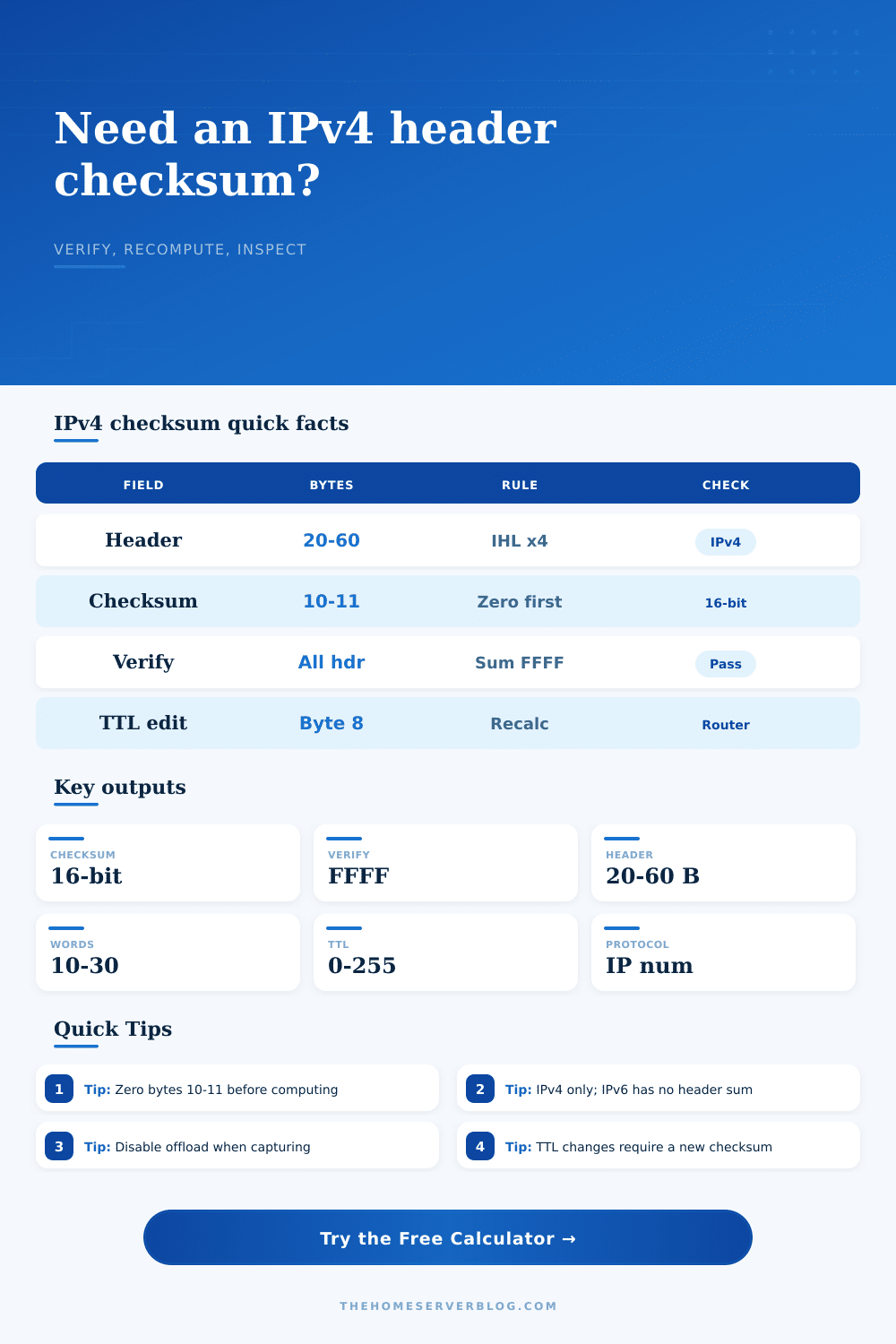
Paste an IPv4 header in hex, recompute the checksum with bytes 10-11 zeroed, verify captured packets, or model a TTL decrement the way a router updates the header.
📦 Packet and Header Presets
⚙ Header Inputs
Full checksum breakdown
🖧 Equipment and Capture Path Comparison
Linux host tcpdump
Reliable for inbound verification; outbound checksums can appear unfinished when NIC offload is enabled.
Wireshark desktop
Excellent field decode view; checksum warnings need context when captures happen before hardware fill-in.
Home router path
Routers decrement TTL and update the IPv4 header checksum at every forwarded hop.
pfSense / OPNsense VM
Checksum offload settings in the hypervisor and guest can change what packet captures show.
Layer 3 switch SVI
Hardware forwarding recomputes TTL-related checksum changes without exposing intermediate CPU packets.
Scapy packet craft
Leaving the checksum unset lets Scapy compute it; setting it manually is useful for negative tests.
NIC offload path
Outbound checksum fields can look wrong because the adapter completes them after the capture point.
Embedded IPv4 stack
Small stacks often use a 32-bit accumulator, fold carries, then store the one's-complement result.
📋 IPv4 Header Field Reference
| Field | Byte offset | Checksum impact | Home lab note |
|---|---|---|---|
| Version and IHL | 0 | Included as first 16-bit word with DSCP/ECN | First nibble should be 4; IHL x 4 gives header bytes. |
| Total length | 2-3 | Included directly | Should be at least header length and no more than 65,535 bytes. |
| Identification, flags, offset | 4-7 | Included directly | Fragmented packets still use the same header checksum process. |
| TTL and protocol | 8-9 | Included as one 16-bit word | Forwarding changes TTL, so the checksum must be updated. |
| Header checksum | 10-11 | Zero for compute, include for verify | Valid captured headers fold to 0xFFFF when included. |
| Source and destination | 12-19 | Included directly | NAT rewrites addresses and therefore recomputes the checksum. |
| Options and padding | 20-59 | Included when IHL is above 5 | Rare on home networks, but captures and crafted tests may include them. |
🧮 Checksum Math Reference
| Step | Operation | Expected value | Why it matters |
|---|---|---|---|
| 1 | Split header into 16-bit network-order words | 10-30 words | IPv4 header length is always a multiple of four bytes. |
| 2 | Set checksum field to zero for calculation | 0x0000 | The field cannot include its own final value while being computed. |
| 3 | Add words using one's-complement addition | Fold carry | Any carry above 16 bits wraps around and is added back in. |
| 4 | Invert the folded 16-bit sum | 0x0000-0xFFFF | This is the value stored into the IPv4 header checksum field. |
| 5 | Verify by adding the header with checksum included | 0xFFFF | A good header produces all ones after folding. |
🔗 Accepted Delimiters and Packet Dump Formats
| Format | Example | Parsed as | Use case |
|---|---|---|---|
| Space separated | 45 00 00 3c | Byte pairs | tcpdump and teaching notes |
| Colon separated | 45:00:00:3c | Byte pairs | Some packet exporters |
| Hyphen separated | 45-00-00-3c | Byte pairs | Spreadsheet or ticket notes |
| Comma separated | 45,00,00,3c | Byte pairs | CSV lab records |
| Plain stream | 4500003c | Every two hex digits | Firmware logs and Scapy output |
| 0x notation | 0x45 0x00 | Prefix removed | Code comments and debug prints |
Only hexadecimal digits are used in the final parser. Non-hex separators are ignored after the input is normalized.
📊 Common IPv4 Packet Project Sizes
| Scenario | Typical header | Checksum behavior | Secondary check |
|---|---|---|---|
| Home LAN TCP SYN | 20-byte IPv4 header | Zero field, compute once | Confirm protocol 6 and DF flag. |
| DNS UDP query | 20-byte IPv4 header | Header checksum only | UDP checksum is a separate protocol field. |
| Traceroute probe | 20-byte IPv4 header | Changes at each router | TTL reaches zero and triggers ICMP time exceeded. |
| IPv4 options test | 24-60-byte header | Options words included | IHL must match the option and padding length. |
| Fragmented UDP | 20-byte header per fragment | Each fragment has its own header checksum | Offset and more-fragments flag should be decoded. |
| IPsec ESP tunnel | 20-byte outer header | Protocol 50 in header | Encrypted payload is outside IPv4 checksum math. |
💡 Practical Checksum Notes
Checksums seem like such a tedious piece of the protocol that you can reasonably assume they’re taken care of behind the scenes by today’s processors without issue. This changes when you use Wireshark on a flaky link between two home router and notice invalid IP headers being flagged. This isn’t because of anything wrong with payload in the packet. In most cases, it’s because of checksum itself in the packet’s header.
The packets breaks as they pass through some kind of hardware that has decided to offload calculating the packet for us into the network interface card. These cards computes the checksum and write it to the packet after it leaves the OS. What your packet analyzer captures is not what’s on the wire when you capture it. You just happen to have a good packet by the time it makes its way onto the wire, but your capture show an incorrect or empty checksum value.
Why Packets Look Broken in Wireshark
Start your troubleshooting here. The math for IPv4 header checksums is deceptively simple: instead of plain old binary addition, it uses what’s called one’s complement addition. You break up the header into 16-bit words, add ’em all up, and if there are any overflows, you just toss those bits back in the answer. It is a nice little trick to catch mistakes without having to do complex stuff with division and such, but this also make each and every byte in the header matter.
Routers has to decrement the Time To Live field when they forward a packet. Changing a single byte breaks the checksum so the router has to recompute it before forwarding the packet along. The failure to recalculate causes next hop to drop the packet outright. It is a small detail. However, it explains why things like NAT translation errors or broken fragmentation can look like mysterious connectivity drops different than obvious configuration errors.
A specialized calculator will help demonstrate this in action (without getting bogged down in hexadecimal math). Paste in your raw hex dump from Wireshark or tcpdump and it will parse through the bytes on display. Choose between validating an existing checksum against given values or recomputing one from scratch to see what’s different.
The latter option will let you tell whether the packet has been corrupted en route (i.e., there was a problem) or if there’s just an artifact in your capture. Simulate being either side by setting the checksum field to zeroes and then recomputing it to see how the sender would of sent it. Or keep the value intact and check it to see how a receiver verifies it.
That’s where we get into the duality of these packets: They may appear fine but they won’t validate because the sum of everything… Including the checksum itself, must total all ones. Otherwise something happened along the way. There’s also yet another wrinkle: header options. Many calculators don’t account for these, which extend the length of a standard IPv4 header from 20 bytes. If the “Internet Header Length” field doesn’t match this expected length, actual header length is different. You must account for all of those extra option bytes when calculating the checksum.
This should sound familiar because it’s exactly how routers reject a malformed packet. The IHL value fails to match what they’ve actually been fed, which means the checksum calculation will also be incorrect. So before taking the answer at face value, make sure you check the IHL nibble in first byte of your hexdump.
This calculator has that covered for you; it filters out any delimiter noise and zeroes in on the real deal, the sixteen-bit words that count. No more fretting over byte ordering or endianness alignment here, just confirm whether it’s the TTL value or the protocol field that’s failing.
For example, when capturing packets on a Windows machine or Linux host, you have to disable checksum offloading if you want to actually see what the software stack put into the wire. Otherwise you’re chasing ghosts: you compare your captured data to expectations that was never in memory. The equipment comparison section here emphasizes those subtleties: you can get a different view of the same packet from different capture points. In some cases, it will be perfect at the destination and broken at the source, not because anything is wrong with either end, but just because the hardware corrected it on its way out of the building.
Seeing that pattern saves you hours of fruitless debugging. Instead of looking at the endpoints, you trace where the header was last changed. You start to think about the path instead of the endpoints themselves.
And finally, the checksum is a promise that the header survived its journey intact. That’s all; it’s a way to verify that those three little fields, address, TTL, and protocol, arrived as intended. Once you know how routers keep that promise updated from hop to hop, you begin to comprehend why there’s so much noise in your packets. Those bad headers you’re seeing aren’t necessarily bad at all; they’re just the hardware completing its task, reminding us once again that the network layer isn’t static but changing.
Maintaining this mindset makes it easier to have faith in your tools, because even though the capture may be imperfect, we can rest assured that the math behind it holds up.