Message Retention Size Calculator
Estimate retained broker storage, per-partition load, daily growth, and retention risk for Kafka, RabbitMQ, SQS, and home lab queues.
⚙Broker Presets
📨Retention Inputs
📊Quick Capacity Cards
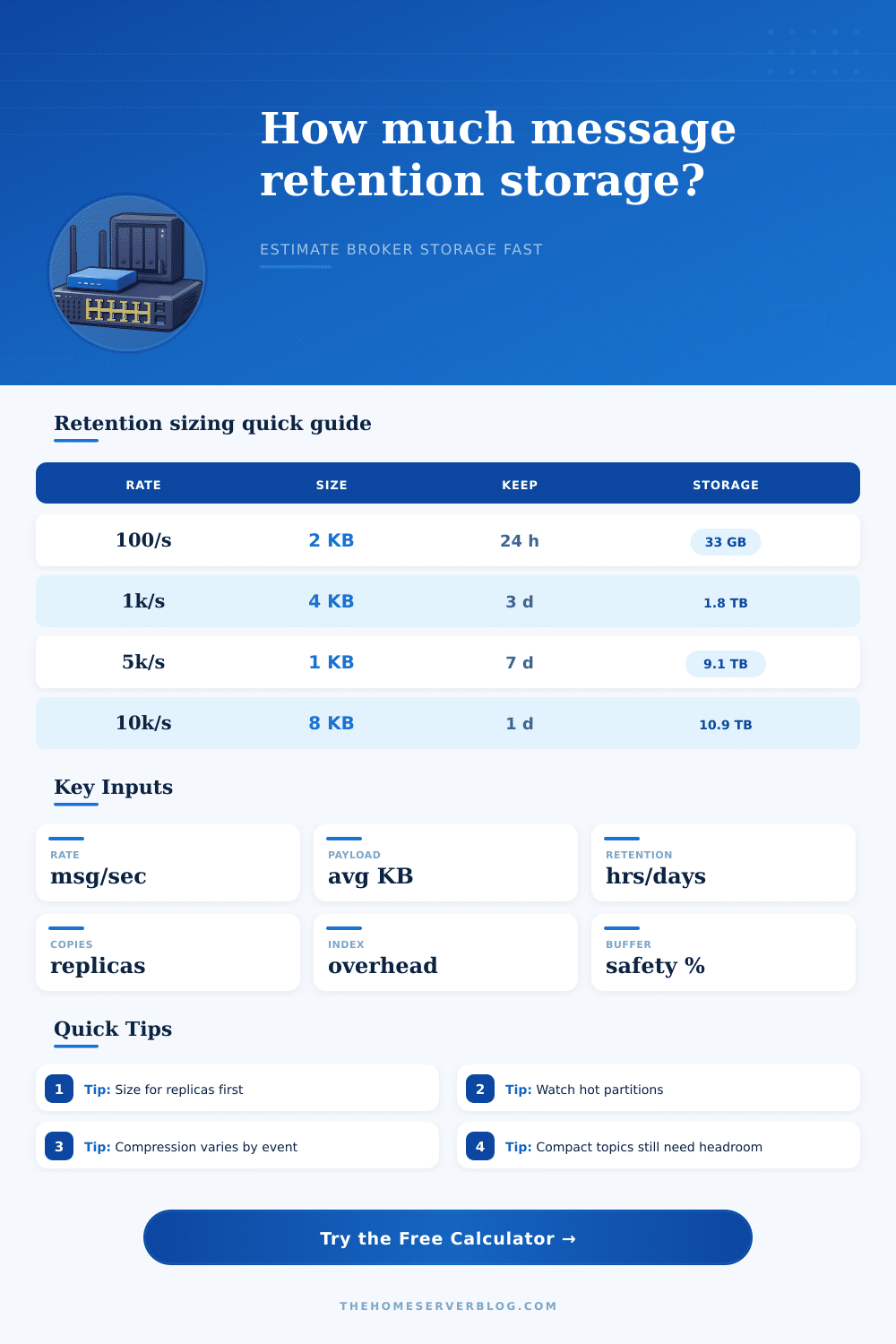
These cards are practical sizing anchors. Exact limits depend on disk type, broker version, topic count, producer batching, consumer lag, and node count.
🗄Broker Retention Grid
| Broker | Retention Model | Typical Storage Multiplier | Main Risk |
|---|---|---|---|
| Kafka | Topic log by time, bytes, or compaction | replication × compression plus index | large hot partitions and slow rebalances |
| RabbitMQ Classic | Queue length, TTL, lazy queues, or overflow | copy count plus queue journal overhead | memory pressure from long queues |
| RabbitMQ Quorum | Raft replicated queue segments | quorum members plus write-ahead logs | disk growth during follower lag |
| SQS Standard | Message retention period up to 14 days | managed storage, billed by requests and payload | hidden backlog from slow consumers |
| SQS FIFO | Message group ordered backlog | managed storage with ordered groups | blocked message groups during retries |
| NATS JetStream | Limits by age, bytes, messages, or consumers | replicas plus stream index overhead | stream limits reached before age limit |
🧮Retention Sizing Examples
| Scenario | Rate | Average Size | Retention | Approx Final Storage |
|---|---|---|---|---|
| Home lab metrics topic | 250 msg/sec | 1 KB | 7 days | about 330 GB at RF 3 |
| Audit event stream | 1000 msg/sec | 2 KB | 30 days | about 10 TB at RF 3 |
| Rabbit work queue | 120 msg/sec | 8 KB | 12 hours | about 55 GB at two copies |
| SQS burst backlog | 600 msg/sec | 4 KB | 4 days | managed but about 1 TB logical |
| IoT gateway stream | 5000 msg/sec | 0.8 KB | 24 hours | about 800 GB at RF 3 |
🔧Policy and Partition Reference
| Policy | Calculator Adjustment | Best Fit | Watch Point |
|---|---|---|---|
| Delete by time | Uses full retention window | event streams and logs | consumer lag must stay below retention |
| Compaction only | Uses key churn estimate | latest state by key | tombstones and dirty segment ratio |
| Compact plus delete | Blends churn with time retention | state streams with audit window | delete retention after tombstones |
| Tiered retention | Reduces local hot storage estimate | long history and replay | restore speed and object-store limits |
| Queue TTL | Acts like delete by time | RabbitMQ task backlogs | dead-letter queues can double storage |
🚦Kafka, RabbitMQ, and SQS Retention Grid
| Platform | Retention Control | Calculator Input To Tune | Operational Tip |
|---|---|---|---|
| Kafka | retention.ms, retention.bytes, cleanup.policy | partitions, RF, compaction policy | keep partitions small enough for fast broker recovery |
| RabbitMQ | x-message-ttl, max-length, queue type | replication, retention hours, buffer | size lazy queues and quorum queues for disk first |
| SQS Standard | MessageRetentionPeriod | logical retention days and payload KB | monitor ApproximateAgeOfOldestMessage |
| SQS FIFO | MessageRetentionPeriod and message groups | rate, retention, group backlog risk | avoid one hot group holding all retained messages |
💡Retention Sizing Tips
The “disk is full” production alert hits at 3 AM. It usually begins innocently enough. A consumer went down over the weekend. One topic grew larger than anticipated. You’re out of breath in your broker and suddenly can’t breathe. Typically it’s not messages themselves that cause issue. It’s what sits above: the retention policy. You set a time window, cross your fingers and hope. Reality sets in when logs is compressed and there’s no replication factor nor metadata overhead anyone thought about when they planned this thing out.
The tricky part about retention sizing is that brokers thinks in terms of indexes and segments, whereas people think in raw bytes. The calculator asks how much physical space your logical data will consume when it’s actualy running under operating conditions. The tool does the math for you. It accounts for compression and replication, saving you from having to do mental arithmetic on a Friday evening. Most storage estimates don’t account for multipliers that live outside the payload itself, this is a useful exercise.
How to Calculate Storage Needs
First, let’s consider replication. A Kafka deployment with a factor of three mean each message take up three times as much room on disk. That’s necessary for durability, so there’s no negotiating that. It immediately increases your storage requirements by a factor of three. Next is compression. Maybe you think that Snappy or GZIP will reduce your storage needs by half? It depends entirely on your data, but they might. JSON logs compress beautifully. Blobs encrypted with AES-256 don’t. You can adjust this ratio to reflect your optimism or realism. This change affects the difference between the two lines on the calculator. Guess wrong here, and you’ll either end up buying too few or to many disks.
Then there’s overhead. Your broker isn’t just dumping bytes onto a platter. To enable fast seeking in history it maintain markers, segment metadata, and an index to help users find data. It often adds eight percent or more to your final footprint. Sounds small? Try managing terabytes. In terabyte-land percentage points turns into gigabytes.
The page lays it all out with clear examples of what various brokers (SQS, RabbitMQ) includes as reference tables. You can see how they handle retention different: some by byte count, some by time limit, some by queue length. Every model has its own set of hidden costs.
But also pay attention to the risk section in the output. Large partitions and high daily growth combine to cause long recovery times. In case a node goes down, it will have to reindex all these segments before being able to re-join the cluster. This takes time. The bigger the partition, then longer the outage. You may want to increase your retention window in order to retain history for debugging or audit purposes. But if that pushes your per-partition size into hundreds of gigabytes, you’re trading availability for observability. It is a bad trade.
The compaction breaks all of these things down. With a compact policy, the broker will have only most recent version of every key stored. That theoretically saves some space. In practice, it leaves behind dirty segments and tombstones which still take up disk space until garbage collection clean them out. The calculator considers key churn. The more often your keys change, the more data you end up storing compared to what you’d expect. It’s a fine distinction, but it breaks a lot of first design.
And finally don’t forget the buffer. A 20% cushion isn’t pessimistic. It’s insurance. It ensures the keys are spread evenly across the system and that no unexpected spike in traffic will cause your system to choke. Those days always happen on every system, and when they do, you’ll be glad there was room for it rather than a disk full error.
If you plan your storage taking all this into account, then you’re not going to guess at how much you have. You’re going to engineer it. It is more than getting data onto a disk. It’s keeping your system alive while it doesn’t work. That peace of mind should of been worth the investment up front.