UI and API pagination planning
Pagination Page Count Calculator
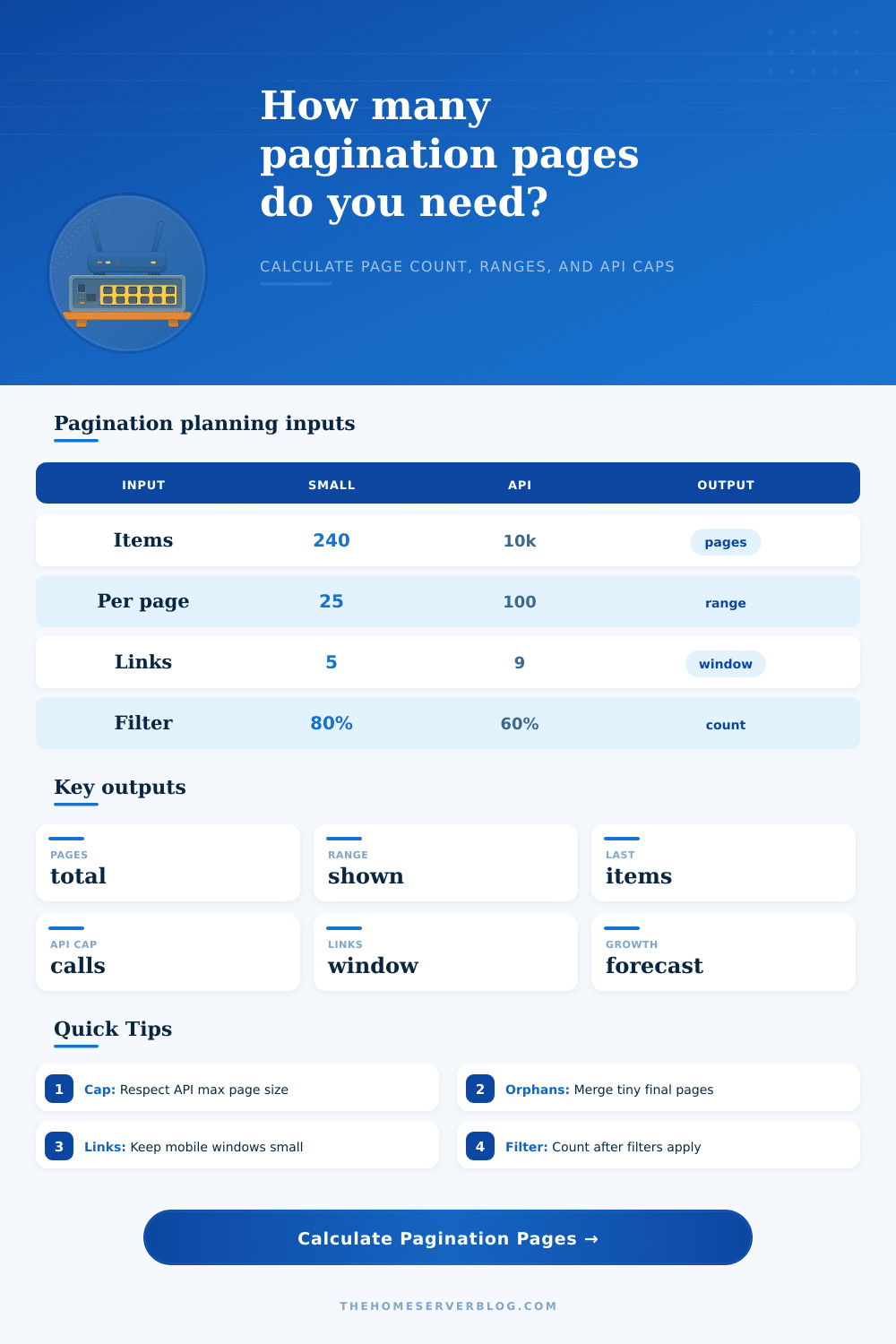
Estimate total pages, item ranges, last page size, navigation windows, orphan handling, API page caps, filtered totals, and growth forecasts for lists, tables, feeds, logs, and API endpoints.
Calculation breakdown
Navigation windows
Offset pages
Best for admin tables, small catalogs, and interfaces where users need exact page numbers. Deep offsets can slow large databases.
Cursor pages
Best for feeds and changing datasets. It avoids duplicate rows during inserts but usually does not provide exact total page counts.
Keyset seek
Best for large ordered tables using stable sort keys such as id, timestamp, or compound indexes. Fast for next and previous navigation.
Infinite scroll
Best for discovery feeds where the user rarely jumps to a specific page. Use clear loading states and preserve scroll position.
Hybrid model
Best when the UI needs page numbers but the API is cursor based. Cache cursors by page window and avoid random deep jumps.
Export batches
Best for large CSV, log, and sync jobs. Use API caps to size batches, retries, checkpoints, and progress indicators.
Page formula
Total pages = ceiling(filtered items / items per page). A zero item result should show 0 pages or one empty state, depending on the UI.
Range formula
Current range starts at (page - 1) x page size + 1 and ends at the smaller of page x page size or filtered items.
API cap
When the requested UI page size exceeds the API limit, a page may require multiple API calls or a smaller UI page size.
Orphans
Small final pages can be kept, merged into the previous page, or rebalanced across the last two pages for visual consistency.
| Preset | Typical page size | Visible links | API cap | Best use |
|---|---|---|---|---|
| Admin table | 25 to 50 rows | 7 to 9 links | 100 to 500 | Operations dashboards and CRUD screens. |
| Blog archive | 10 to 20 posts | 5 to 7 links | 50 to 100 | SEO archives, categories, and tag pages. |
| Product grid | 24 to 48 cards | 5 to 9 links | 100 to 250 | Ecommerce categories with filters and sorting. |
| Search results | 10 to 25 results | 5 to 7 links | 50 to 100 | Search pages where relevance and filters change counts. |
| Audit logs | 50 to 200 rows | 7 links | 500 to 1000 | Time ordered event lists and compliance trails. |
| Mobile feed | 10 to 15 cards | 3 to 5 links | 25 to 100 | Small screens and infinite-scroll alternatives. |
| Public REST API | 50 to 100 records | API only | 100 to 1000 | Documented per_page, limit, or page-size parameters. |
| GraphQL connection | 20 to 100 edges | cursor based | 100 to 250 | first, after, last, and before connection patterns. |
| Data export | 500 to 5000 rows | progress pages | 1000 to 10000 | Batch export jobs and background sync. |
| Media library | 30 to 60 thumbnails | 5 to 7 links | 100 to 500 | Image and asset browsers with lazy thumbnails. |
| Scenario | Input pattern | Page count impact | Navigation impact |
|---|---|---|---|
| Exact division | 1000 items at 25/page | 40 pages exactly | Last page is full and no orphan rule applies. |
| Partial final page | 1002 items at 25/page | 41 pages | Final page has 2 items unless merged or rebalanced. |
| Filtered results | 60% visible after filters | Pages are based on visible count | Current page may need clamping after filters change. |
| API page cap | UI asks for 200, API max is 100 | UI pages unchanged | Each UI page can require 2 API calls. |
| High growth | 10% monthly item increase | Future pages grow quickly | Use a wider page window only if users jump around. |
| Cursor feed | Changing newest-first feed | Exact total can be optional | Use next and previous cursors instead of deep page links. |
Every developer has one. It is that moment where your client asks for pagination on ten thousand records and suddeny you’re not sure if the database is going to scream.
You create the list view. Fifty record load just fine. What about five hundred? The UI’s OK; the backend begins to sweat. The UI looks fine, the backend starts sweating. And another. And another… Pagination isn’t just dividing a list into chunks. It’s balancing what the database index will tolerate, what the server can handle, and what the user expects to see.
Tips for Better Pagination
Page size is usually an aesthetic decision. “Twenty-five looks good, so we’ll go with twenty-five.” But it also determines how many API calls are needed to show the full dataset. This directly affects rate limits and bandwidth cost. For example: if your UI’s page size is fifty but your API only support up to twenty, then every time someone clicks next, you’re silently triggering two or three backend request. That multiplier effect will kill performance without you ever noticing.
The calculator automatically runs these calculations for you. It displays how many API call it takes to fulfill your frontend’s demand for more data then the backend can supply in one request.
Then there’s the last page. We call those orphans in database talk. For example, you might have twenty full pages of content and then end up with forty-two items left over. You end up with forty-two item left over. Leave ’em hanging? The math suggests yes, the user experience suggest no. A little bit of content left at the bottom of a long scroll is rarely seen as a feature; it is more often seen as a bug. By merging the remaining items onto the prior page you create tidier visual block (albeit one slightly shorter and one slightly longer preceding). It is a slight aesthetic tweak, but it is enough to prevent the question of whether users might be missing something because they didn’t click through to a nearly empty screen.
Filters add another layer of complexity. It’s easy to overlook until launch day. The second a user slaps on a filter, the total count change… and the number of pages changes too. What if the filter shrinks the set of data down to only eight pages when the user was previously viewing page ten? Immediately set the current page index to match the new max. Otherwise, the user is greeted by an empty state that doesn’t feel like it’s been filtered. It feels broken. This logic has to be carefully handled too with the visible link window. Without doing so, you’ll confuse the navigation flow by showing links for pages that don’t exist anymore.
Then there’s mobile, which has its own limitations. It has limited real estate. Displaying 10 page link numbers on a mobile screen is ridiculous. It wastes space and moves your content down the page. It adds scroll depth and draws attention away from the product you’re trying to list. For touch screens, three to five number in view are sufficient, with next and previous buttons used for the others. That reduces the user’s mental effort but also keeps access to the navigation without too much scrolling.
The silent killer of static pagination plans is growth. Your data set may fit nicely into 20 pages right now, but what happens if it grows to 50 next quarter (if you have a good retention rate)? You’ll need to guess at your future item numbers and see how that scales up based off your existing setup. What about a 10% monthly growth? That doubles your number of pages in fewer than seven months! This requires changing your page sizes or API batching plans sooner then many teams expect. It is better to adjust the page size early rather than rewrite the backend because large offset queries are slowing it down.
Offset pagination vs. Cursor pagination isn’t a matter of personal taste; it’s a decision based off whether your data is stable enough to support either approach. Use offset if your table has a mostly-static set of records that don’t often change their relative position in the table. Use cursor pagination if you’re dealing with some kind of feed, where new items get added frequently, so navigating doesn’t skip any items or show any items twice. There is not always a “correct” solution; there’s only the correct compromise for your particular level of data speed.
Clarity is always the goal. Users need to know what’s there, how much there is, and how they can get past it all without friction. If your math and interface line up, then pagination goes away as a thought and becomes part of the navigation instead. That takes some foresight about future growth, some testing, and some planning to get it right, but it makes a potential bottleneck into a smooth experience.
You should of planned for this.