Protobuf Message Size Calculator
Estimate encoded bytes, tag overhead, repeated field packing, nested message cost, batch payloads, and JSON size for home lab services.
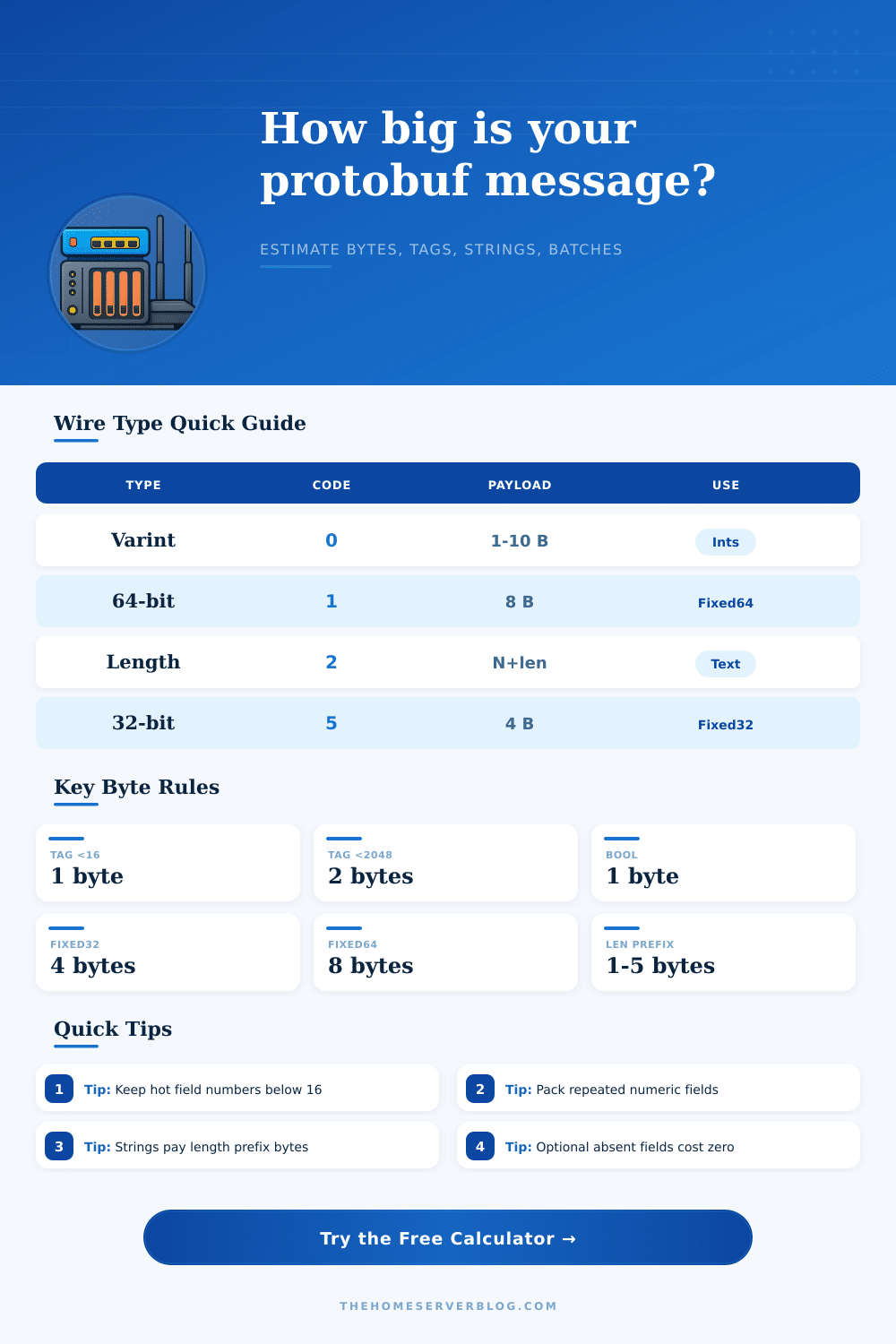
| Wire Type | Code | Payload Size | Common Fields |
|---|---|---|---|
| Varint | 0 | 1-10 bytes | int32, int64, uint32, bool, enum |
| Fixed 64-bit | 1 | 8 bytes | fixed64, sfixed64, double |
| Length-delimited | 2 | length prefix + bytes | string, bytes, embedded messages, packed repeated |
| Start group | 3 | deprecated | Legacy group start marker |
| End group | 4 | deprecated | Legacy group end marker |
| Fixed 32-bit | 5 | 4 bytes | fixed32, sfixed32, float |
| Schema Pattern | Protobuf Effect | JSON Effect | Best Use |
|---|---|---|---|
| Small int fields | 1 tag + 1 varint byte each | Key text repeated each message | Counters, IDs, status codes |
| Long strings | Tag + length + UTF-8 bytes | Key + quotes + escaped text | Labels, paths, log messages |
| Packed repeated ints | One tag for the whole numeric list | Comma list plus field name | Samples, histograms, ports |
| Nested messages | Outer tag + length + inner payload | Object braces and repeated keys | Metadata blocks, address info |
| Absent optional fields | Zero bytes on the wire | Usually omitted or null text | Sparse telemetry, partial events |
| Field Number Range | Tag Bytes | Why It Matters | Practical Advice |
|---|---|---|---|
| 1-15 | 1 byte | Best for high-frequency fields | Put IDs, timestamps, and status here |
| 16-2047 | 2 bytes | Normal cost for most fields | Good for less common attributes |
| 2048-262143 | 3 bytes | Higher tag overhead | Avoid for hot telemetry fields |
| Length prefix 0-127 | 1 byte | Most strings and nested blocks | Short strings stay compact |
| Length prefix 128-16383 | 2 bytes | Medium text or byte payloads | Watch log lines and file paths |
The good news is that Protocol Buffers encode messages in a space-efficient, binary format. But that efficiency gain only occur if you don’t counteract it through poor design decisions. You have to pay special attention to three things: how optional values are transmitted; how repeated lists is packed; and how fields is numbered.
If done correctly, these optimizations ensure that your messages will stay lean. Do them wrong and you’ll end up sending bloated message full of useless overhead. If you select higher values, you are creating silent waste. Those extra bytes becomes significant bandwidth consumption, and every field must have a tag (which identifies it). Lower values, such as one through fifteen, consume just a single byte for each. Anything above that grow your tag size to two or three bytes.
How to Keep Your Data Small
That might not seem like much for a single message, but when you’re transmitting millions of telemetry events per hour, it adds up quickly. The overhead scales with increasing complexity; see the calculator, which shows how unnecessary bloat occurs. It’s not a matter of taste; sending lots of data points in the lower number range are necessary to improve performance.
A second level of complexity is added by repeated fields, which tend to surprise developers. There is two encodings for repeated lists, such as sensor readings in protobuf. You can either repeat the tag for each item, or use packed encoding where the tag occur only once for the entire list. Raw data with a length prefix is nearly always smaller for numbers when using packed encoding.
Switching between these settings shows how it impacts your payload size in tool. Packing will greatly reduce weight of a request containing multiple items, and a minor config change deliver high return on saving bandwidth.
In any case, strings need a prefix of some kind that indicates their length. They also come at a cost: each one include the extra space of the tag, the length (in a varint), and then the actual characters (encoded as UTF-8). Log messages/labels becomes the dominating factor in message size, and so do any nested message, which have their own length delimiters too. The reference table explain how these different data types break down. This helps you understand why numbers of various widths take up consistent space, such as fixed-width floats, but text length varies. Knowing this help you avoid being surprised if a bunch of verbose entries doubles your data transferred overnight.
The second feature is that optional fields make JSON look inefficient compared to the same functionality implemented in Protobuf. In traditional text formats, you often send empty objects or null values to maintain structure, while protobuf simply doesn’t include field at all. It costs zero bytes on the wire if a field isn’t specified.
It’s more efficient with sparse data, like IoT sensors that only transmit when a threshold is reached. You can tweak the percent of optional fields present and see how much smaller typical message size is when most are missing. Sparse fields really demonstrate where Protobuf outperform its text-based versions.
At scale, small reductions in message size reduce both data transfer costs within the cloud and end-to-end delays. It may not sound like much, after all, shaving a few bytes off each message won’t matter by itself… But it adds up to a noticeable difference in performance. Our comparison feature demonstrate that a similar payload in JSON is typically twice as large or more so.
This gives you confidence that the overhead incurred from schema definitions and code generation is worth the expense: think hard about your field hierarchy prior to writing any code, and aim to get it correct upfront rather than having to refactor later as traffic increases. It would of been better to plan early.